Book a demo
  1. Home
  2. Facility services & cleaning
  3. Client portal & help desk
After the contract

A help desk clients can reach any hour

Existing clients need to log a spill, a missed clean or an extra job, and find their site documents. Give them a sign-in on your own website and a request form that reaches the right person.
Client site managers sign in
Approve who gets in
Portal pages for clients only
Case studies and cleaning tips
01Client sign-in

Each client sees their own documents

Clients sign in on your website with an emailed code or link, no password to forget. Put each client in a team, and they see their site documents, schedules and contacts, nobody else's.

  • Sign in with an emailed code or link
  • Teams for each client or site
  • Members-only pages, sections and files
  • Invite contacts or approve requests to join
builder.webdirector.net/purecrest/members
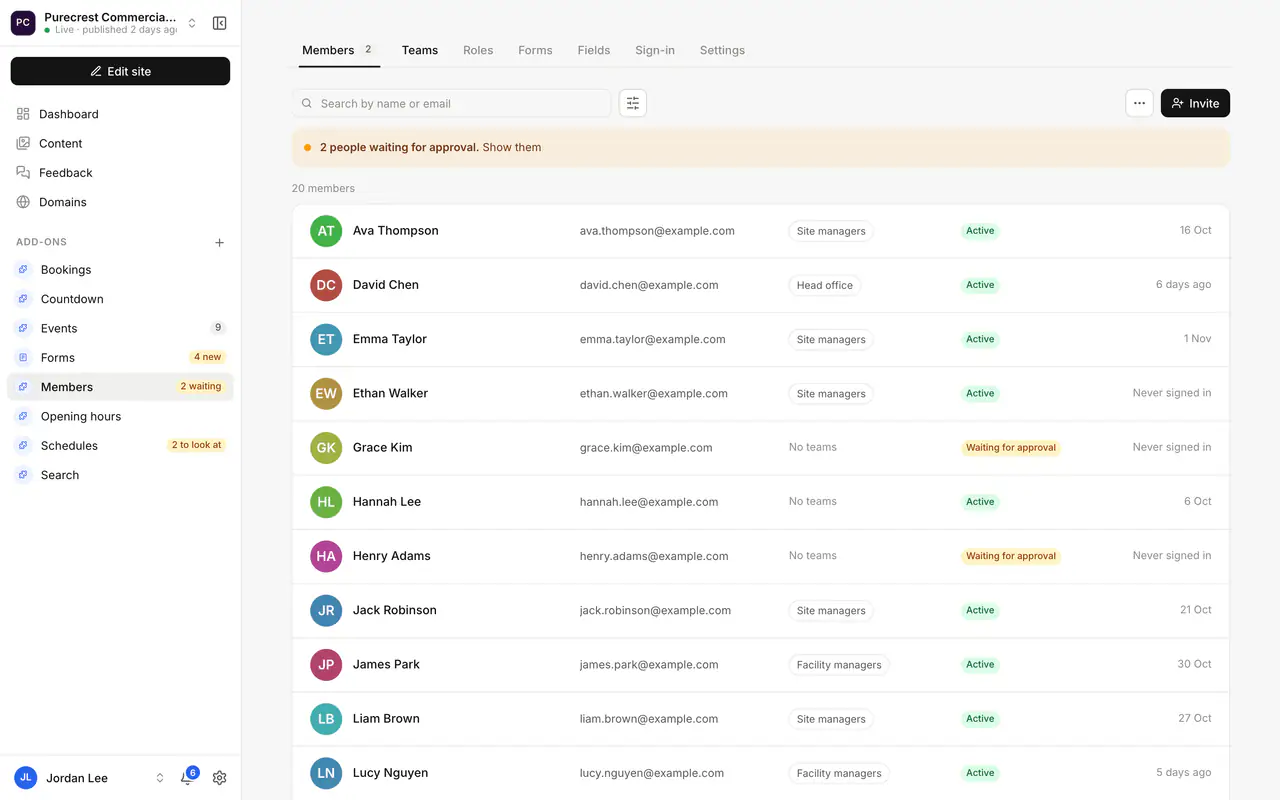
Purecrest’s client portal members, grouped by team: site managers, facility managers and head office.
02Log a request

Requests that reach the on-call team

A log-a-request form asks for the site, the problem and how urgent it is. Urgent requests email the 24/7 help desk as well as the account manager, so nothing waits for Monday.

  • Site, issue and urgency in one form
  • Urgent requests routed to the help desk
  • Photos of the problem as uploads
  • Webhook to your job or ticket system
builder.webdirector.net/purecrest/forms
Requests from Purecrest’s clients arrive as submissions the on-call team can see.
03After-hours number

The after-hours number on every page

Show the 24/7 number in an announcement bar across the site, and change the message when a storm or closure is coming. Northline Facilities Group uses the same approach for its help desk.

  • Announcement bar on every page
  • Change it from a phone
  • Link it to the log-a-request form
  • Drawn in your own colours and fonts
purecrest.webdirector.space
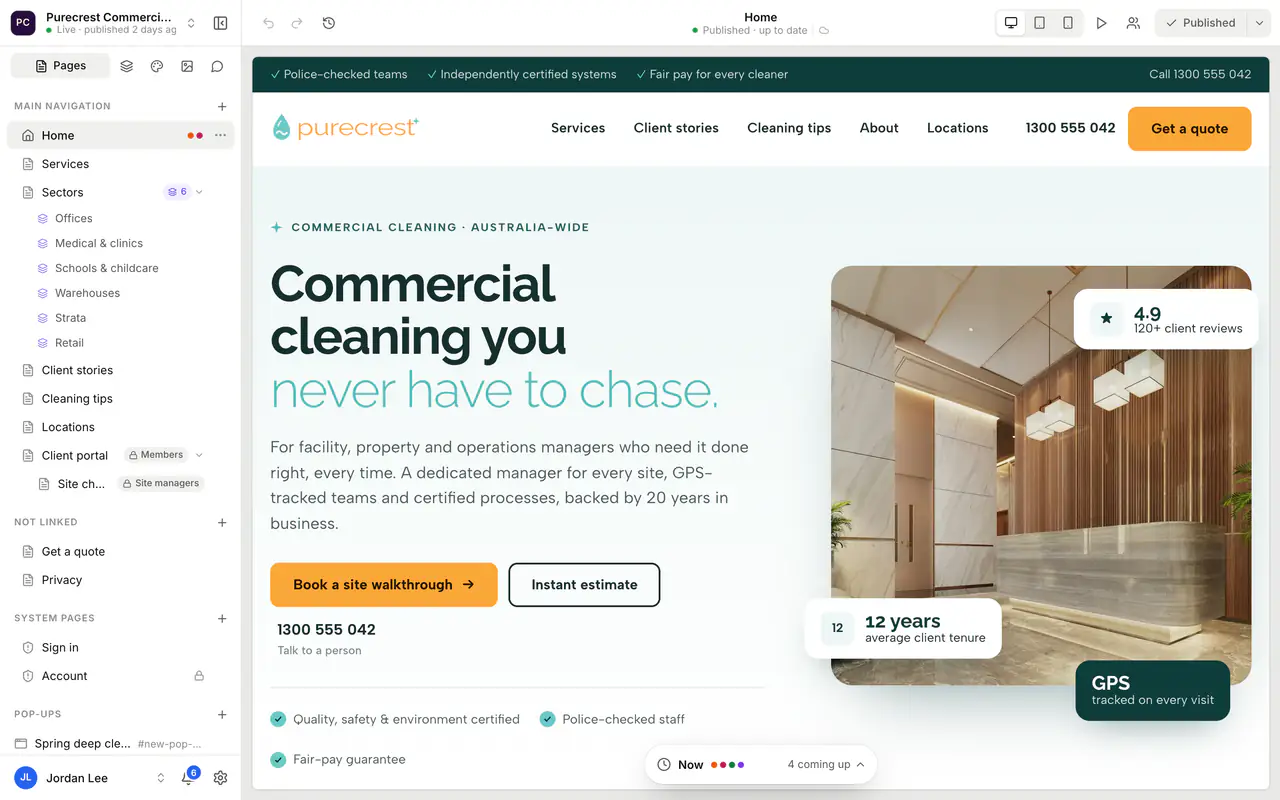
Purecrest’s website, with the phone number in the top bar of every page.
Questions

Common questions

Do clients need a password?

No. They sign in with a code or link sent to their email.

Can one client see another client's documents?

No. Pages, sections and files can be limited to a team, so each client only sees their own.

Can the request form create a ticket in our system?

Each form can send a signed webhook, and Zapier or Make can create the ticket or job in the system you use.

See WebDirector run your websites

Book a walkthrough with the Corporate Interactive team. We will show you the editor, the features your business needs and how your sites would move across.