
Start finished, and change designs without starting over
A theme gives your site its design and a complete starting site. Switch themes later and your words, photos and pages come with you.
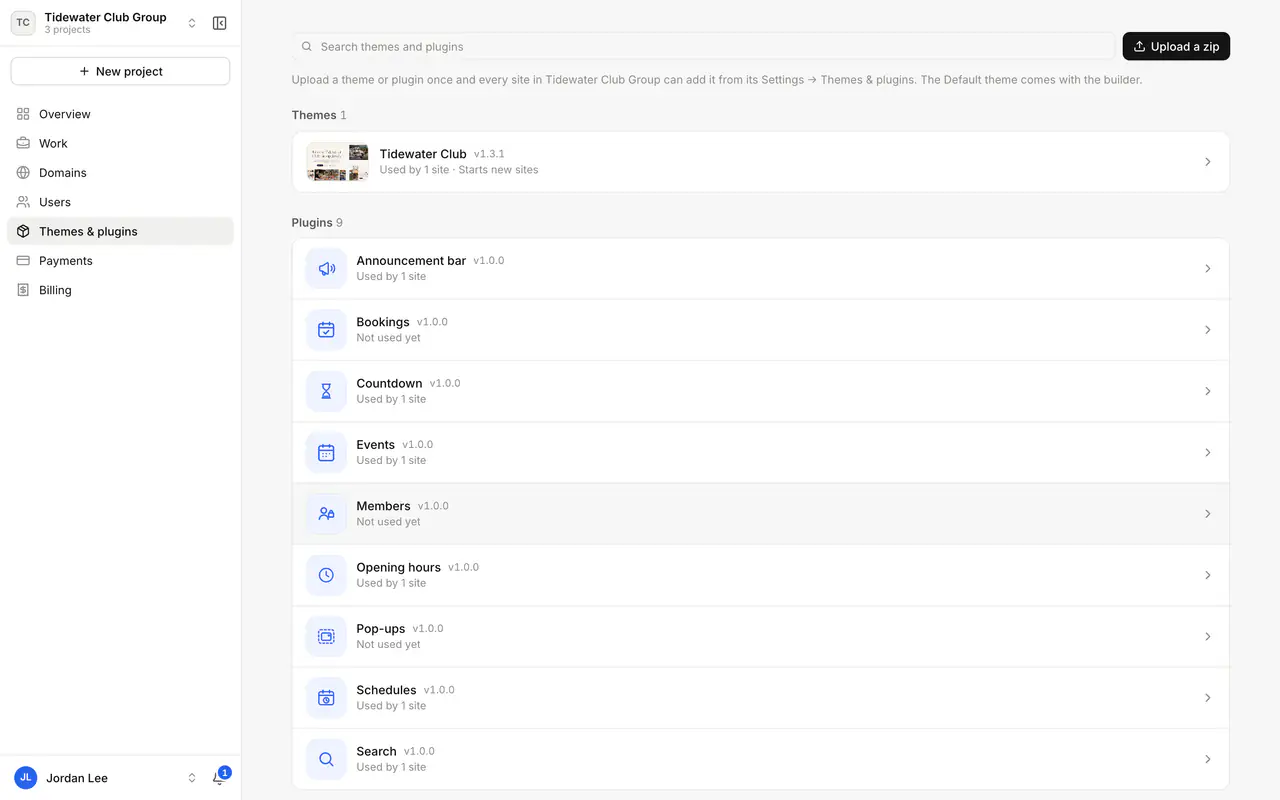 builder.webdirector.net/org/tidewater-club-groupA theme that starts new sites
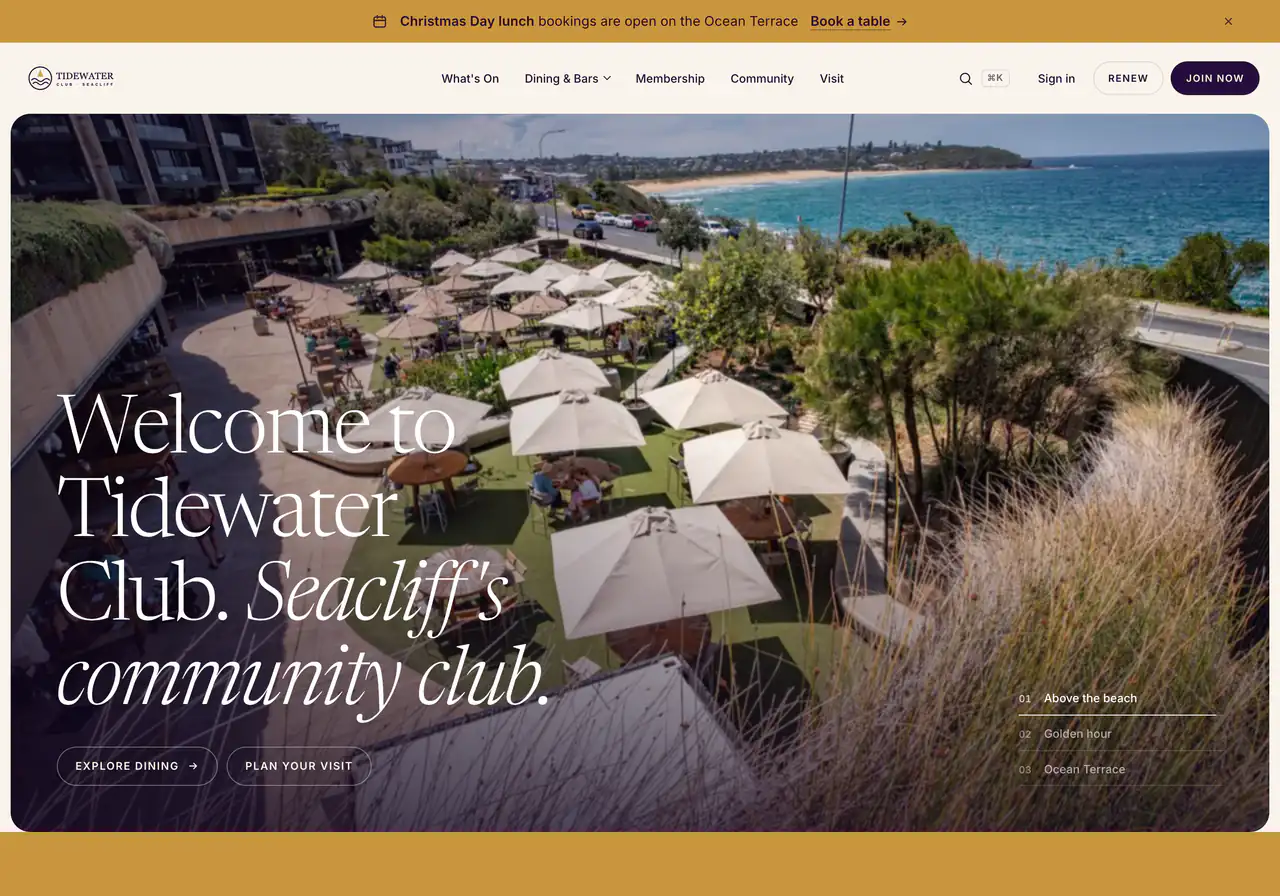 tidewater-club.webdirector.spaceStarts as a complete site
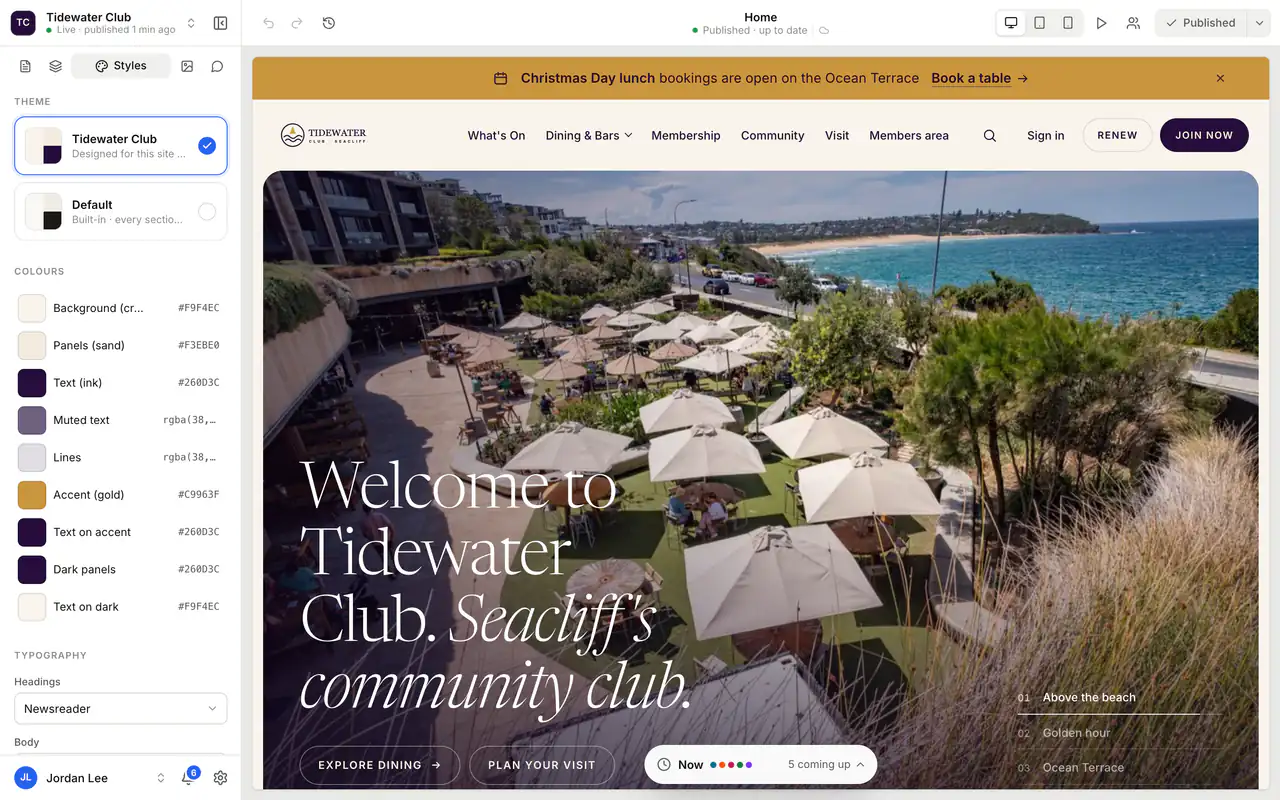 builder.webdirector.net/tidewater-club/editYour theme over the Defaultbuilder.webdirector.net/tidewater-club/editYour brand colours
Real WebDirector screens. Click a step, or Replay.

The Tidewater Club demo, one example site, was created from its theme's starter site, so every page, venue and event you see came complete on day one.
Tidewater Club Group is a made-up organisation. Its sites use designs from Corporate Interactive’s club concepts.Themes & starters, answered
What happens to my content if I switch themes?
It stays. Content is stored by role, such as heading or photo, so the new theme draws it in its own style. Anything the new theme has no place for is kept and returns if you switch back.
Does switching themes change my live site straight away?
No. You preview the new theme in the editor first. Visitors see it only after you publish.
Where do themes come from?
The Default theme is built in. Custom themes are designed by Corporate Interactive and uploaded to your organisation's library, where your sites can use them.
Will a theme update break my pages?
Every new version is checked and test-drawn before it installs. A version that removes sections your content still uses is refused, and you can roll back to the previous version.
Can I start a site again from scratch?
Yes. 'Start again from this theme's content' replaces the draft with the theme's starter site. It changes nothing for visitors until you publish.
See WebDirector run your websites
Book a walkthrough with the Corporate Interactive team. We will show you the editor, the features your business needs and how your sites would move across.