
Press Publish, and the site is already live
Publish puts the page you're on live, along with its header, footer and announcement bar changes. Publishing everything is one step further, and asks you first.
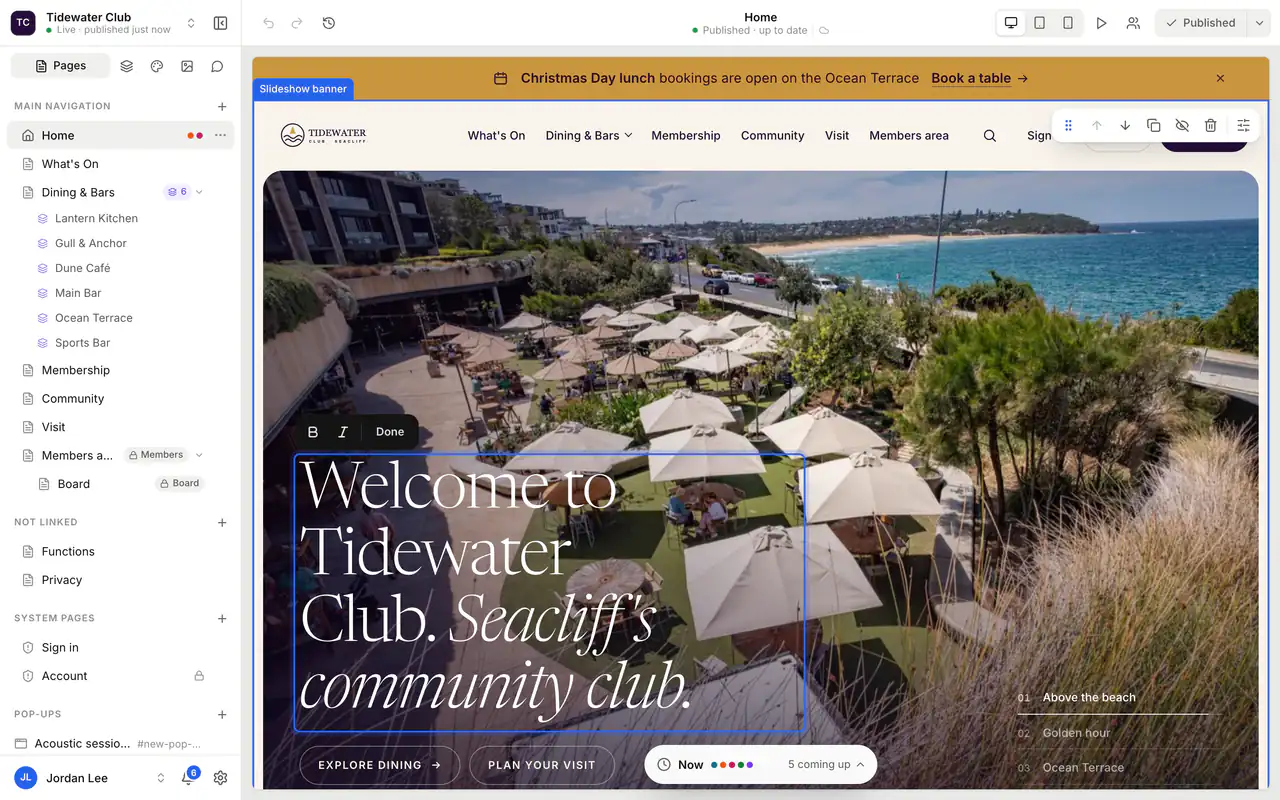 builder.webdirector.net/tidewater-club/editEdit the draft as usual
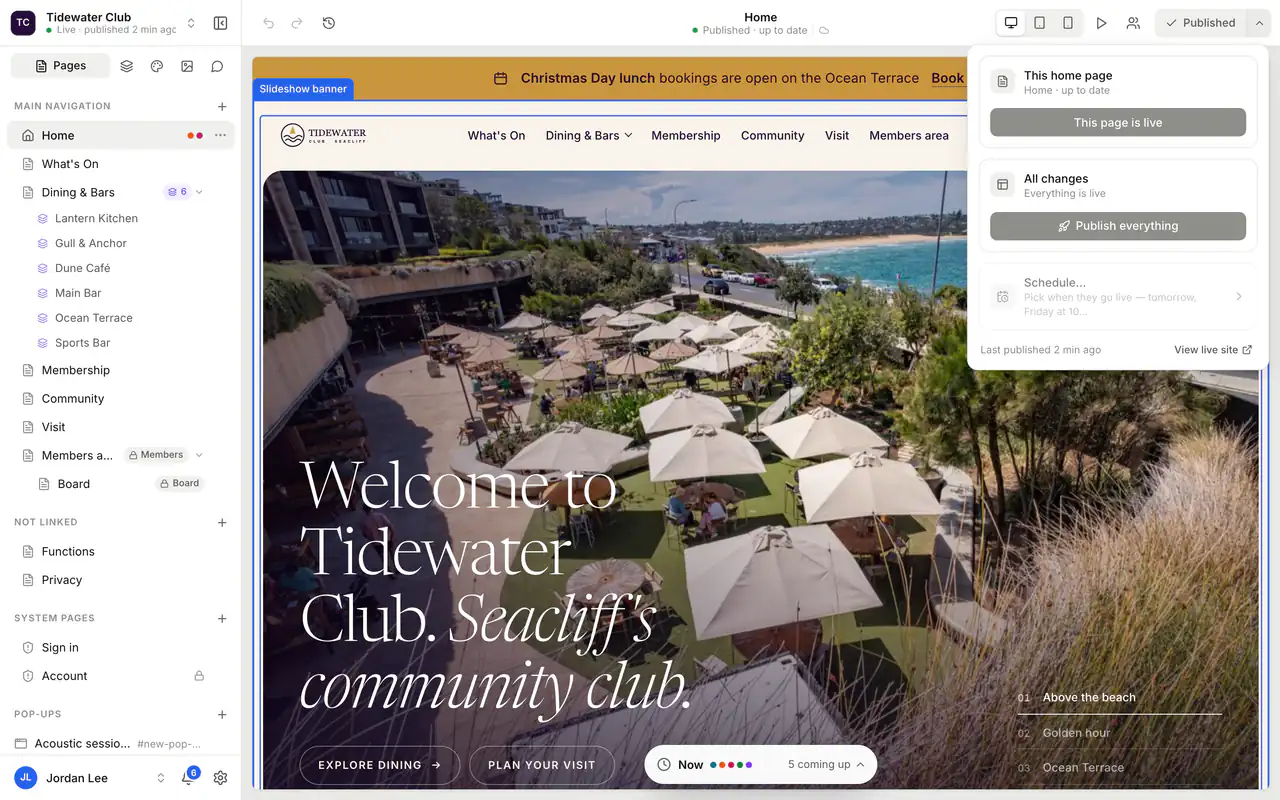 builder.webdirector.net/tidewater-club/editThis page or everything waiting
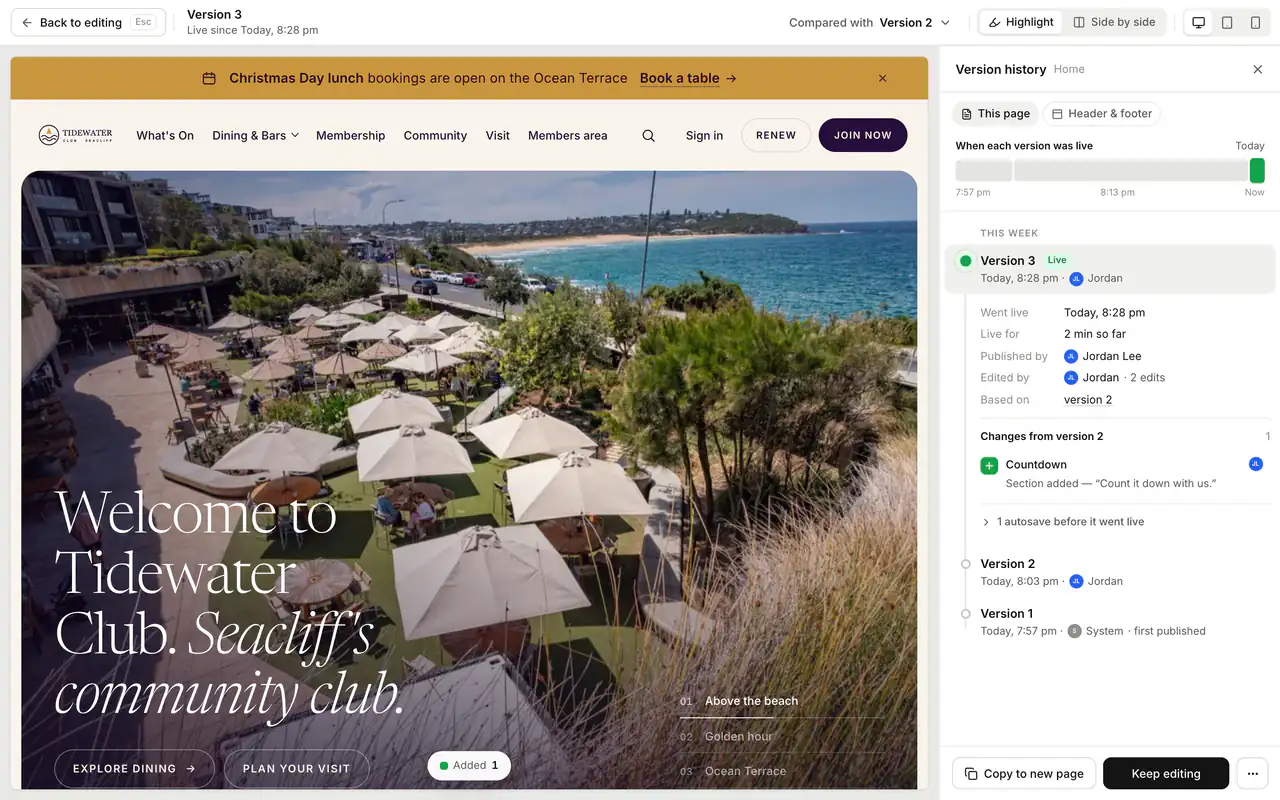 builder.webdirector.net/tidewater-club/editLive the moment you publish
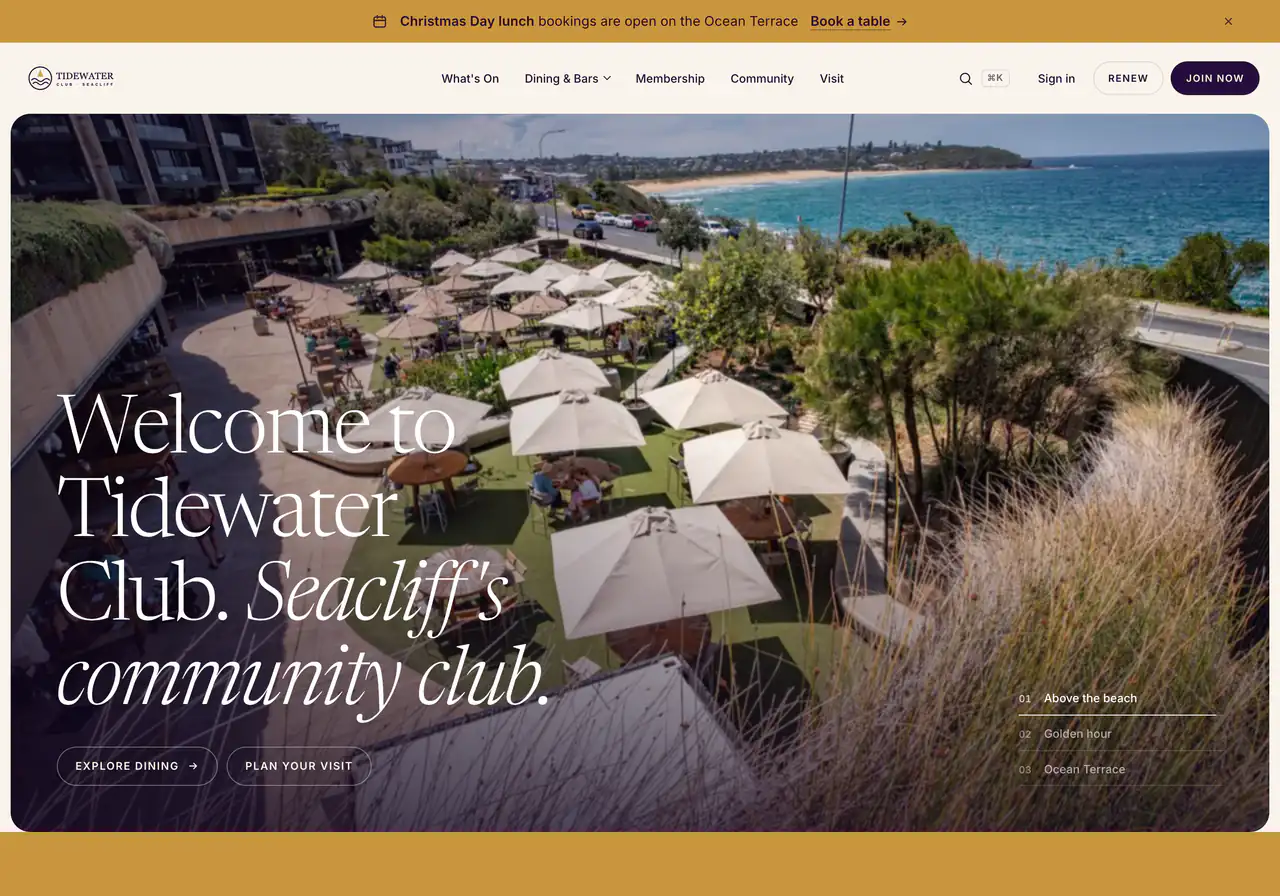 tidewater-club.webdirector.spaceOpen pages update in place
Real WebDirector screens. Click a step, or Replay.

In the Tidewater Club demo, one example site, change a special on a venue page and publish it while the live page is open in another tab: the section updates in place without a reload.
Tidewater Club Group is a made-up organisation. Its sites use designs from Corporate Interactive’s club concepts.Instant publishing, answered
Does publishing need a developer?
No. Anyone with permission to publish can press Publish. People without it can still edit, and their changes wait as drafts.
Can I publish just one page?
Yes. Publish puts the page you're on live, with its header, footer and announcement bar changes. Publishing everything waiting is in the same menu and asks you to check first.
What happens to visitors who already have the page open?
Their page updates in place, keeping their scroll position and anything they've typed. If a change can't be applied safely, they get a prompt to refresh instead.
Can I go back if I publish a mistake?
Yes. Version history keeps every published version of each page, so you can restore an earlier one into the draft and publish it.
Do style changes go live with a single page?
Yes. Style and site setting changes go live with whatever you publish next.
What if a live page looks wrong but nothing changed?
Use Rebuild this page in the Publish menu. It draws the page again from what was published and clears the cached copy. Settings › Danger zone can rebuild the whole live site.
See WebDirector run your websites
Book a walkthrough with the Corporate Interactive team. We will show you the editor, the features your business needs and how your sites would move across.