Book a demo
  1. Home
  2. Features
  3. Collections & connected content
Connected content

Edit it once, and it updates everywhere

Services, locations, events, offers, news and people live in collections. Change a clinic's opening hours or a team member's bio once, and every page that shows it is up to date.
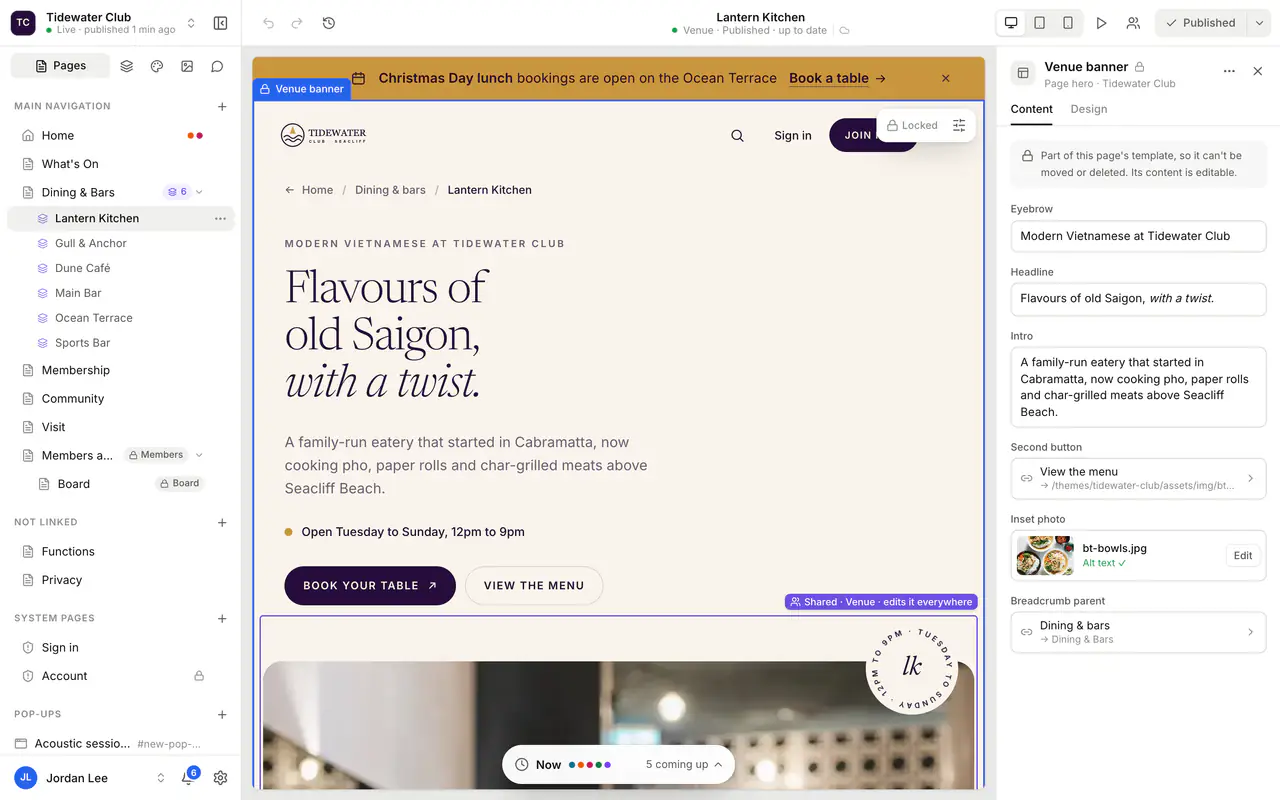
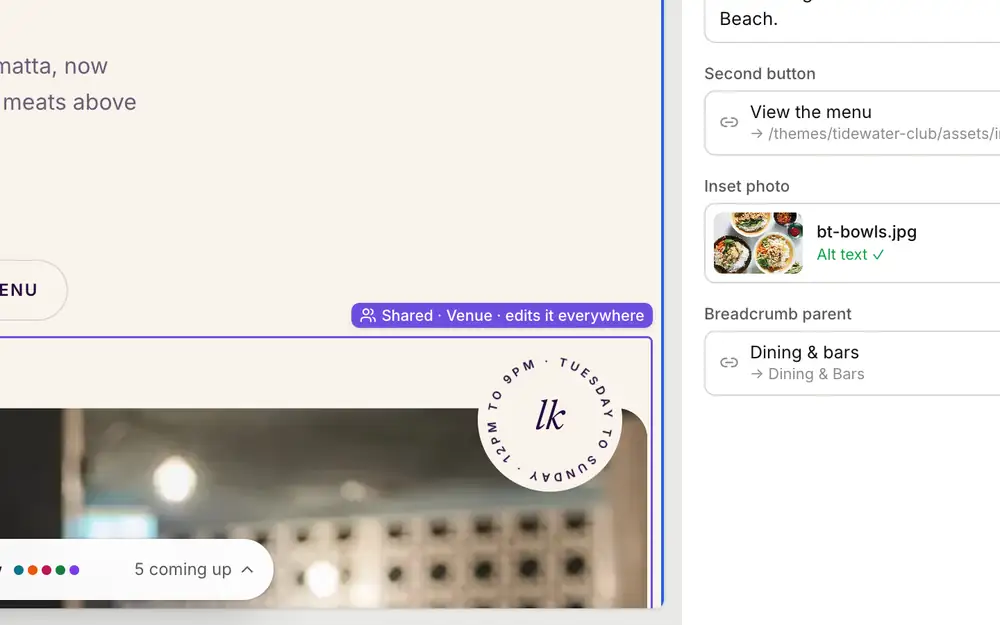
Venues kept as a collection
Edit once, shown everywhere
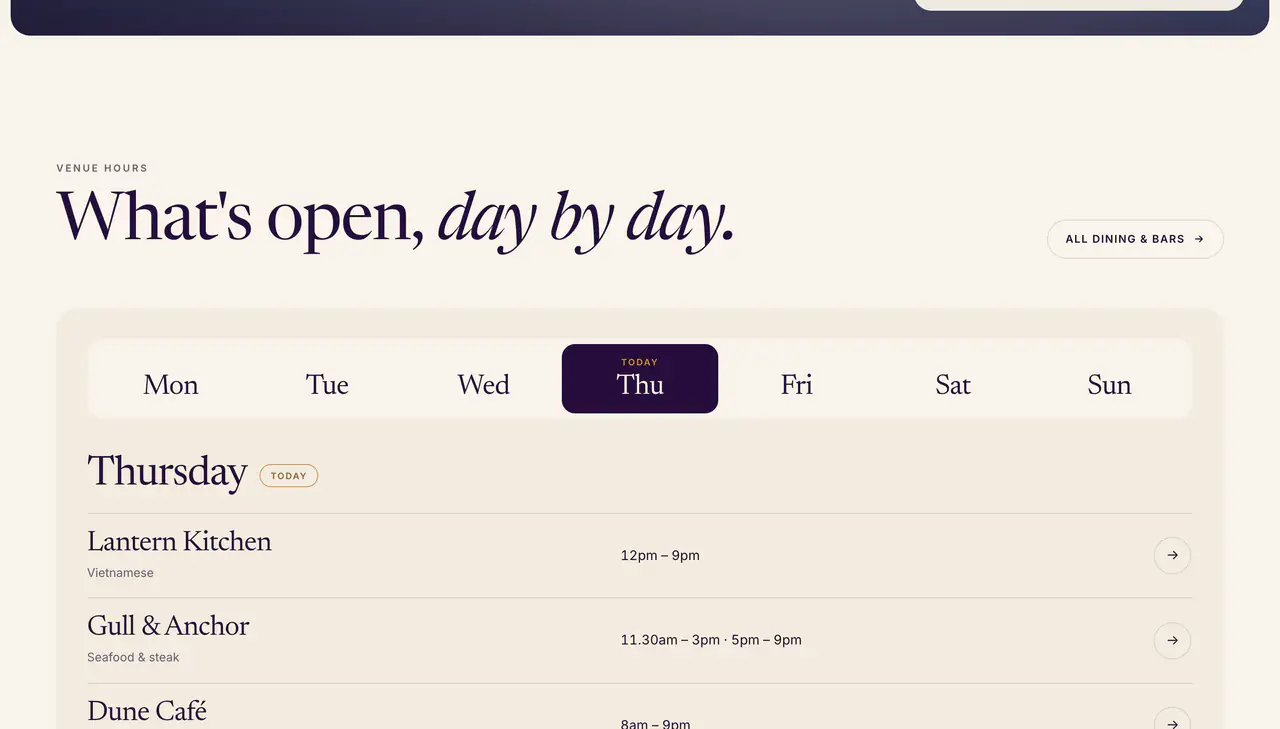
Venue hours listed for you

Real WebDirector screens. Click a step, or Replay.

7 kindsOf collection built in
Appears in NShows every place an item appears
0 copiesOne item, many places
01Structured content

Services, events and people as items

A collection holds things your site has many of: practice areas, project case studies, courses, locations, events, offers, posts or people. Each item has its own fields, photos and its own page, made from an item template.

  • Built-in kinds, plus a general kind for anything
  • Each item gets its own page
  • Drag to set the order
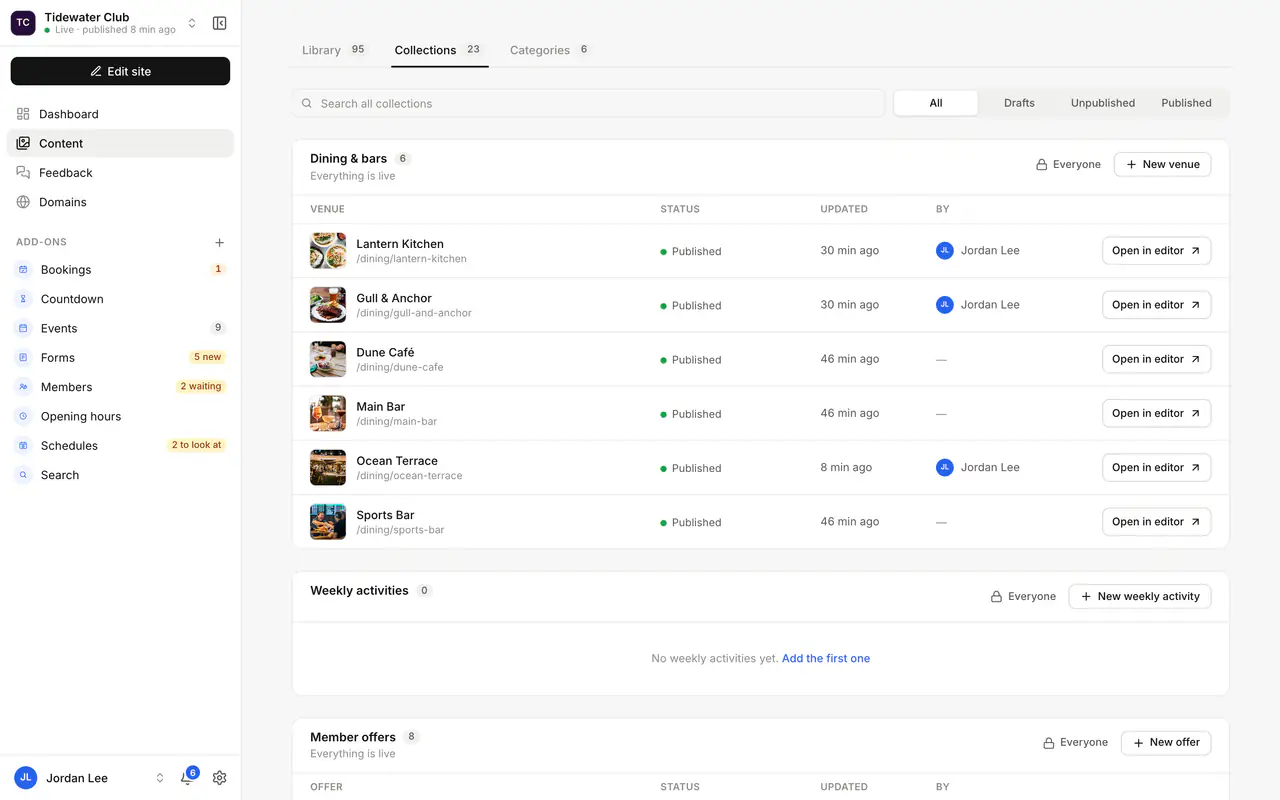
builder.webdirector.net/tidewater-club/content
Content, Collections for Tidewater Club, listing venues such as Lantern Kitchen and Gull & Anchor.
02Lists that fill themselves

Sections that list items automatically

Collection sections pull items in for you. Show every location, the newest three posts, or a hand-picked set of case studies, sorted by name, date or your own order.

  • All items or hand-picked
  • Sort by order, name, newest or date
  • Set how many to show
builder.webdirector.net/tidewater-club/edit
Section settings choosing which Tidewater Club venues a list section shows.
03Know what a change touches

See every place an item appears

Open an item and its settings show 'Appears in' with every page, section and menu that uses it. Edit a location, a course or a staff profile and you know exactly where the change will show.

  • Lists every section and menu using the item
  • Jump straight to each place
  • No more updating the same text twice
builder.webdirector.net/tidewater-club/events
Events for Tidewater Club, with repeats, categories and what is live.
04Copy that counts for you

Numbers in headings that keep up

Headings can include a live count of the items a section lists. 'Six clinics near you' becomes seven when you add a location, and the wording adjusts for one.

  • Counts as numbers or words
  • Singular and plural handled
  • No stale numbers after you add an item
tidewater-club.webdirector.space
The published Tidewater Club homepage, where the venue count in the heading comes from the collection.
In the demo

In the Tidewater Club demo, one example of collections in use, open Lantern Kitchen from the Venues collection: 'Appears in' lists the homepage rail, the Dining page and the menu, and one edit updates all of them.

Tidewater Club Group is a made-up organisation. Its sites use designs from Corporate Interactive’s club concepts.
Ask for a live demo
Questions

Collections & connected content, answered

What kinds of content can be a collection?

Built-in kinds cover venues, events, offers, posts, people and function packages, plus a general kind for anything else, such as services, projects or courses. Your theme sets which collections your site has.

Does each item get its own page?

Yes. Each collection has an item template, so every item gets a page at its own address, such as /services/bookkeeping or /dining/lantern-kitchen.

Do I need to update the menu when I add an item?

No. Pages that list a collection in the menu, and sections that show it, pick up new items when they are published.

Can I add an item without publishing it?

Yes. New items start as drafts with a Draft badge, and appear on the live site only after you publish.

Can I control who sees an item?

With the Members add-on on, an item can be kept for members or chosen teams, and lists leave it out for everyone else.

See WebDirector run your websites

Book a walkthrough with the Corporate Interactive team. We will show you the editor, the features your business needs and how your sites would move across.