Book a demo
  1. Home
  2. Features
  3. Schedules
Schedules add-on

Plan the launch now, go live on time

Group changes across pages into one schedule, set the minute it goes live, and optionally when it comes off. Everything else on your site keeps updating as normal.
Schedule changes from Publish
The changes this schedule holds
Goes live on the minute
A month view of what's coming

Real WebDirector screens. Click a step, or Replay.

On the minuteIn your site's time zone
Many pagesChange together in one schedule
Hours aheadProblems flagged before go-live
01One schedule, many changes

Group a launch into one plan

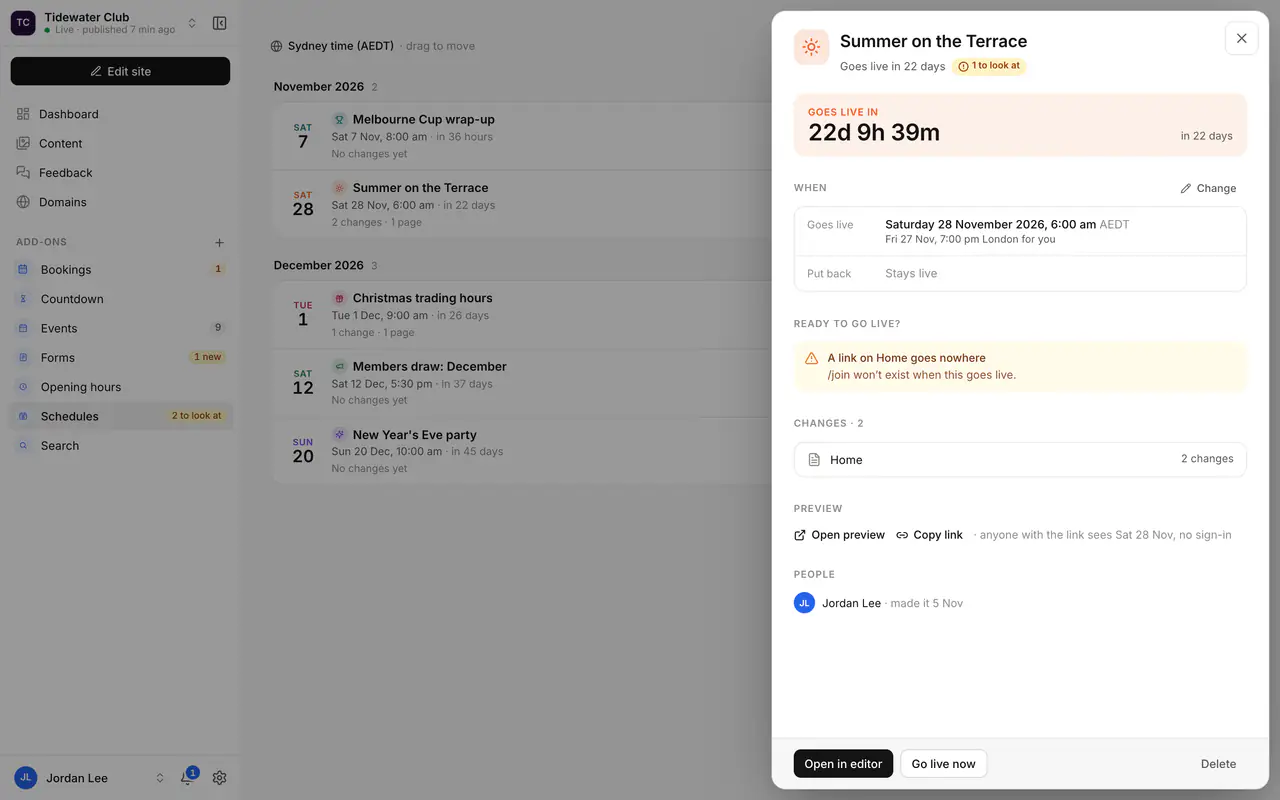
A schedule is a named set of changes with a go-live time. An end of financial year sale might change the homepage banner, add a landing page and update a price list, all going live together.

  • Page content, new pages and take-downs
  • Collection items, events, menus, pop-ups and redirects
  • Styles, theme and site settings too
builder.webdirector.net/tidewater-club/schedules
A Tidewater Club schedule listing the changes it makes, page by page.
02Laid over live

Live edits keep flowing in

A schedule holds only what it changes. Anything it doesn't touch keeps following the live site, so today's updates still show after next week's launch goes live.

  • Only the scheduled changes are held back
  • Several schedules stack in time order
  • Publish now never sends scheduled changes
builder.webdirector.net/tidewater-club/edit
Page settings for the homepage: title, address and who can open it.
03Clashes, settled early

Keep yours, or take theirs

If someone changes the same thing on the live site, the schedule shows both values and asks you to keep yours or take theirs. Each schedule is built ahead and marked Ready to go live once its checks pass.

  • Clashes shown field by field
  • Broken links and failed pages flagged
  • Ready to go live once checks pass
builder.webdirector.net/tidewater-club/edit
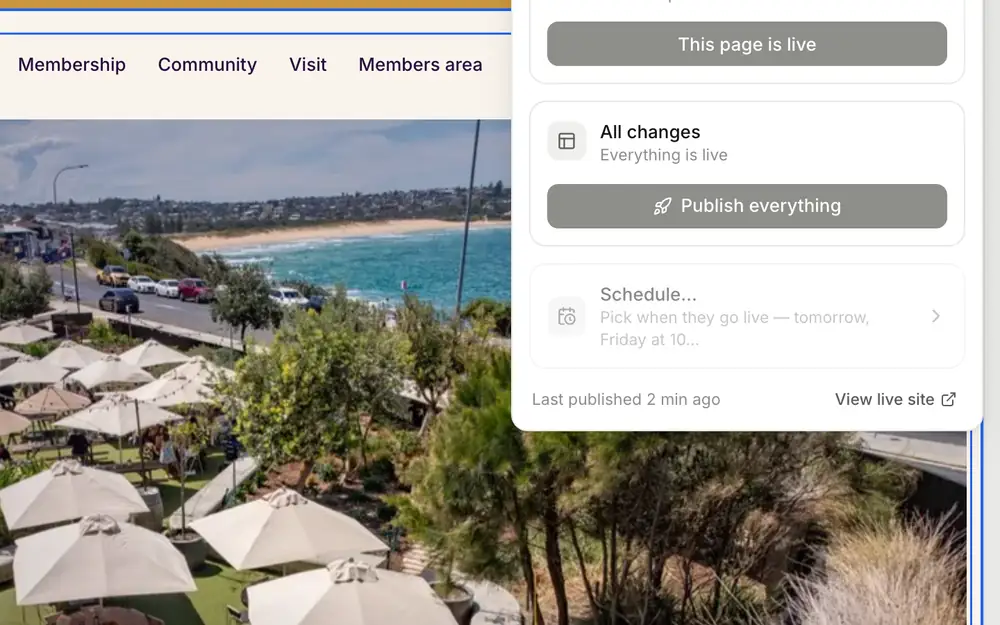
The Publish menu: publish this page or everything, or schedule it.
04Everything on a calendar

A month view of what's coming

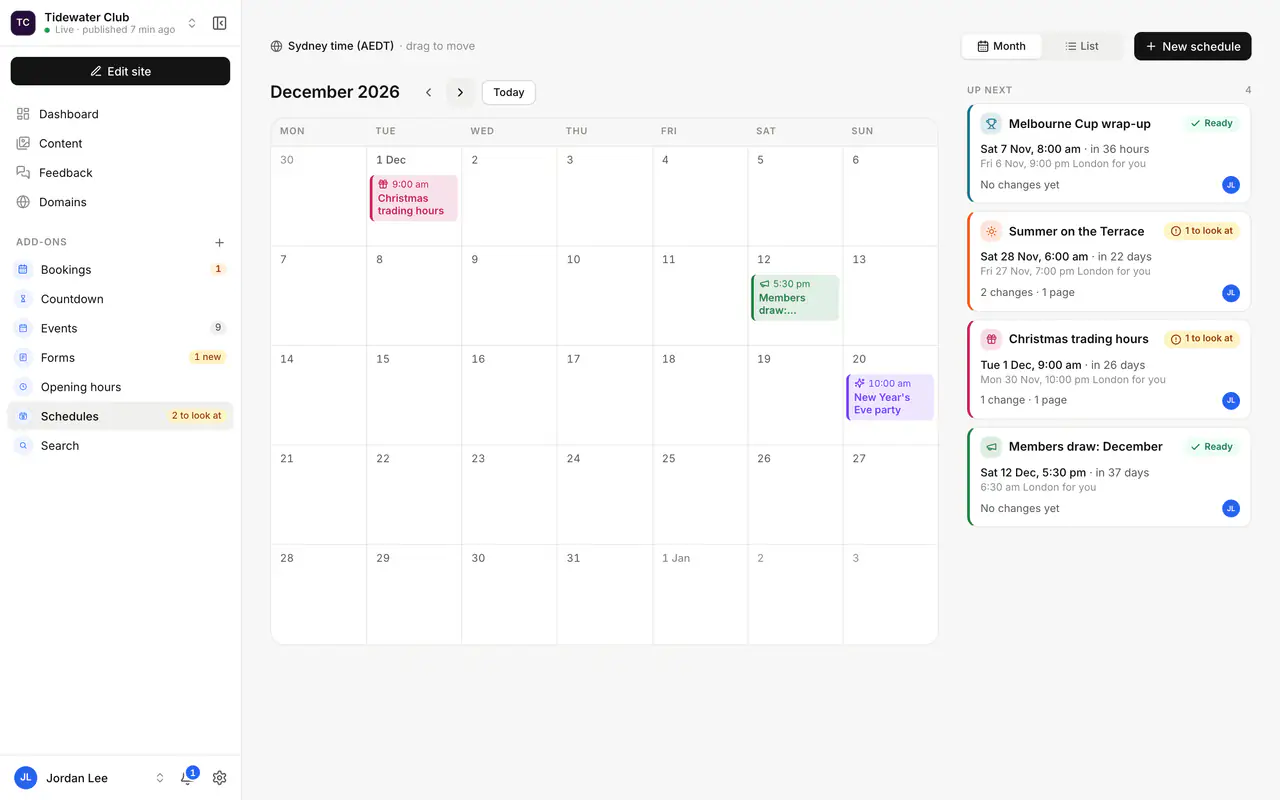
Schedules sit on a month calendar in the site's time, with a bar running to the day each one comes off. Drag a schedule to another day to move it.

  • Month and list views
  • Drag to another day to reschedule
  • Paused, up next and recently live at a glance
builder.webdirector.net/tidewater-club
The Tidewater Club dashboard: visits, outcomes, page speed and work in one view.
05Put back automatically

Promotions that end on time

Give a schedule an end time and its changes come off then. Anything someone edited on the live site in the meantime is left as it is and listed for you.

  • Optional put-back time
  • Only the schedule's own changes undone
  • Pages it added are kept under Not linked
builder.webdirector.net/tidewater-club/edit
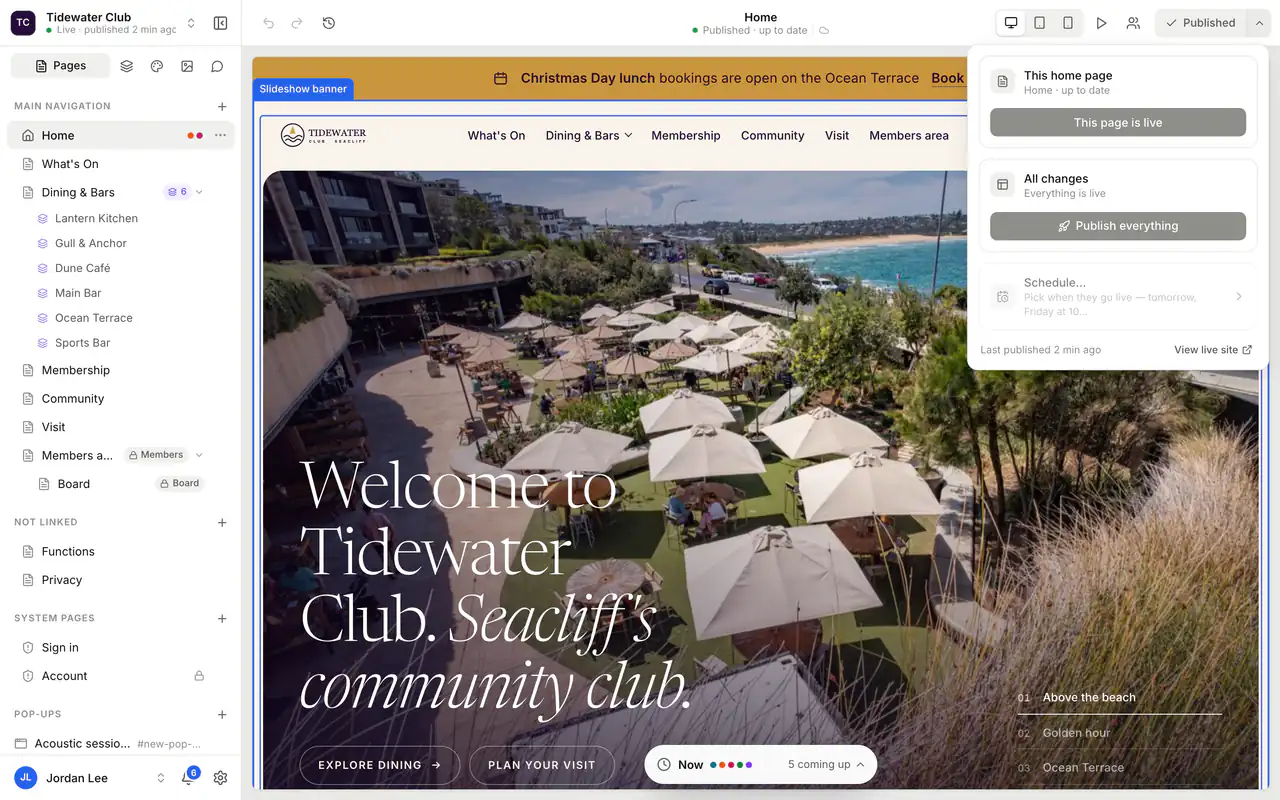
The Tidewater Club homepage open in the editor, with the pages panel on the left.
In the demo

The Tidewater Club demo, one example site, has schedules on the calendar: open one to see its changes page by page and whether it's Ready to go live.

Tidewater Club Group is a made-up organisation. Its sites use designs from Corporate Interactive’s club concepts.
Ask for a live demo
Questions

Schedules, answered

Is Schedules included?

Schedules is an add-on that each site turns on. While it's off, nothing about schedules shows in the editor.

Which time zone does it use?

Your site's own time zone, set in Settings. Go-live and put-back times are whole minutes in that time.

What if someone publishes just before a schedule goes live?

The schedule is rebuilt on top of the newer publish first, so it never undoes it. It may go live a few seconds late.

Can I schedule anything?

Anything that is part of the website: pages, items, menus, pop-ups, redirects, styles and published settings. Admin settings such as users or domains change straight away; you can add a reminder to a schedule instead.

Who can set the time?

Anyone who can edit content can add changes to a schedule. Setting the time, going live now or deleting a timed schedule needs permission to publish.

Can I preview the future?

Yes. The editor can show the site as it will be at a schedule's moment, with changes marked Not live yet.

See WebDirector run your websites

Book a walkthrough with the Corporate Interactive team. We will show you the editor, the features your business needs and how your sites would move across.