
Change your colours once, every page follows
The Styles panel holds your site's colours, fonts and spacing. Change one and every page updates, including sections your theme borrowed from the Default design.
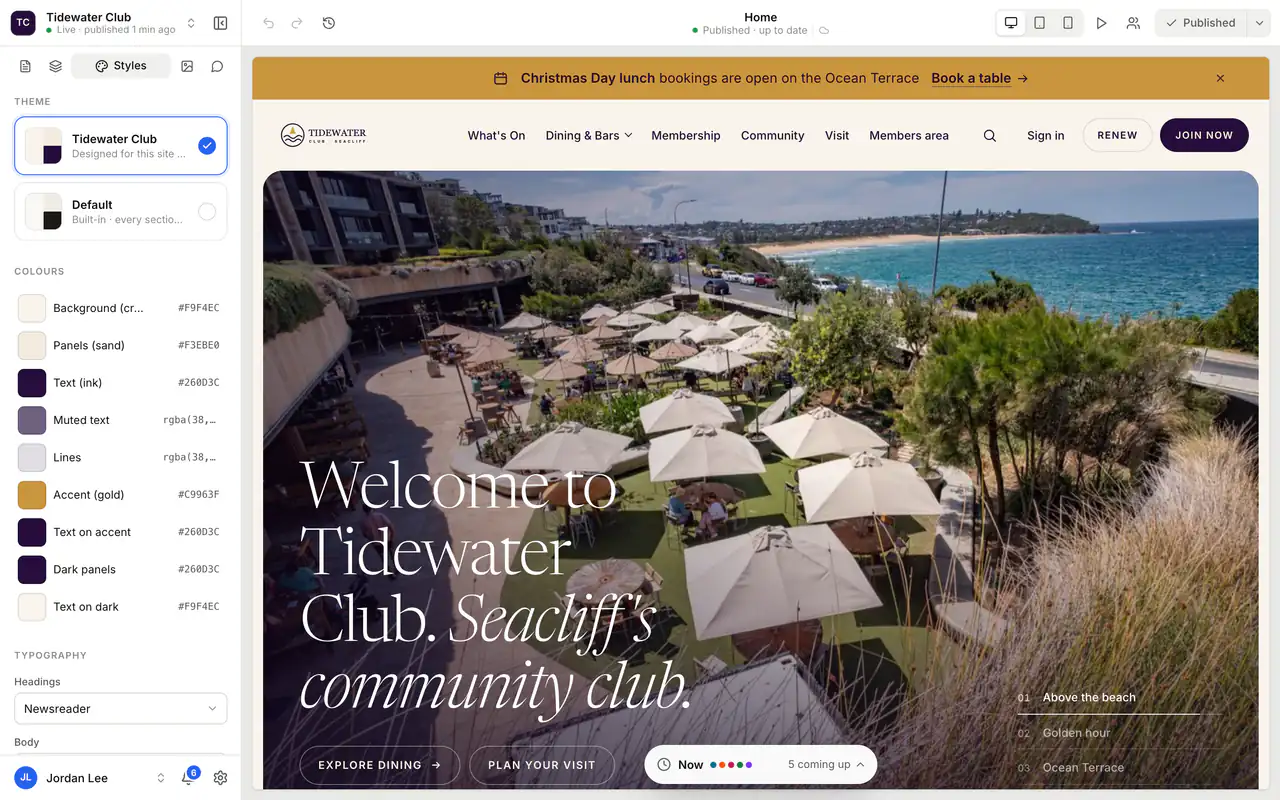 builder.webdirector.net/tidewater-club/editYour brand colours in one placebuilder.webdirector.net/tidewater-club/editPick your heading font
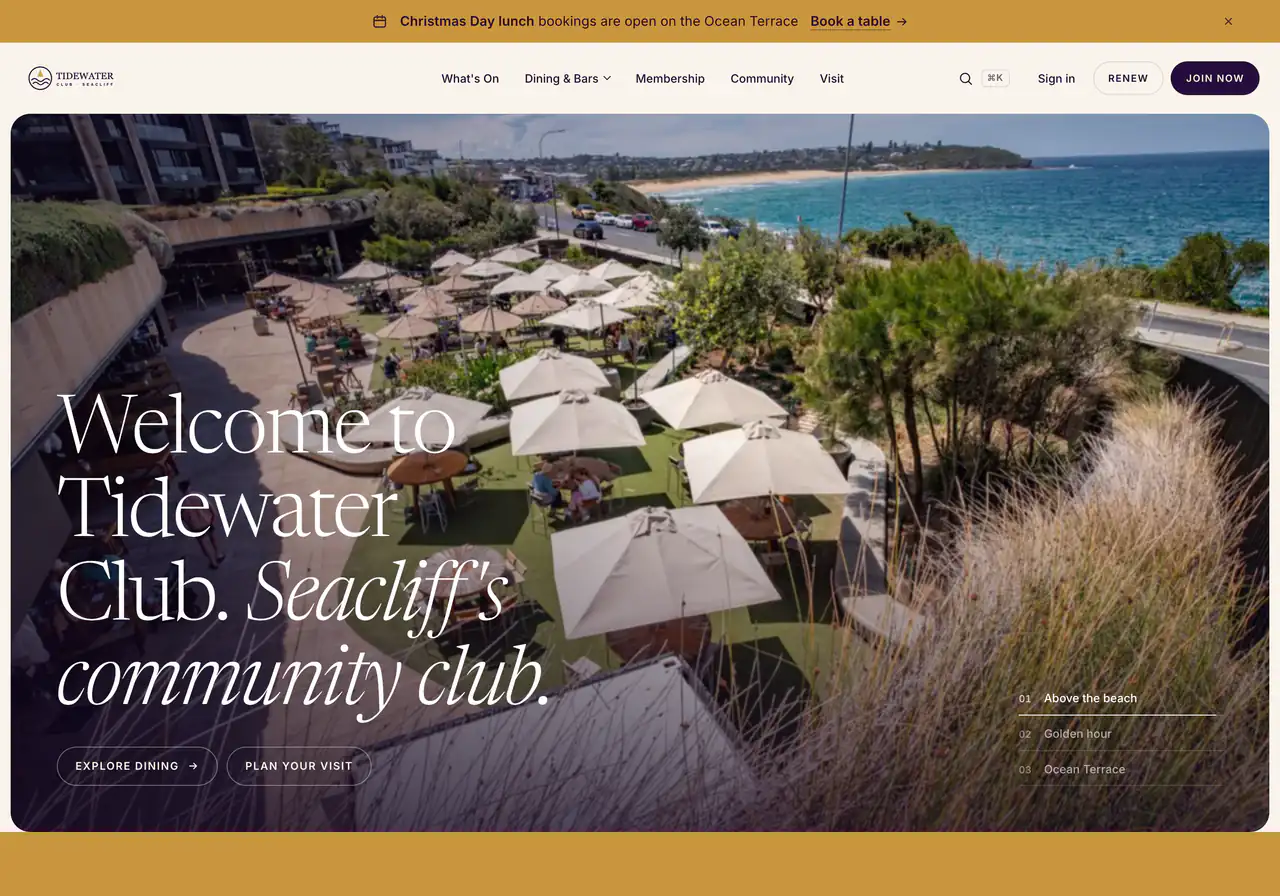 tidewater-club.webdirector.spaceEvery page follows your styles
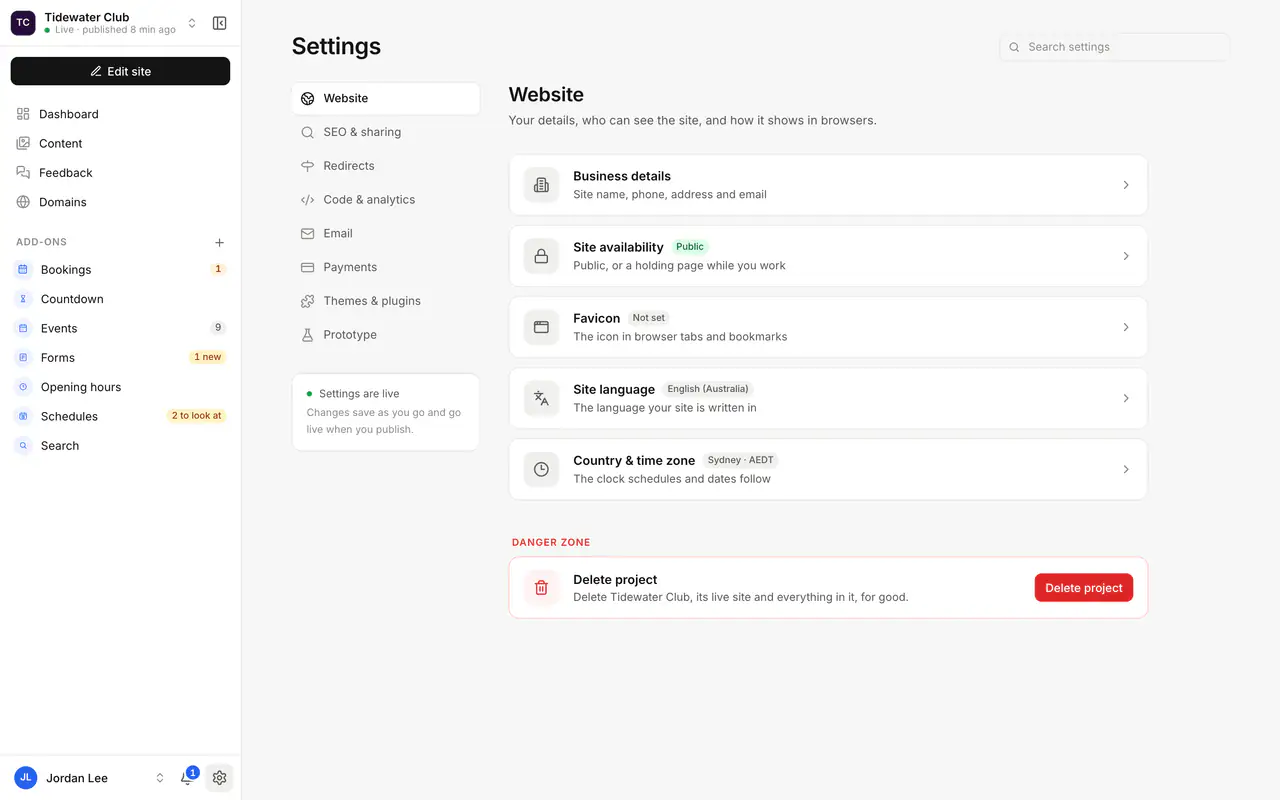 builder.webdirector.net/tidewater-club/settingsAdd a favicon for browser tabs
Real WebDirector screens. Click a step, or Replay.

In the Tidewater Club demo, one example brand, open Styles and change the accent colour: buttons, links and highlights across every section update straight away in the draft.
Tidewater Club Group is a made-up organisation. Its sites use designs from Corporate Interactive’s club concepts.Brand styles, answered
Can I use any font?
You choose from the fonts your theme offers. Keeping the list short keeps pages fast, because every extra font file adds to load time.
Will changing a colour affect the live site straight away?
No. Style changes are part of your draft and go live with your next publish.
What if we change our mind?
Each setting has its own reset, and 'Reset all to theme defaults' puts everything back. You can also undo the change.
Which settings can I change?
Whatever your theme exposes. The Default theme offers nine colours, heading and body fonts, heading weight, two corner sizes, section spacing and content width.
See WebDirector run your websites
Book a walkthrough with the Corporate Interactive team. We will show you the editor, the features your business needs and how your sites would move across.