Book a demo
  1. Home
  2. Features
  3. Search and discovery
Search and discovery

From the whole range to the right product

Shoppers open a mega menu built from your categories, narrow a listing with filters that show what is left, or search the range by name, brand or SKU.
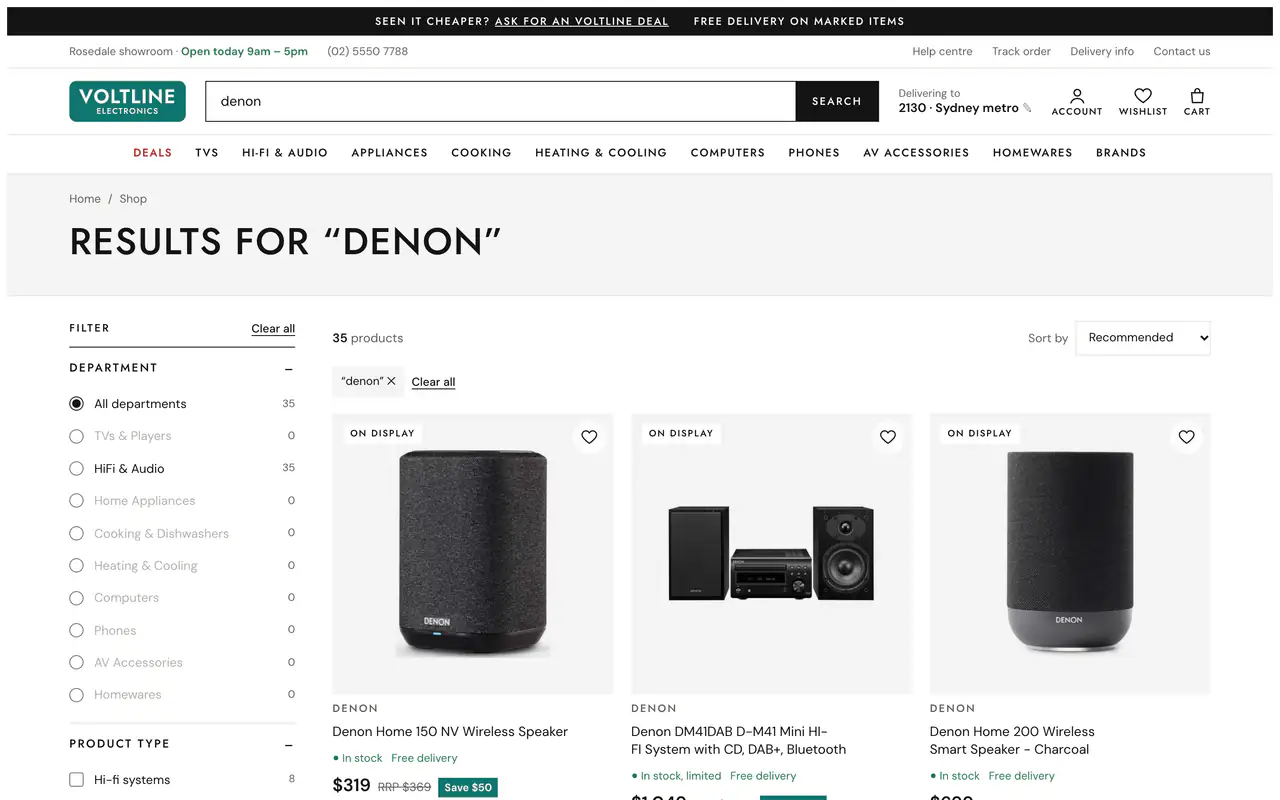
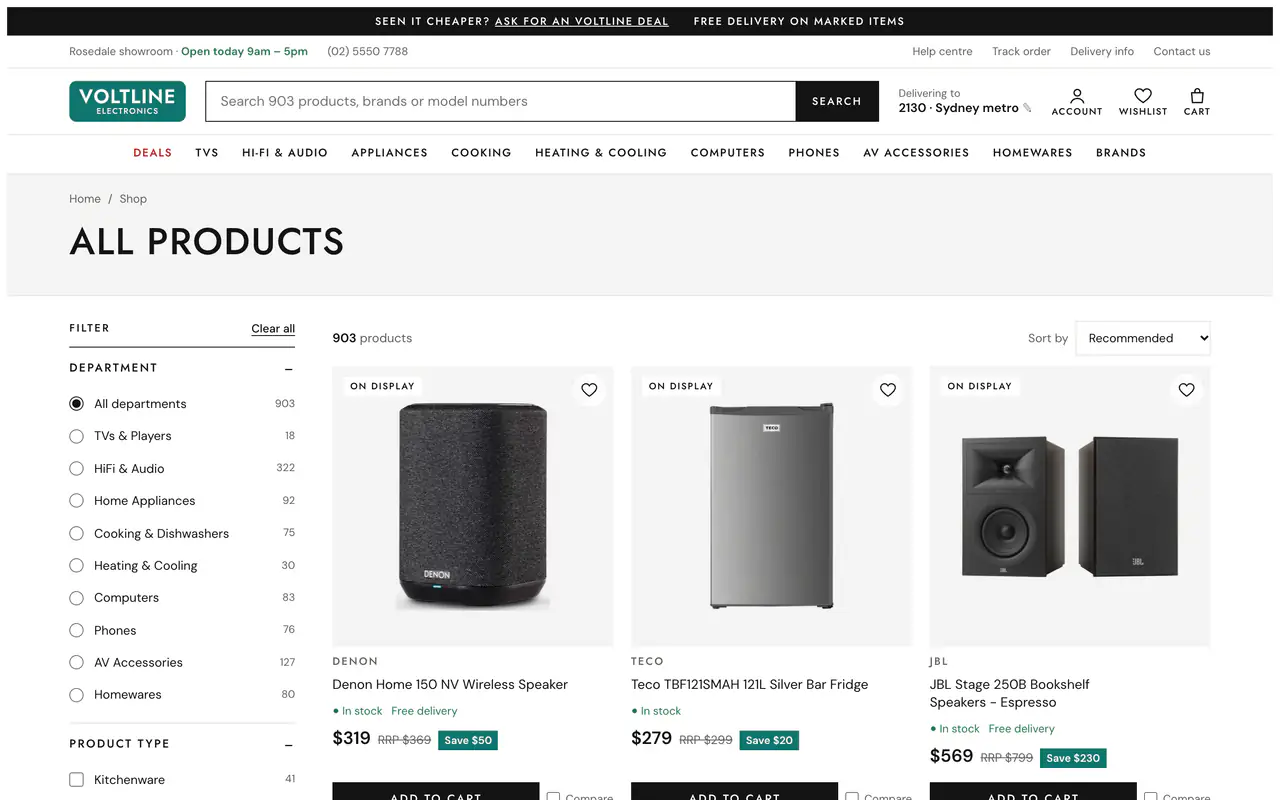
Search by brand or model
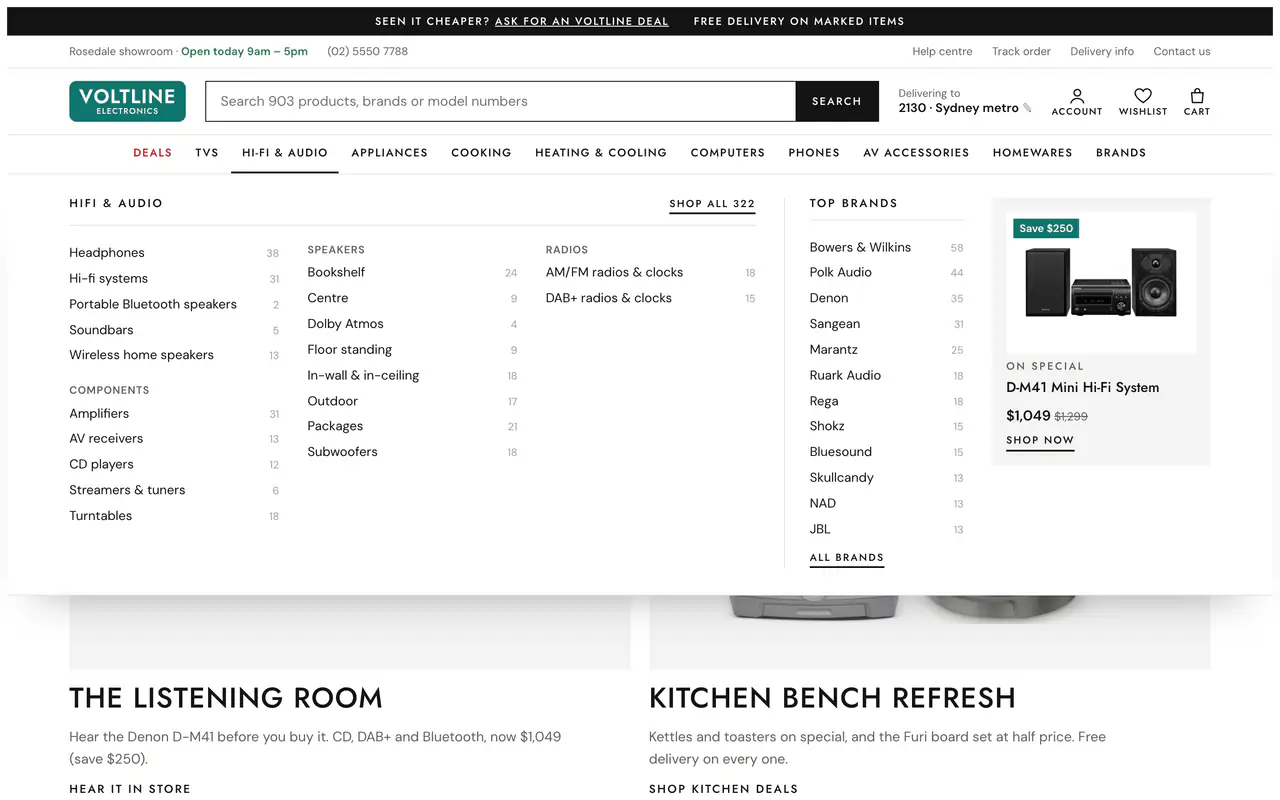
Departments in a mega menu
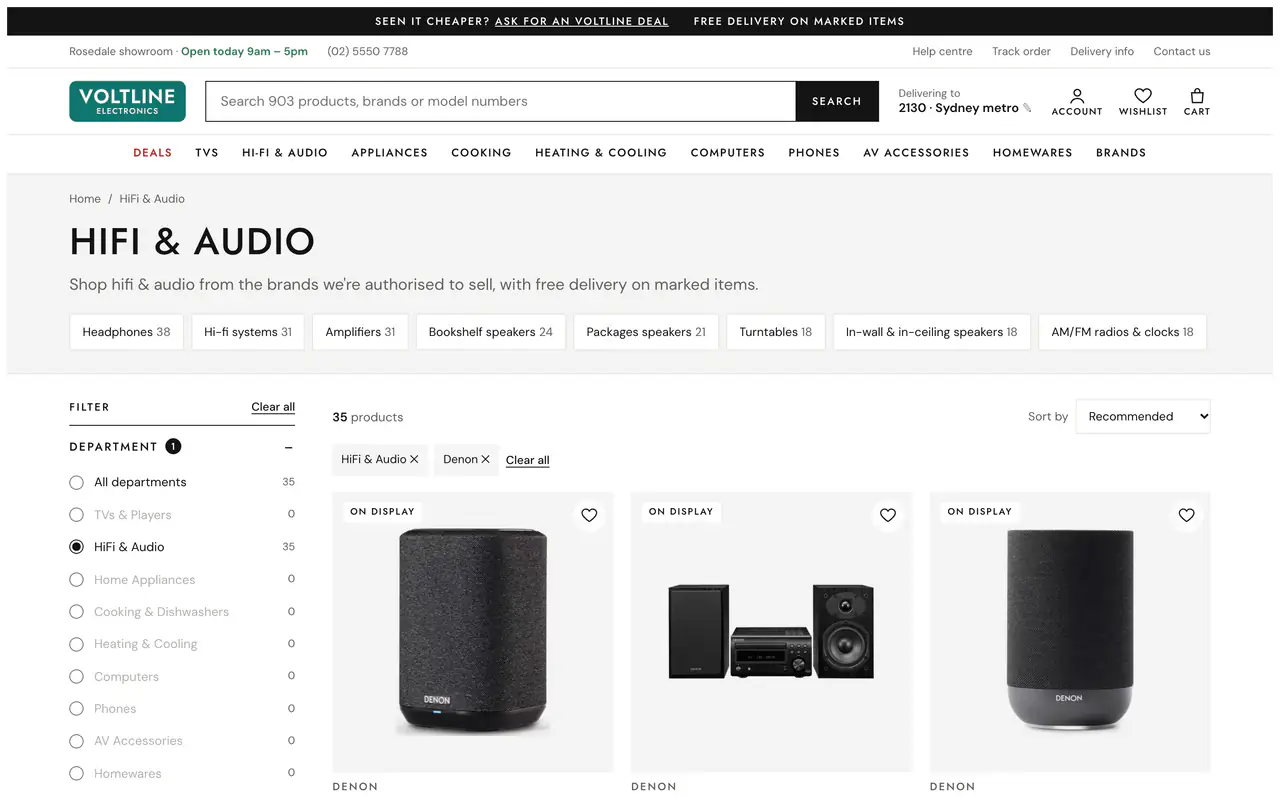
Filters with live counts
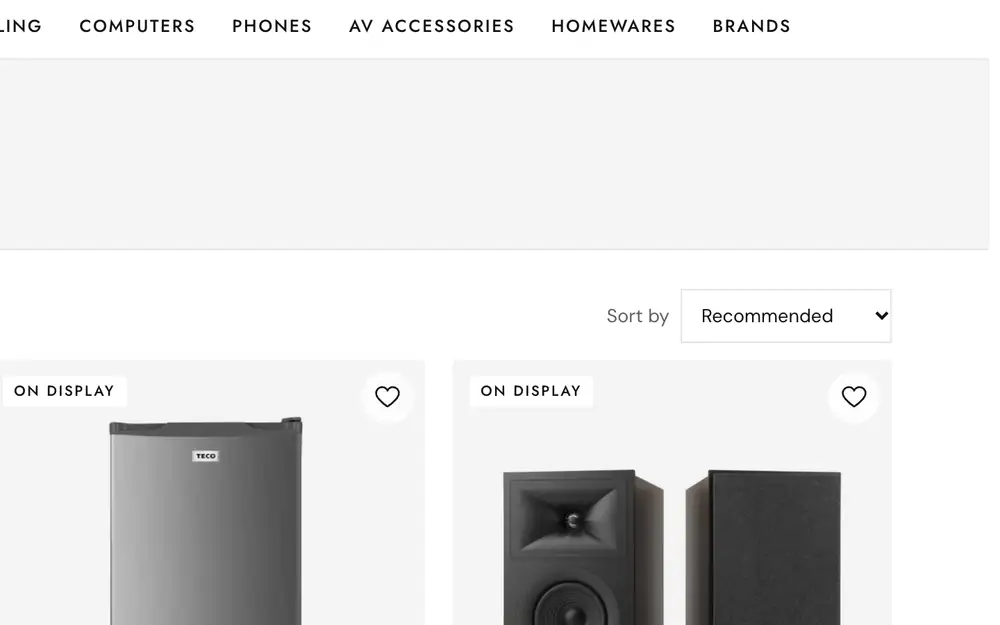
Sort the results

Real WebDirector screens. Click a step, or Replay.

2 layoutsmega menu columns or drawer
Real URLsfor every filtered listing
Live countsnext to every filter
01Mega menus

Menus built from your categories

Any main menu item can open a panel with columns of links, filled from a category's children or picked by hand, plus image tiles and a promotion. Phones get a drill-down sheet, and every label is a real link.

  • Columns or Drawer layout
  • Columns filled from the category tree
  • Badges such as New on links
  • A promotion box with its own link
voltline-electronics.webdirector.space/shop/radios
Voltline's Shop menu, with TV & audio, Home and Deals columns and a Summer sound promotion.
02Filters

Filters that show what's left

Each category picks its filters: brand, price, availability and any specification, such as connectivity. Counts update as shoppers choose, so they never land on an empty page.

  • Filters chosen per category
  • Specs become filters (Connectivity, Colour)
  • Counts next to every choice
  • Sort by featured, price or newest
voltline-electronics.webdirector.space/shop/tv-audio
Brand, connectivity and colour filters on Voltline's TV & audio page.
03Shareable results

Every filtered page has its own address

A filtered listing is a real web address drawn on the server, cached and crawlable. You choose which filter combinations search engines may index, and the rest point back to the main page.

  • Addresses like /shop/tv-audio?connectivity=wi-fi-bluetooth
  • Rules for which combinations are indexed
  • Works without JavaScript
  • Clear all and remove one at a time
voltline-electronics.webdirector.space/shop/tv-audio?connectivity=wi-fi-bluetooth
Wi-Fi + Bluetooth applied: 3 products left.
04Search

Search the range by name, brand or SKU

Product search runs on the builder's database, with suggestions as people type and the same filters on the results page. Site search can include products too.

  • Search by name, brand or SKU
  • Filters and sort on the results
  • Search suggestions
  • Results pages kept out of search engines
voltline-electronics.webdirector.space/shop/search?q=dab+radio
Results for 'dab radio' in the Voltline demo store.
In the demo

Voltline's TV & audio department filters by brand, connectivity, colour, price and availability, and its Shop menu is a three-column mega menu with a promotion.

Voltline Electronics is a made-up retailer. Its store uses Corporate Interactive’s ecommerce concept, which WebDirector Commerce is built from.
Ask for a live demo
Questions

Search and discovery, answered

Do we have to build the mega menu by hand?

No. A column can follow a category's children, so new categories appear on their own. You can also pick links by hand.

Can search engines see filtered pages?

Yes, as real addresses. You choose which filter combinations are indexable; the others carry a canonical link to the main listing.

What can we filter by?

Brand, price, availability and any specification you mark as a filter, chosen per category.

Do we need an outside search service?

No. Search and filters run on the builder's own database. A hosted search engine can be added later behind the same interface.

See WebDirector run your websites

Book a walkthrough with the Corporate Interactive team. We will show you the editor, the features your business needs and how your sites would move across.