
Your whole team in the editor, without collisions
Several people can work on the same site at once. Everyone sees who is editing what, changes appear for everyone as they happen, and nothing reaches the live site until someone publishes.
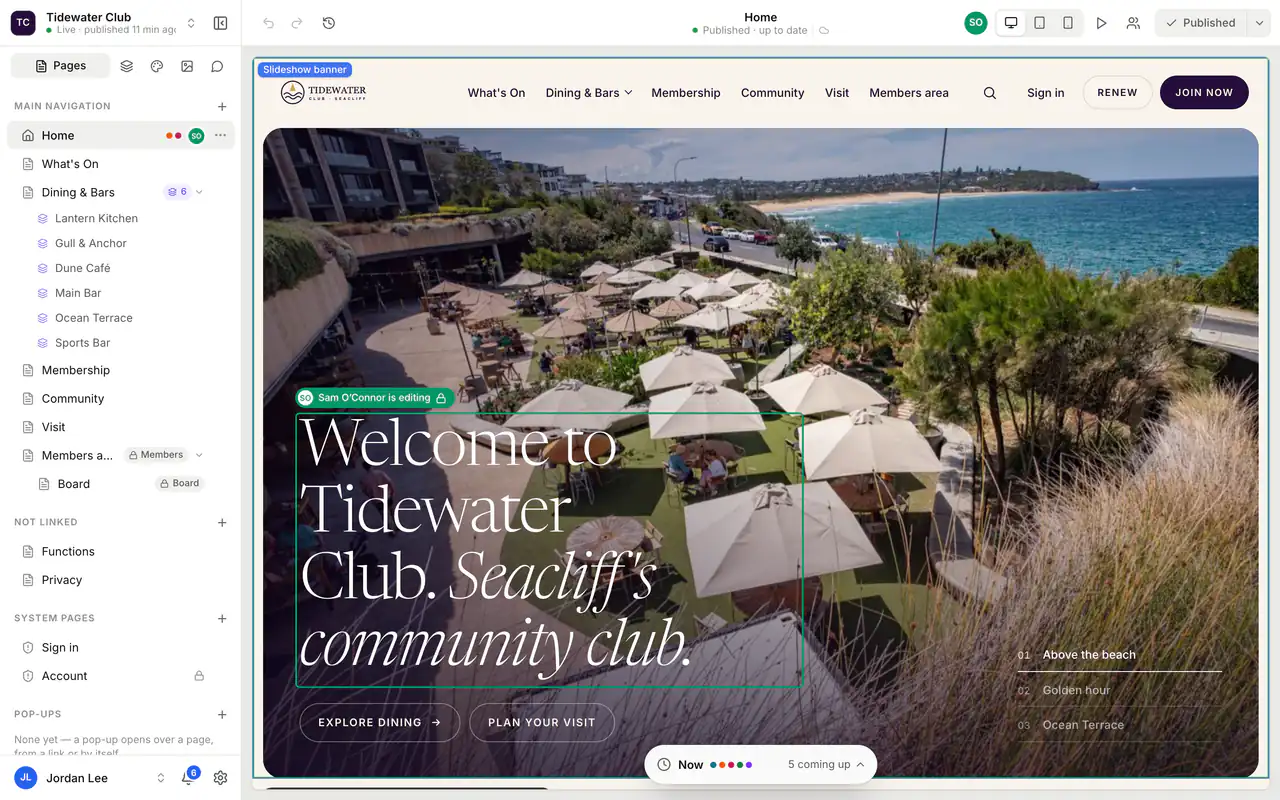 builder.webdirector.net/tidewater-club/editSee who else is editing
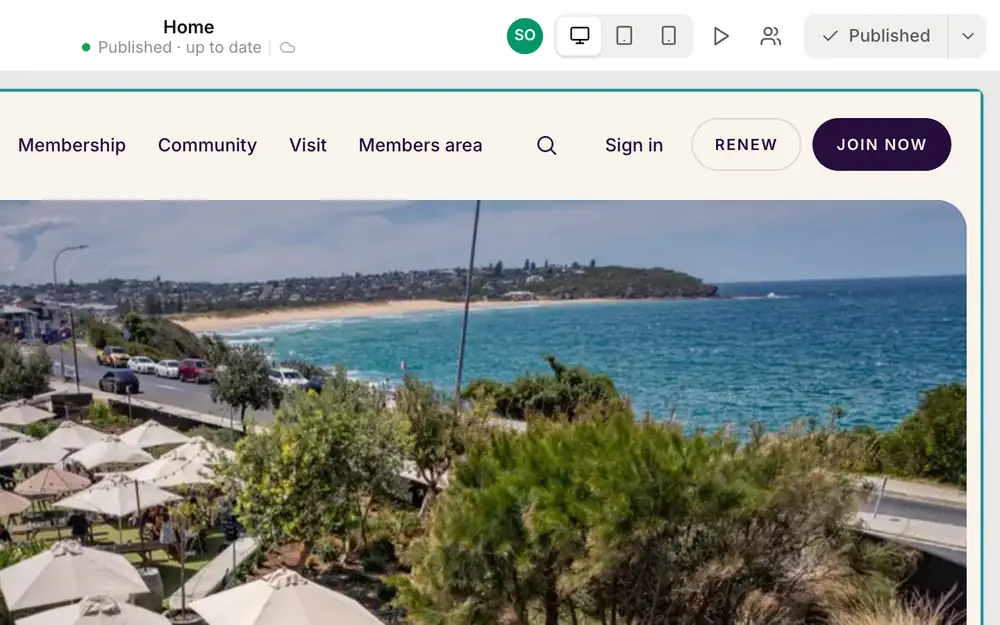 builder.webdirector.net/tidewater-club/editOnly Sam's field is held
 builder.webdirector.net/tidewater-club/editUndo rolls back only your work
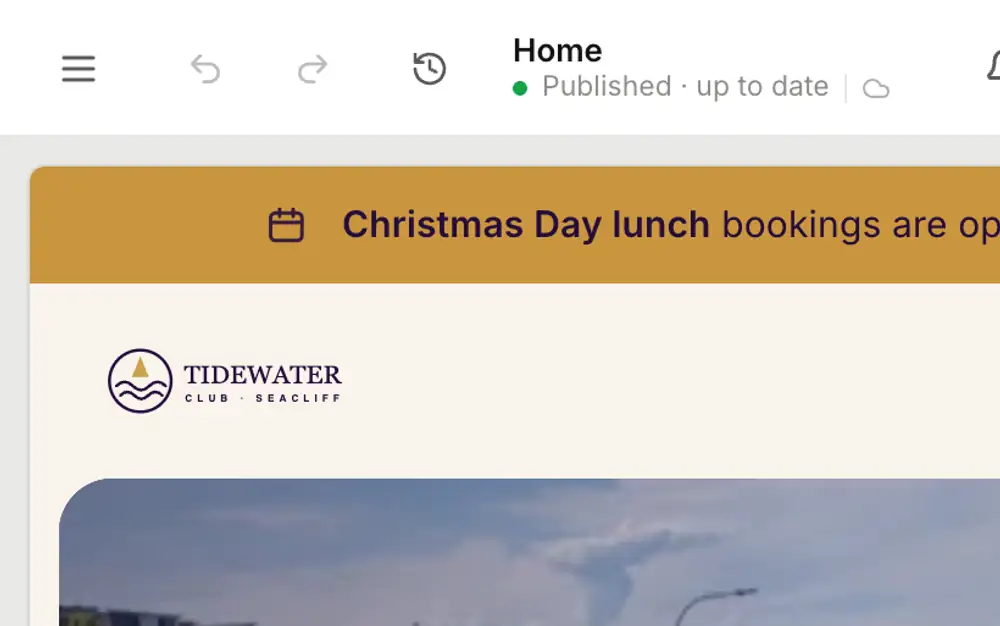
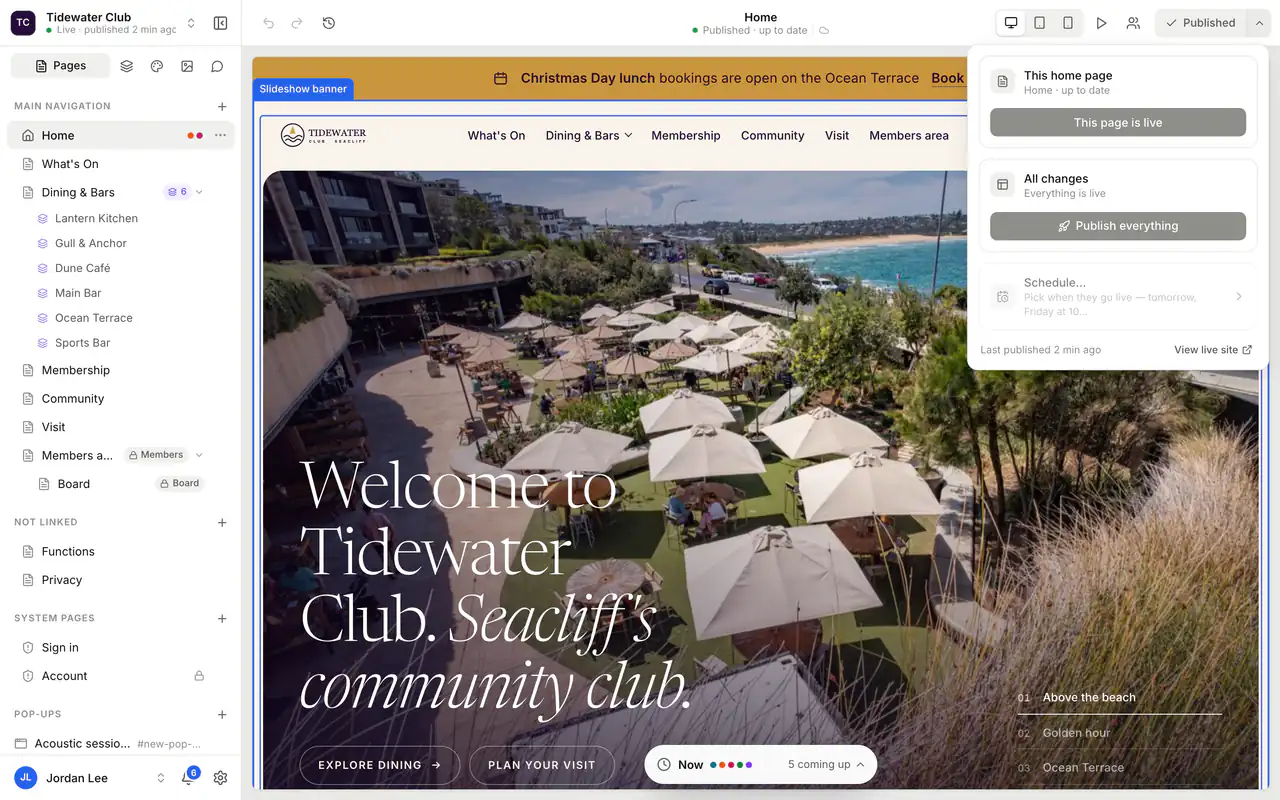 builder.webdirector.net/tidewater-club/editLive only when someone publishes
Real WebDirector screens. Click a step, or Replay.

Open the Tidewater Club demo, one example site, in two browser windows as different people and you will see each other's avatars, field locks and edits arrive as you type.
Tidewater Club Group is a made-up organisation. Its sites use designs from Corporate Interactive’s club concepts.Real-time collaboration, answered
Can two people edit the same page at once?
Yes. Each person holds only the field they are typing in, so two people can work on different parts of the same page at the same time.
What happens if someone else is editing the field I click?
You see their name on the field and a short note that you can edit it when they are done. Your change is not applied over theirs.
Do my teammates' edits go live straight away?
No. Everyone works in a shared draft. Visitors keep seeing the published site until someone with permission to publish chooses to publish.
Does undo affect other people's work?
No. Undo is designed to roll back only your own changes and never overwrite something a colleague changed after you.
What if my connection drops?
The editor reconnects by itself and catches up with changes made while you were away. If live connections are blocked on your network, it falls back to checking for changes regularly.
See WebDirector run your websites
Book a walkthrough with the Corporate Interactive team. We will show you the editor, the features your business needs and how your sites would move across.