
Every payment, from checkout to payout
Payments go into your organisation's own Stripe account. The Payments area follows each one from checkout to payout, explains declines in plain words, and lets you test everything first.
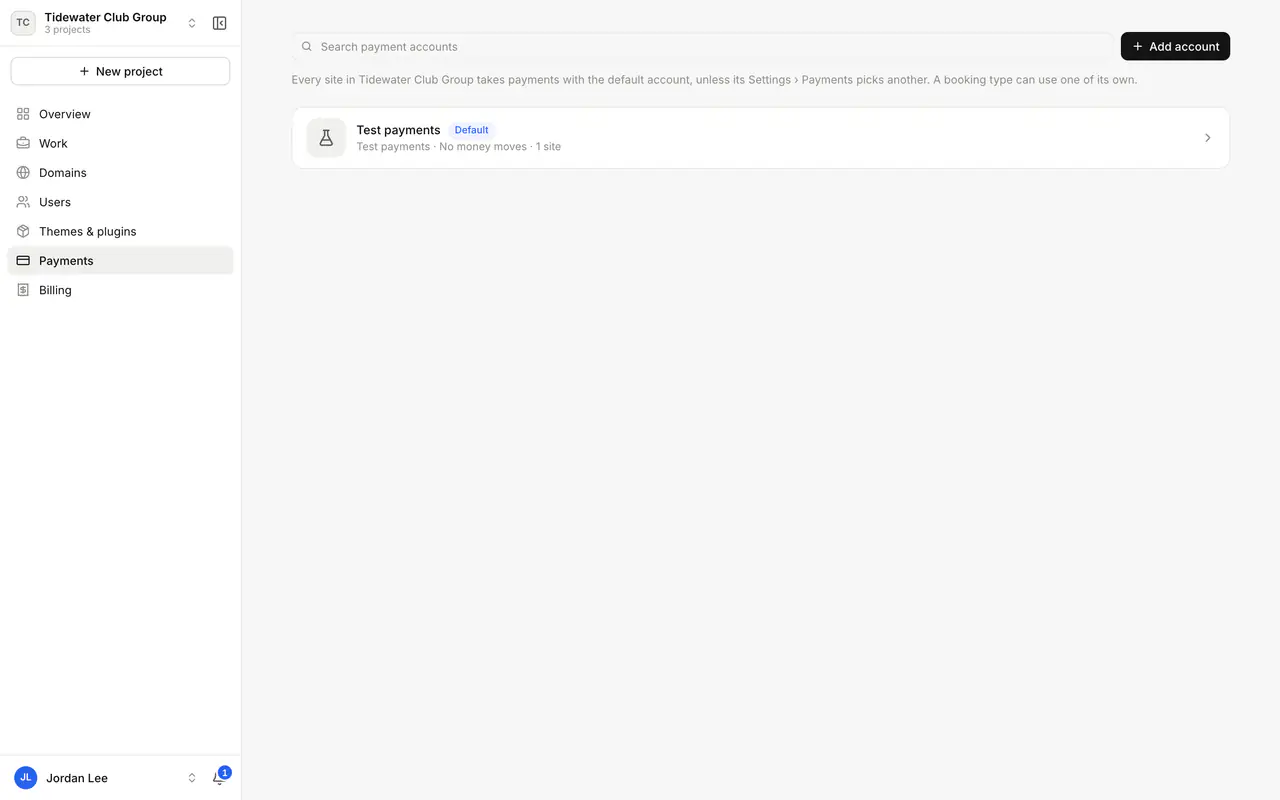 builder.webdirector.net/org/tidewater-club-groupPayment accounts, set up once

Real WebDirector screens. Click a step, or Replay.

The Tidewater Club Group demo, one example organisation, takes Christmas Day lunch and Play Cove holiday club bookings on Test payments, with paid, declined, refunded and disputed payments to open.
Tidewater Club Group is a made-up organisation. Its sites use designs from Corporate Interactive’s club concepts.Send the paperwork automatically
Connect your WebDirector forms and bookings to QuoteCloud, Corporate Interactive’s quoting, proposal and e-signing platform. A natively connected website, or Zapier, Make or the QuoteCloud API, creates the document from your template the moment someone submits, filled with their details and the lines they chose.
- 1
Someone submits a form, booking or order on your website
- 2
QuoteCloud creates the quote, proposal or contract from your template
- 3
They accept, e-sign and pay online
Payments & billing, answered
Does the money go through WebDirector?
No. Payments go straight to the Stripe account you connect. WebDirector checks the amount on the server before any payment is taken, and keeps its own record of each payment so the screens stay fast.
Who can see and refund payments?
Two organisation permissions control it. See payments opens the Payments area, and Refund payments refunds and takes or releases held payments. Managing the accounts is a separate permission.
Can we test payments before going live?
Yes. Test payments uses Stripe's own test card numbers in Bookings, Forms and the store, and test tools move a payment through disputes, refunds and payouts. No money moves.
What about payments we took before?
When a Stripe account connects, its last 12 months are brought in, including payments made outside the builder. Older history stays in Stripe.
Can we answer disputes in WebDirector?
Not yet. Disputes are listed with their deadlines, and you answer them in Stripe. Answering them in WebDirector is planned.
What is the difference between Payments and Billing?
Payments is how your sites take money from visitors. Billing is what your organisation uses on the platform, starting with storage.
What happens if we go over our storage allowance?
Nothing stops working. Uploads and publishing carry on, and people with billing access get a warning at 80% and again at 100%.
See WebDirector run your websites
Book a walkthrough with the Corporate Interactive team. We will show you the editor, the features your business needs and how your sites would move across.