
Win more quote requests, update from site
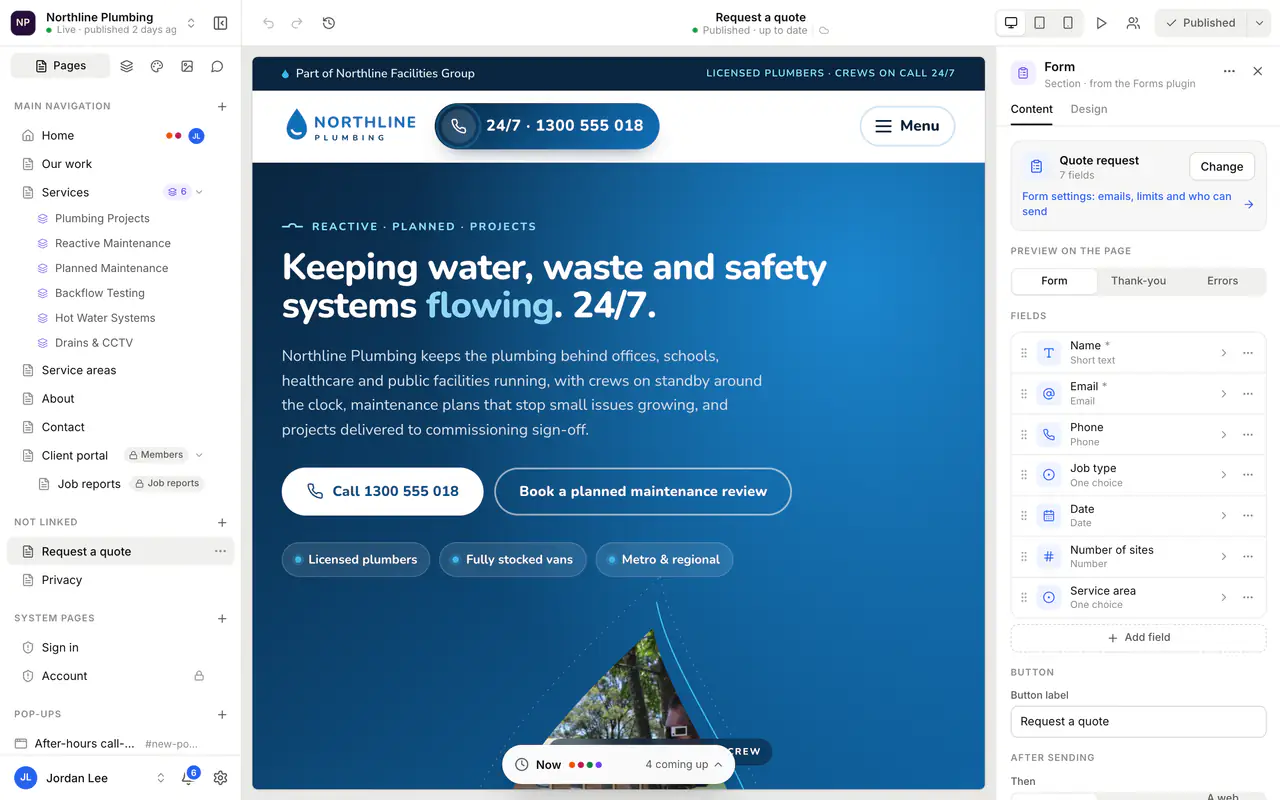
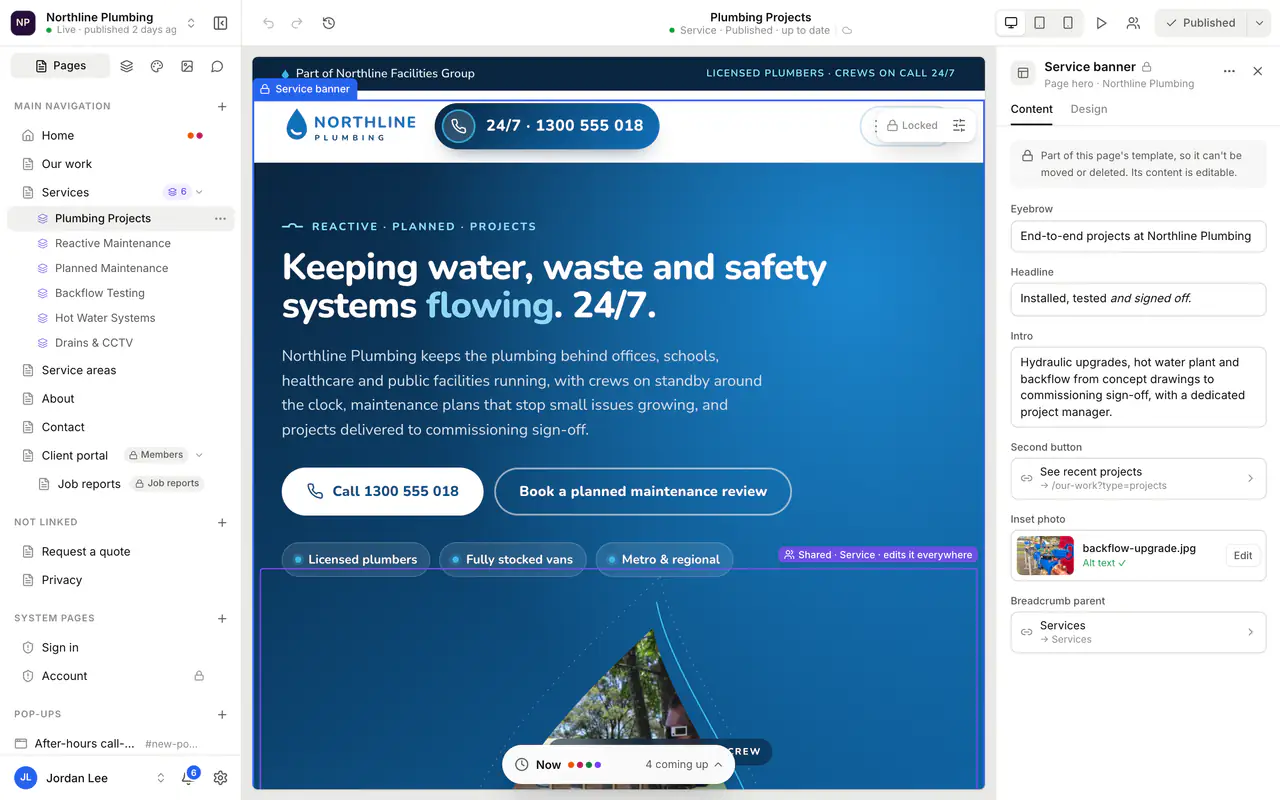
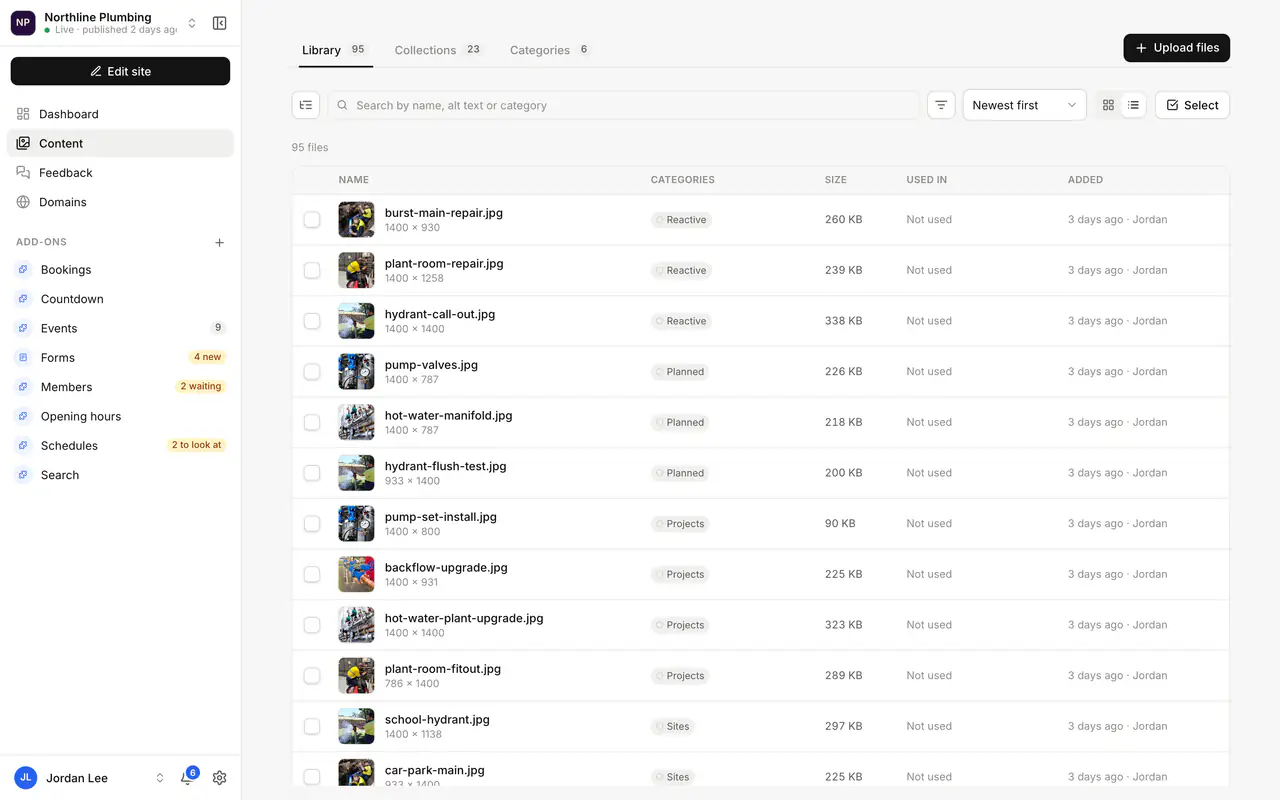
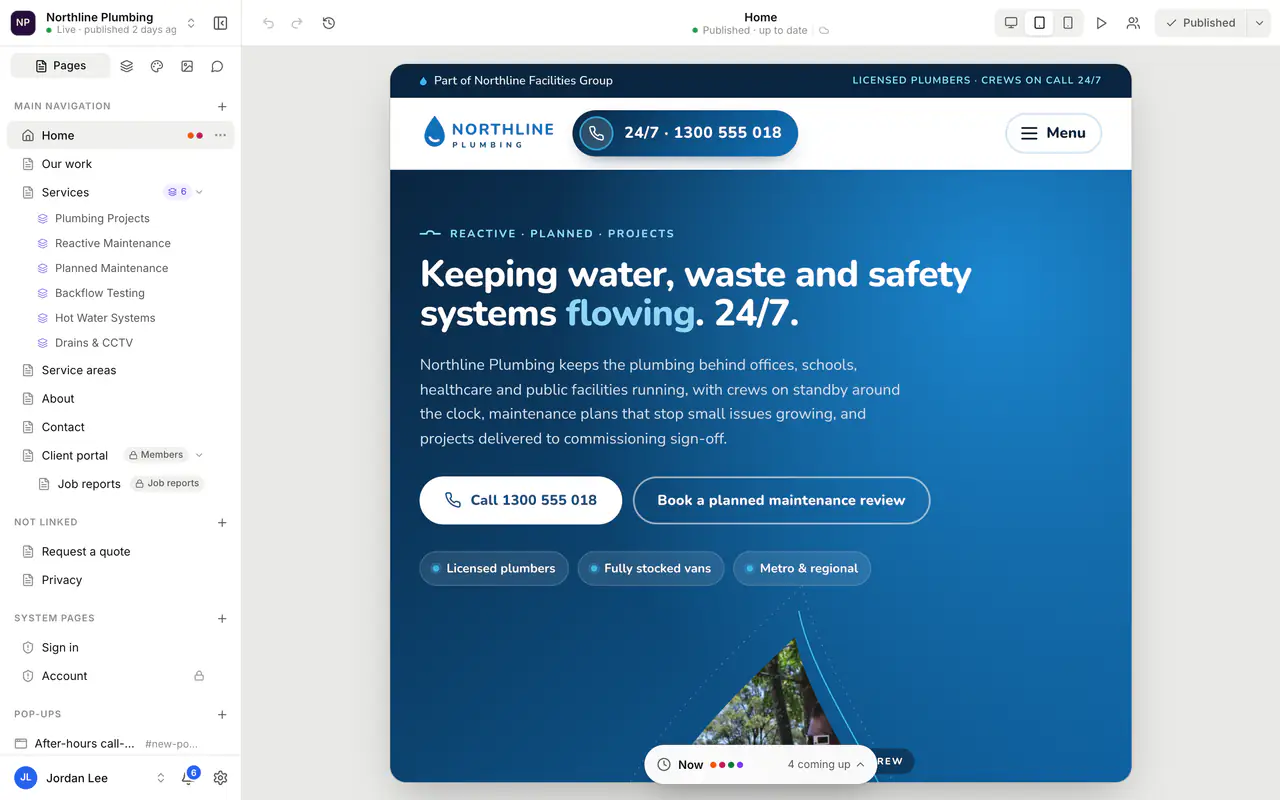
Show finished projects, collect detailed quote requests with plans attached and keep the website current from a phone between jobs.


Built for how trades works
What Trades teams use
Ridgeback Building Co, a small residential builder, adds finished projects with photos from a phone on site, and its quote request form takes plans as file uploads and emails the estimator.
 builder.webdirector.net/northline-plumbing/edit
 builder.webdirector.net/northline-plumbing/edit
 builder.webdirector.net/northline-plumbing/content
 builder.webdirector.net/northline-plumbing/edit
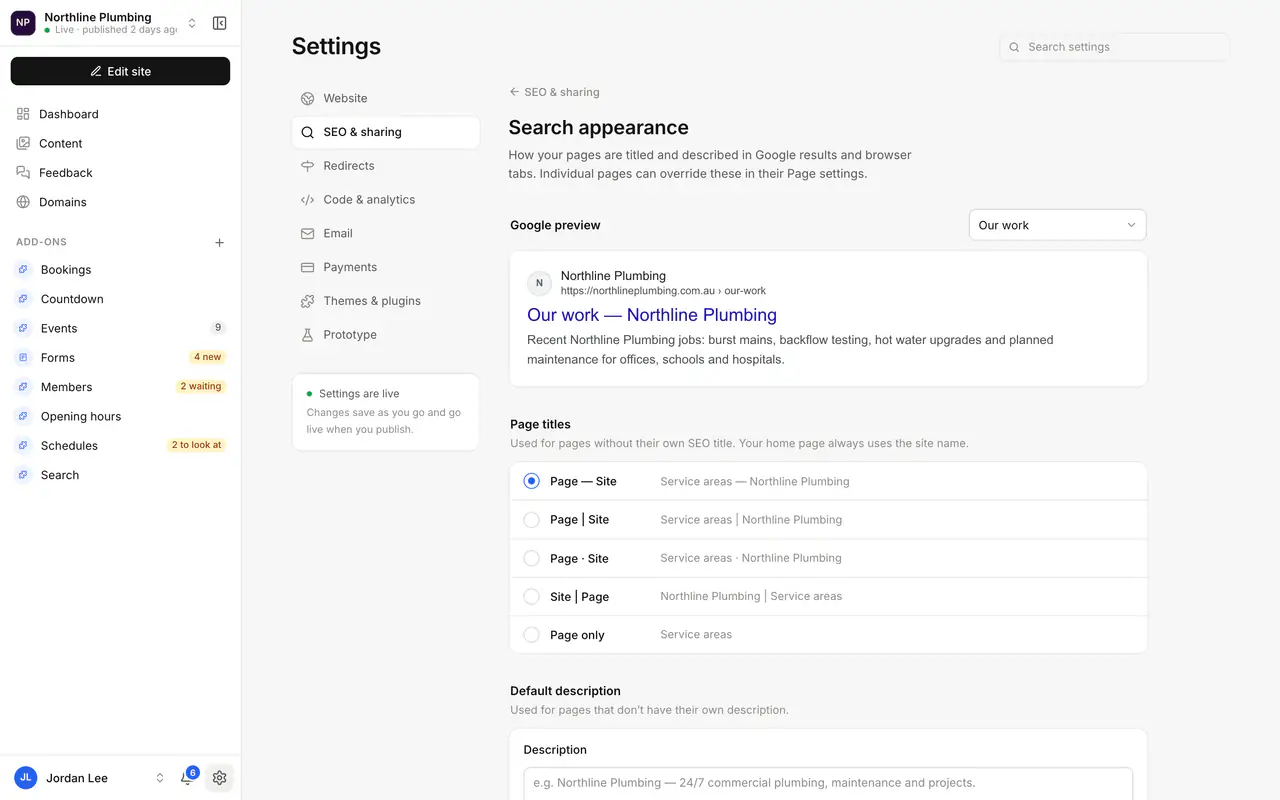 builder.webdirector.net/northline-plumbing/settings
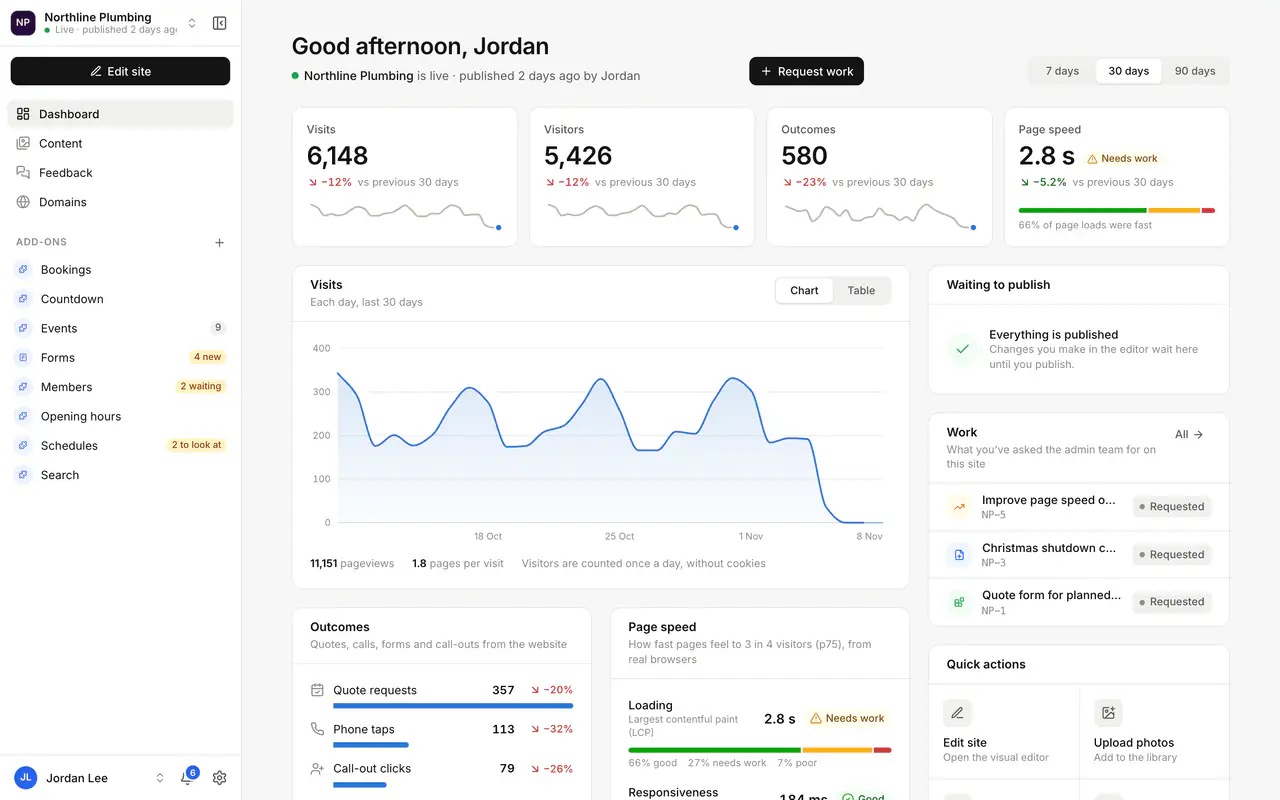 builder.webdirector.net/northline-plumbing
Turn website enquiries into signed documents
Connect your WebDirector forms and bookings to QuoteCloud, Corporate Interactive’s quoting, proposal and e-signing platform. A natively connected website, or Zapier, Make or the QuoteCloud API, creates the document from your template the moment someone submits, filled with their details and the lines they chose.
- 1
A customer requests a quote or logs a job on your website
- 2
Zapier creates a QuoteCloud quote from your trade template, with their details and the job lines
- 3
They accept and e-sign online, and pay the deposit
See WebDirector for trades
Book a walkthrough with the Corporate Interactive team. We will show you the editor, the features your business needs and how your sites would move across.