
The right people, with exactly the right access
Invite your team, choose a role, and fine-tune what each person can do on each site. One sheet shows everything about a person, from their access to what they did.
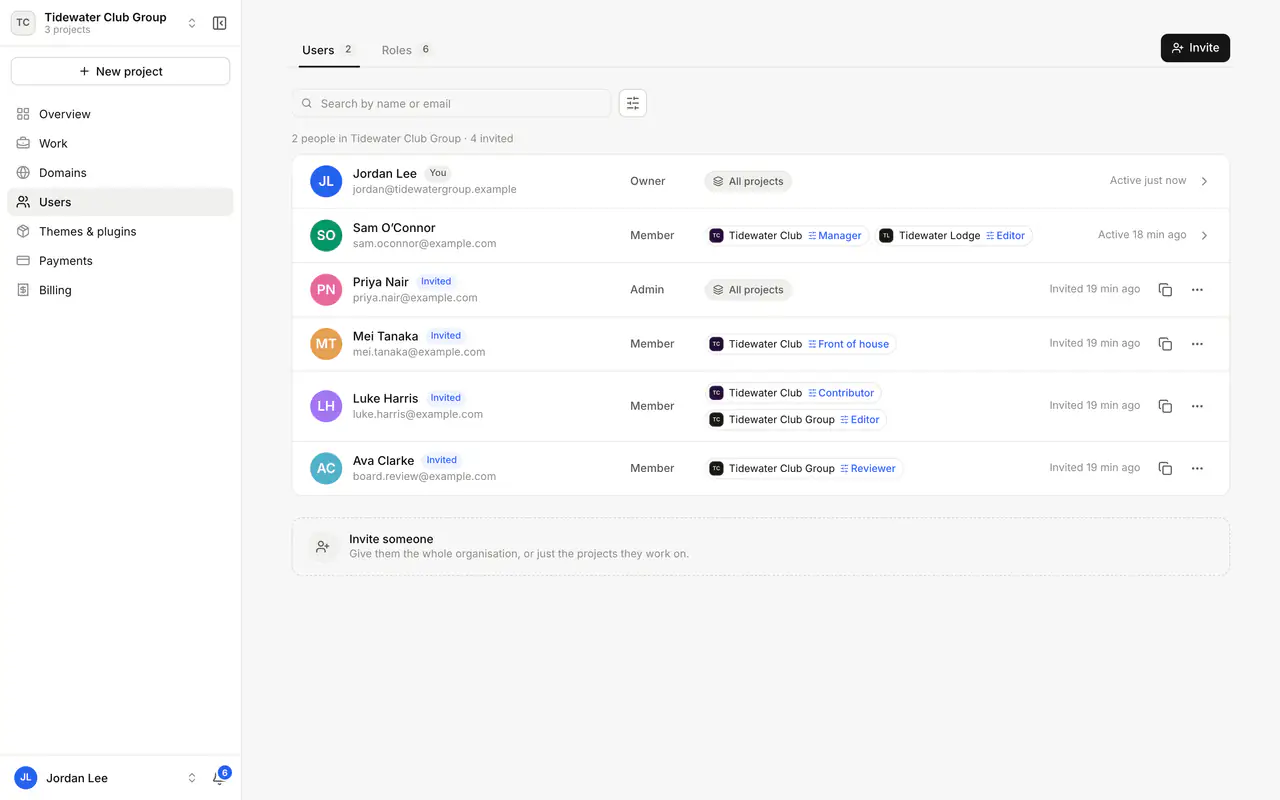 builder.webdirector.net/org/tidewater-club-groupInvite someone by email
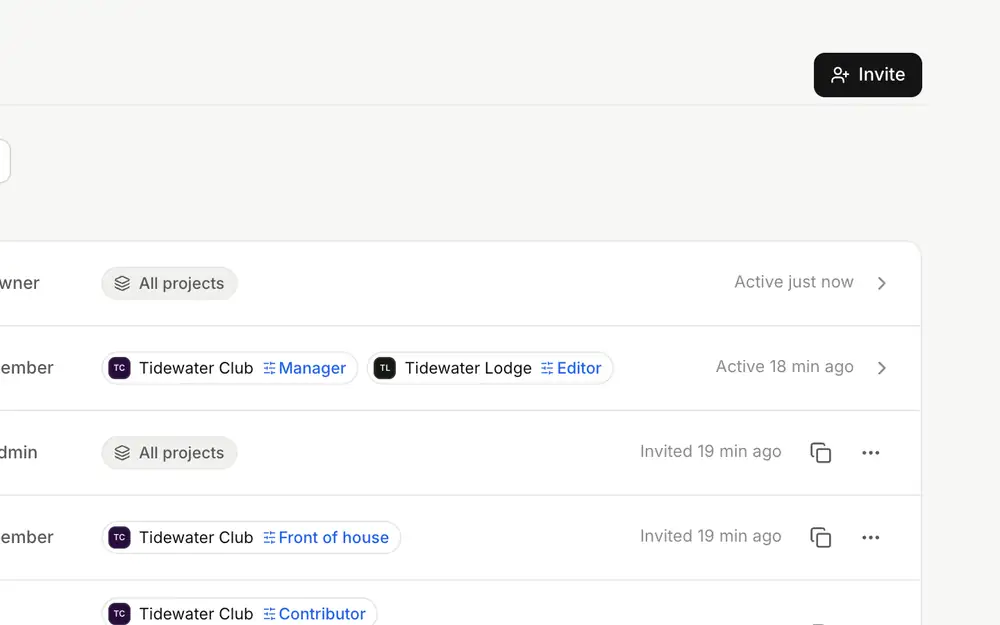 builder.webdirector.net/org/tidewater-club-groupWho can open which site
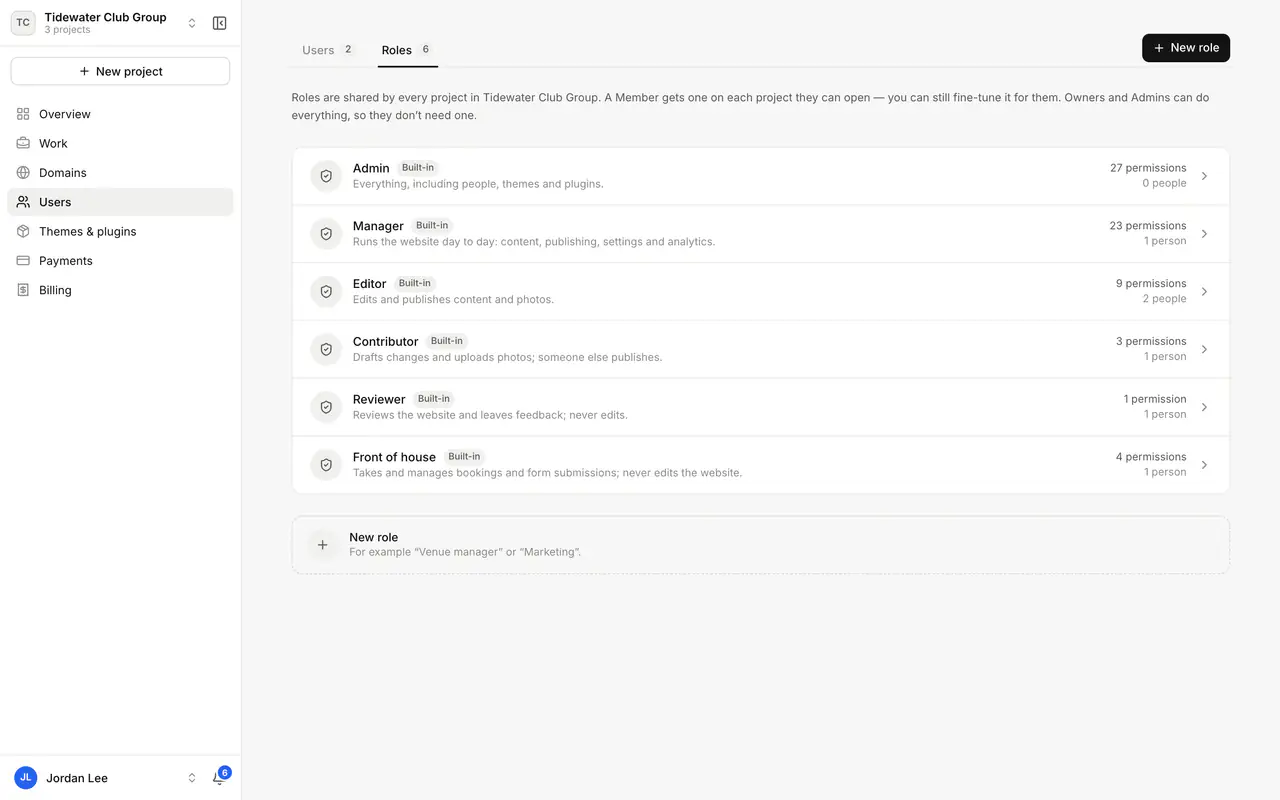 builder.webdirector.net/org/tidewater-club-groupRoles you can changebuilder.webdirector.net/org/tidewater-club-groupContributors draft, not publish
Real WebDirector screens. Click a step, or Replay.

In the Tidewater Club demo, one example organisation, Jordan Lee is the Owner and Sam O'Connor is a Member who manages Tidewater Club and edits Tidewater Lodge.
Tidewater Club Group is a made-up organisation. Its sites use designs from Corporate Interactive’s club concepts.Users & permissions, answered
Can one person work in several organisations?
Yes. One login reaches every organisation and site they have been given, with a different role in each. Their name, photo, password and passkeys belong to them and apply everywhere.
What happens if I invite someone who already has an account?
WebDirector says so when the invite is ready. They join under their own name with the sign-in they already use, and can accept the invite from inside the builder.
Can someone take bookings without editing the website?
Yes. The built-in Front of house role sees and manages bookings and form submissions, and cannot edit the website.
Can I see what a person changed?
Yes. Owners and Admins open the person's Activity, which shows what they and their agents did in your organisation, and can export it as CSV.
Why can't I change someone's email or passkeys?
Those belong to the person's account, which may also be in other organisations. Owners and Admins manage them only when the person is in no other organisation.
Does the WebDirector team show in our people list?
No. Our team uses separate team accounts that are not listed among your people. Their names still appear in presence and history, so you can see who changed what.
See WebDirector run your websites
Book a walkthrough with the Corporate Interactive team. We will show you the editor, the features your business needs and how your sites would move across.