Book a demo
  1. Home
  2. Features
  3. Orders and customers
Orders and customers

Every order, quote and customer in one place

Add-ons › Commerce opens on Today: what to pack, what is ready for pick-up and what is running low. Orders, quotes, customers and reports sit beside it, with six permissions to share the work.

Check out as a guest
A reference and confirmation
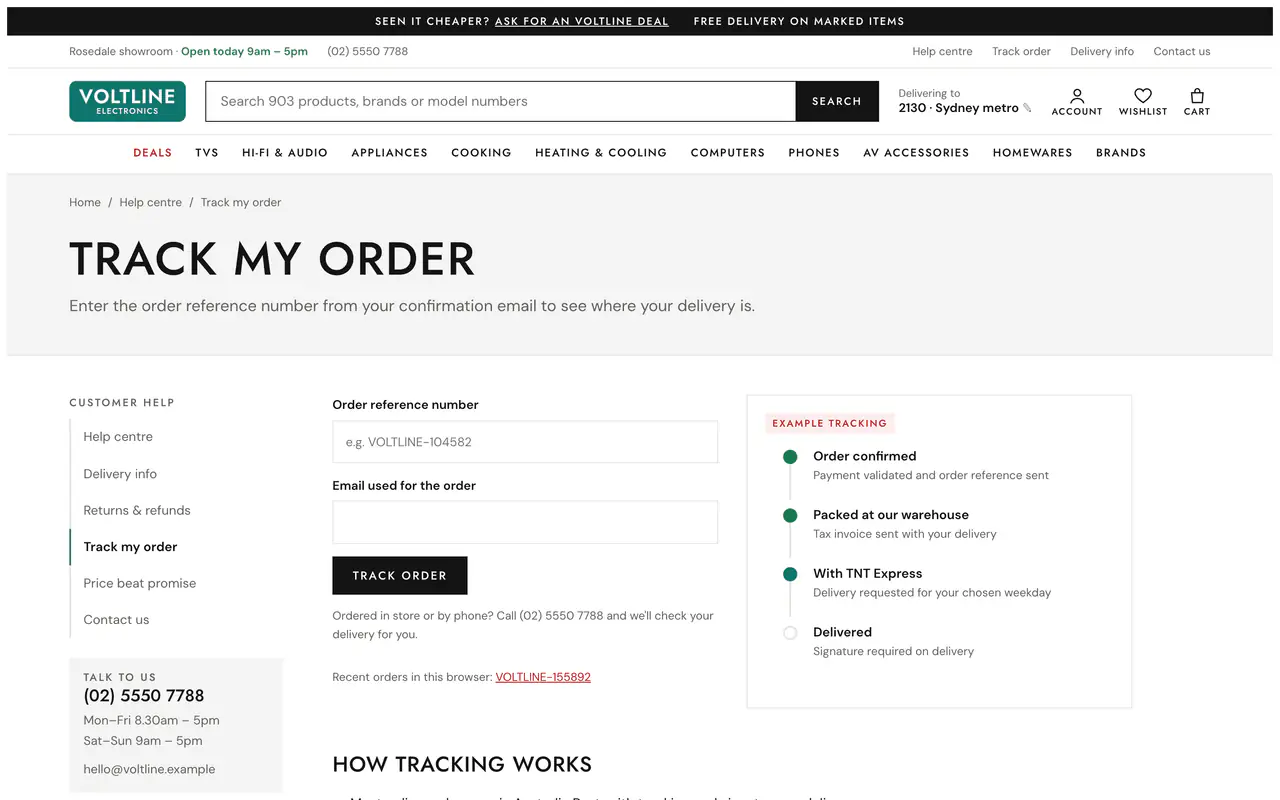
Customers track their own order
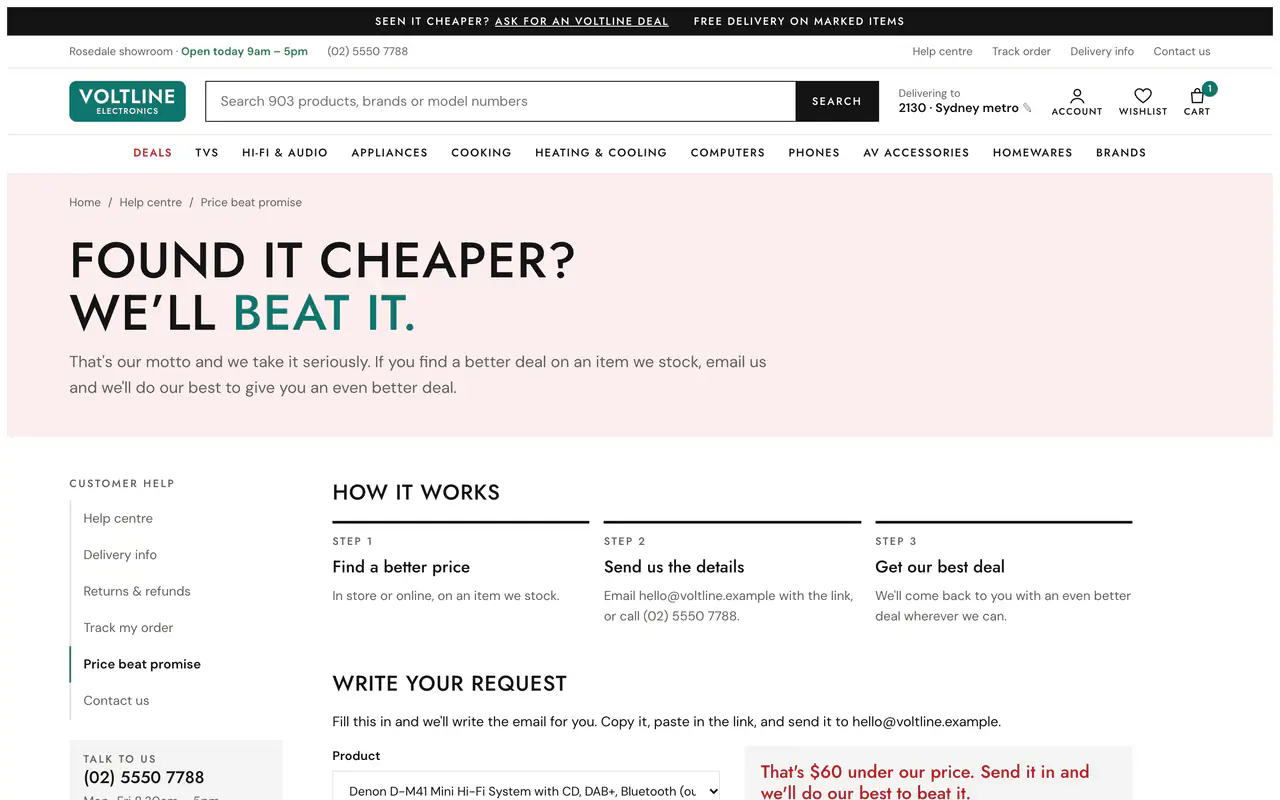
Ask for a price match

Real WebDirector screens. Click a step, or Replay.

6Commerce permissions for staff roles
5 viewsAll, to pack, pick-up, shipped, returns
CSVexport of orders and customers
01Today

Start the day with what needs doing

Today shows sales, orders, average order and conversion against last week, plus a to-do list: orders to pack, orders ready for pick-up and stock under its reorder point.

  • Sales by hour against last week
  • Pack, pick-up and low stock to-dos
  • Filter by location
  • New order for phone and counter sales
builder.webdirector.net/voltline-electronics/commerce/today
Voltline's Today view with 6 orders to pack and one low stock item.
02Orders

Pick, pack and ship from the order

Each order opens in a sheet with its lines, payment and shipments. Staff ship part or all of an order with tracking, refund to the card or store credit, edit the order and preview the new total, or mark it ready for pick-up.

  • Partial shipments with tracking
  • Refunds to card or store credit
  • Order edits with a pay link or refund
  • Returns asked for from the account, with photos
builder.webdirector.net/voltline-electronics/commerce/orders
Order #1001 shipped from Voltline's Smithfield warehouse.
03Pick lists

Pick lists and packing slips by location

Select orders and print one pick list, grouped by location and bin, with packing slips if you want them. Each line shows which orders it is for.

  • Grouped by location and bin
  • Packing slips in the same print
  • A4 or 4×6 label printers
  • Orders for each line listed
builder.webdirector.net/voltline-electronics/commerce/orders
A pick list for 12 Voltline orders across the warehouse and the store.
04Quotes

Price a quote and send it back

Quotes from the cart arrive under Quotes. Staff set prices for Ask for price lines, add freight and a message, then send by email or copy a WhatsApp message. The customer accepts and pays from the link.

  • Needs a reply, with the customer, accepted
  • Edit lines, prices, freight and discount
  • Prices frozen until the quote expires
  • Turn into order for phone sales
builder.webdirector.net/voltline-electronics/commerce/quotes
Quote Q-0001 for Priya Shah, priced with delivery and installation.
05Customers and reports

Know who buys and what sells

Customers are listed with their orders, addresses, store credit, loyalty points and subscriptions. Reports show sales by day, channel and location, with top products and categories. Test orders stay out.

  • Customer sheet with orders and credit
  • Sales by channel: online, counter and phone, quotes, subscriptions
  • Top products and categories
  • Export orders as CSV
builder.webdirector.net/voltline-electronics/commerce/reports
Voltline's 30-day report, with counter and phone sales at the Parramatta store.
In the demo

The Voltline demo has 14 orders: online orders paid with test cards, a quote accepted and paid, trade orders on account and six counter sales at the Parramatta store.

Voltline Electronics is a made-up retailer. Its store uses Corporate Interactive’s ecommerce concept, which WebDirector Commerce is built from.
Ask for a live demo
Works with QuoteCloud

Send the paperwork automatically

Connect your WebDirector forms and bookings to QuoteCloud, Corporate Interactive’s quoting, proposal and e-signing platform. A natively connected website, or Zapier, Make or the QuoteCloud API, creates the document from your template the moment someone submits, filled with their details and the lines they chose.

  1. 1

    Someone submits a form, booking or order on your website

  2. 2

    QuoteCloud creates the quote, proposal or contract from your template

  3. 3

    They accept, e-sign and pay online

Questions

Orders and customers, answered

Can staff take phone or counter orders?

Yes. New order makes a staff order paid by cash, EFTPOS, bank transfer, on account or a pay link.

Who can see orders?

Six Commerce permissions split viewing, fulfilling, managing orders, products, marketing and setup, so front of house can pick and pack without seeing settings.

Can customers return items?

Yes. They ask from their account with a reason and photos, and staff refund to the card or to store credit, with stock put back.

Do test orders count in reports?

No. Orders paid on Test payments are marked as test and left out of reports.

See WebDirector run your websites

Book a walkthrough with the Corporate Interactive team. We will show you the editor, the features your business needs and how your sites would move across.