
Wishlist and compare
Help customers decide, then come back
Bigger purchases take more than one visit. Compare lays up to four products side by side, wishlists keep the shortlist, and Save for later moves items out of the cart without losing them.
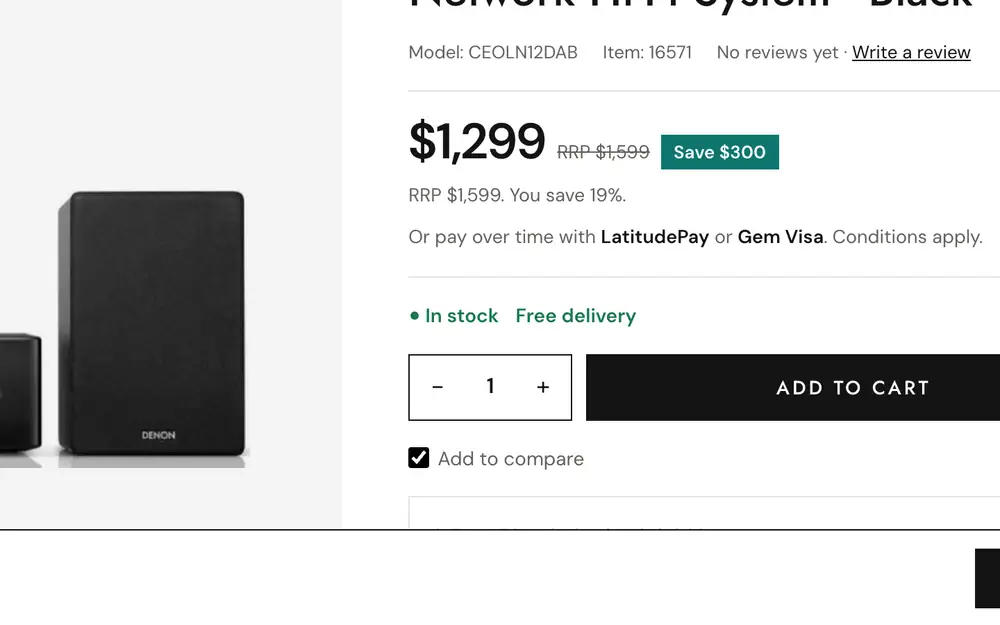
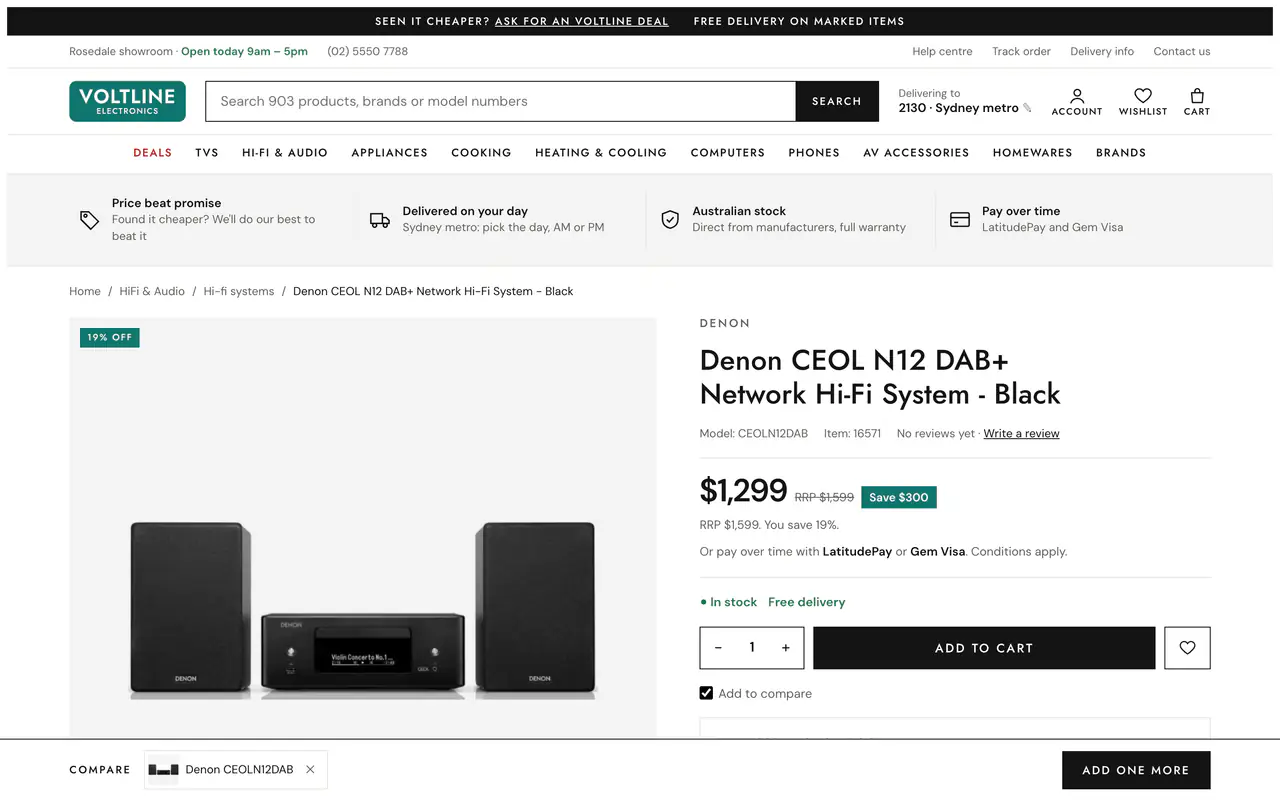 voltline.webdirector.space/hifi-audio/denon-home-550Tick Add to compare
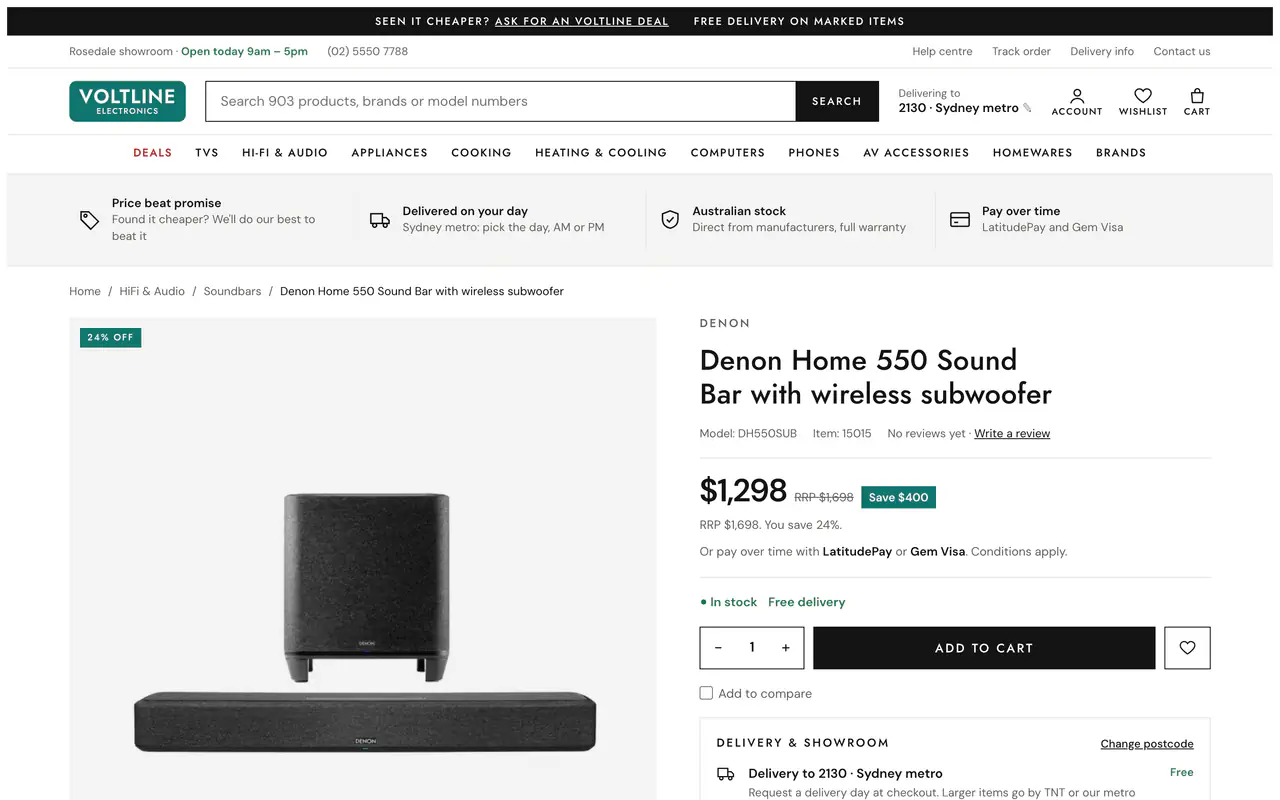
 voltline.webdirector.space/hifi-audio/denon-home-550A compare tray along the bottom
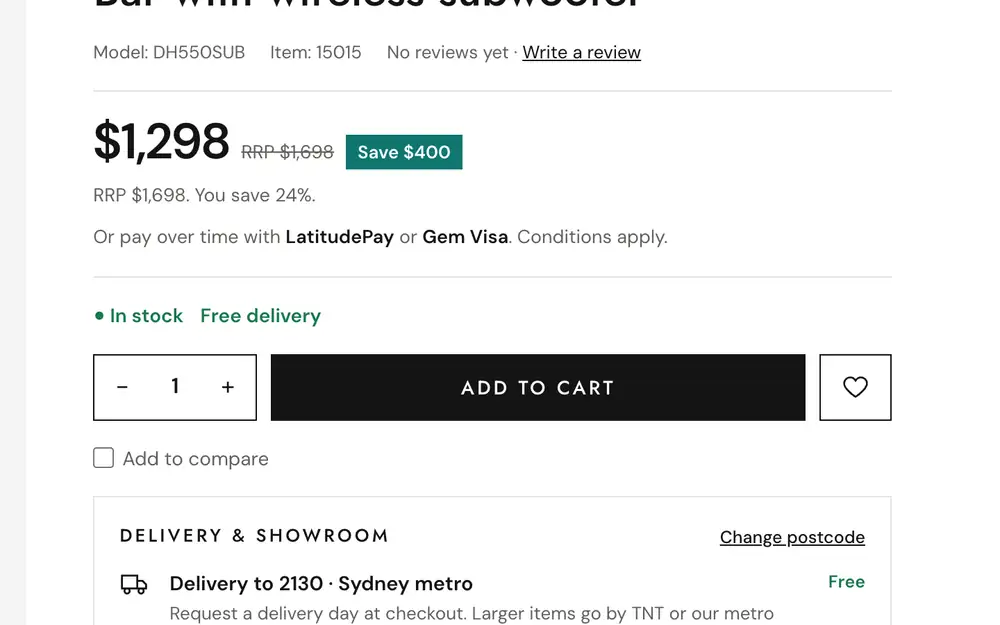
 voltline.webdirector.space/hifi-audio/denon-home-550Tap the heart to save it
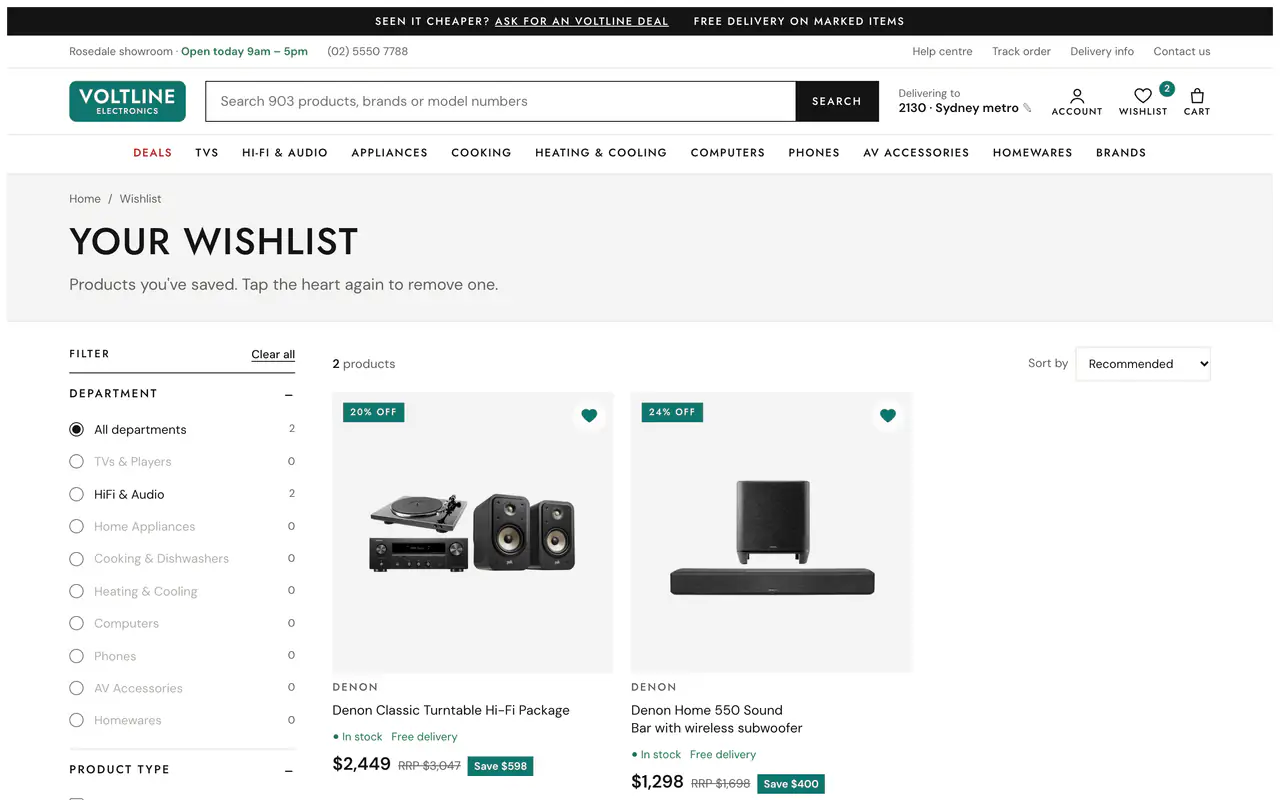 voltline.webdirector.space/wishlistThe wishlist is still there
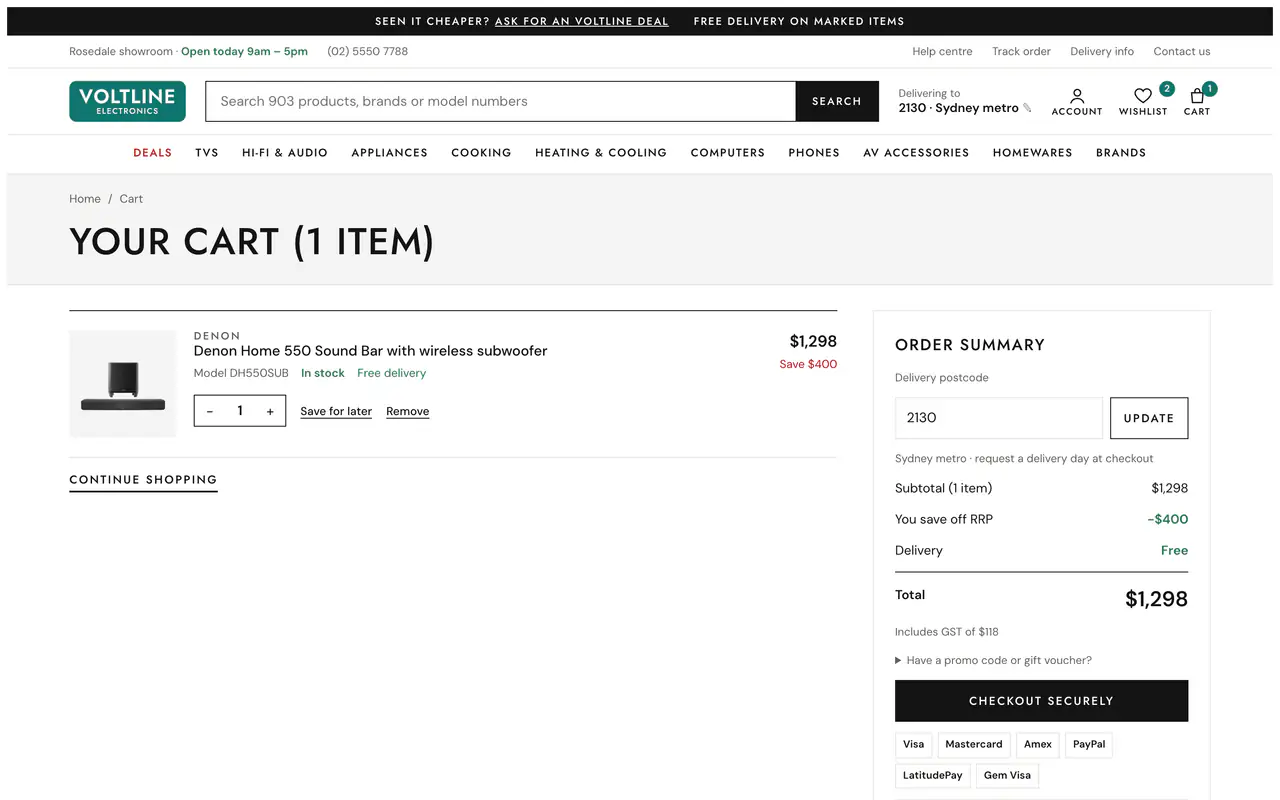 voltline.webdirector.space/cartSave for later, not delete
Real WebDirector screens. Click a step, or Replay.
Up to 4products compared at once
Many listsnamed, per shopper
1 tapfrom a list to the cart

In the demo
Ask for a live demo
In the Voltline demo a shopper compares three Denon systems, and trade buyer Sam Patel keeps a wishlist in his account.
Voltline Electronics is a made-up retailer. Its store uses Corporate Interactive’s ecommerce concept, which WebDirector Commerce is built from.Questions
Wishlist and compare, answered
Do shoppers need an account for a wishlist?
No. A guest wishlist is kept on the device and joins their account when they sign in.
How many products can be compared?
Up to four at once.
Can a wishlist become an order?
Yes. A list can be turned into a cart or sent as a quote.
Can lists be shared?
Yes, by link, which suits a trade project list or a gift list.
See WebDirector run your websites
Book a walkthrough with the Corporate Interactive team. We will show you the editor, the features your business needs and how your sites would move across.