
A members area that runs itself
Members, clients, students or partners sign in on your own website. You decide which pages, sections, pop-ups and files are for everyone, for signed-in people, or for chosen teams and roles.
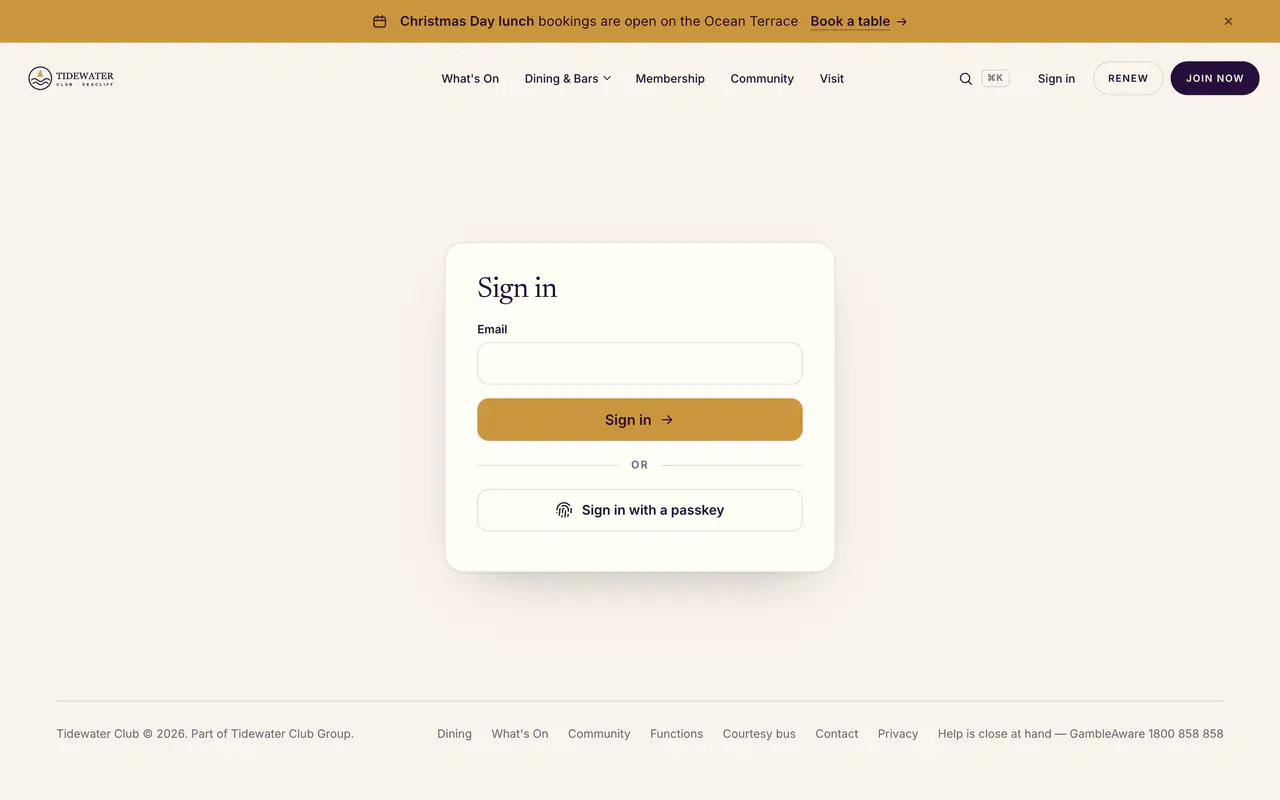 builder.webdirector.net/tidewater-club/membersMembers sign in on your site
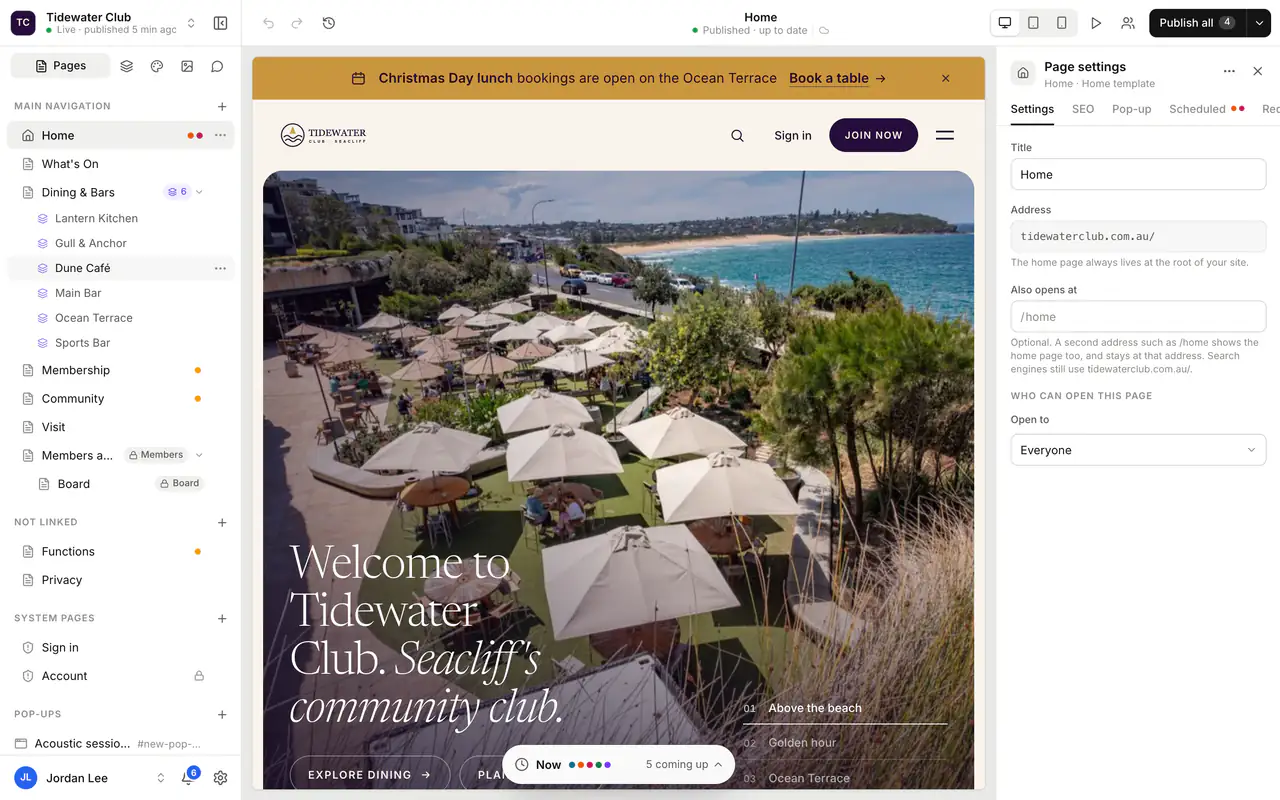 builder.webdirector.net/tidewater-club/editChoose who can open a page
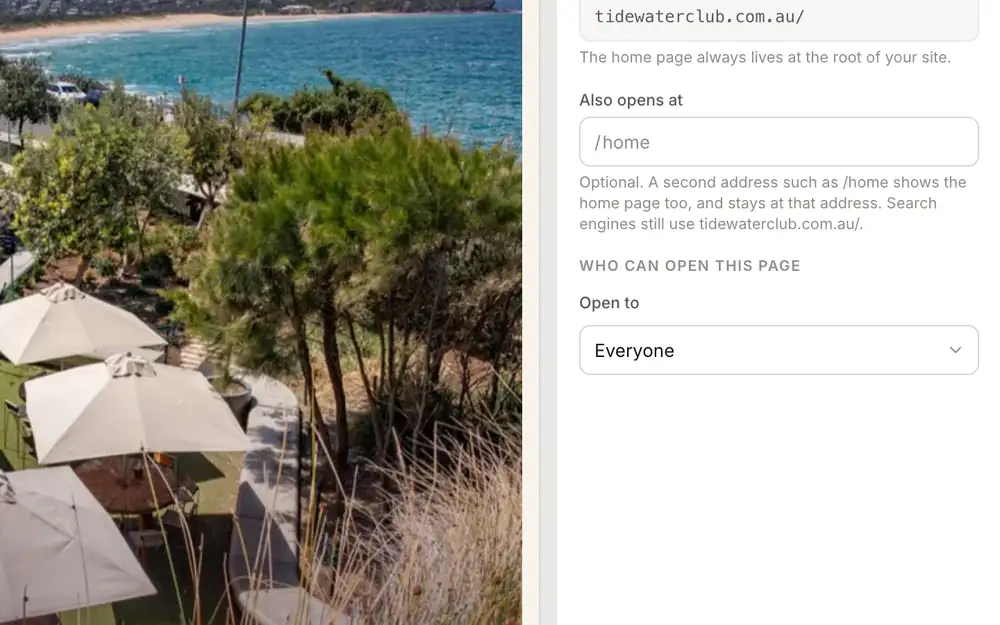
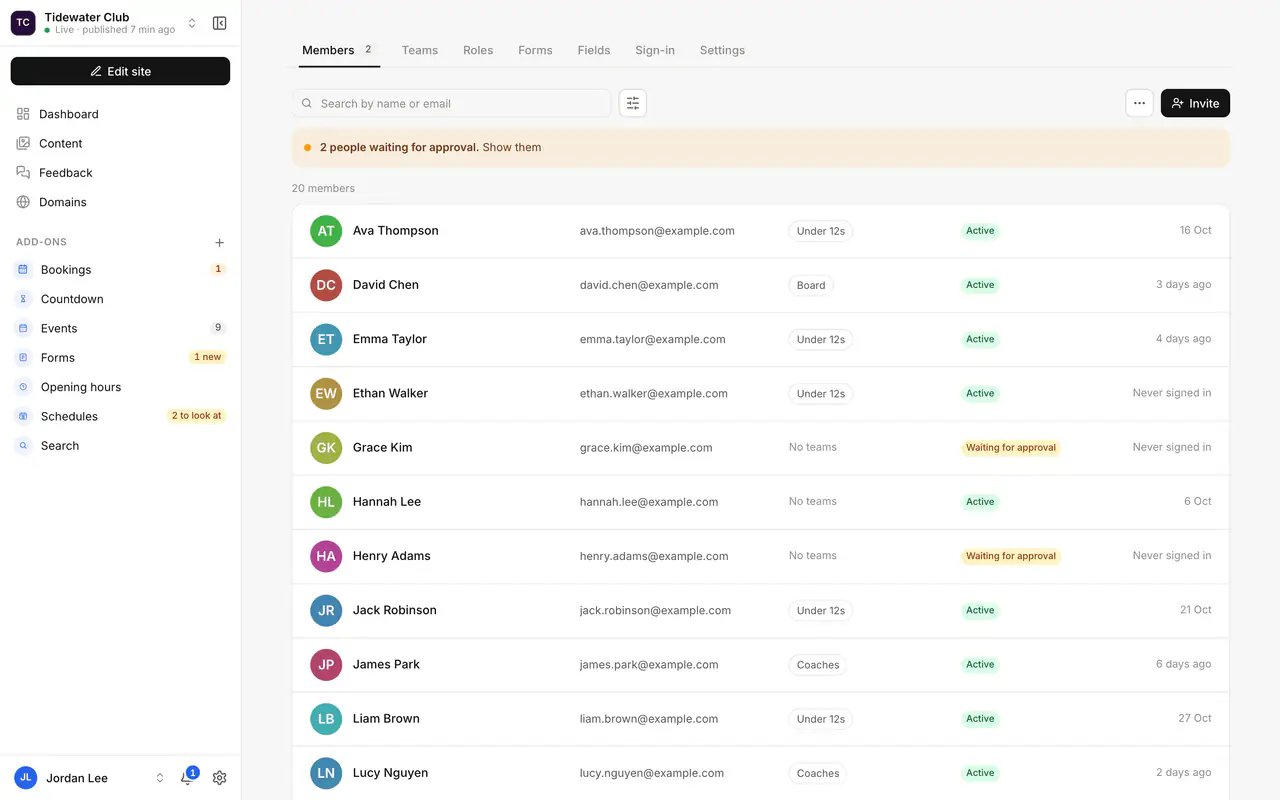 builder.webdirector.net/tidewater-club/membersApprove new members
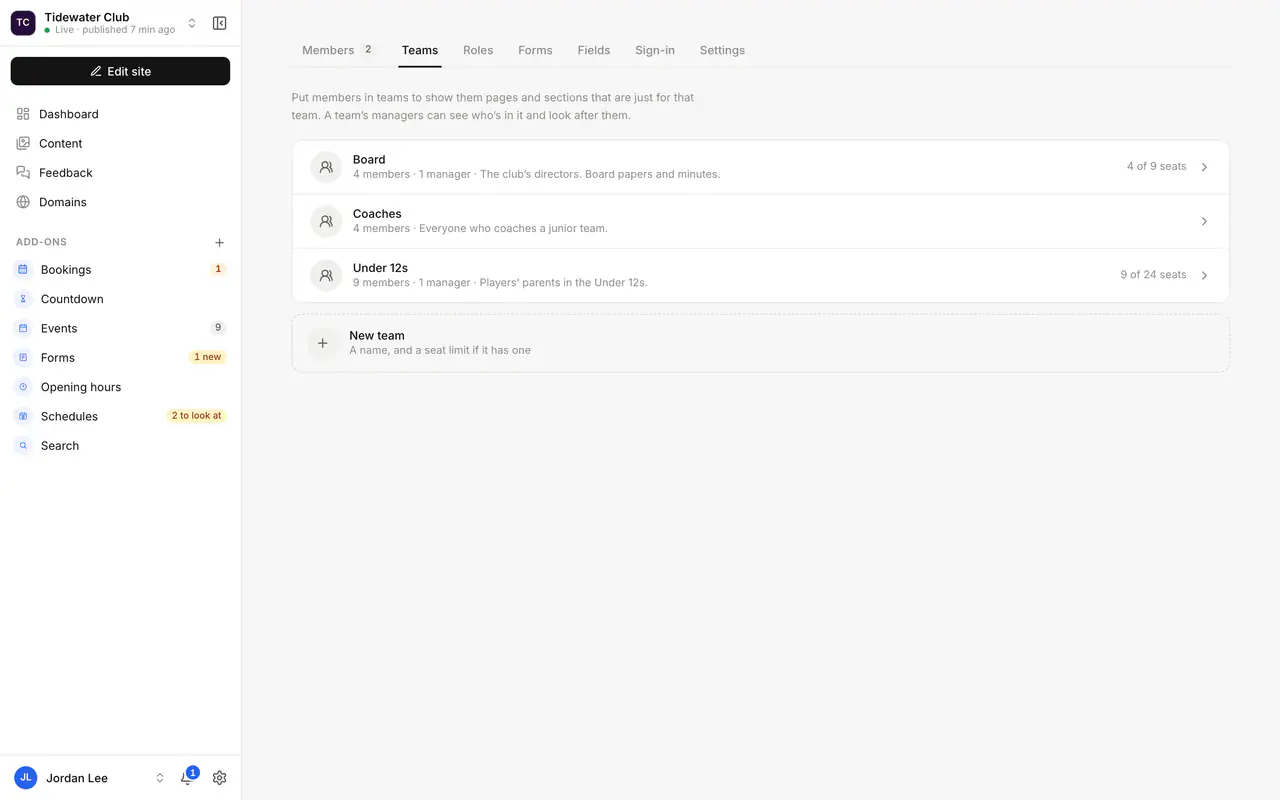 builder.webdirector.net/tidewater-club/membersTeams with their own pages
Real WebDirector screens. Click a step, or Replay.

The Tidewater Club demo shows one example, a club members area with a sign-in page, teams and roles, a join form and a board page only some members can open.
Tidewater Club Group is a made-up organisation. Its sites use designs from Corporate Interactive’s club concepts.Send the paperwork automatically
Connect your WebDirector forms and bookings to QuoteCloud, Corporate Interactive’s quoting, proposal and e-signing platform. A natively connected website, or Zapier, Make or the QuoteCloud API, creates the document from your template the moment someone submits, filled with their details and the lines they chose.
- 1
Someone submits a form, booking or order on your website
- 2
QuoteCloud creates the quote, proposal or contract from your template
- 3
They accept, e-sign and pay online
Members & gated content, answered
Do members need a password?
No. By default they sign in with a code or link sent to their email, or with a passkey. You can turn passwords on if your members prefer them.
Can a single section be members-only?
Yes. Pages, sections, collection items, pop-ups and files can each be kept for members or for chosen teams and roles. Everyone else sees a sign-in prompt in its place.
Does gated content slow the site down?
No. Each audience gets its own pre-rendered copy of a page, so members get fast pages too, and protected content is never sent to people who can't see it.
Can we bring our existing member list?
Yes. Import a CSV and check a dry run before anything is saved. You can export the list as a CSV too.
Can members pay for a membership?
Not yet. Paid membership tiers and connections to existing membership systems are planned for later.
What happens when someone's access is removed?
They lose access to members-only pages quickly, without waiting for the site to be published again.
See WebDirector run your websites
Book a walkthrough with the Corporate Interactive team. We will show you the editor, the features your business needs and how your sites would move across.