
See what your website actually achieves
WebDirector counts visits and the outcomes that matter to you, such as bookings, phone calls, form enquiries and sign-ups. It uses no cookies, so no consent banner is needed for it.
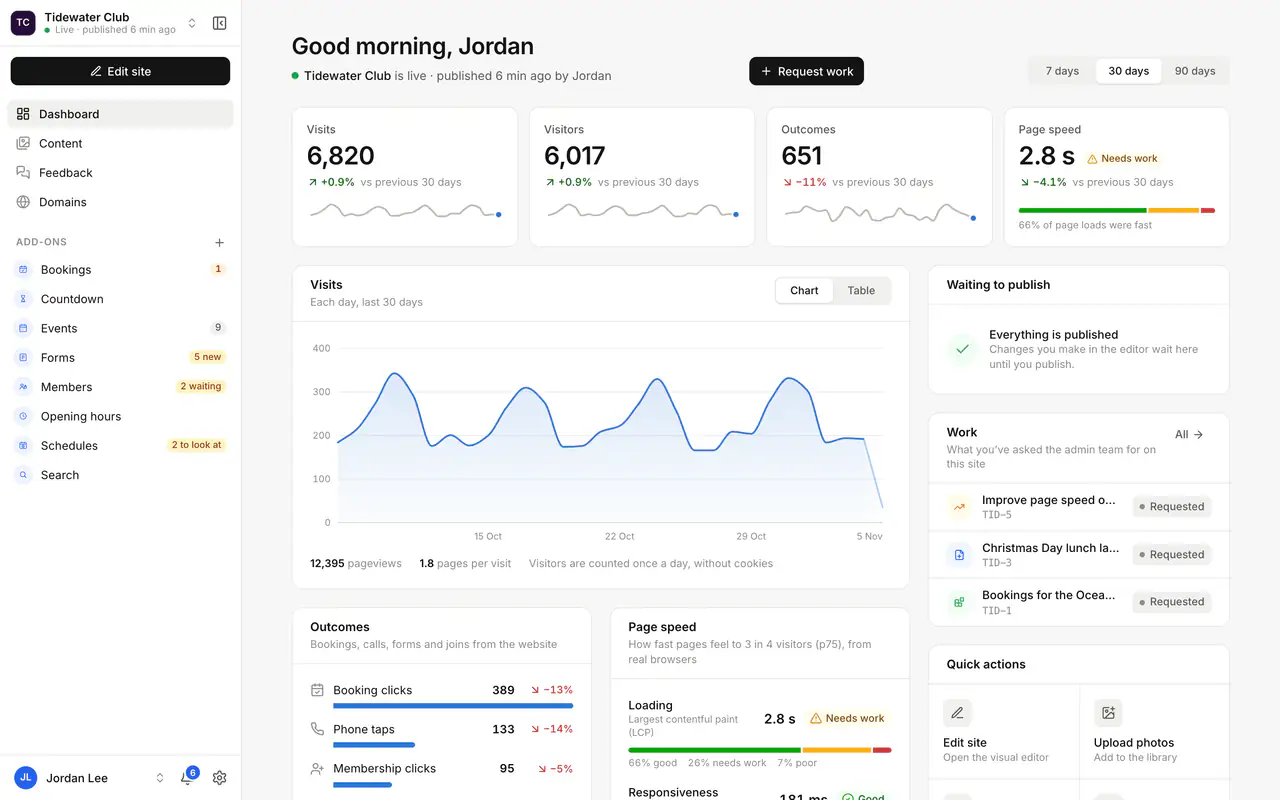 builder.webdirector.net/tidewater-clubVisits, outcomes and speedbuilder.webdirector.net/tidewater-clubBooking clicks and phone tapsbuilder.webdirector.net/tidewater-clubSpeed from real visitors
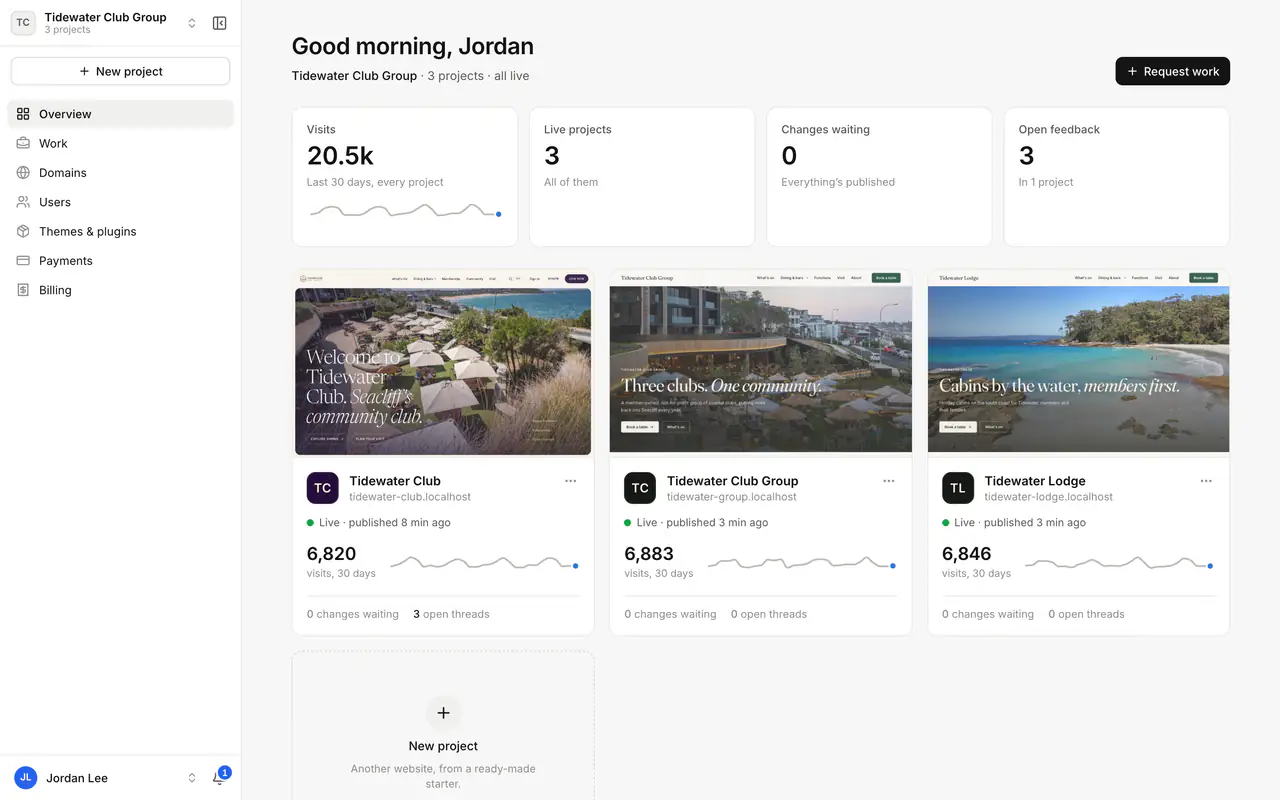 builder.webdirector.net/org/tidewater-club-groupVisits for every site at once
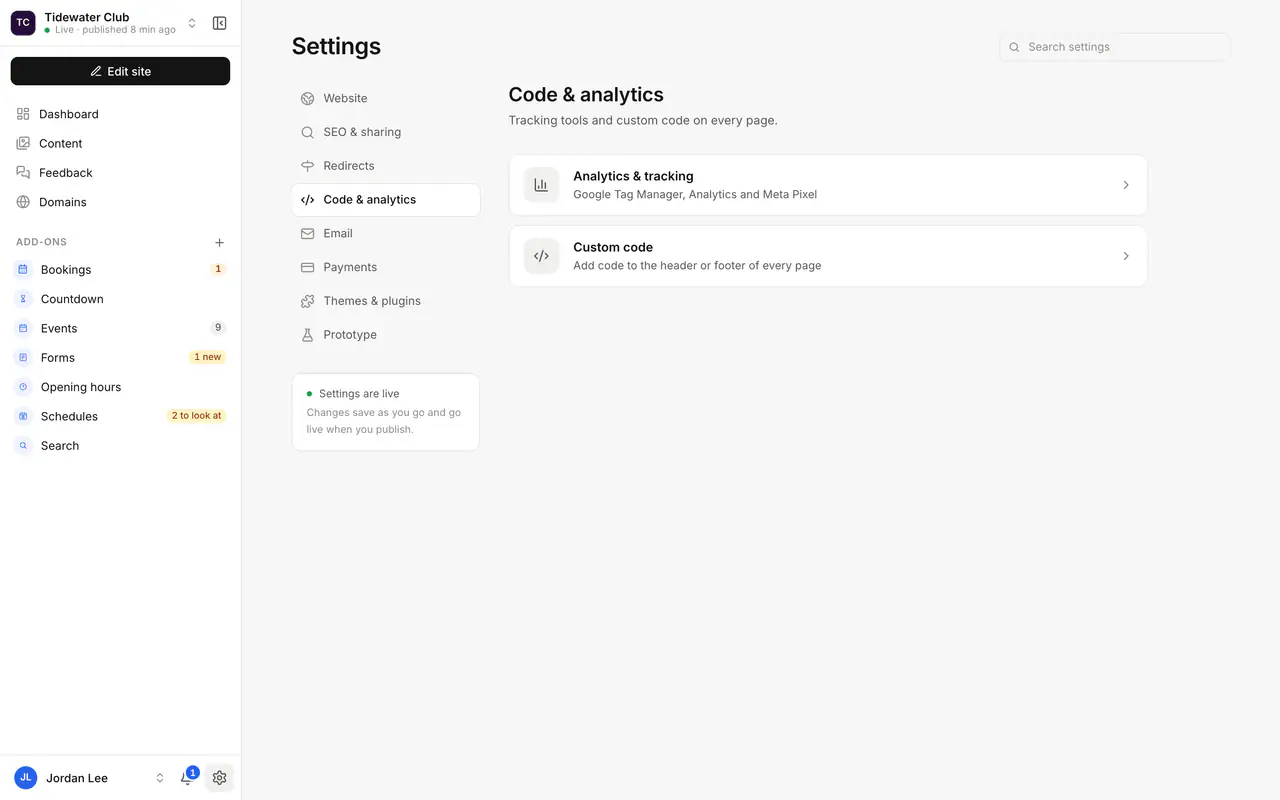 builder.webdirector.net/tidewater-club/settingsKeep GA4 or Tag Manager too
Real WebDirector screens. Click a step, or Replay.

In the Tidewater Club demo, one example organisation, the dashboard shows visits, booking and call outcomes, top pages and real-visitor page speed, and the group overview adds up all three sites.
Tidewater Club Group is a made-up organisation. Its sites use designs from Corporate Interactive’s club concepts.Analytics, answered
Do I need a cookie banner for this?
No. Built-in analytics are first-party and use no cookies. Visitors are counted with a hash that changes daily, so no one is tracked over time.
What counts as an outcome?
Booking clicks, phone taps, form submissions such as enquiries or quote requests, and join clicks if you run a members area. Online stores also count add to cart, checkout started and quote sent.
Can I still use Google Analytics?
Yes. Add your Google Analytics 4, Tag Manager or Meta Pixel ID in Settings and it runs on your published pages alongside the built-in numbers.
Who can see the analytics?
People with permission to view analytics on that site. You control this in Users and roles.
Are visits from my team counted?
No. Only the published site is measured, so editing and previews never count as visits.
See WebDirector run your websites
Book a walkthrough with the Corporate Interactive team. We will show you the editor, the features your business needs and how your sites would move across.