
Every website your group runs, in one place
Your organisation owns all of its websites. One overview shows each live homepage, its visits and what is waiting, so you can see the whole group at a glance.
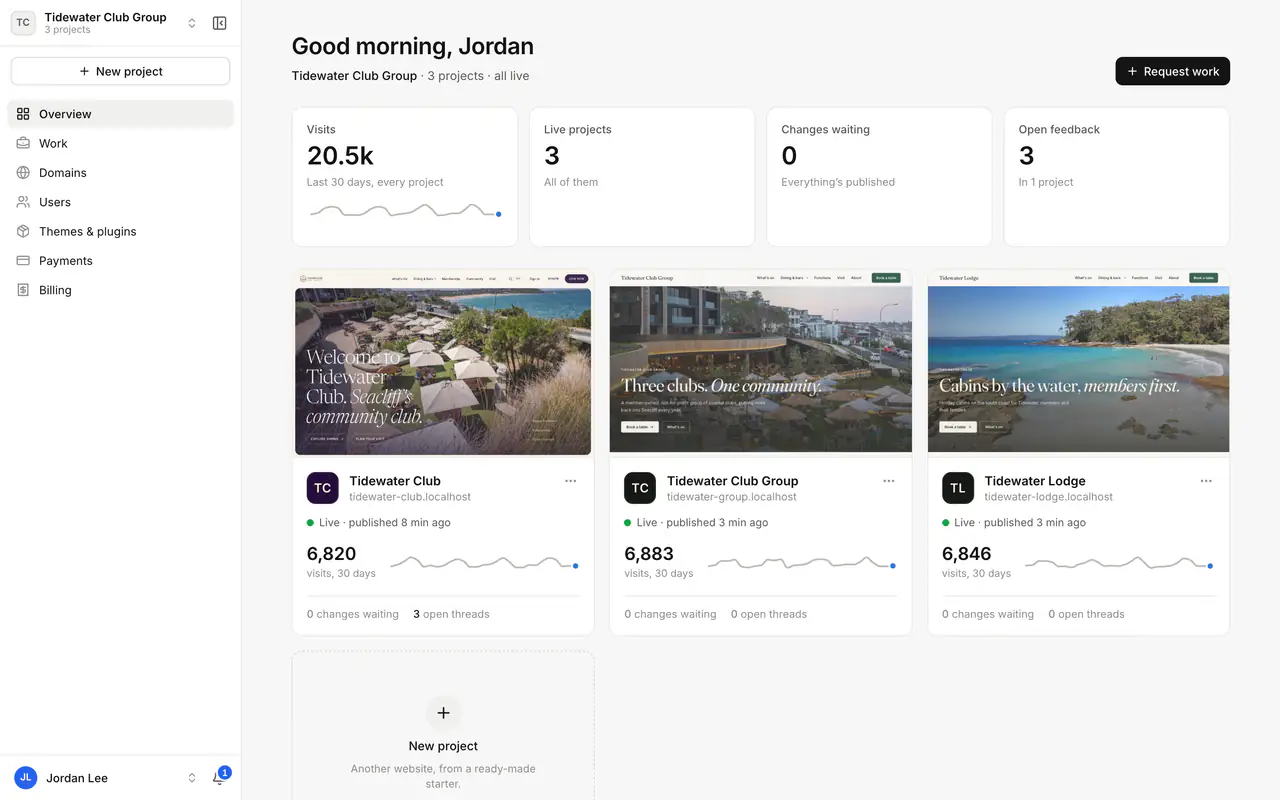 builder.webdirector.net/org/tidewater-club-groupEvery site in one place
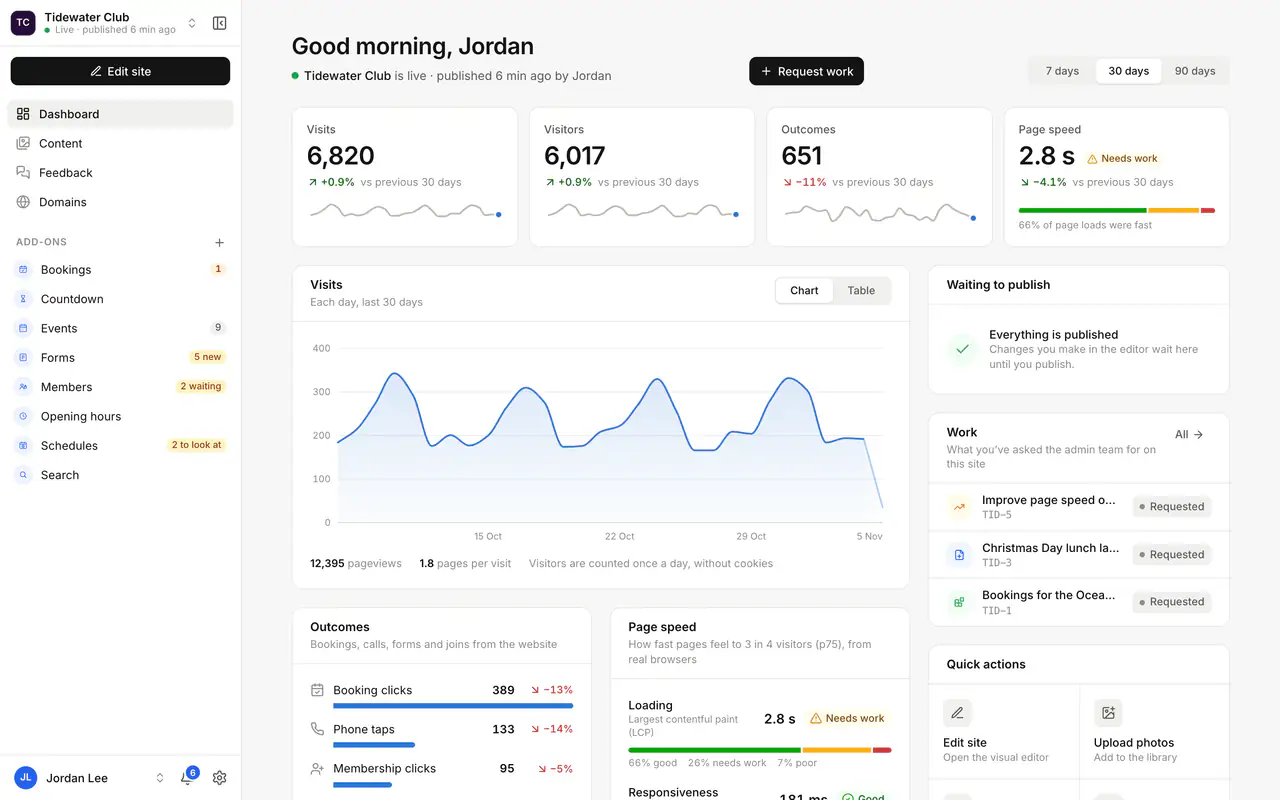 builder.webdirector.net/tidewater-clubEach site has its own dashboardbuilder.webdirector.net/org/tidewater-club-groupStart a new site from a starter
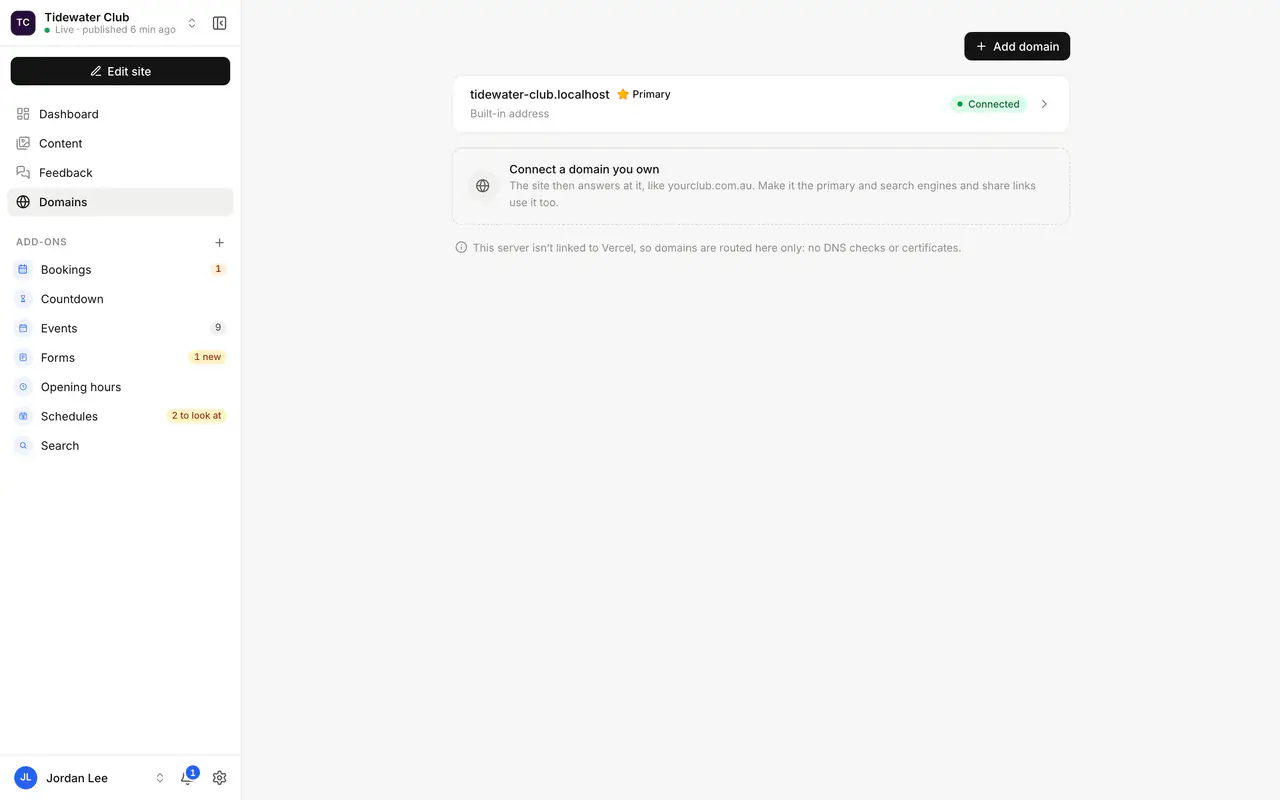 builder.webdirector.net/tidewater-club/domainsLive on a built-in address
Real WebDirector screens. Click a step, or Replay.

The Tidewater Club Group demo organisation is one example, running three sites (Tidewater Club, Tidewater Club Group and Tidewater Lodge) from one overview, the way a franchise or multi-brand business would.
Tidewater Club Group is a made-up organisation. Its sites use designs from Corporate Interactive’s club concepts.Multi-site management, answered
Do I need a separate login for each site?
No. One login covers every site you have access to, across every organisation you belong to. The site switcher lists them all.
Can a branch or brand manager see only their own site?
Yes. Owners and Admins see every site in the organisation. Members only see the sites they have been given, with the permissions set for each.
What does Duplicate copy?
The copy gets the site's pages, pop-ups, collections, settings, library files and booking types. It does not take the original's domains, people, feedback, bookings, visits or history, and online payments start switched off.
Who can add or delete sites?
The organisation's Owners and Admins. Deleting a site asks you to type its address first, and its custom domains are disconnected before anything is removed.
Can I use it for just one website?
Yes. When you sign up you choose a personal account or an organisation, and you can add more sites later.
See WebDirector run your websites
Book a walkthrough with the Corporate Interactive team. We will show you the editor, the features your business needs and how your sites would move across.