Book a demo
  1. Home
  2. Features
  3. Works on every device
Phone, tablet, desktop

Fix a page and publish from your phone

The editor and every admin screen work on phone, tablet and desktop. Not a cut-down app: the same tools, laid out for the screen in your hand.
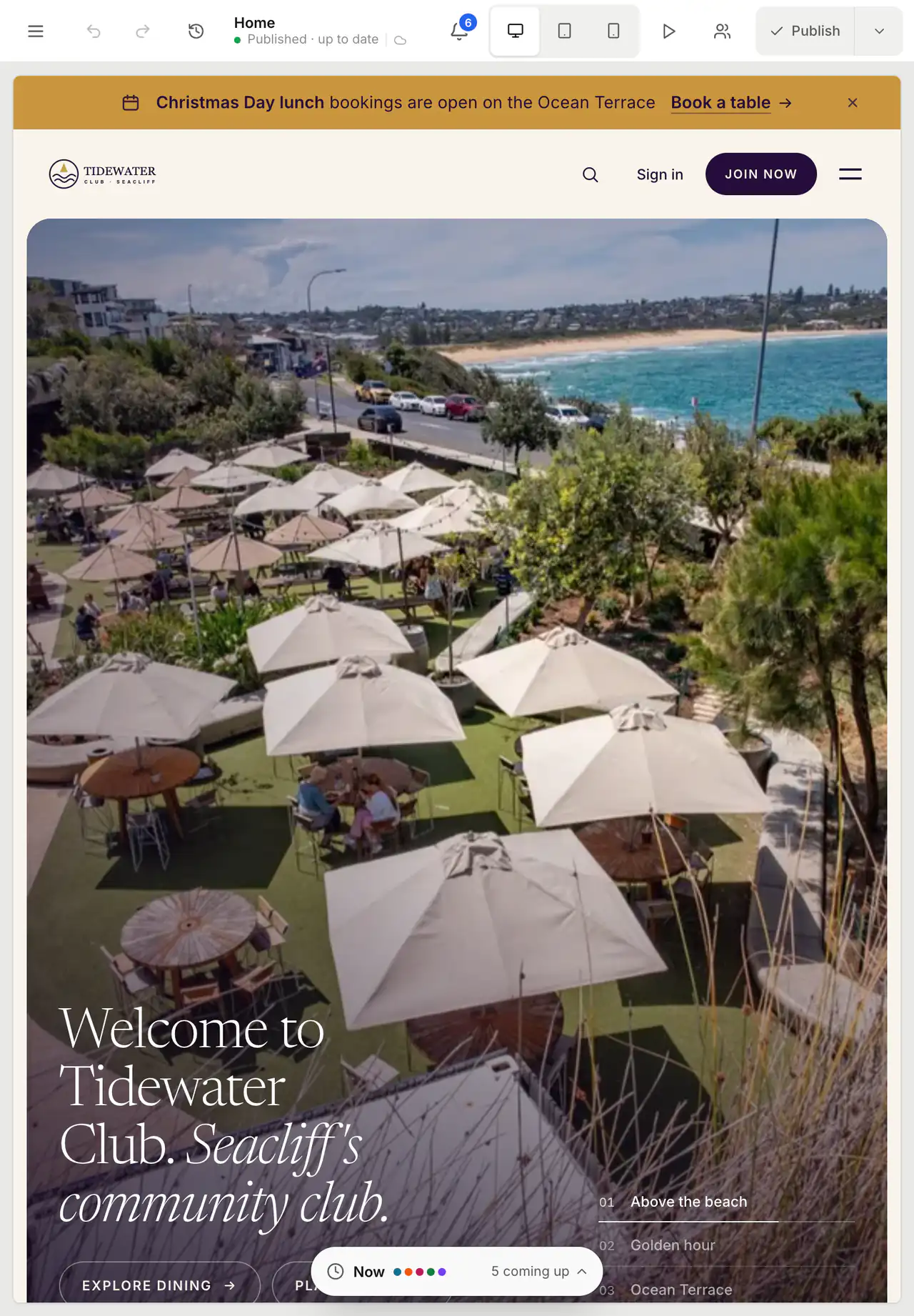
The full editor on a tablet
Publish from the tablet
Check the phone view first

Real WebDirector screens. Click a step, or Replay.

44 pxminimum touch targets
3 screen sizeschecked for every feature
No hoverevery action works by touch
01Phone

The full editor in your pocket

Staff on the go can change a price, swap a photo or fix a typo, then publish, all from a phone. Settings open in bottom sheets that rise from the bottom of the screen.

  • Tap any text or image to edit it
  • Bottom sheets sized for one hand
  • Respects the notch, home bar and on-screen keyboard
Editing the Tidewater Club homepage on a phone.
02Tablet

Comfortable on a tablet, either way up

On a tablet the editor and admin use floating side sheets, just like desktop, and work in portrait and landscape. Anything you can drag also has a tap alternative.

  • Checked in portrait and landscape
  • Press and hold where desktop would drag
  • Text fields big enough that iOS doesn't zoom
Changing the hero photo from a phone: a bottom sheet with focal point and alt text.
03Preview

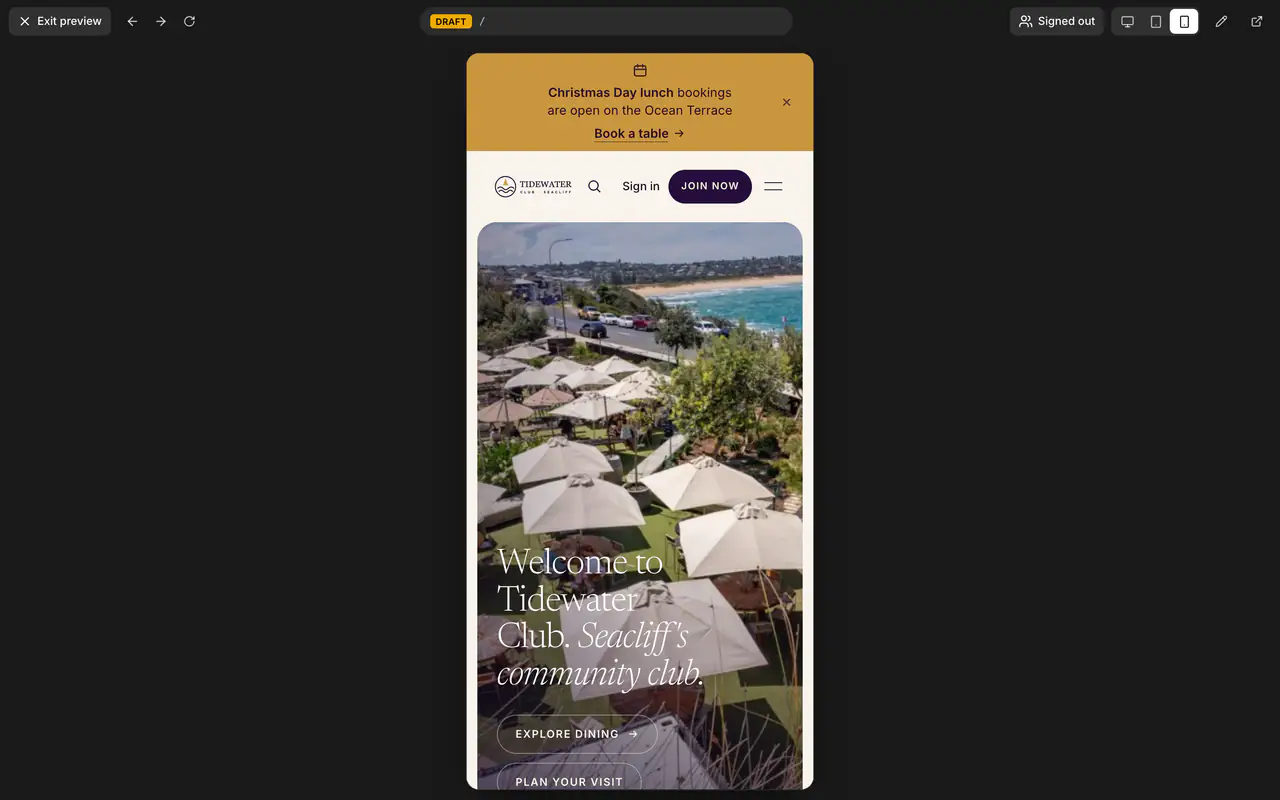
See the phone view while you work

On desktop, switch the canvas to tablet or phone to check how a page will look before you publish. What you see is drawn the same way as the live site.

  • Desktop, tablet and phone preview
  • Catch layout problems before visitors do
  • No separate mobile site to keep in step
builder.webdirector.net/tidewater-club/edit
Previewing the Tidewater Club homepage at phone size inside the desktop editor.
04Admin

The whole admin, not just the editor

Bookings, feedback, work requests and the inbox are built for phones too. A tab bar keeps the main areas one tap away, and the inbox bell sits in the header.

  • Bookings takes its own tab when a site uses it
  • Take a photo straight into a work request
  • Lists use search and a filters button, not rows of pills
builder.webdirector.net/tidewater-club/bookings
Today's bookings at Tidewater Club, ready for the front desk on any device.
In the demo

Open the Tidewater Club demo, one example site, on your phone and edit the homepage, check today's bookings or reply to feedback without a computer.

Tidewater Club Group is a made-up organisation. Its sites use designs from Corporate Interactive’s club concepts.
Ask for a live demo
Questions

Works on every device, answered

Do I need to install an app?

No. WebDirector runs in your web browser on phone, tablet and desktop.

Can I really publish from my phone?

Yes. The editor was designed so staff on the go can fix a page and publish it from a phone.

Is anything desktop only?

Every editor and admin feature is built with phone and tablet layouts. Actions that use drag on desktop also have a tap or press-and-hold alternative.

Are our published pages mobile friendly too?

Yes. Themes are built and checked at phone, tablet and desktop sizes, and page speed is measured on mobile.

See WebDirector run your websites

Book a walkthrough with the Corporate Interactive team. We will show you the editor, the features your business needs and how your sites would move across.