
Find any photo, and know where it's used
Every photo and PDF your site uses lives in one library. Search it, sort it into categories, and replace a photo everywhere it appears in one step.
 builder.webdirector.net/tidewater-club/contentEvery photo in one librarybuilder.webdirector.net/tidewater-club/contentSearch and filter the library
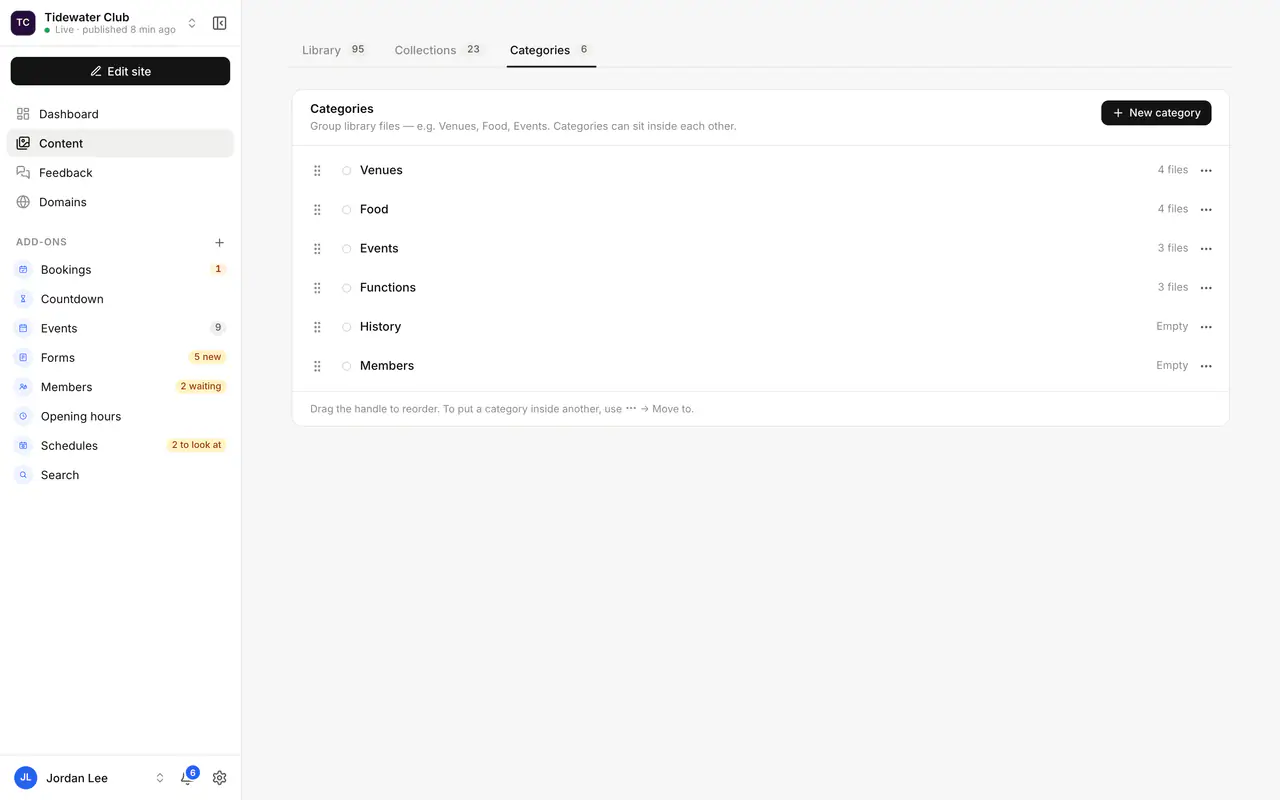 builder.webdirector.net/tidewater-club/contentSort files into categories
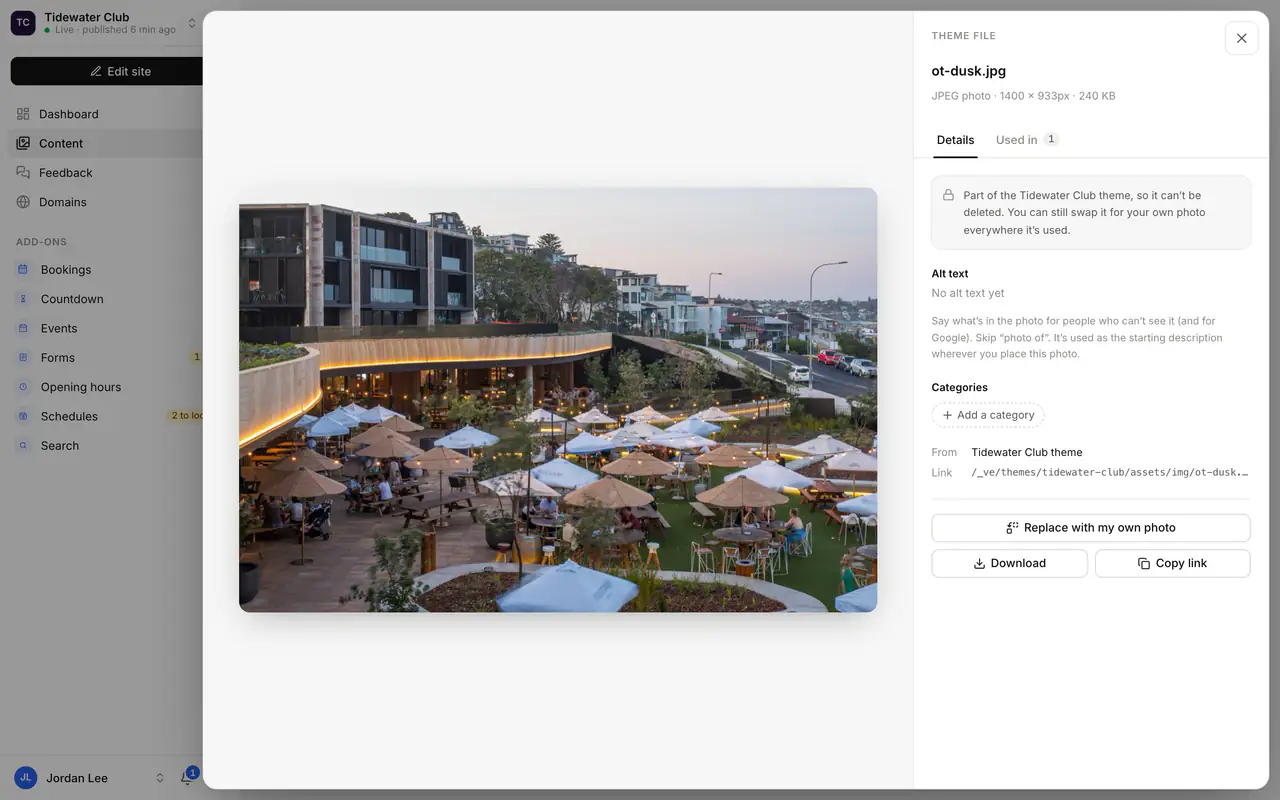 builder.webdirector.net/tidewater-club/contentReplace it everywhere it is used
Real WebDirector screens. Click a step, or Replay.

In the Tidewater Club demo, one example library, open a venue photo to see its 'Used in' list, then replace it and watch every page that uses it update in the draft.
Tidewater Club Group is a made-up organisation. Its sites use designs from Corporate Interactive’s club concepts.Media library, answered
What files can I upload?
PNG, JPEG, GIF, WebP and AVIF images, and PDF documents.
Do I need to resize photos before uploading?
No. WebDirector makes smaller WebP versions of each photo when you upload it, and each visitor's browser picks a size that suits the screen.
Can I delete a photo that's still on a page?
No. Deleting is blocked while a file is in use, and the file's details explain where it is used.
Can some files be for members only?
Yes. With the Members add-on on, a file such as a trade price list or a staff policy can be kept for members or chosen teams, and its link only works for people signed in with access.
Does alt text matter?
Yes. Alt text describes a photo for screen readers and search engines. Each file has an alt text field, and the library reminds you when it's empty.
More WebDirector features
See WebDirector run your websites
Book a walkthrough with the Corporate Interactive team. We will show you the editor, the features your business needs and how your sites would move across.