
Add an event once, show it everywhere
Keep every event in one list. Calendar sections show them as a what's on list, a timetable, a week or a month, and update themselves when you change an event.
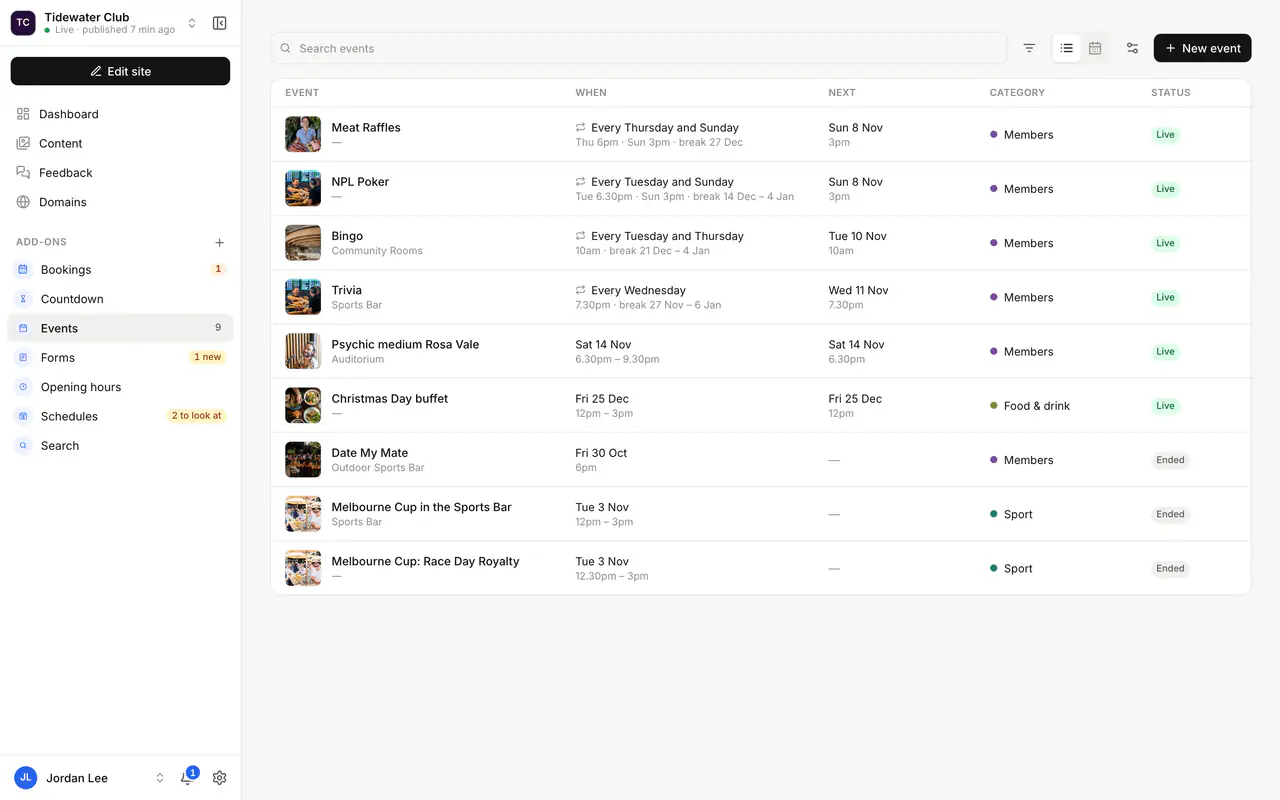 builder.webdirector.net/tidewater-club/eventsEvery event in one list
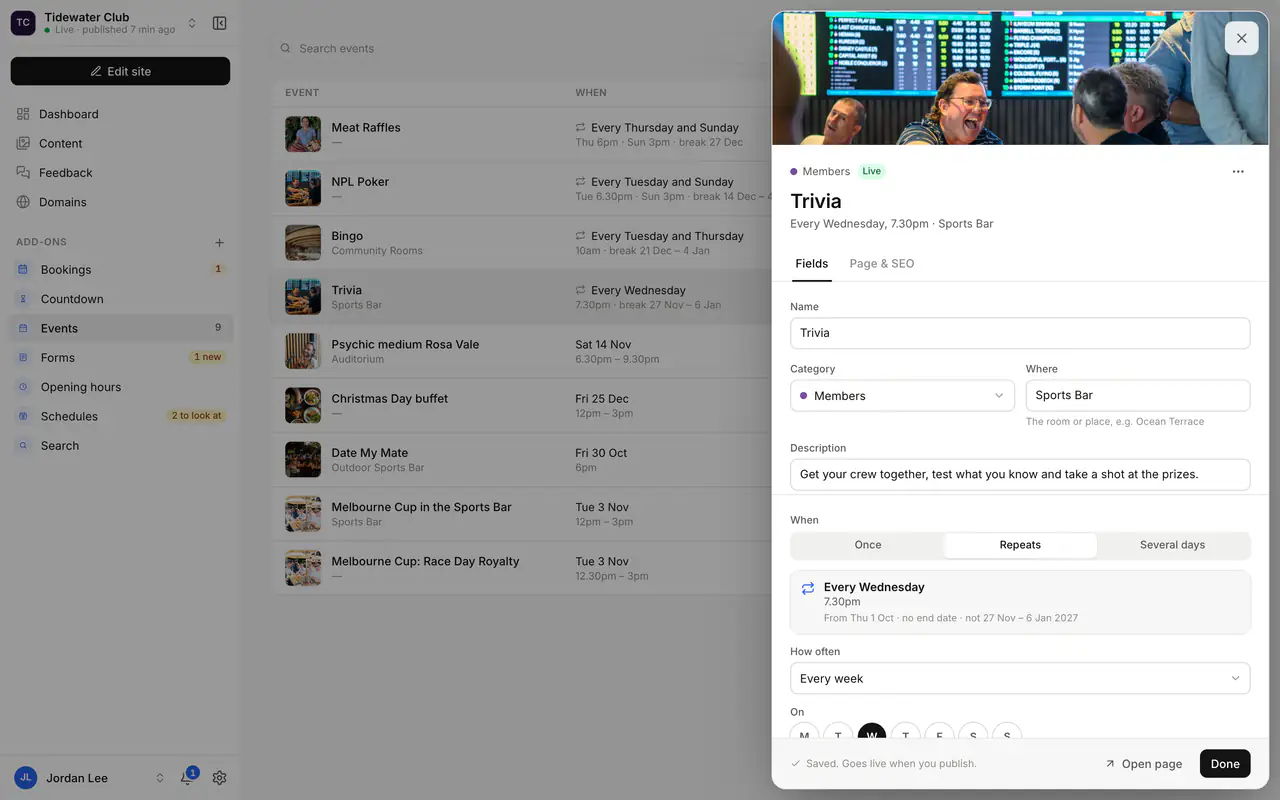 builder.webdirector.net/tidewater-club/eventsSet when it repeats
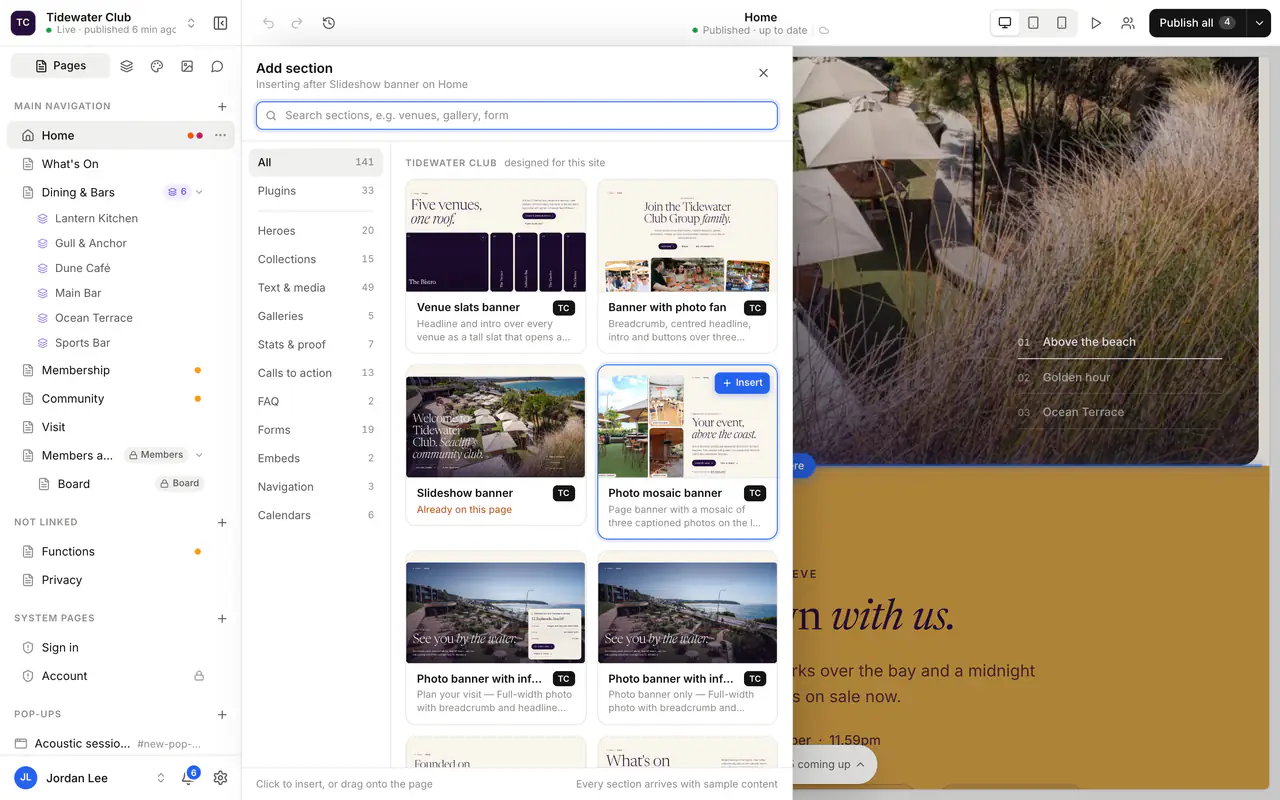 builder.webdirector.net/tidewater-club/editAdd a Calendar section
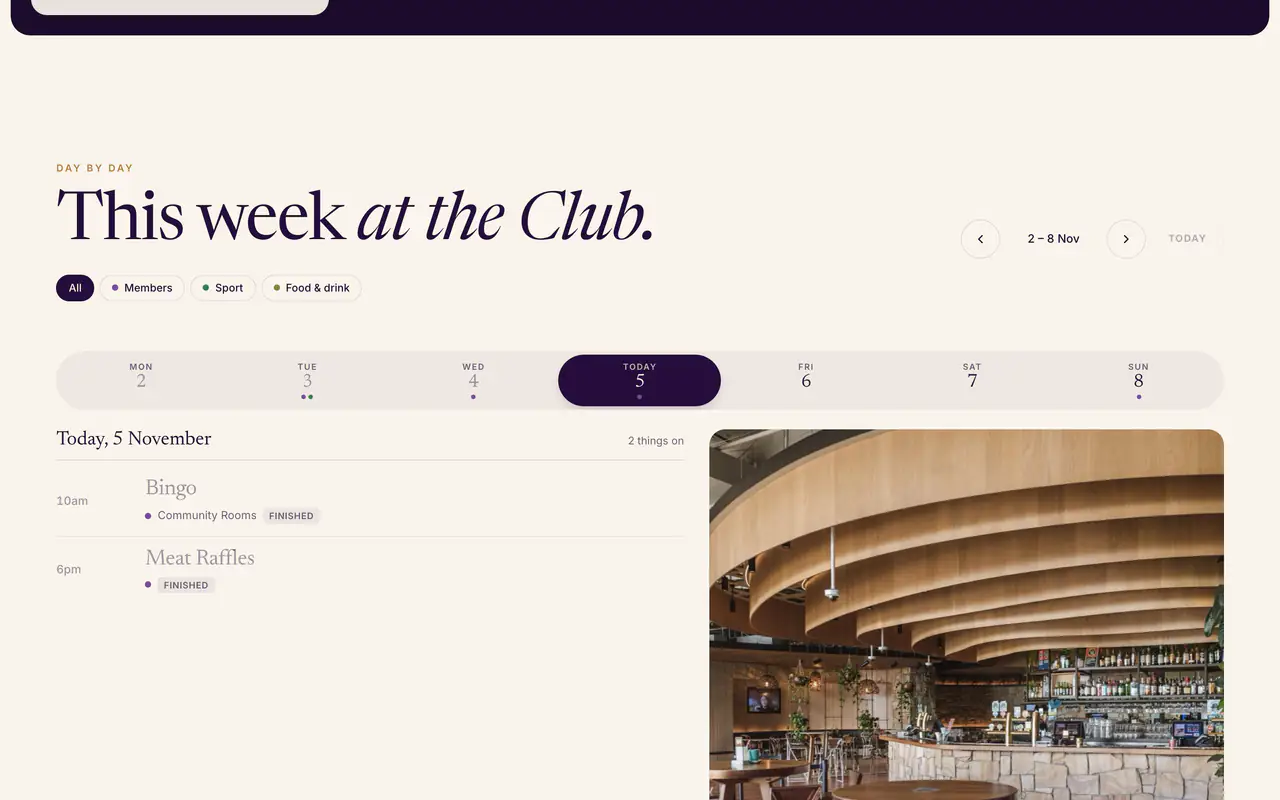 builder.webdirector.net/tidewater-club/eventsThis week, day by day
Real WebDirector screens. Click a step, or Replay.

The Tidewater Club demo's What's On page is one example, showing weekly trivia, live music on the Ocean Terrace and member draws, all from one list of events.
Tidewater Club Group is a made-up organisation. Its sites use designs from Corporate Interactive’s club concepts.Send the paperwork automatically
Connect your WebDirector forms and bookings to QuoteCloud, Corporate Interactive’s quoting, proposal and e-signing platform. A natively connected website, or Zapier, Make or the QuoteCloud API, creates the document from your template the moment someone submits, filled with their details and the lines they chose.
- 1
Someone submits a form, booking or order on your website
- 2
QuoteCloud creates the quote, proposal or contract from your template
- 3
They accept, e-sign and pay online
Events & calendar, answered
Do I need to update the calendar on every page?
No. Calendar sections read from your one list of events, so a change to an event shows on every calendar and event page that includes it.
Can I cancel one week of a weekly event?
Yes. Change or cancel a single date and the rest of the series stays as it is.
Can visitors add events to their own calendar?
Yes. Each event comes with a calendar file visitors can add to Apple, Google or Outlook calendars.
Can I sell tickets?
Each event can link to a ticket or booking page. With the Bookings add-on, ticketed events can be booked and paid for on your site.
Will events still work if I change themes?
Yes. Events live in a core list that belongs to the site, not the theme, so they carry over when you switch.
See WebDirector run your websites
Book a walkthrough with the Corporate Interactive team. We will show you the editor, the features your business needs and how your sites would move across.