
Recruitment
Fill shifts faster with current job pages
New contracts need new cleaners, often within days. List each role with its city and shift, take applications on your own site and take filled roles down the moment they are filled.
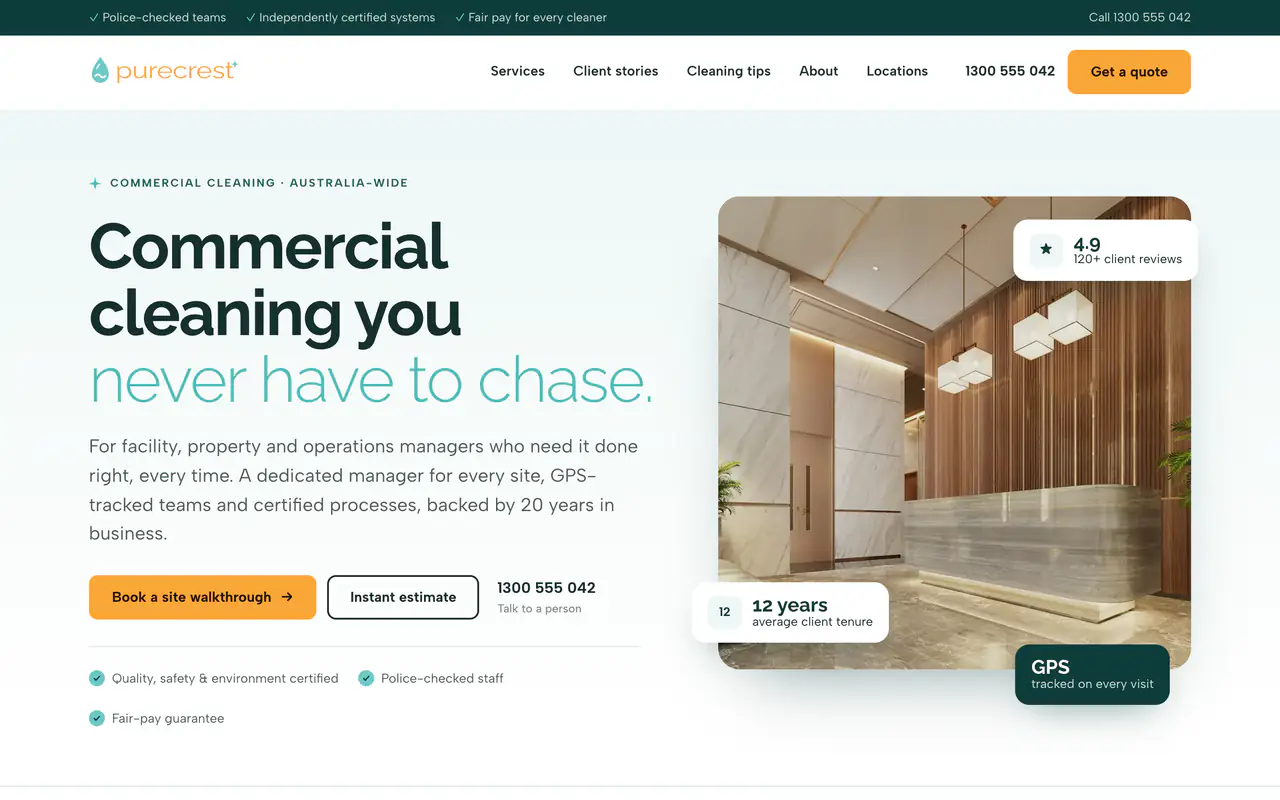 purecrest.webdirector.spacePolice-checked teams, up front
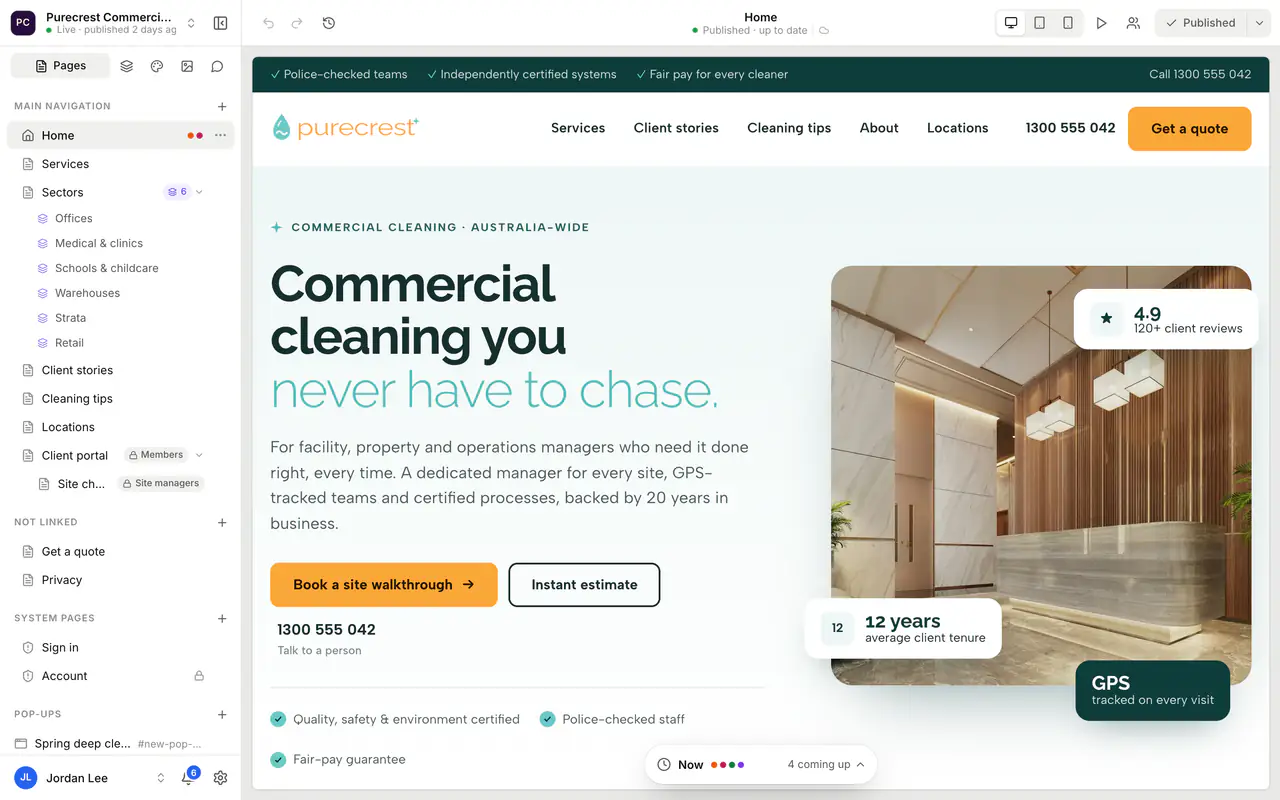 builder.webdirector.net/purecrest/editAdd a careers page in minutes
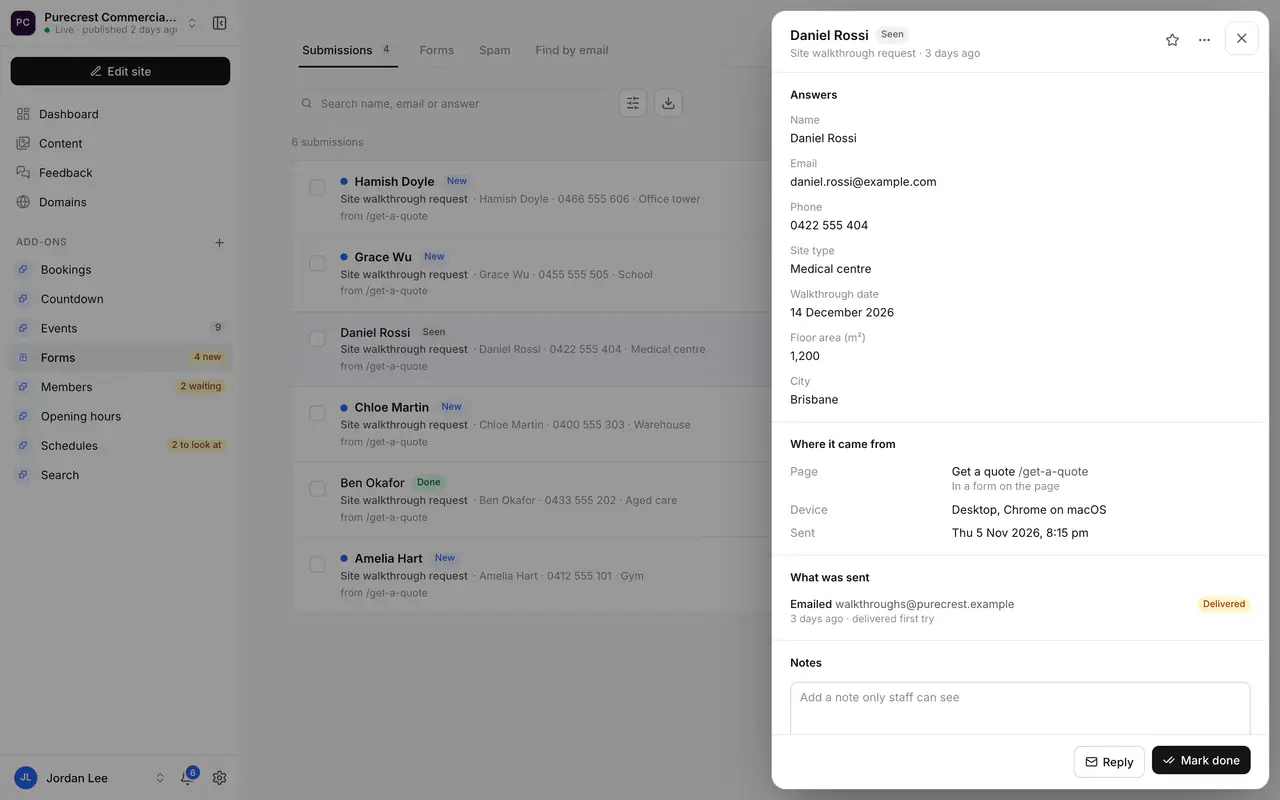 builder.webdirector.net/purecrest/formsApplications land as submissions
“We won a school contract on a Thursday and needed twelve evening cleaners by the next fortnight. The roles were on the site that afternoon and applications came straight to the recruiter.”
Questions
Common questions
Can we post a role from a phone?
Yes. The editor and admin work in a phone browser, so a supervisor can add or close a role on the go.
Where do applications go?
They are kept in the admin and emailed to the person you choose. A webhook can pass them on to your recruitment system.
Do roles show on job boards?
Each role has its own page you can link to from job boards and social posts.
See WebDirector run your websites
Book a walkthrough with the Corporate Interactive team. We will show you the editor, the features your business needs and how your sites would move across.