Book a demo
  1. Home
  2. Features
  3. Notifications inbox
Stay in the loop

Everything that needs you, in one inbox

A bell in the admin collects job updates, feedback replies, mentions and alerts from every site you work on. Browser notifications and email follow, only as much as you want.
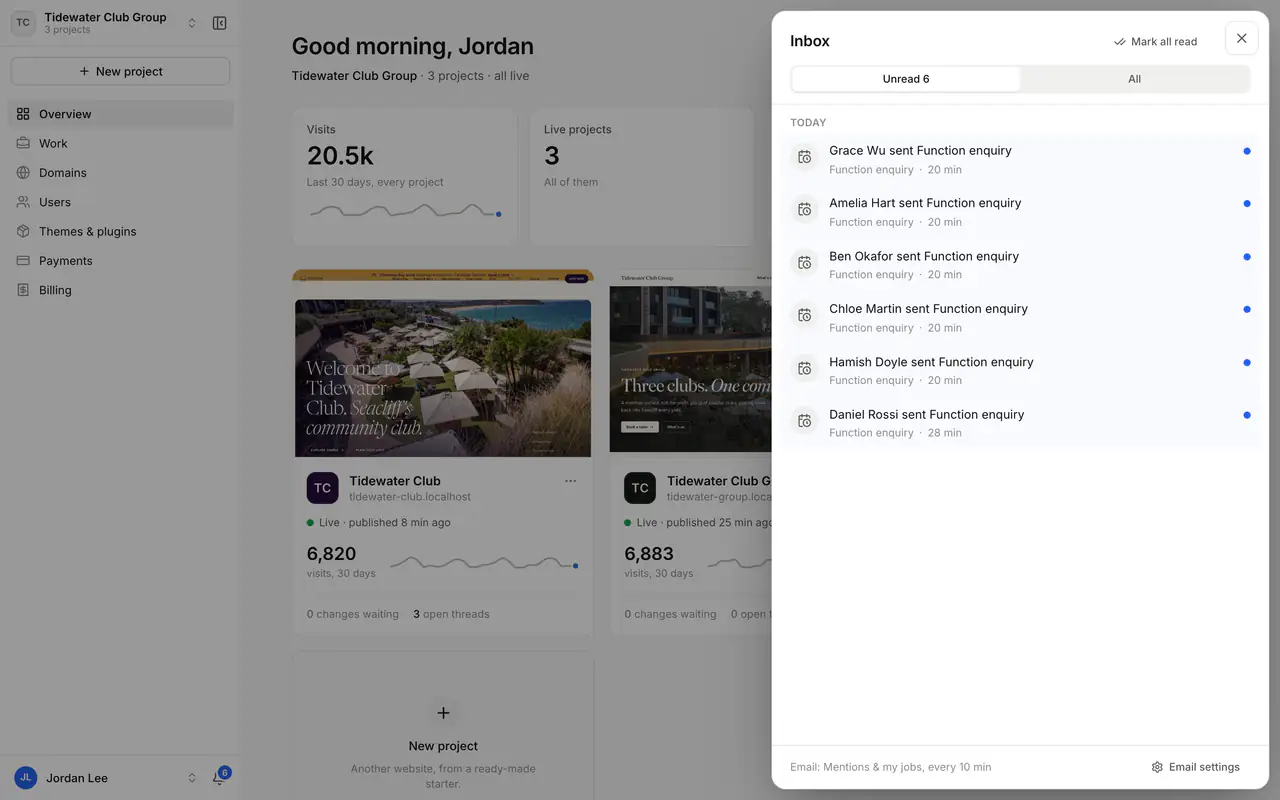
Everything new in one list
Replies on feedback
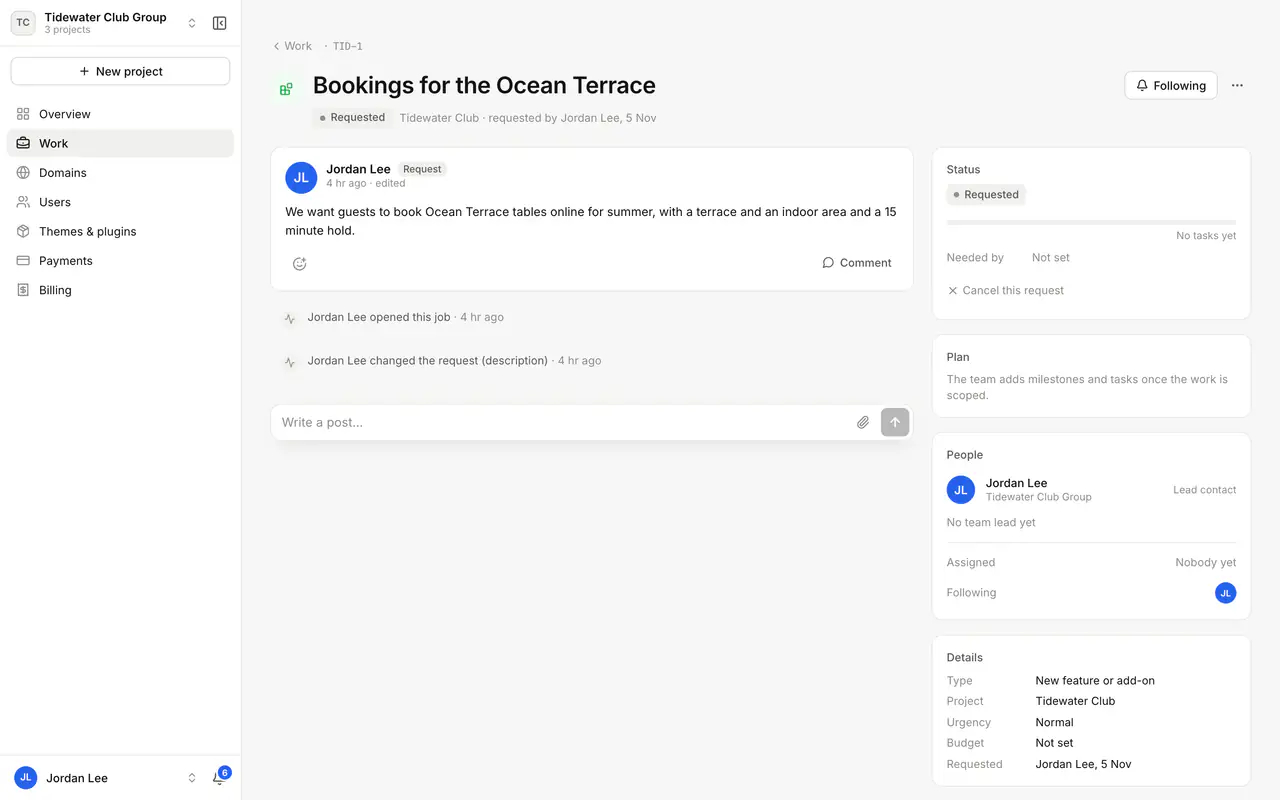
Updates on your jobs
Email in batches, your way

Real WebDirector screens. Click a step, or Replay.

1 inboxacross every site you see
Per devicebrowser notifications you turn on
3 levelsof email and browser for each area
01One bell

Always one tap away

The bell shows your unread count beside your account, on desktop, tablet and phone. It opens a list grouped by day, newest first, and each item takes you straight to the job, thread or submission it's about.

  • Unread and All tabs
  • Mark all read in one tap
  • Covers every organisation and site you can see
builder.webdirector.net/tidewater-club/forms
A function enquiry with every answer, where it came from and what was sent.
02What arrives

Only what matters to you

You hear about replies and mentions on feedback, posts and decisions on your jobs, new form submissions, orders and storage warnings. Invites to another organisation arrive here too. You never get notified about your own actions.

  • Estimates to approve and jobs ready to sign off
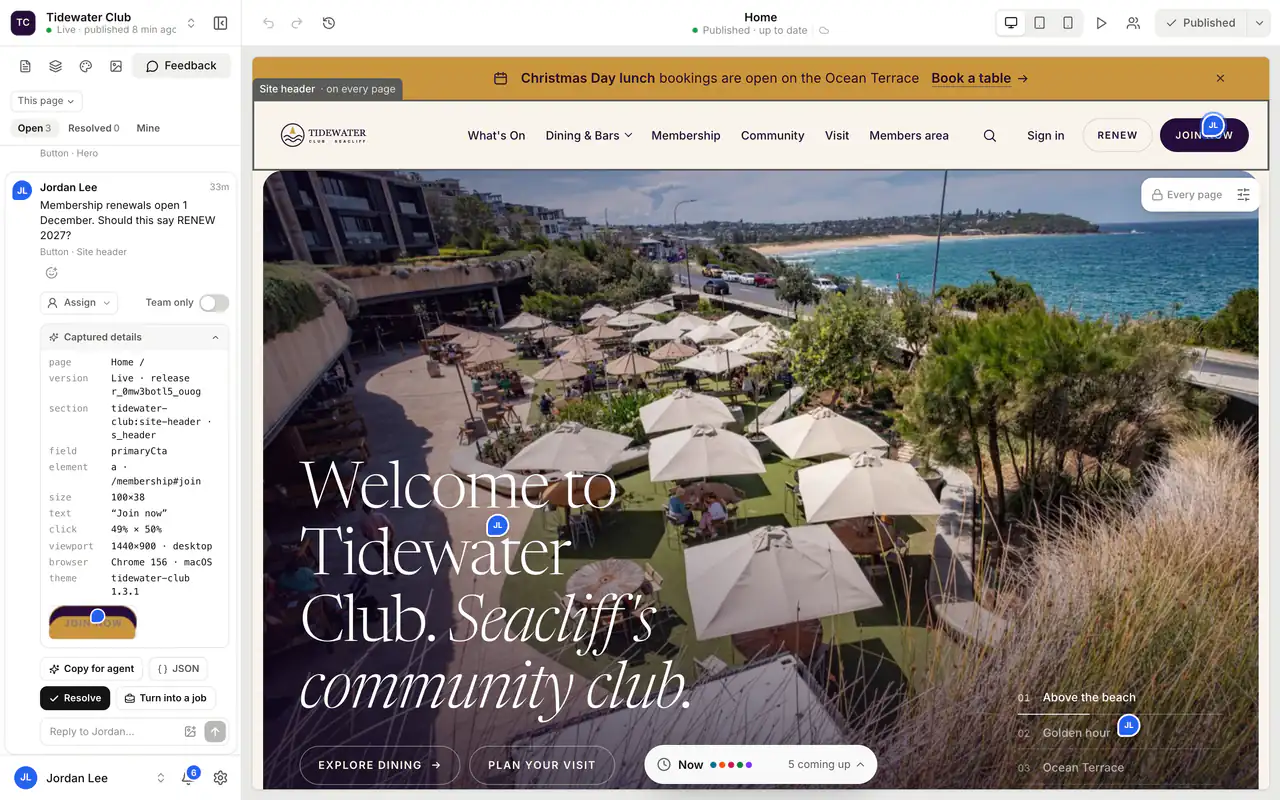
  • Replies and @mentions on website feedback
  • Storage alerts at 80% and 100% for billing contacts
builder.webdirector.net/tidewater-club/feedback
Feedback threads on Tidewater Club. Replies and mentions here also reach the inbox.
03On your devices

Browser notifications, even with the builder closed

Turn on browser notifications on each device you want them on. Inbox items then arrive straight away as system notifications, as long as the browser is running, and several about one job collapse into one.

  • Turned on per device, and off again from Your devices
  • No pop-up for the job you're already looking at
  • On iPhone and iPad, add the builder to your Home Screen first
builder.webdirector.net/org/tidewater-club-group
The Notifications sheet in the Tidewater Club Group admin: this device, then email and browser levels for each area.
04Your levels

Email and browser, set area by area

For each area, such as Work, Feedback, Forms, Billing and Commerce, choose All, Mentions & my jobs, or Never, separately for email and for the browser. Email comes in a batch about every 10 minutes, so a busy thread doesn't flood your mail.

  • Mentions & my jobs is the default
  • Email skips items you've already read
  • Outside contacts can unsubscribe from job emails
builder.webdirector.net/org/tidewater-club-group
Notifications in Jordan Lee's person sheet: email and browser levels for each area, and his agents' webhooks.
05For your agents

Send the same events to your AI agents

If you have connected an AI agent, a webhook can send it your notifications as they happen: a new job, a post, an @mention or a form submission. Each webhook picks its own events and is signed, so the receiver can check it.

  • Uses the same rules as your inbox
  • Never sends what that agent did itself
  • Turns itself off after 20 failures and tells you
builder.webdirector.net/org/tidewater-club-group
A webhook choosing which of Jordan Lee's notifications reach his Cursor agent.
In the demo

In the Tidewater Club demo, one example organisation, Jordan Lee's inbox shows feedback replies and job updates from all three Tidewater sites, and two webhooks send job events to his agents.

Tidewater Club Group is a made-up organisation. Its sites use designs from Corporate Interactive’s club concepts.
Ask for a live demo
Questions

Notifications inbox, answered

Will I get an email for every comment?

No. Unread items are batched into one email about every 10 minutes, and you choose how much email you get for each area.

Do browser notifications work when the builder is closed?

Yes, as long as the browser is running on that device. On iPhone and iPad, add the builder to your Home Screen first.

Can I turn notifications off completely?

Yes. Set an area to Never for email, the browser or both. Items still appear in your inbox.

How long are items kept?

Inbox items are cleared after 90 days.

Do I get notified about sites I can't open?

No. The inbox, your browser notifications and your agents' webhooks only cover jobs, threads and sites you are allowed to see.

See WebDirector run your websites

Book a walkthrough with the Corporate Interactive team. We will show you the editor, the features your business needs and how your sites would move across.