
A checkout with nothing in the way
Add to cart opens a sheet with what was added and how close the shopper is to free delivery. Checkout is three steps, guests are welcome, and the confirmation is a proper tax invoice.
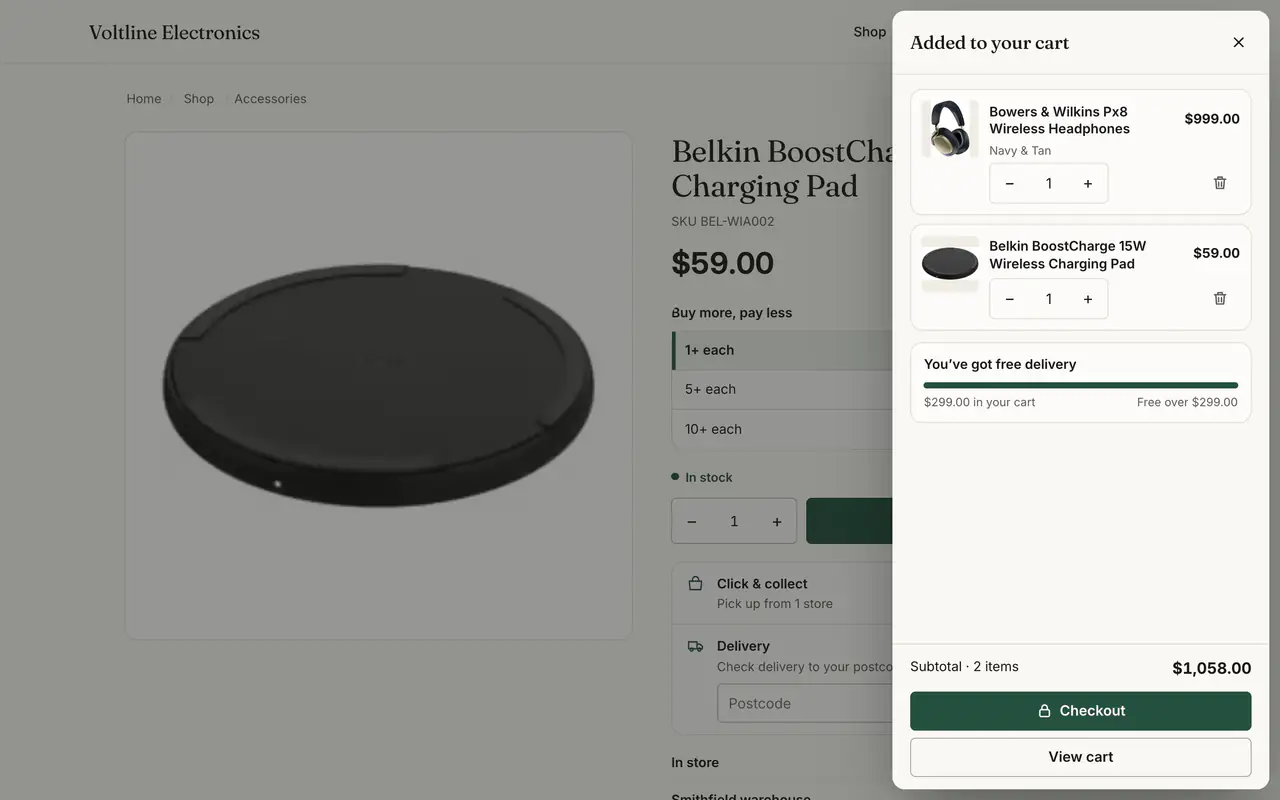 voltline-electronics.webdirector.space/products/belkin-wireless-chargerFree delivery progress
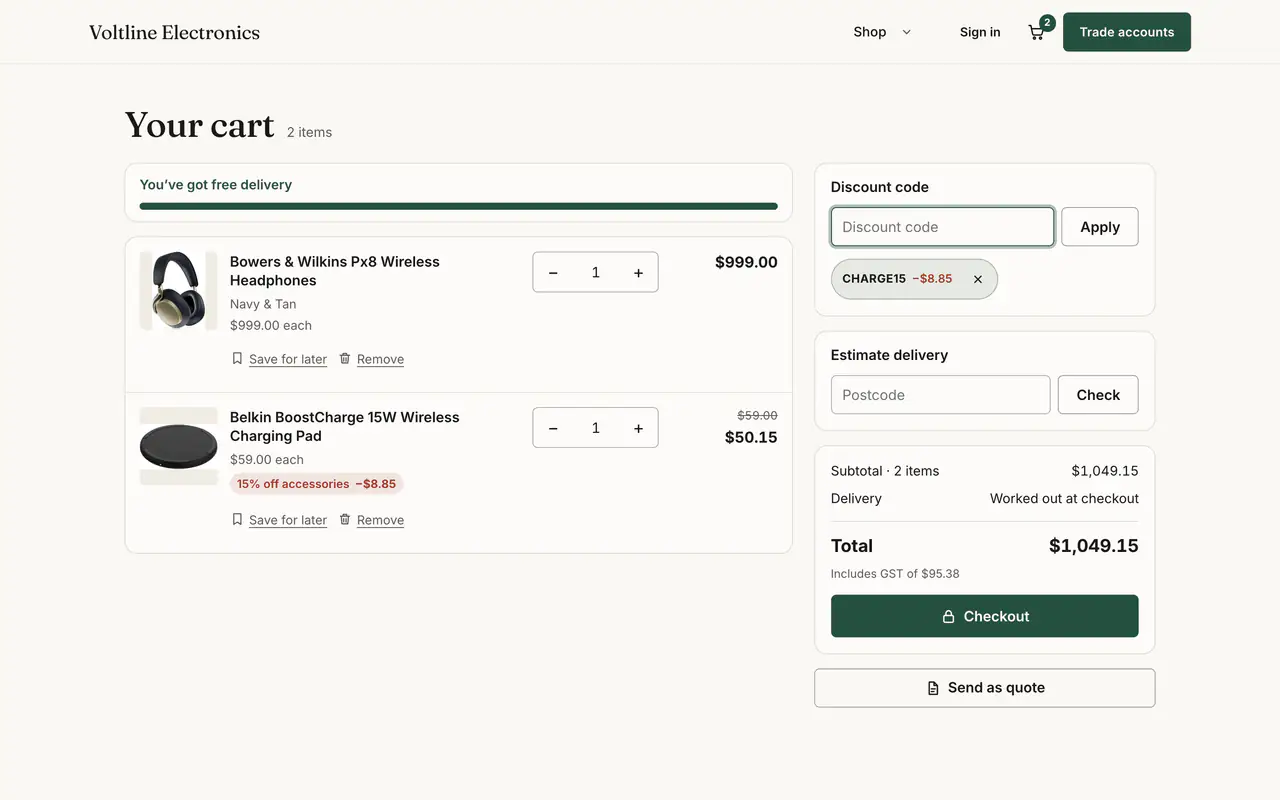 voltline-electronics.webdirector.space/cartDiscount code applied
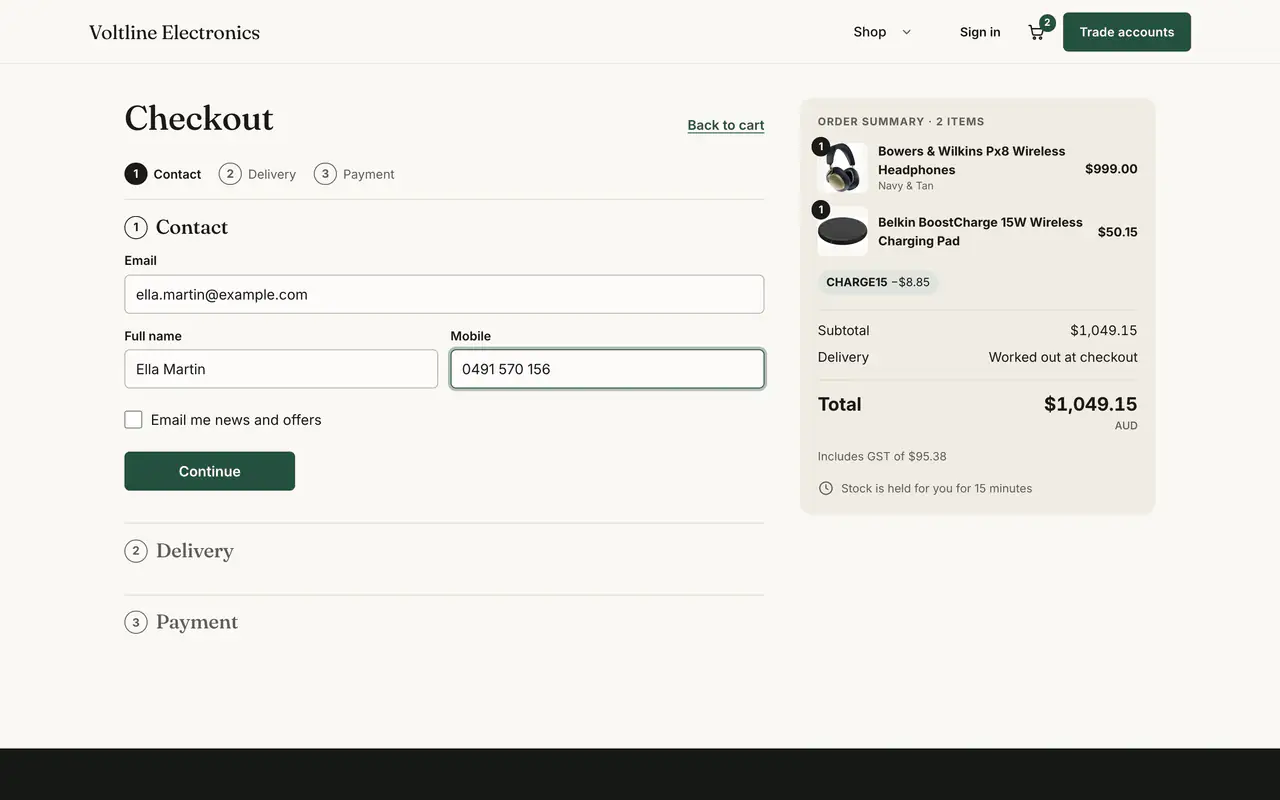 voltline-electronics.webdirector.space/checkoutContact, delivery, payment
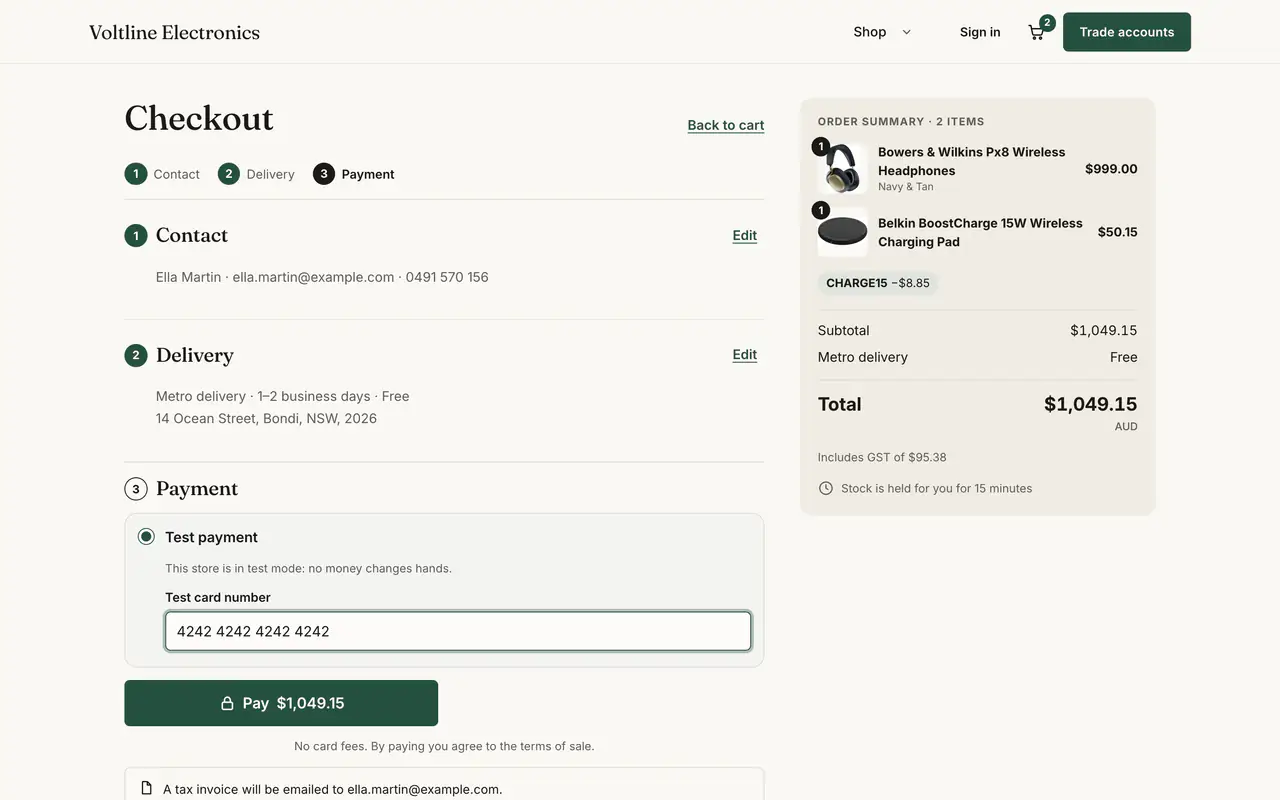 voltline-electronics.webdirector.space/checkoutStripe test card, test mode
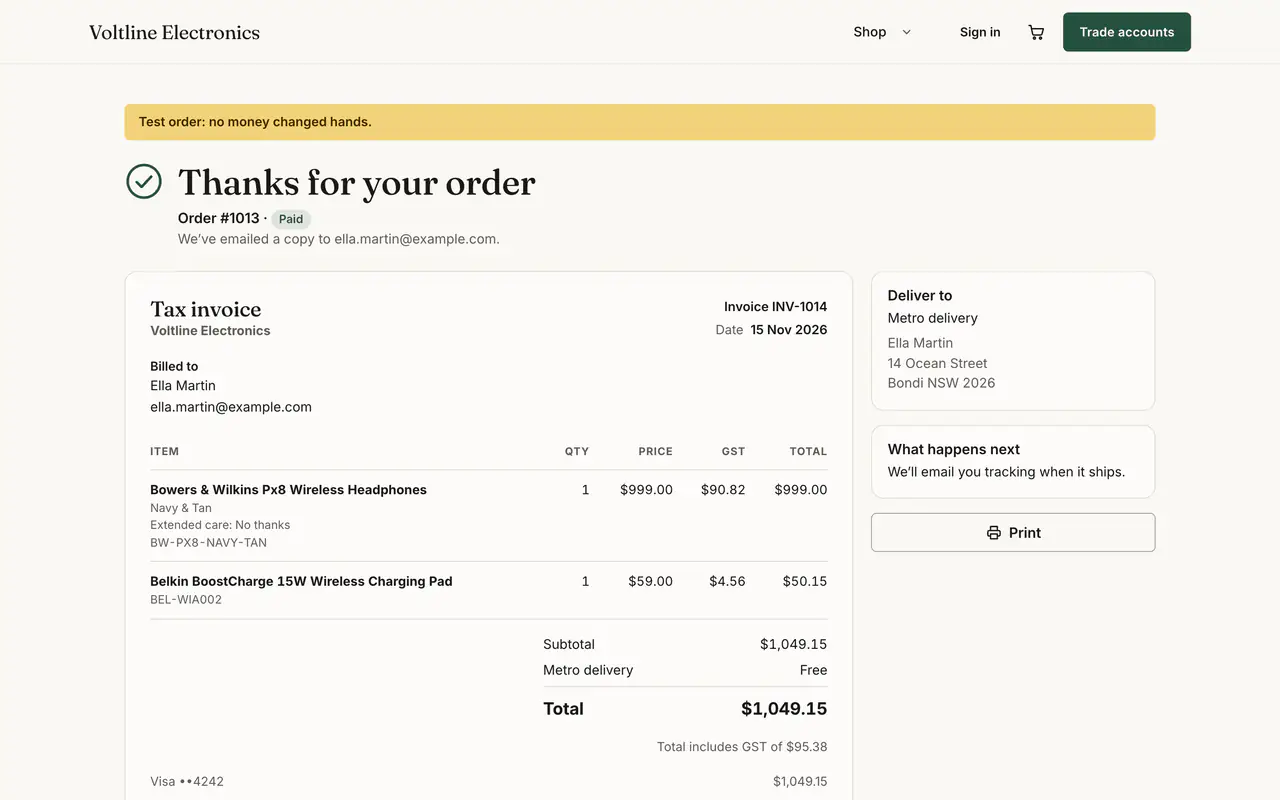 voltline-electronics.webdirector.space/orderA tax invoice with GST per line
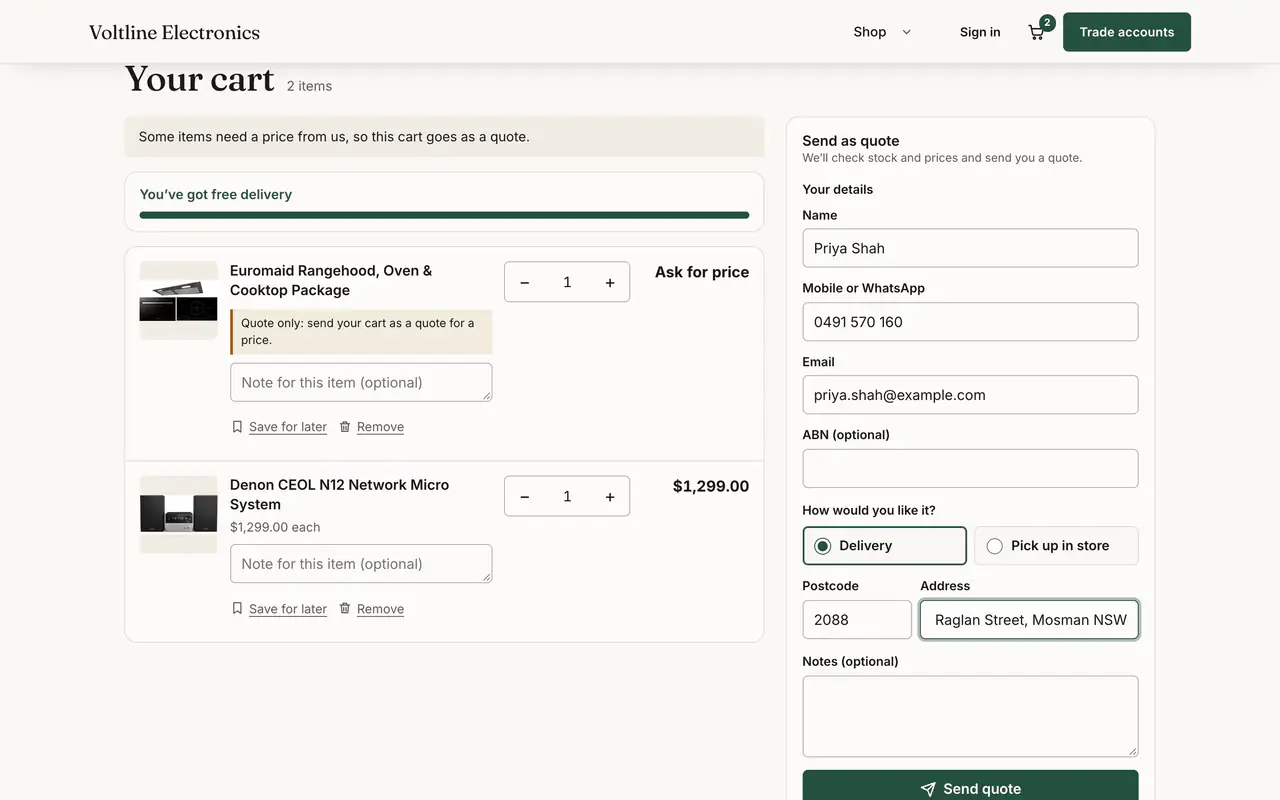 voltline-electronics.webdirector.space/cartSend the cart as a quote
Real WebDirector screens. Click a step, or Replay.

In the Voltline demo, Ella Martin added headphones and a charger, applied CHARGE15 and paid with Stripe's 4242 test card, and Priya Shah sent a kitchen package as a quote.
Voltline Electronics is a made-up retailer. Its store uses Corporate Interactive’s ecommerce concept, which WebDirector Commerce is built from.Send the paperwork automatically
Connect your WebDirector forms and bookings to QuoteCloud, Corporate Interactive’s quoting, proposal and e-signing platform. A natively connected website, or Zapier, Make or the QuoteCloud API, creates the document from your template the moment someone submits, filled with their details and the lines they chose.
- 1
Someone submits a form, booking or order on your website
- 2
QuoteCloud creates the quote, proposal or contract from your template
- 3
They accept, e-sign and pay online
Cart and checkout, answered
Do customers need an account?
No. Guest checkout always works. Members can sign in for saved addresses, order history and subscriptions.
Which payment methods are there?
Cards, Apple Pay, Google Pay and Link through Stripe, with Afterpay, Klarna and Zip, bank transfer or PayTo and Pay on account available to switch on.
Can we add a card surcharge?
No. Commerce adds no surcharges; card surcharges are banned in Australia from 1 October 2026.
Can customers ask for a quote instead?
Yes. The cart can be sent as a quote, and a cart with a quote-only product always goes as a quote.
Can we test before going live?
Yes. A Test payments account takes Stripe's test card numbers, and test orders are marked so they stay out of your reports.
See WebDirector run your websites
Book a walkthrough with the Corporate Interactive team. We will show you the editor, the features your business needs and how your sites would move across.