Book a demo
  1. Home
  2. Features
  3. Site search
Search add-on

Help visitors find it in a few keystrokes

Site search finds pages, events, files and collection items such as services, courses or locations as visitors type. It opens from the header, a search box or a link, and shows you what people looked for.

Search from the header or ⌘K
Results as you type
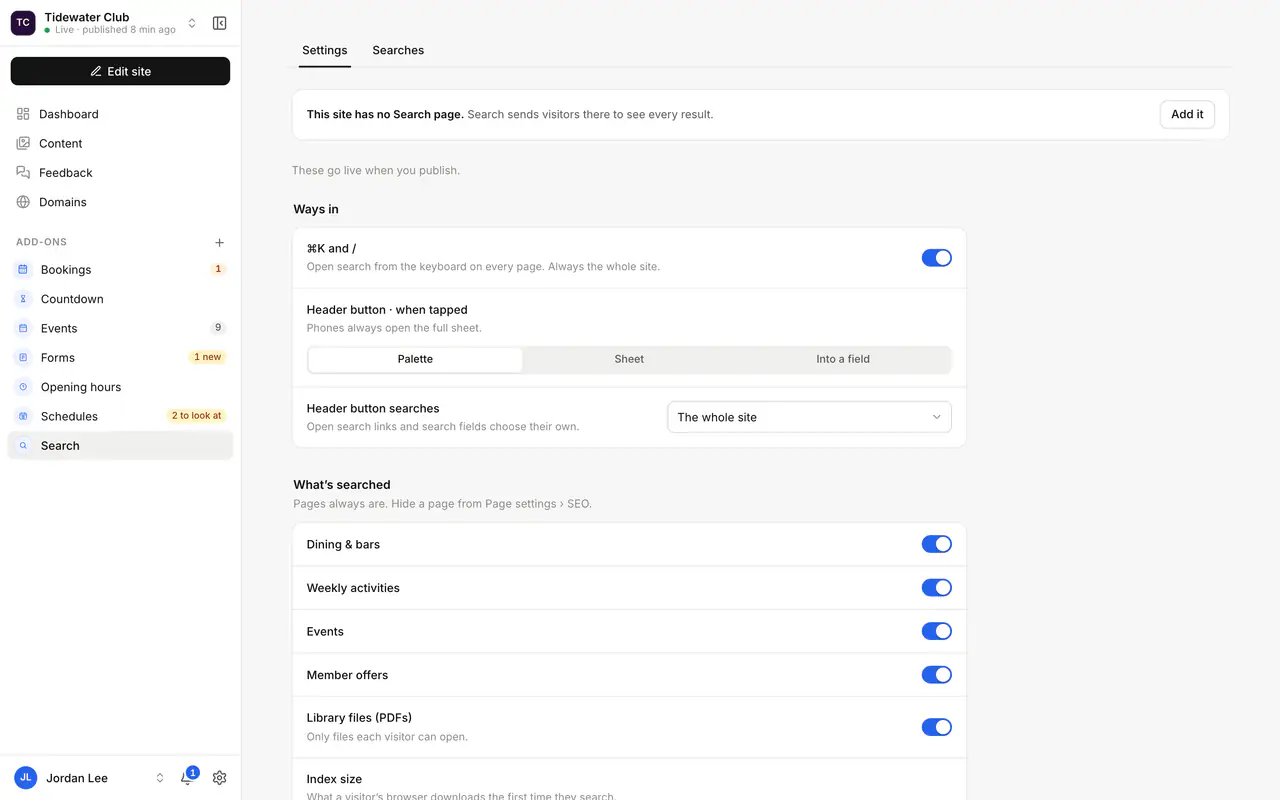
Choose how search opens
Choose what is searched

Real WebDirector screens. Click a step, or Replay.

⌘KKeyboard shortcut on desktop
No JavaScriptNeeded for the Search page
Per visitorMembers see their own results
01One search panel

Search that opens anywhere

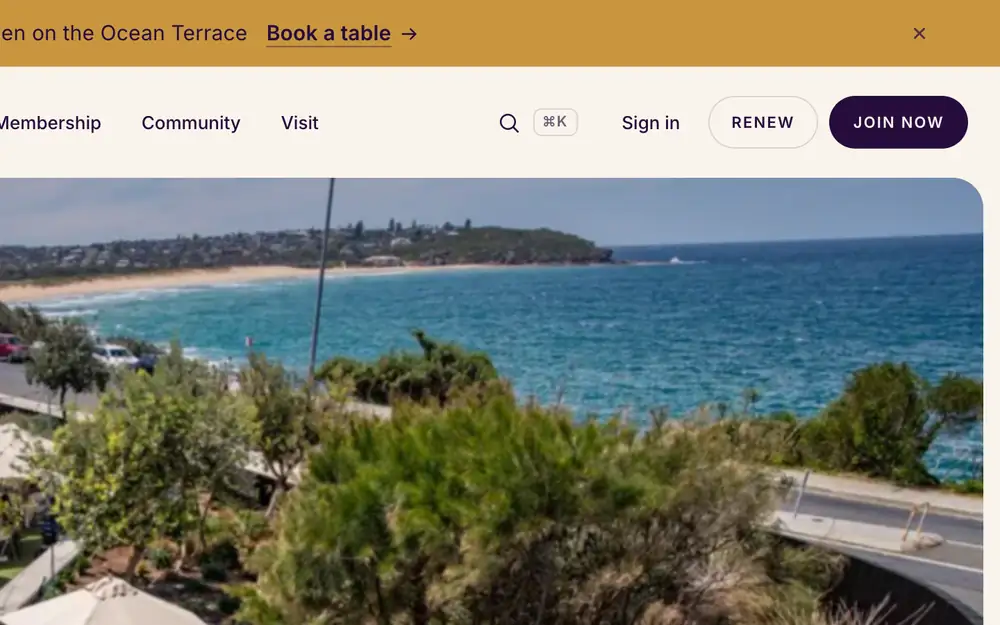
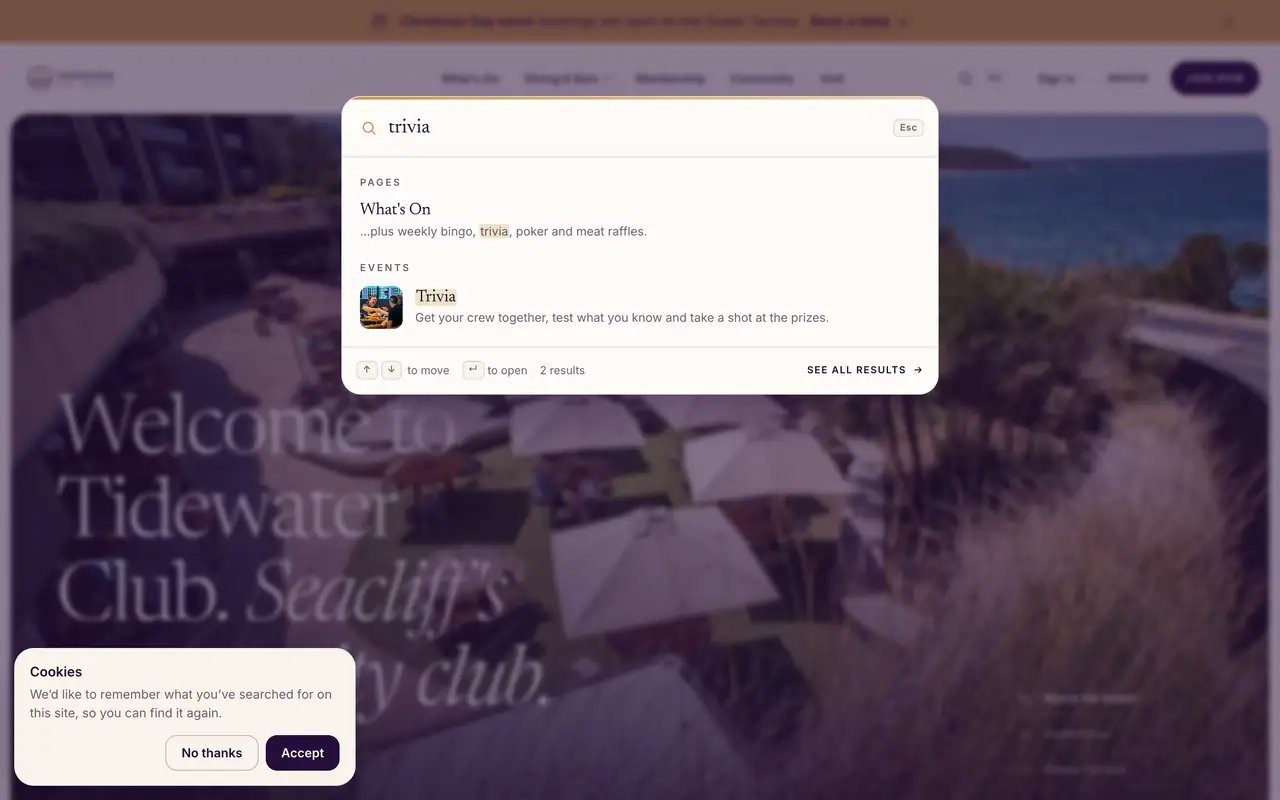
Visitors open search from the header button, a search box on a page, or ⌘K on desktop. On phones it slides up as a sheet, and results appear as they type.

  • Palette, side sheet or phone bottom sheet
  • Recent and suggested searches
  • Results grouped by pages, collections and files
builder.webdirector.net/tidewater-club/settings
SEO & sharing: search appearance, social image, sitemap, robots.txt and llms.txt.
02Search in more places

Search boxes and search links

Add a hero search, a search bar or a collection filter to any page. Any link can open search already narrowed to one collection, such as events or locations.

  • Search field section in three presets
  • Links that search only one collection
  • A Search page that works with JavaScript off
builder.webdirector.net/tidewater-club/edit
Adding a search field section to the Tidewater Club homepage.
03Learn what people want

See what visitors searched for

The Searches tab shows the words people searched for over 7, 30 or 90 days, how often each found nothing, and how often a result was opened.

  • Filter to searches that found nothing
  • Suggestions for what to do about each
  • Search history kept for 13 months
builder.webdirector.net/tidewater-club/search
What visitors searched for on the Tidewater Club site.
04You decide what's found

Control what search includes

Choose which collections and files are searchable, and hide any page from search in its settings. Members-only pages show only to the people who can open them.

  • Hide a page from search
  • Leave collections or files out
  • Updated every time you publish
builder.webdirector.net/tidewater-club/edit
Page settings for a Tidewater Club page, with Hide from search.
In the demo

Press ⌘K or tap the search button on the Tidewater Club demo, one example site, to find venues like Lantern Kitchen, upcoming events and member offers.

Tidewater Club Group is a made-up organisation. Its sites use designs from Corporate Interactive’s club concepts.
Ask for a live demo
Questions

Site search, answered

Is site search included?

Search is an add-on each site turns on. Once on, it adds a search button to the header and a Search page.

Does search slow down my pages?

No. The search panel and its index load only when a visitor first opens search, so pages stay light.

Can members-only content appear in search?

Only to people who can open it. Each audience gets its own search index, so signed-out visitors never see members-only results.

Does search read inside PDFs?

Not yet. Files are found by their title and description today, and searching the text inside PDFs is planned.

When does search pick up new content?

Every time you publish. Previews and share links search the draft, so reviewers see what is coming.

See WebDirector run your websites

Book a walkthrough with the Corporate Interactive team. We will show you the editor, the features your business needs and how your sites would move across.