
Book the site visit, sign the maintenance plan
Customers pick a time for a measure-up or service call on your own website. Facilities managers who ask about planned maintenance get a service agreement they can sign online.
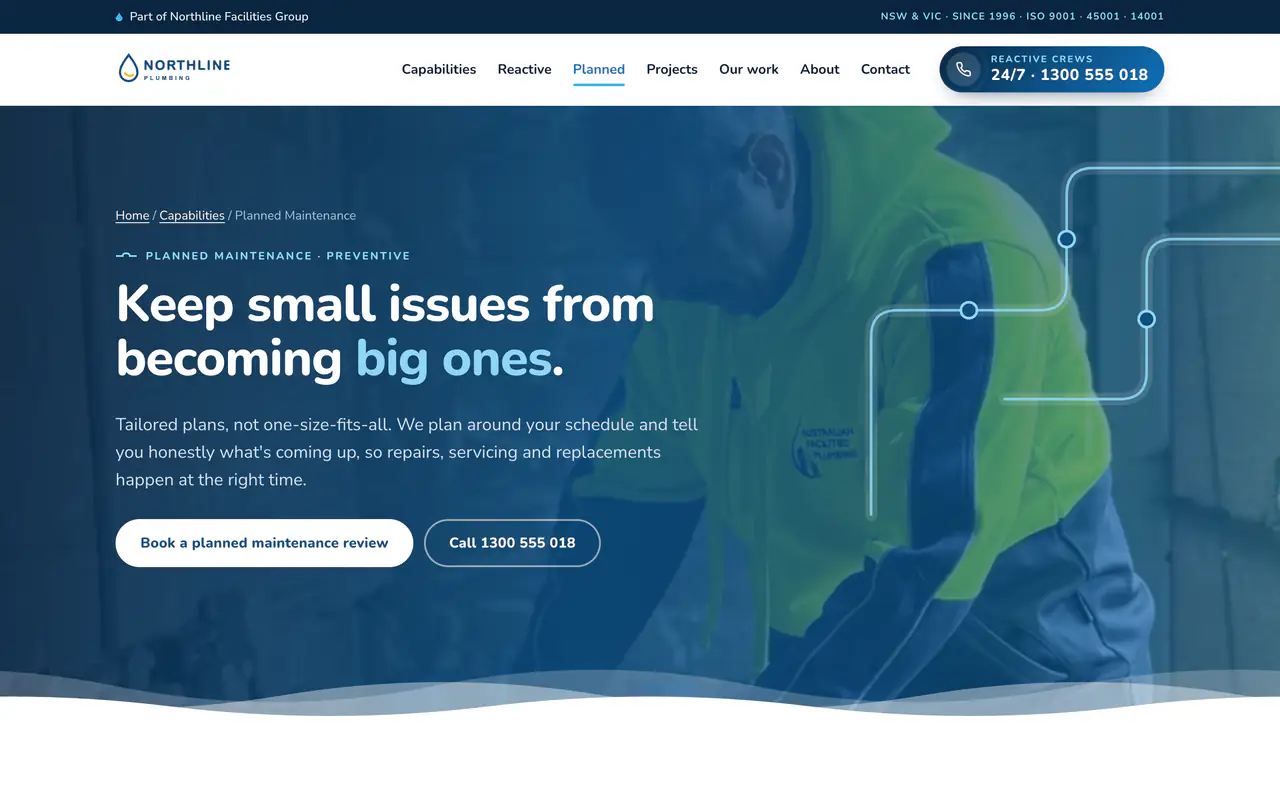 northline-plumbing.webdirector.spacePlanned maintenance explained
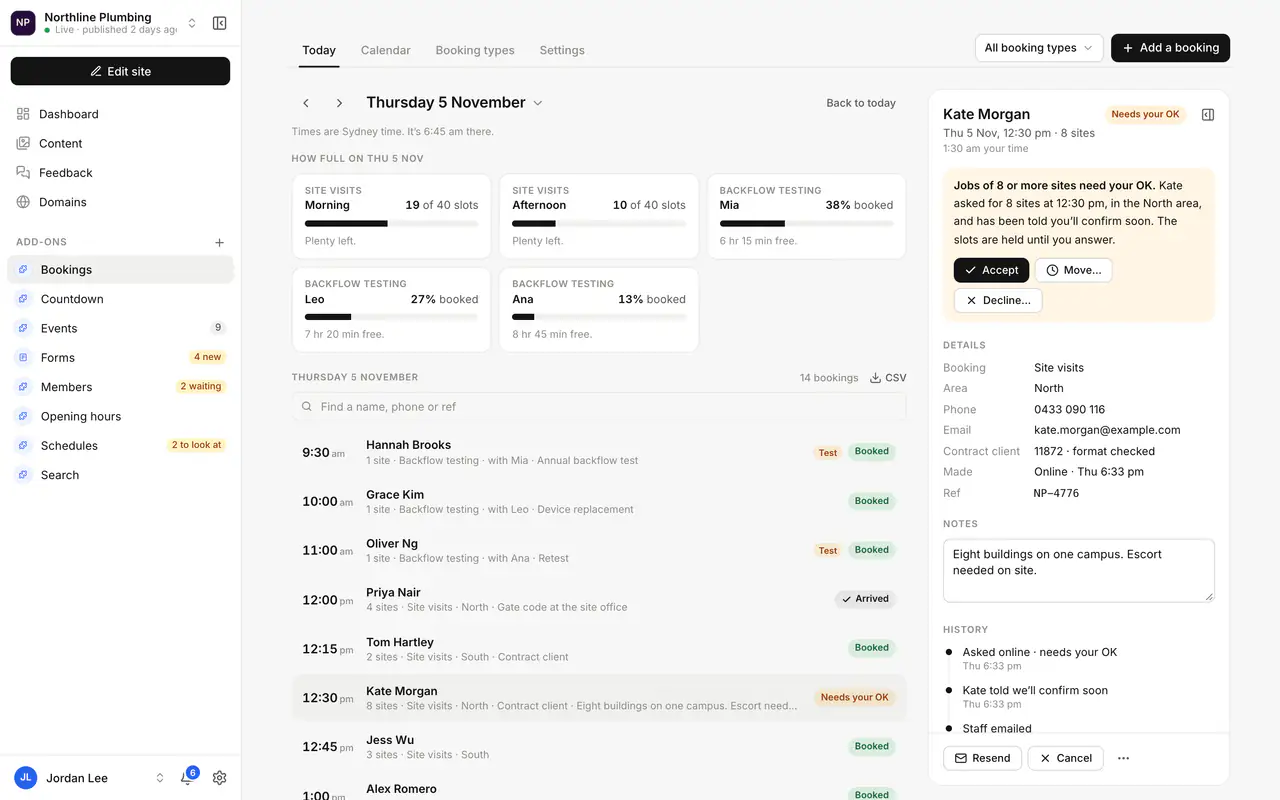 builder.webdirector.net/northline-plumbing/bookingsSite visits booked onlinebuilder.webdirector.net/northline-plumbing/bookingsEvery visit for the daybuilder.webdirector.net/northline-plumbing/bookingsBig jobs wait for your OK
Maintenance enquiry to signed agreement
Connect your WebDirector forms and bookings to QuoteCloud, Corporate Interactive’s quoting, proposal and e-signing platform. A natively connected website, or Zapier, Make or the QuoteCloud API, creates the document from your template the moment someone submits, filled with their details and the lines they chose.
- 1
A facilities manager asks about planned maintenance on your website
- 2
QuoteCloud creates a service agreement from your template, with each site and visit frequency as a price row
- 3
They review, e-sign and accept online, and you book the first visit
Common questions
We book visits in our job software. Can we keep doing that?
Yes. Point your Book buttons at the booking page you use now. WebDirector Bookings is there if you want bookings on your own site.
Can a booking take a call-out fee?
Yes. A booking can take payment in full, a deposit or a card to hold, paid into your organisation's Stripe account.
Can customers change a booking?
Each confirmation email includes a private link to manage the booking, so customers can cancel without calling the office.
See WebDirector run your websites
Book a walkthrough with the Corporate Interactive team. We will show you the editor, the features your business needs and how your sites would move across.