
A page for every service and area you cover
People search for a service and a suburb. Give each service and region its own page with its own search title, and keep the details the same across all of them.
 northline.webdirector.spaceA page for every service
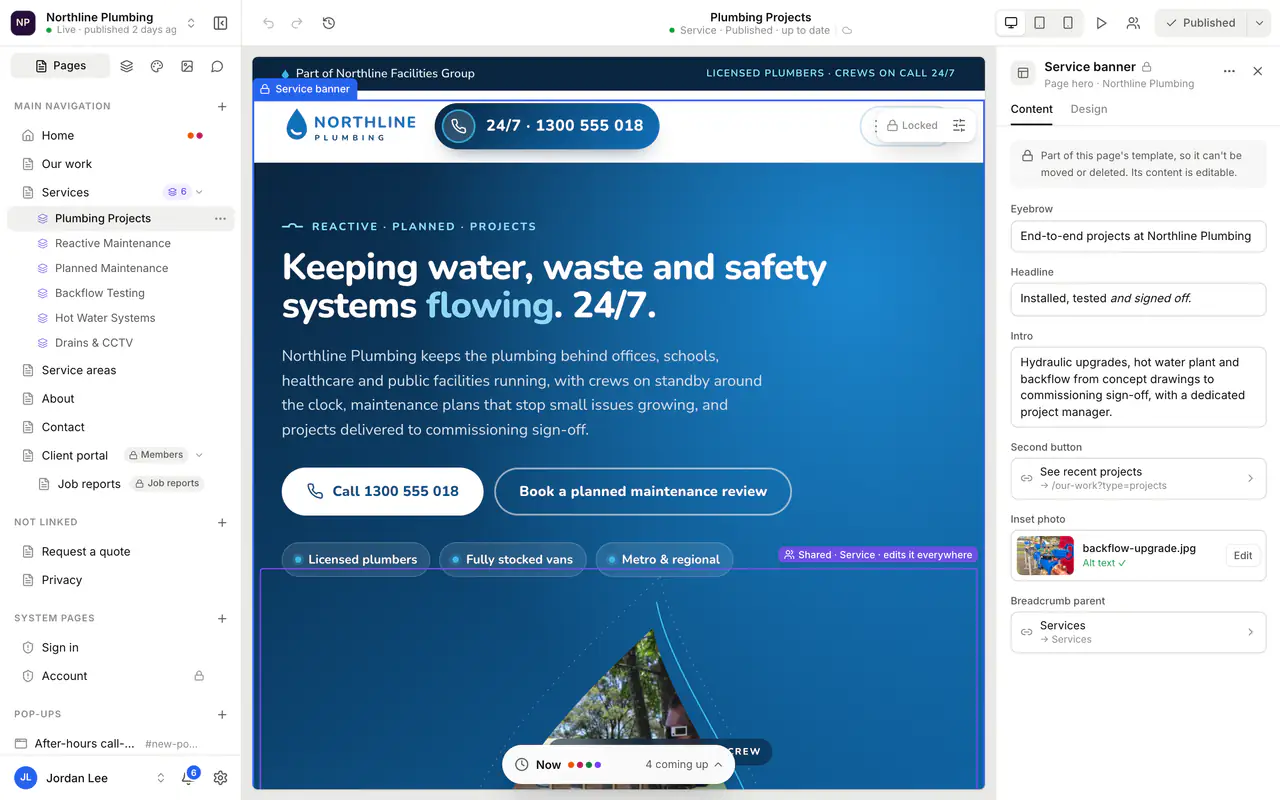 builder.webdirector.net/northline-plumbing/editServices kept as a collection
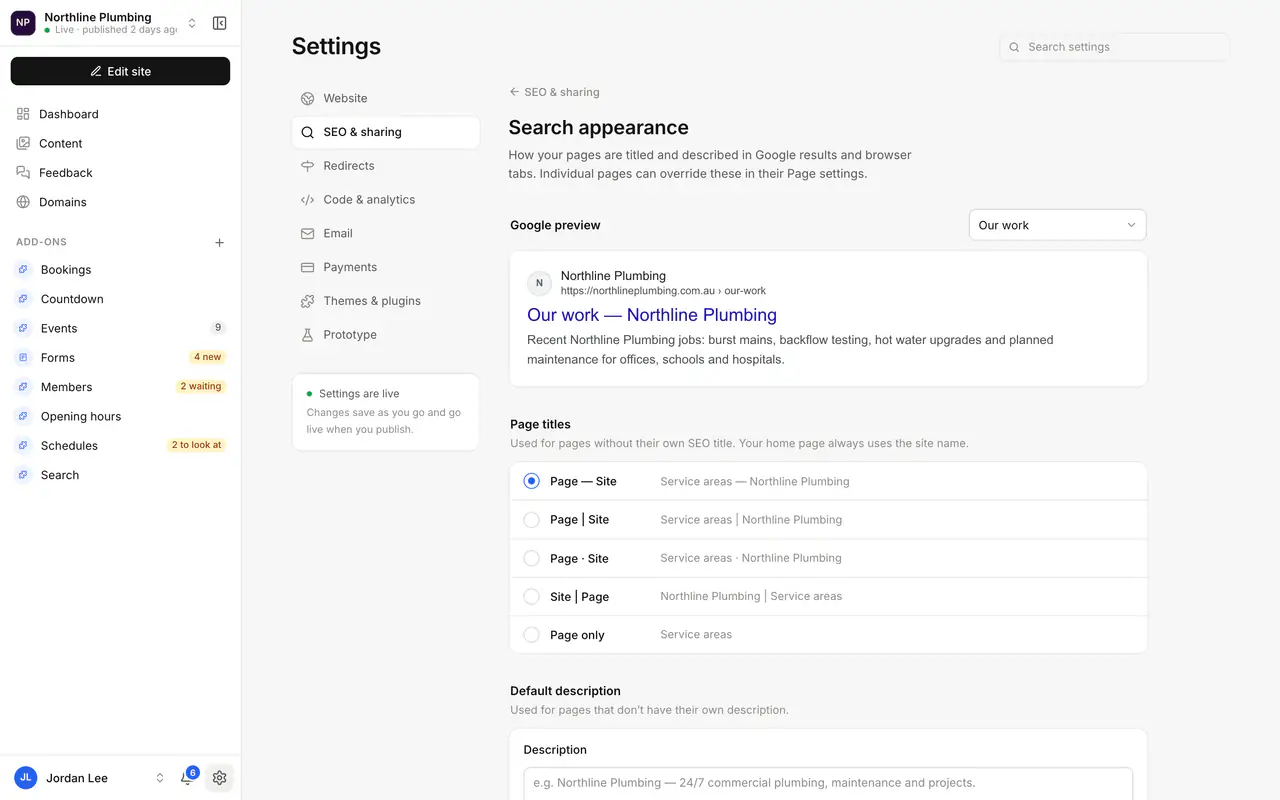 builder.webdirector.net/northline-plumbing/settingsEach area set up for Google
Planning your service and area pages
A simple approach that works for most trades.
- 1List your real services
The work you want more of, in the words customers use.
- 2List the areas you actually cover
Group suburbs into regions you can reach in reasonable time.
- 3Write something specific for each
Local jobs, access issues, council rules. Copied pages with a suburb swapped in rarely help.
- 4Link projects to each page
Recent work in that area is the best proof you can show.
Common questions
Will this get us to the top of Google?
No platform can promise rankings. WebDirector gives you fast pages, clean search details and redirects; useful, local content does the rest.
Should we make a page for every suburb?
Only where you have something specific to say. A page per region with real local projects usually works better than dozens of near-copies.
How fast are the pages?
Our target is the main content loading in under 2 seconds on a mid-range phone, and you can see page speed from real visitors in Analytics.
See WebDirector run your websites
Book a walkthrough with the Corporate Interactive team. We will show you the editor, the features your business needs and how your sites would move across.