
Quote requests with every detail the estimator needs
Ask the right questions for each job type, take photos and plans as uploads, and send every request to the estimator who covers that trade or region.
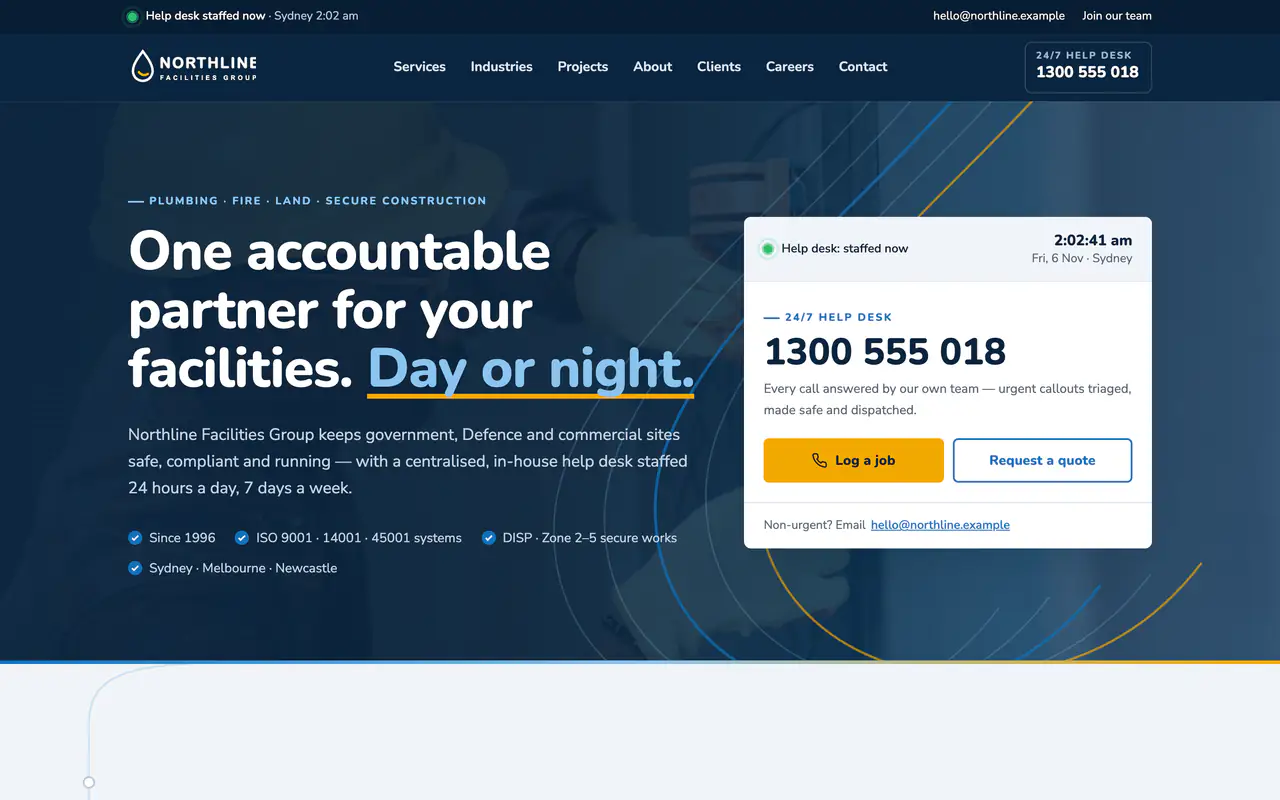 northline.webdirector.spaceRequest a quote from any page
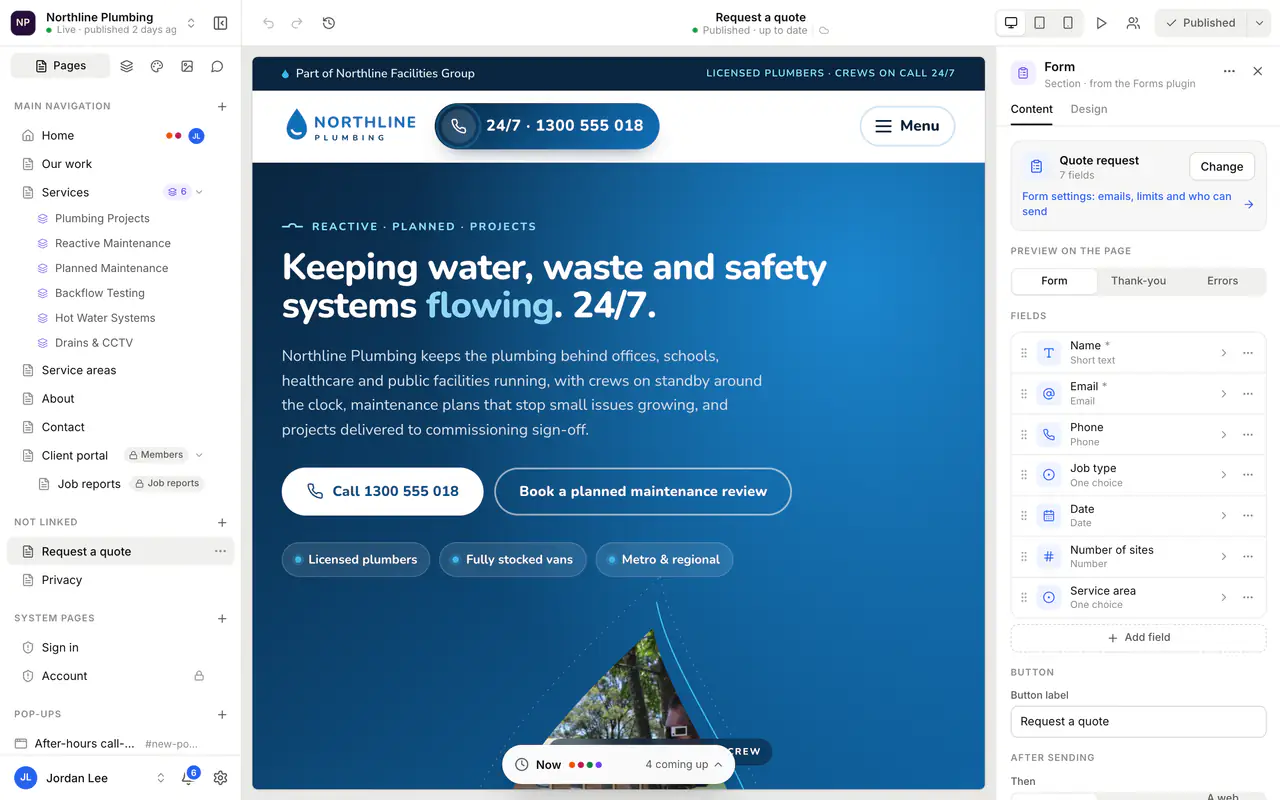 builder.webdirector.net/northline-plumbing/editBuild the quote form yourself
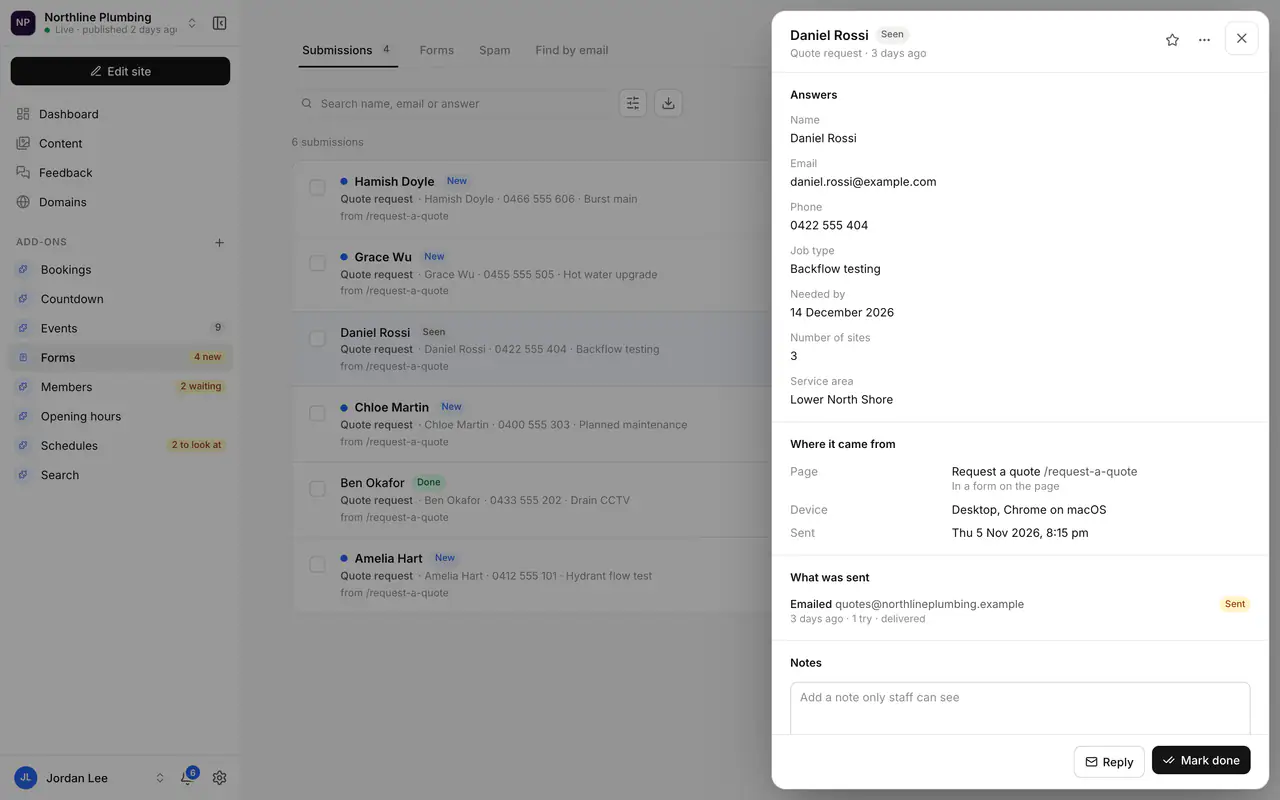 builder.webdirector.net/northline-plumbingThe request arrives in full
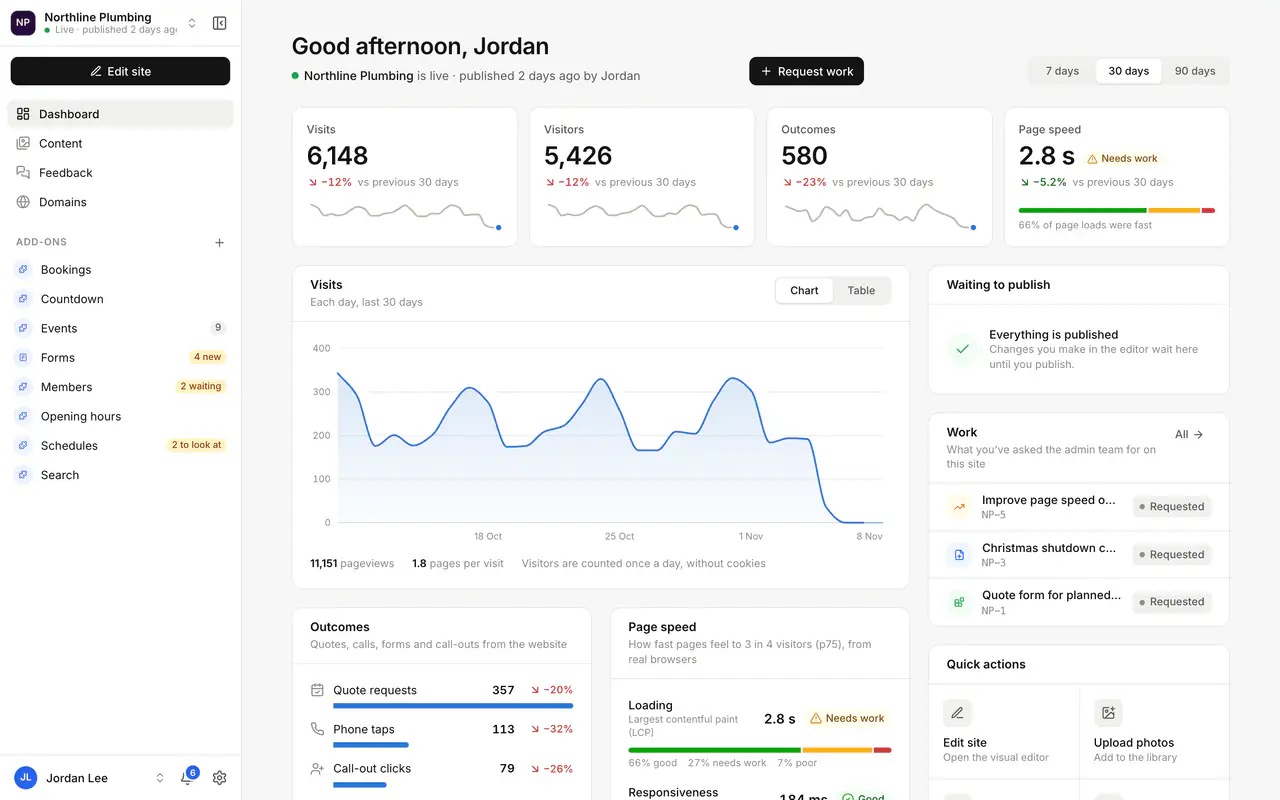 builder.webdirector.net/northline-plumbingQuote requests counted
What a complete request looks like
The Northline Facilities demo form asks for the details its estimators used to ring back for.
- 1Job type
Plumbing, electrical, HVAC or general building, with follow-up questions for each.
- 2Site and access
Street address, parking, access times and whether the site is occupied.
- 3Photos and plans
Photos of the problem, or drawings for a renovation or fit-out.
- 4Timing
Urgent, this month or planning ahead, so urgent jobs reach the on-call team.
- 5Best contact
Phone or email and the best time to call back.
“Our estimators used to call every lead back just to get the address and a photo. Now most requests arrive complete, and plenty can be priced from the office.”
Common questions
Can customers upload photos and plans?
Yes. Forms take file uploads, and the files stay with the submission so the estimator can open them from the admin.
Can requests go straight into our job software?
Each form can send a signed webhook. Zapier or Make can pass that on to job software such as ServiceM8 or simPRO, or to QuoteCloud to start a quote.
How do urgent jobs get noticed?
Route the form by answer, so anything marked urgent emails the on-call team as well as the office.
What happens to spam?
Suspected spam goes to a Spam tab with the reason shown. Nothing is deleted, and you can mark a request as not spam to send it on.
See WebDirector run your websites
Book a walkthrough with the Corporate Interactive team. We will show you the editor, the features your business needs and how your sites would move across.