
Members area
A sign-in area for landlords and clients
Landlords and building clients sign in with an emailed code. Show them the guides, forms and files meant for them, such as a selections guide or a maintenance request form.
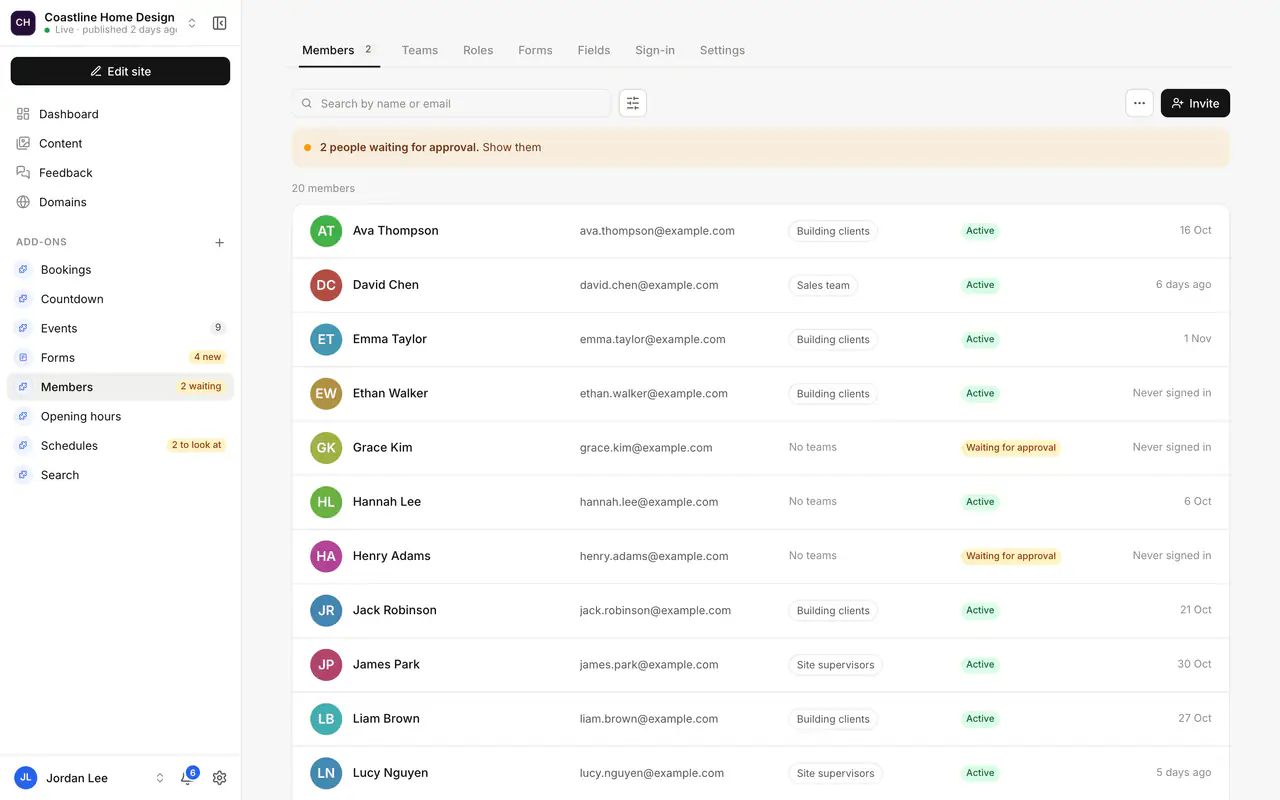 builder.webdirector.net/coastline/membersBuilding clients sign inbuilder.webdirector.net/coastline/membersClients see their own build
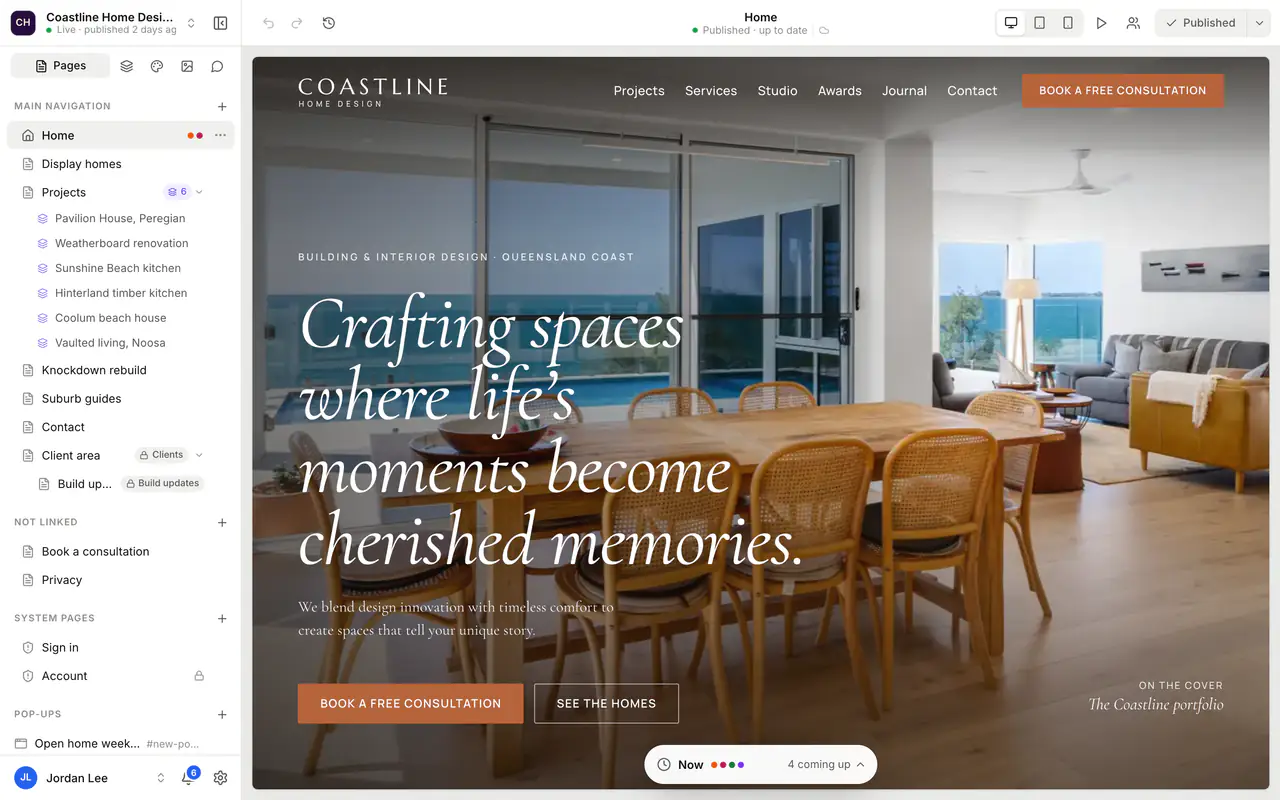 builder.webdirector.net/coastline/editBuild updates for clients only
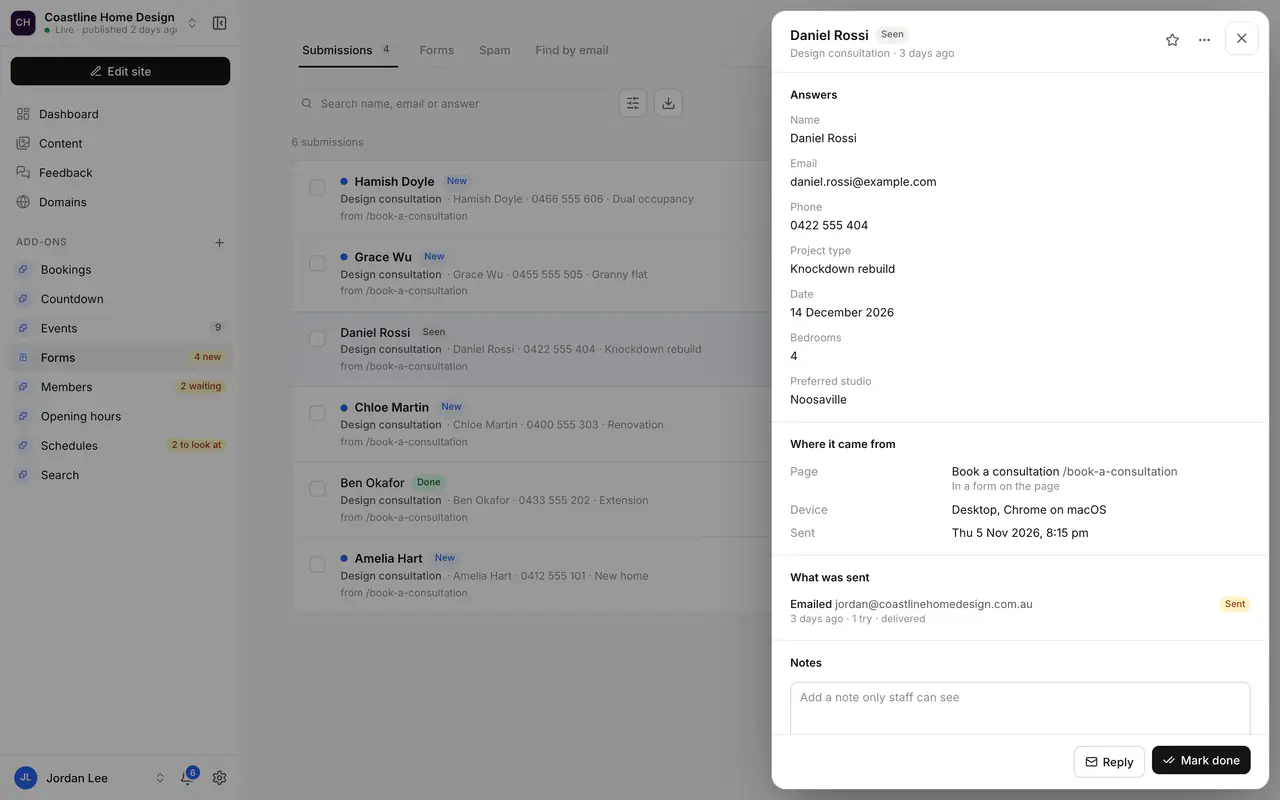 builder.webdirector.net/coastline/formsTheir questions come to you
Questions
Common questions
Does this connect to our property management software?
No. It is a members area on your website. Form submissions can be sent on by webhook to Zapier or Make to reach other systems.
Can each landlord see only their own statements?
Access is set by team or role, not one file per person. Keep owner statements in your property management portal.
Do landlords need a password?
No. Sign-in by emailed code, link or passkey is on by default. You can switch on passwords if you want them.
See WebDirector run your websites
Book a walkthrough with the Corporate Interactive team. We will show you the editor, the features your business needs and how your sites would move across.