Book a demo
  1. Home
  2. Property & real estate
  3. Agents & offices
Agents and offices

Agent profiles that keep up with staff changes

Each agent, consultant and office is one item. Update a profile or a phone number once and every listing page, team page and menu that shows it follows.
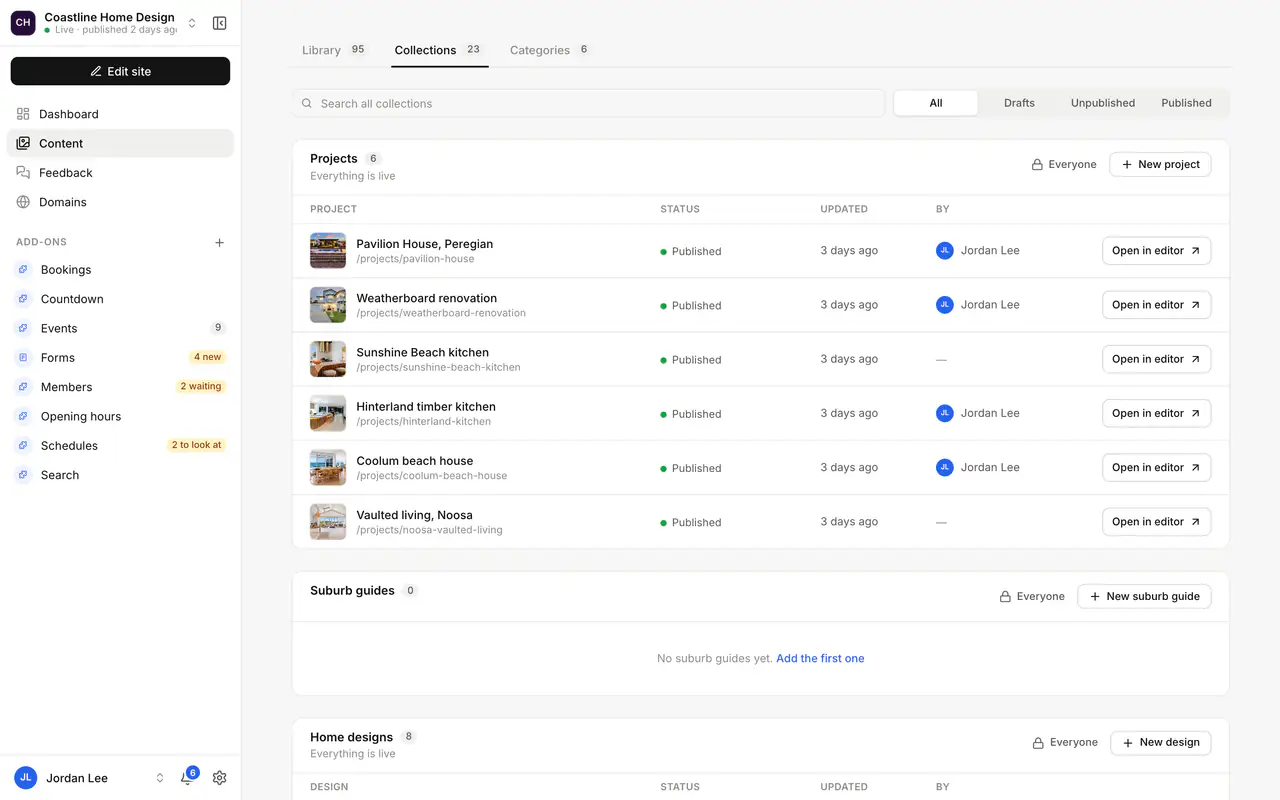
Projects kept as a collection
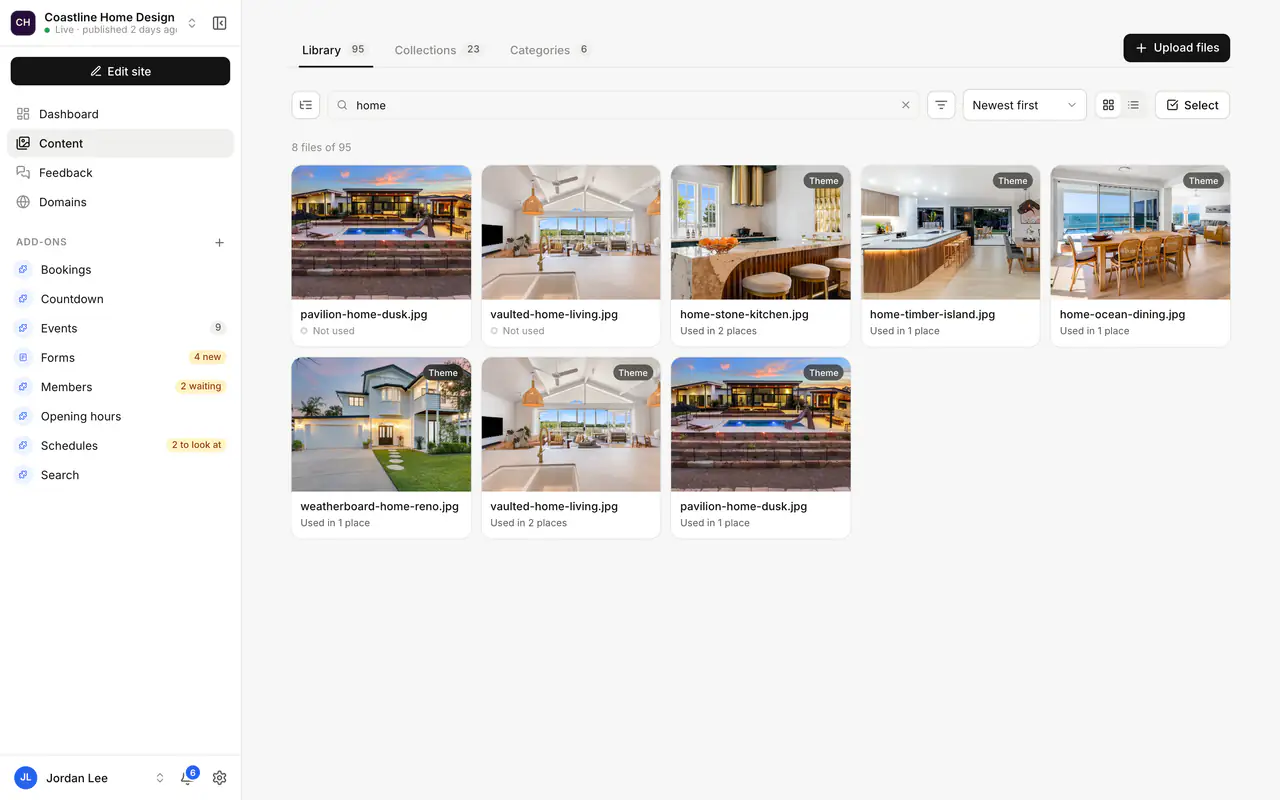
Every home photo in one place
Enquiries reach the right studio
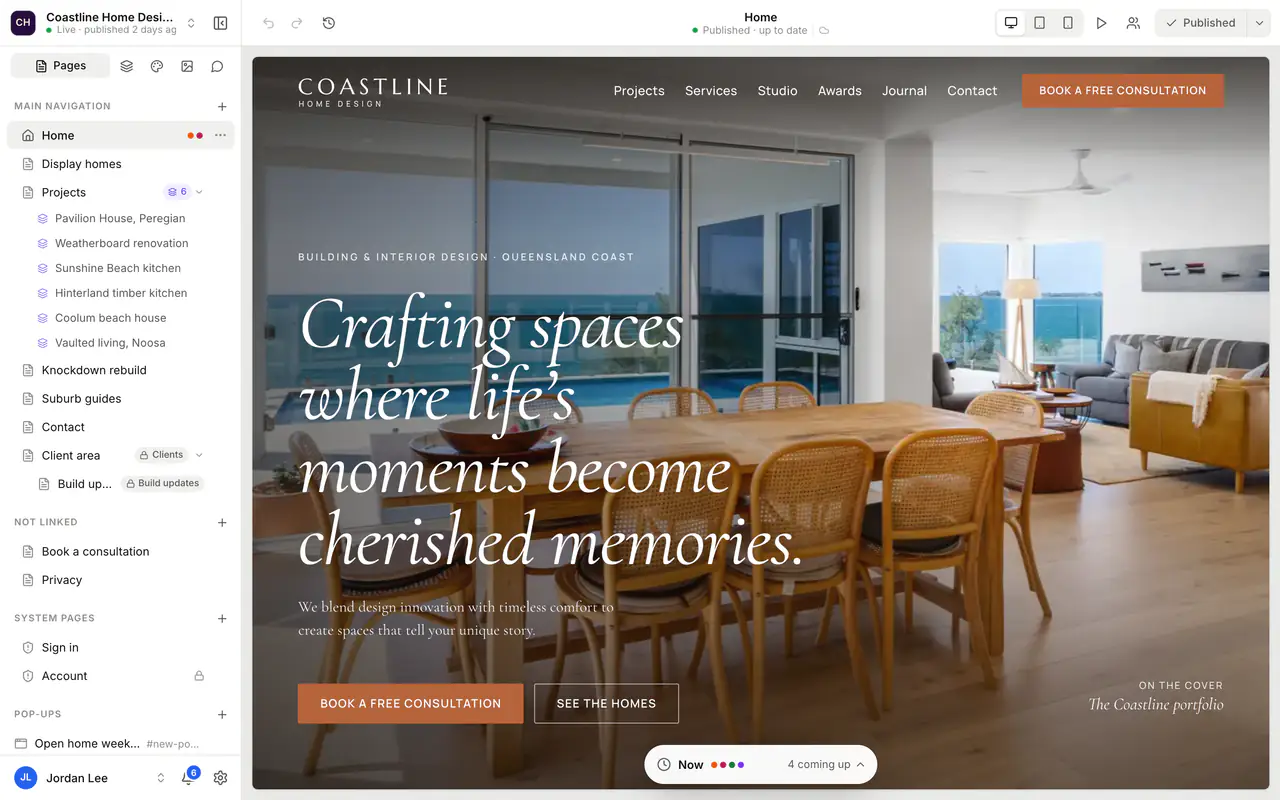
Edit any page on the spot
01People

One profile, every page

When a consultant joins or leaves, update their item once. Team pages, office pages and menus that list people update when you publish.

  • Person items with their own page
  • Headshots from the media library
  • See every place a profile appears
  • Draft changes stay off the live site
builder.webdirector.net/coastline
One Coastline project, edited once and shown on every page that lists it.
02Offices

Requests reach the right office

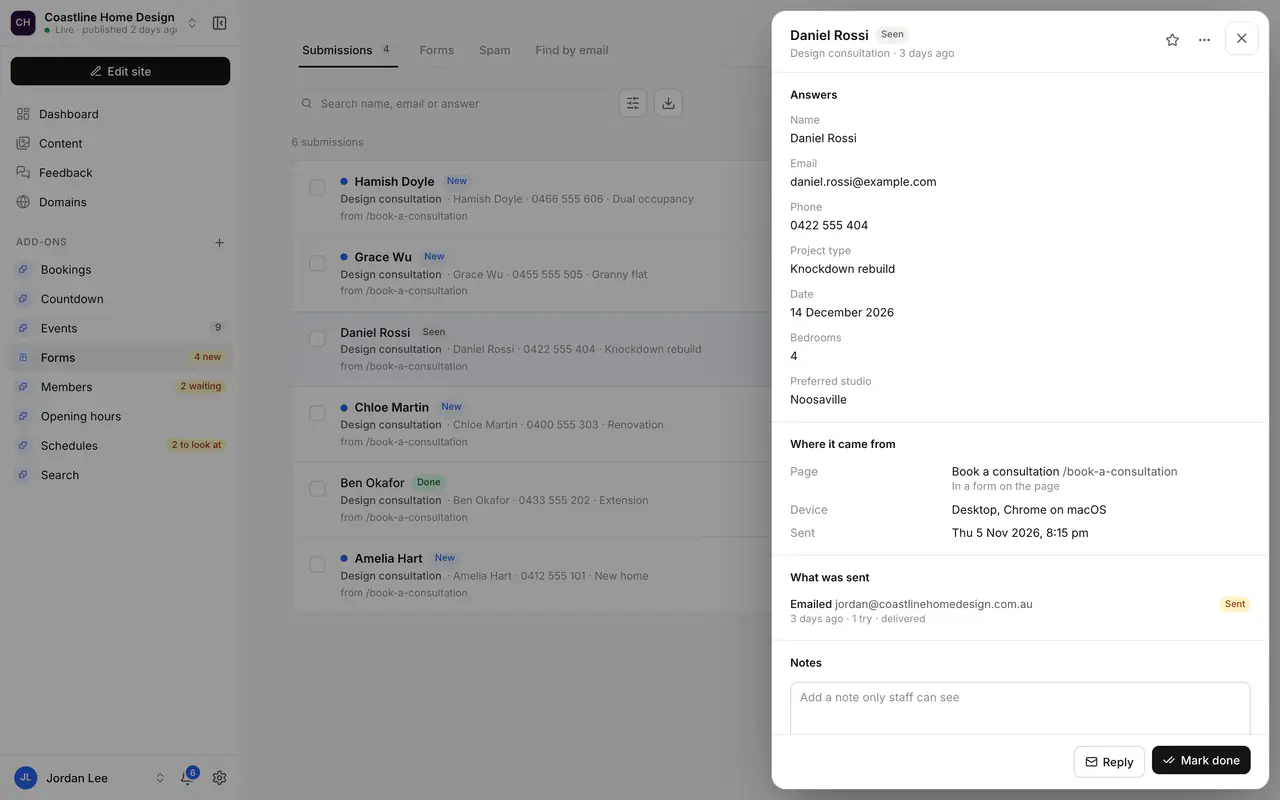
One appraisal form routes each request by suburb or office, so nobody has to forward emails. Each office can have its own page, hours and contact details.

  • Route form emails by answer
  • Office hours with Open now
  • Office pages listed automatically
  • Submissions without website access
builder.webdirector.net/coastline/forms
Coastline’s consultation requests, each with the preferred studio.
03Several sites

A group of offices or brands

Run a site per office, brand or estate from one organisation and one login. Give each office manager access to their own site only.

  • One login for every site
  • Roles per site
  • New sites from your shared theme
  • Visits across every site
builder.webdirector.net/coastline/edit
Coastline’s site in the editor, with projects, display homes and suburb guides in the page list.

See WebDirector run your websites

Book a walkthrough with the Corporate Interactive team. We will show you the editor, the features your business needs and how your sites would move across.