
We design it, move it and train your team
Corporate Interactive designs your theme, moves your content across, sets up your forms and QuoteCloud templates, and shows your team how to run the site day to day.

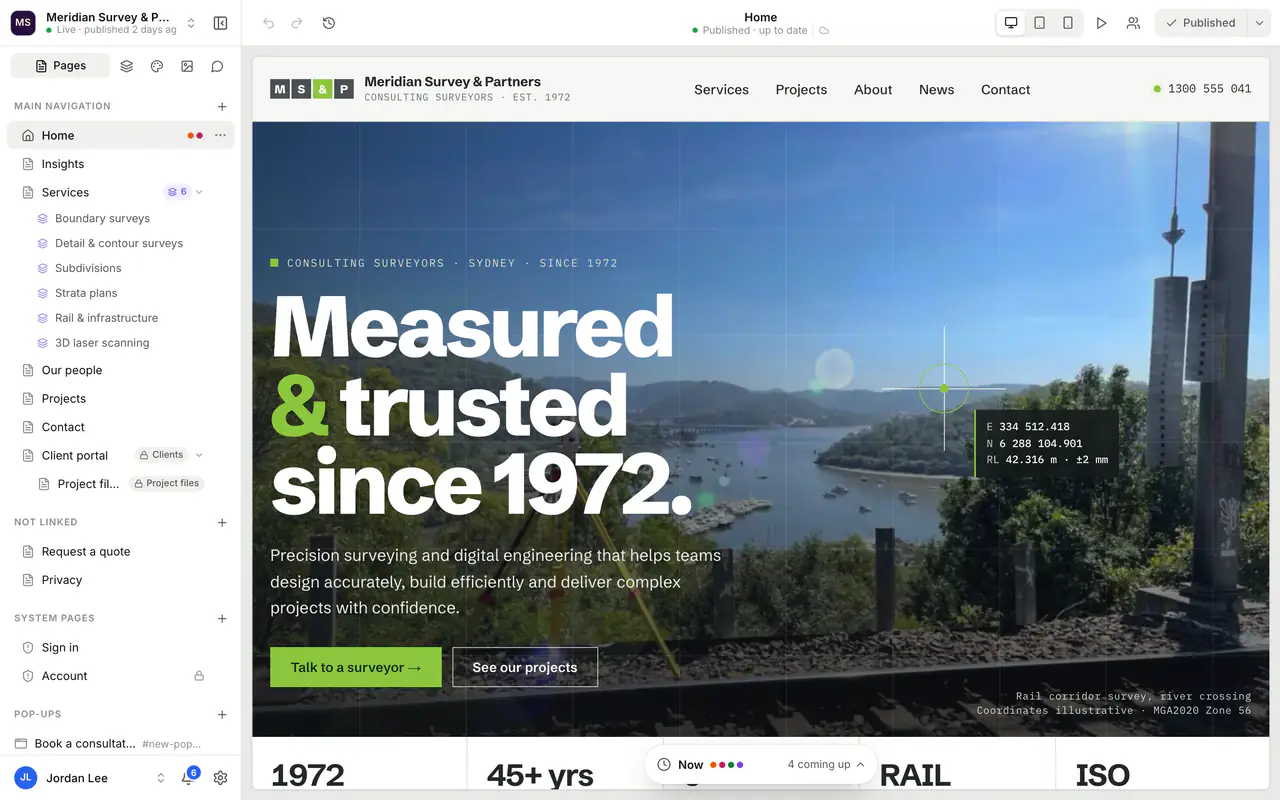 builder.webdirector.net/meridian/editYour team edits on the page
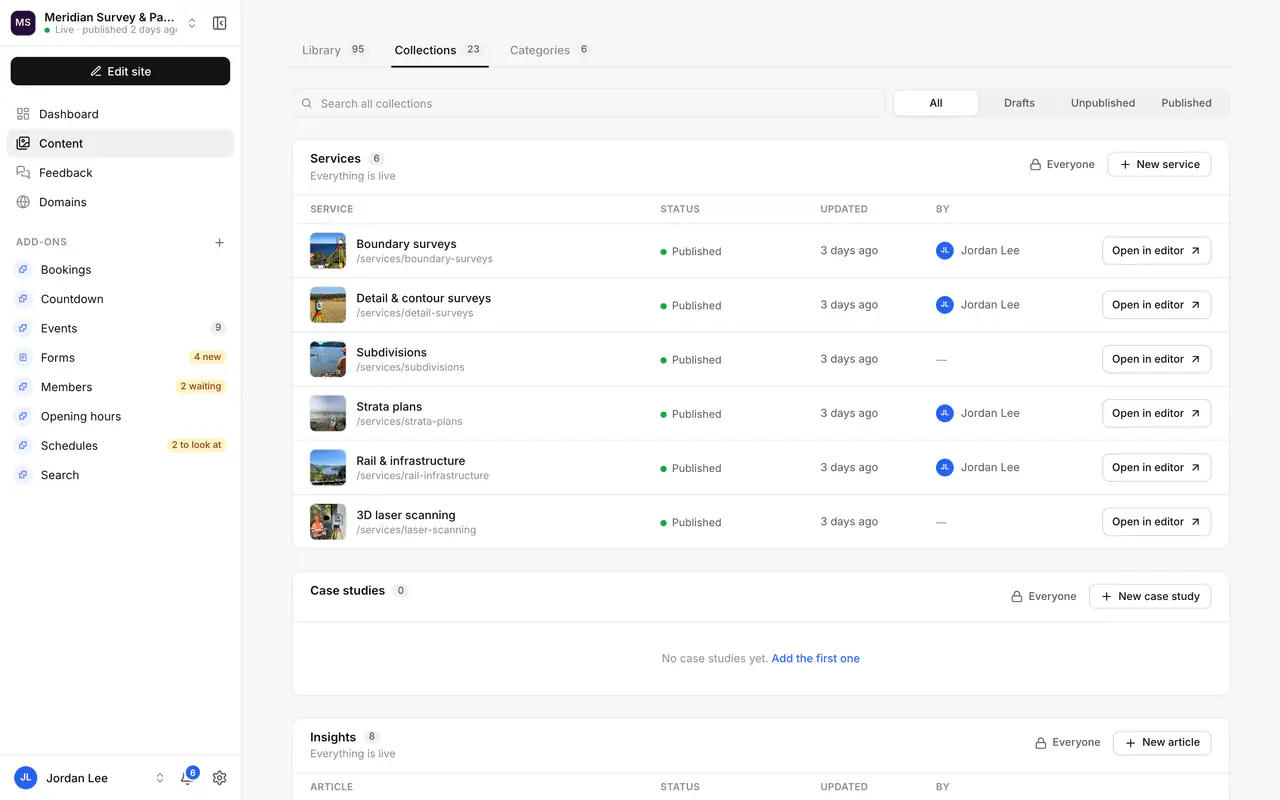 builder.webdirector.net/meridian/contentServices moved across for you
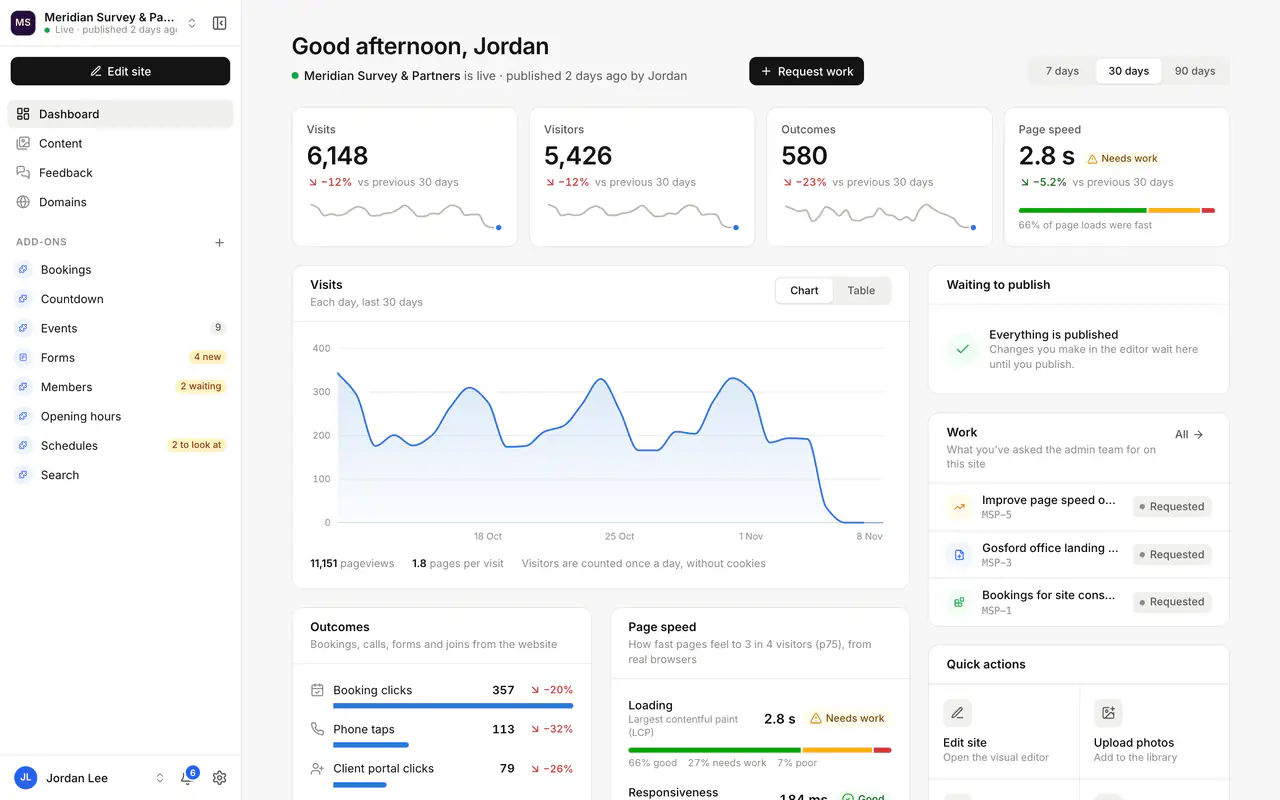 builder.webdirector.net/meridianAsk us for changes any time
How a firm moves across
Each step has a person at Corporate Interactive behind it. Timing depends on the size of your site.
- 1Design
We design your theme from your brand, with design directions to choose from, checked on phone, tablet and desktop.
- 2Move your content
Services, people, offices and articles come across as items, and old addresses redirect to the new pages.
- 3Forms and QuoteCloud
We build your enquiry forms and connect them to your QuoteCloud engagement templates.
- 4Train your team
Partners, marketing and reception learn the parts they use, with roles that give each person the right access.
- 5Go live and keep improving
Connect your domain, publish, and ask us for more work from the dashboard.
“We used to retype every survey enquiry into a fee letter. Now the client's answers are already in the QuoteCloud letter when we open it, and most come back signed the same day.”
Useful from day one
AI design to theme
Our team designs with AI, then builds the result into a checked theme
RunUsers & permissions
One login, clear roles, and access to exactly the sites people need
RunDomains
Connect your own domain with step-by-step DNS records and live status
RunWork requests
Ask our team for work and follow every job from request to sign-off
See WebDirector run your websites
Book a walkthrough with the Corporate Interactive team. We will show you the editor, the features your business needs and how your sites would move across.