
From enquiry to signed engagement letter, in one flow
A prospective client describes the job on your website. QuoteCloud turns their answers into your proposal and engagement letter, with the fees set out, ready to accept and sign online.
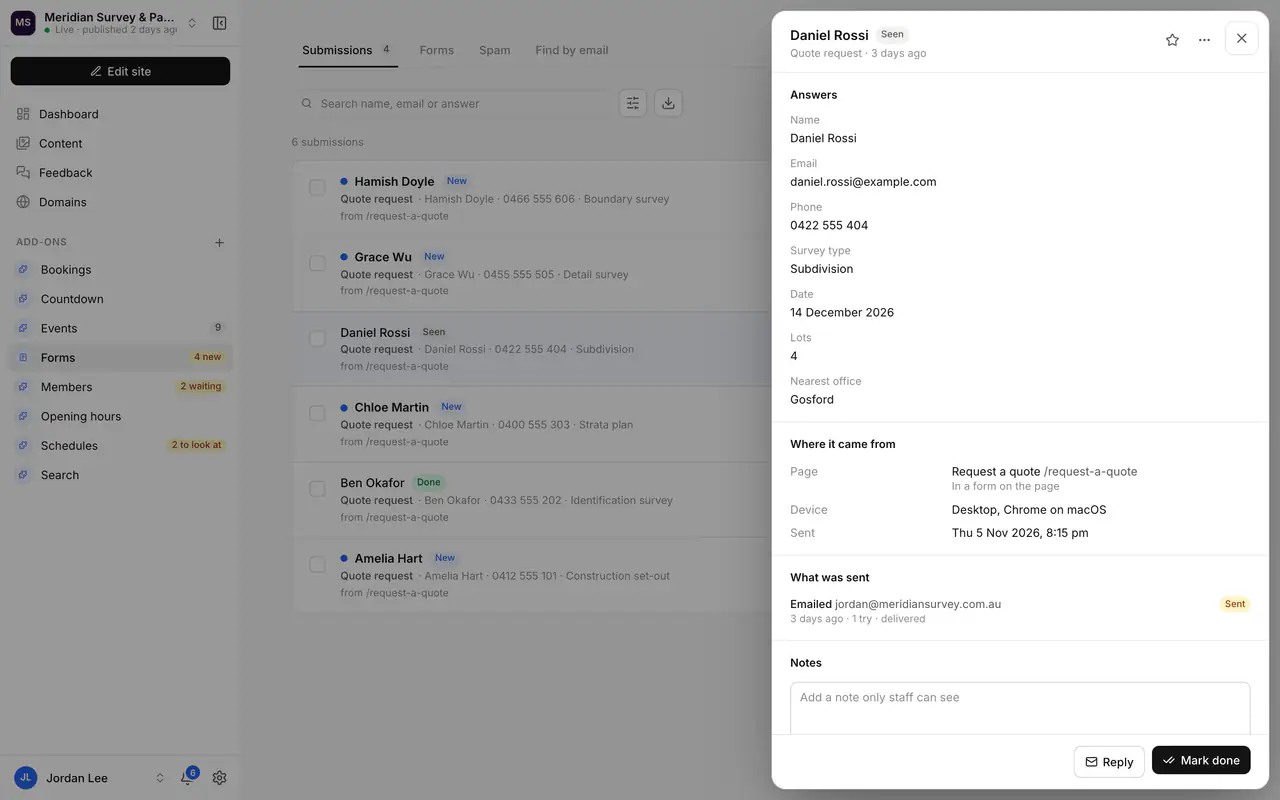 builder.webdirector.net/meridian/formsQuote requests in one inboxbuilder.webdirector.net/meridian/formsSurvey type, lots and timing
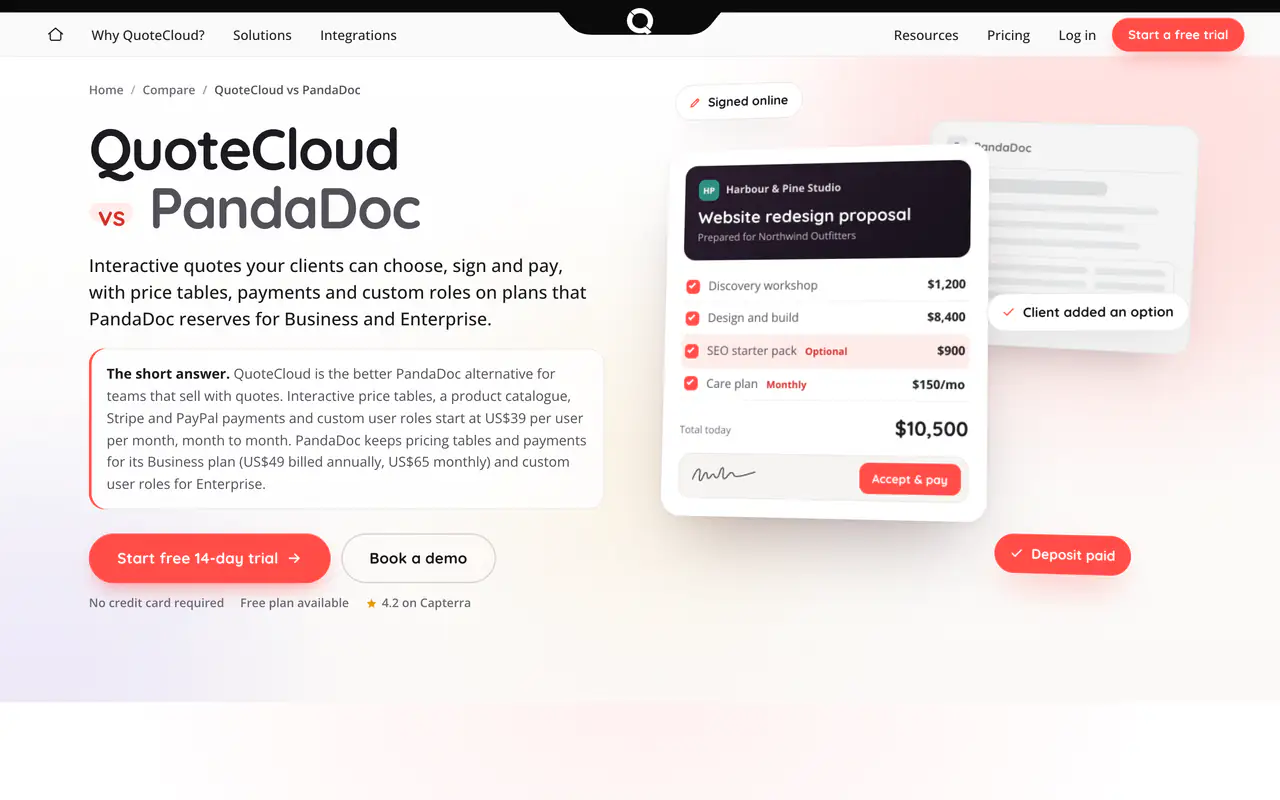 quotecloud.webdirector.spaceWhy firms use QuoteCloud
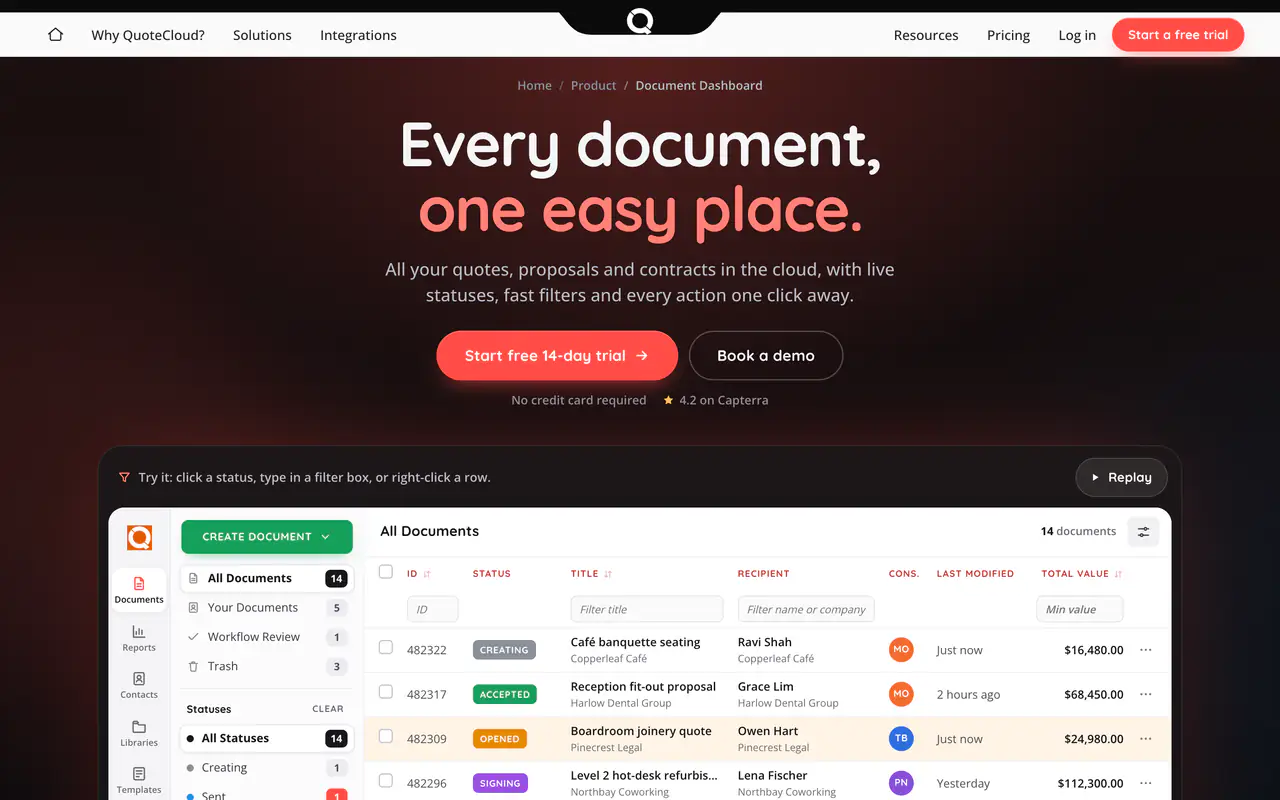 quotecloud.webdirector.spaceQuoteCloud sends it to sign
How the engagement letter is made
Connect your WebDirector forms and bookings to QuoteCloud, Corporate Interactive’s quoting, proposal and e-signing platform. A natively connected website, or Zapier, Make or the QuoteCloud API, creates the document from your template the moment someone submits, filled with their details and the lines they chose.
- 1
The client submits your enquiry form, and WebDirector sends their answers on as a signed webhook
- 2
Zapier, Make, the API or the native connection creates a QuoteCloud document from your engagement template, with their answers as data items and your fees as price rows
- 3
They read the proposal, tick any optional extras, accept, e-sign and pay a deposit online
What you set up once
The automation fills in a template you control. It does not write terms or choose clauses for you.
- 1One template per kind of engagement
For example a boundary survey letter and a detail survey letter, each with your standard terms and scope wording.
- 2Data items for the client's answers
Client name, address, lot and plan, due date and anything else the form asks are placed where you want them.
- 3Price rows for the fee
Each service the client picked becomes a line with its fee. Optional extras sit in the template for the client to switch on.
- 4Send now, or review first
Send the document automatically, or have it wait as a draft for a partner to check before it goes out.
Common questions
Does QuoteCloud write the engagement terms?
No. Your standard terms live in your template. The automation adds the client's details and the fee lines, and you decide whether it sends straight away or waits for review.
Which QuoteCloud plan do we need?
Creating documents through Zapier or the API needs QuoteCloud's Essentials plan or above. E-signature is on every plan.
Can the client pay a deposit when they sign?
Yes. QuoteCloud takes payments through Stripe or PayPal, so the client can accept, sign and pay in one visit.
What about profession-specific disclosure rules?
Put any disclosures your profession requires into the template once. Check the wording with your professional body or adviser; QuoteCloud does not check compliance for you.
See WebDirector run your websites
Book a walkthrough with the Corporate Interactive team. We will show you the editor, the features your business needs and how your sites would move across.