
Members area
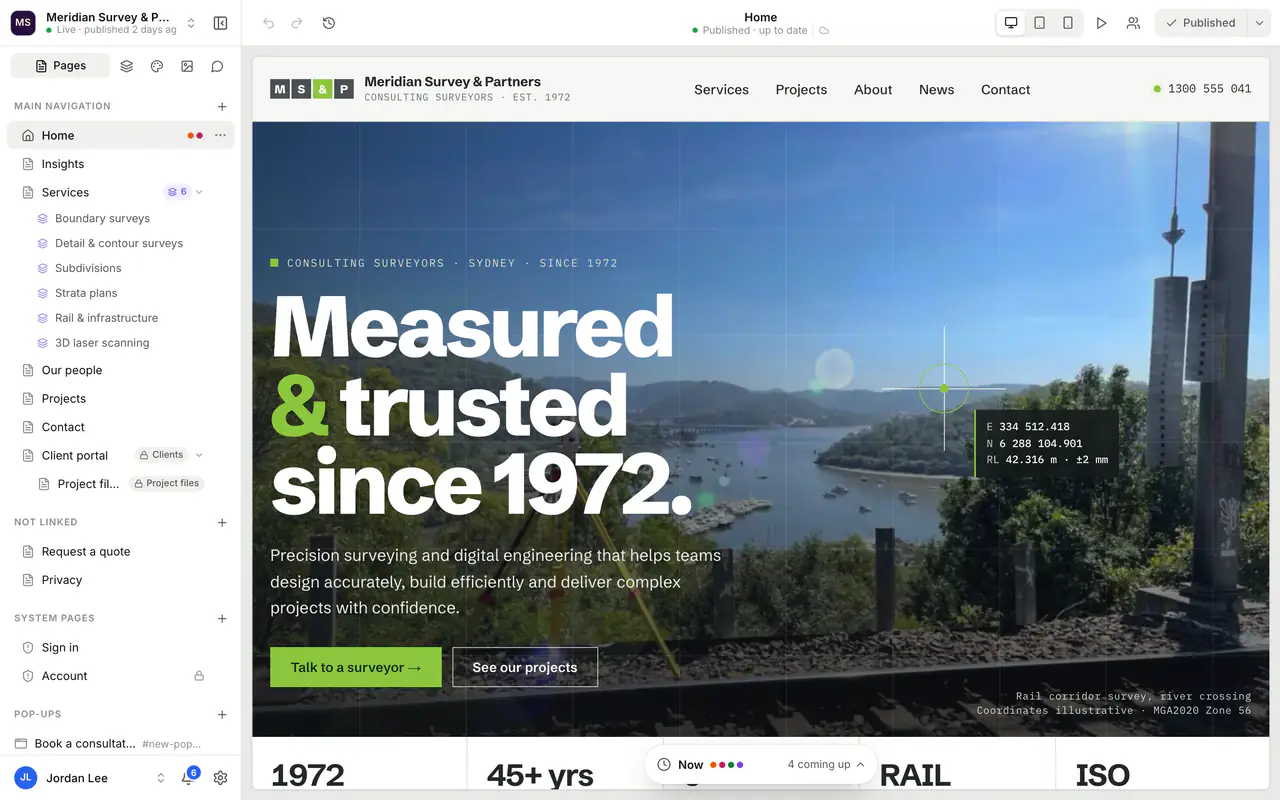
Pages and files kept for signed-in clients only
Clients sign in with an emailed code or link, no password to forget. Show each group the guides, forms and files meant for them, and keep the rest of the site public.
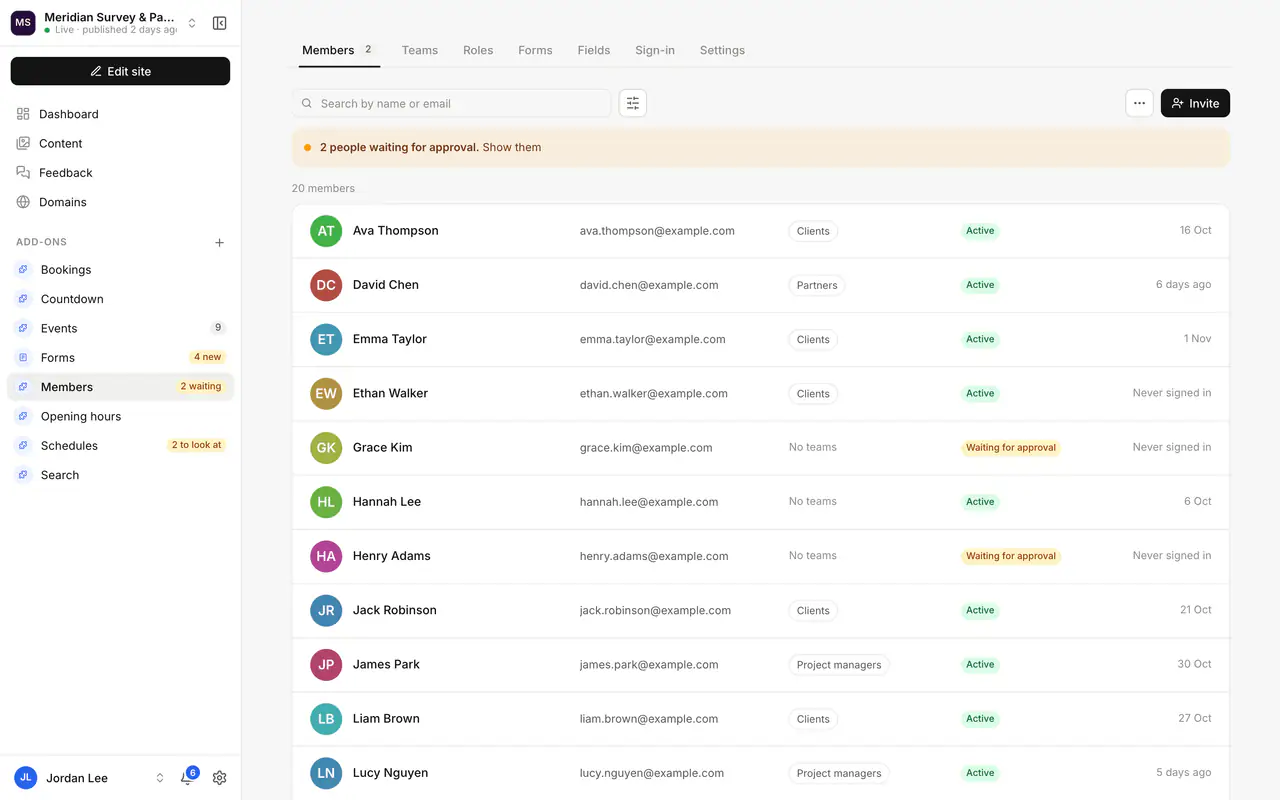 builder.webdirector.net/meridian/membersClients sign in to their areabuilder.webdirector.net/meridian/membersEach client sees their own filesbuilder.webdirector.net/meridian/membersApprove new clients first
 builder.webdirector.net/meridian/editPortal pages for clients only
Questions
Common questions
Is this a secure document exchange?
It is a members area for pages and files you publish to clients. For confidential client records, keep using your practice system or document portal.
Can members-only forms collect information?
Yes. Forms can be set to members only, for example an annual information checklist.
Do clients need a password?
No. Codes, links and passkeys are on by default. You can switch on passwords if you want them.
See WebDirector run your websites
Book a walkthrough with the Corporate Interactive team. We will show you the editor, the features your business needs and how your sites would move across.