
A website your volunteers can actually run
Corporate Interactive designs your theme, moves your pages and member list, sets up donations, grants and the board area, and trains staff and volunteers to keep it current.
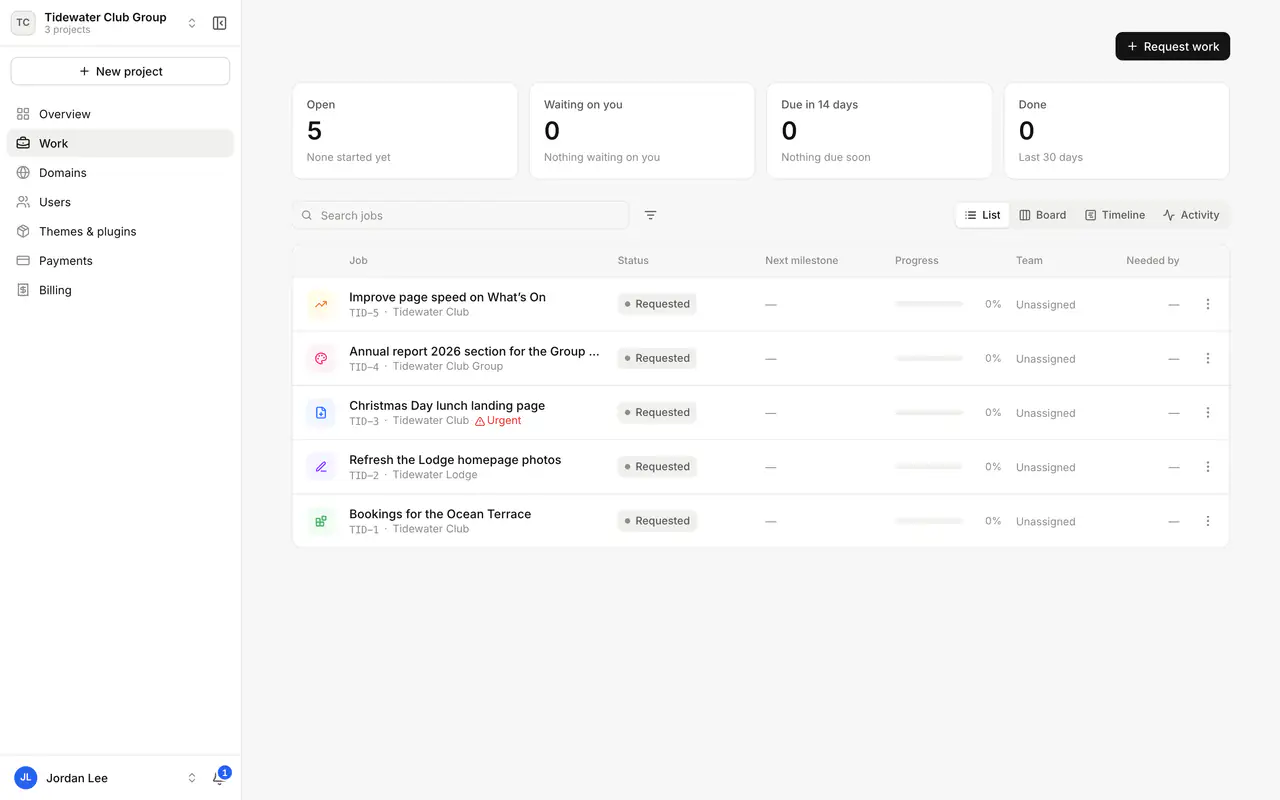 builder.webdirector.net/org/tidewater-club-groupAsk our team for work
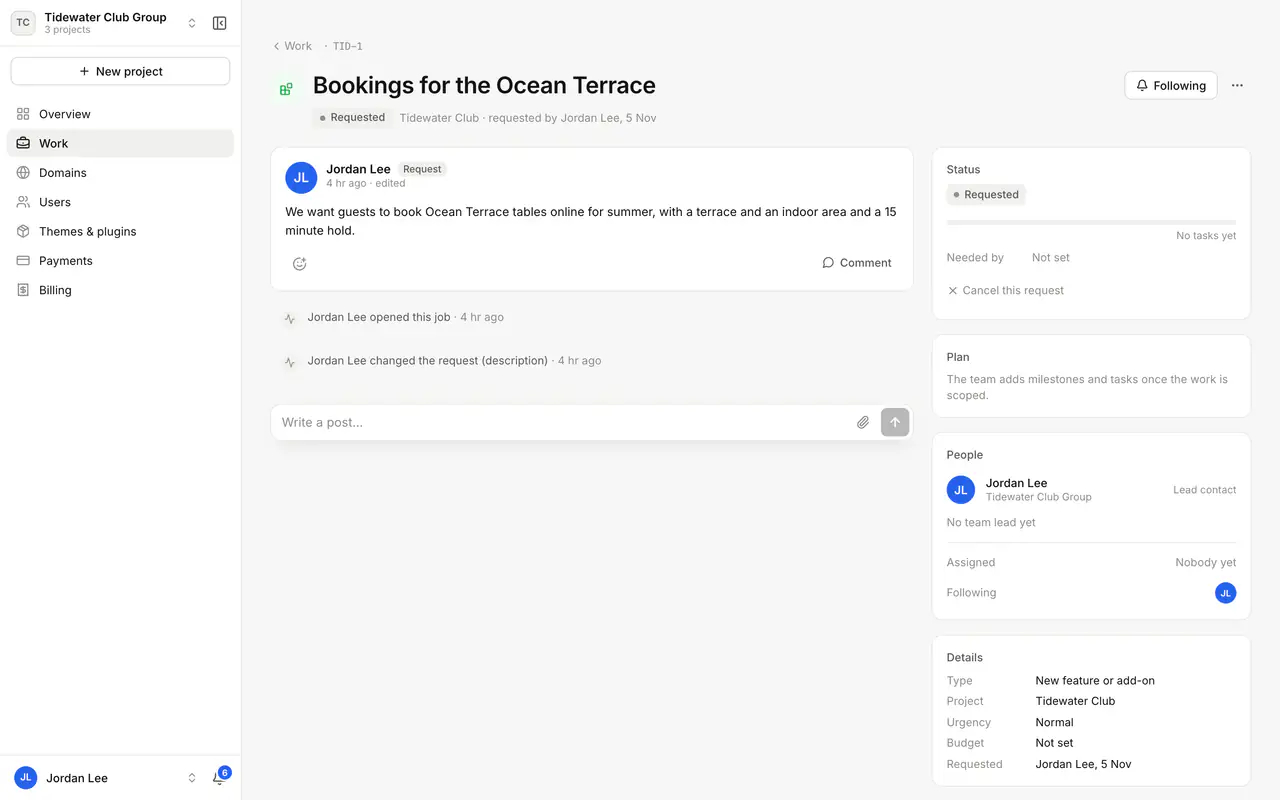 builder.webdirector.net/org/tidewater-club-groupBrief, comments and status
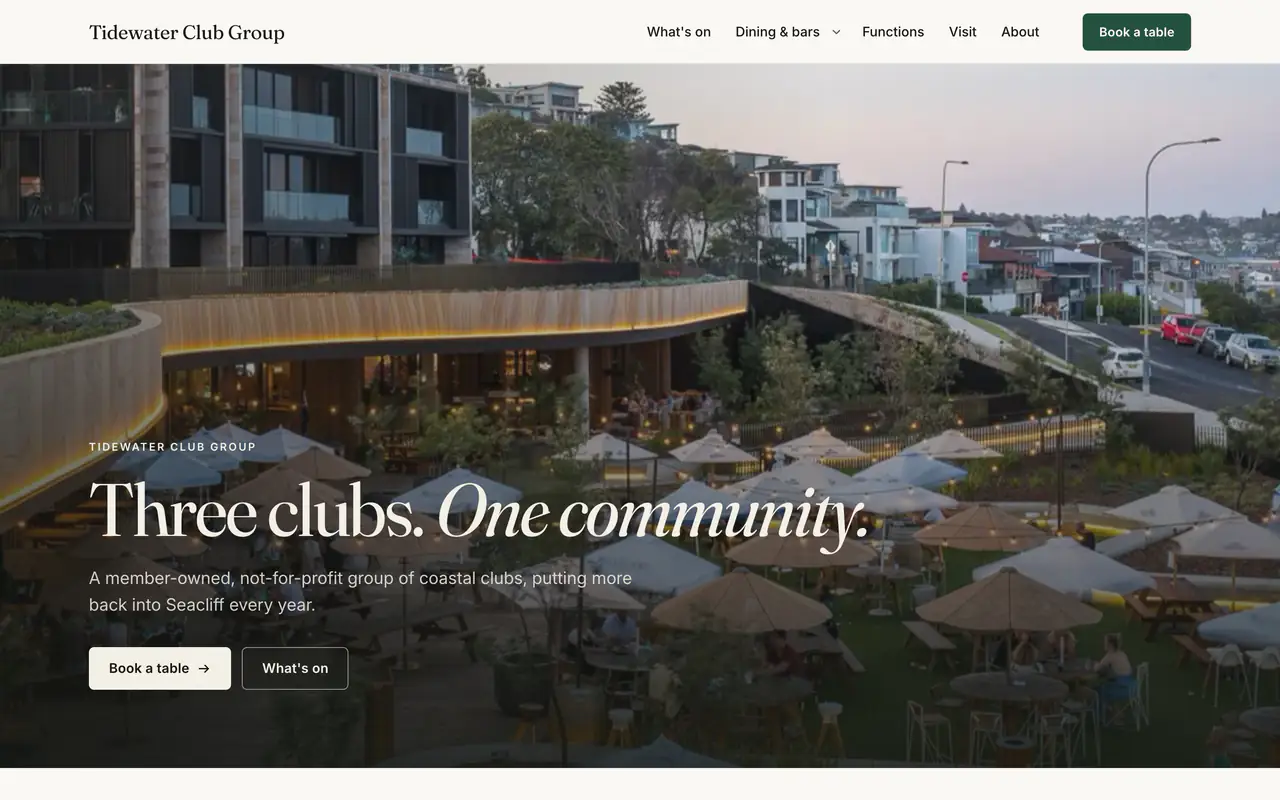 tidewater-group.webdirector.spaceYour site, live
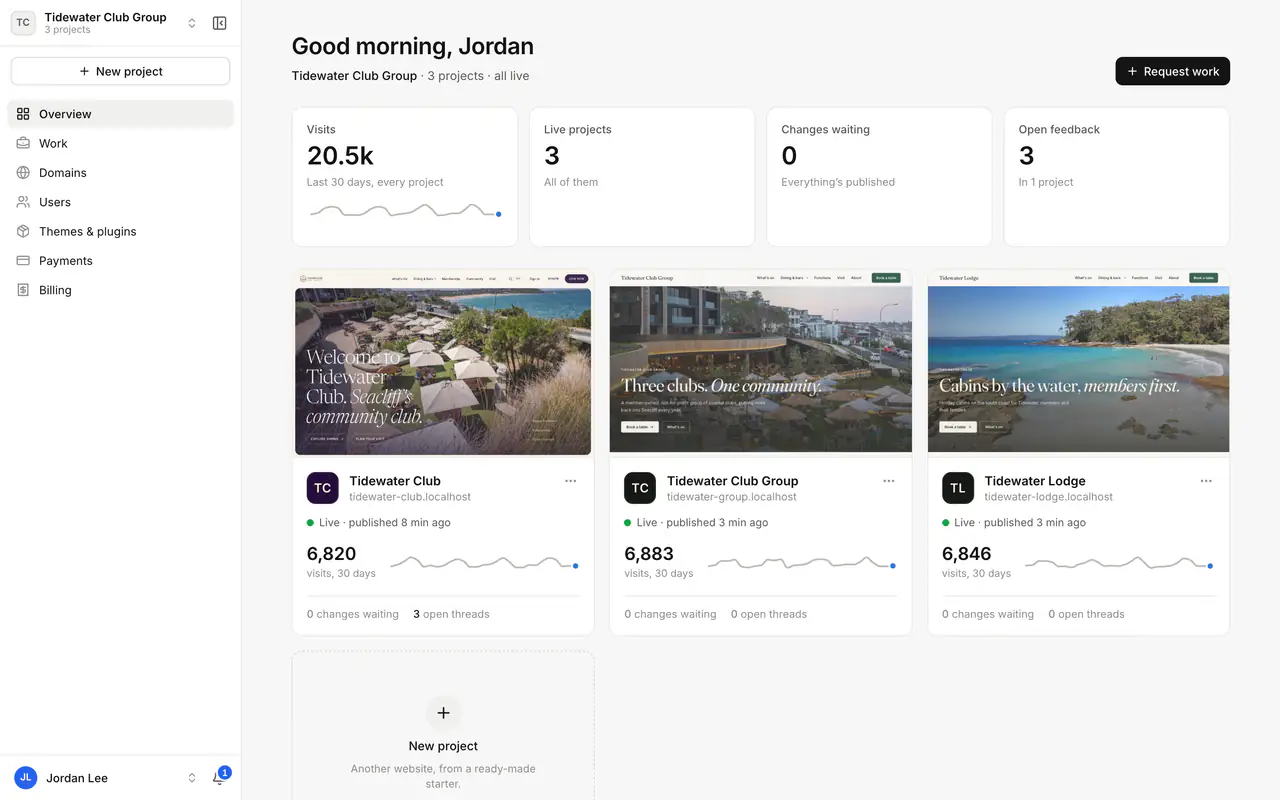 builder.webdirector.net/org/tidewater-club-groupEvery site in one place
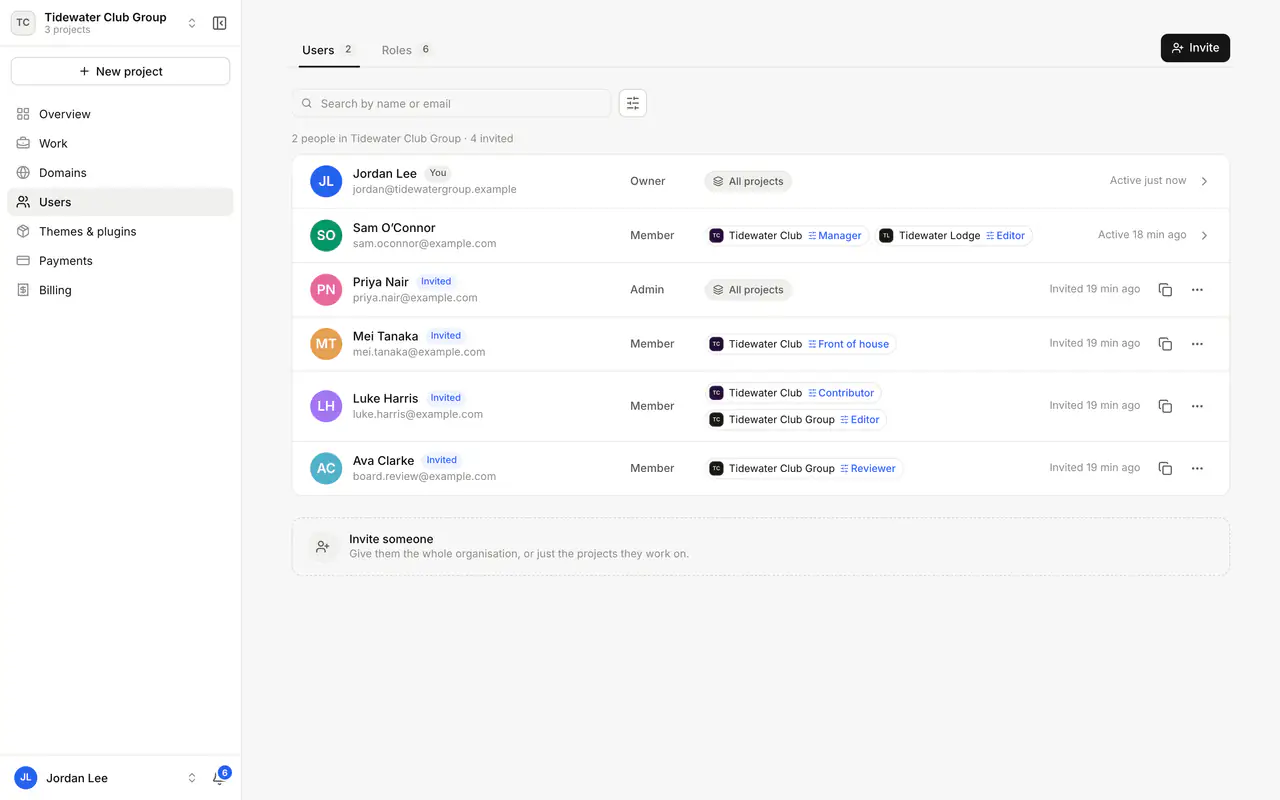 builder.webdirector.net/org/tidewater-club-groupWho can open which site
From first call to live site
A typical path for an association or community organisation. We fit it around your board calendar.
- 1Brief and design
We learn your members, programs and supporters, then show clickable design directions in your brand. You choose one and we turn it into your theme.
- 2Move your content
Pages, stories and reports move across, your member list is imported from a CSV, and old addresses redirect to the new ones.
- 3Set up the add-ons
Donation and grant forms, board and committee teams, events, and QuoteCloud sponsorship templates if you use them.
- 4Train staff and volunteers
Each person gets their own login and role, and learns to edit and publish on desktop and phone.
- 5Launch and support
Connect your domain and go live. After launch, ask for changes through work requests in your dashboard.
“Our board papers used to go out as email attachments. Now directors sign in and find them on the site, and our volunteers update the events page from their phones.”
Common questions
Can a volunteer leave without taking access with them?
Yes. Remove their login or change their role, and the rest of the team carries on. Version history keeps a record of what they changed.
Can we bring our member list?
Yes. Import a CSV, check a dry run, then save.
How long does it take?
It depends on the number of pages, forms and sites. We give you a plan with dates after the brief.
See WebDirector run your websites
Book a walkthrough with the Corporate Interactive team. We will show you the editor, the features your business needs and how your sites would move across.