
Move the group across one brand at a time
Corporate Interactive designs the group theme, sets up your organisation and roles, then moves each brand or location across in turn, training head office and local teams as it goes.
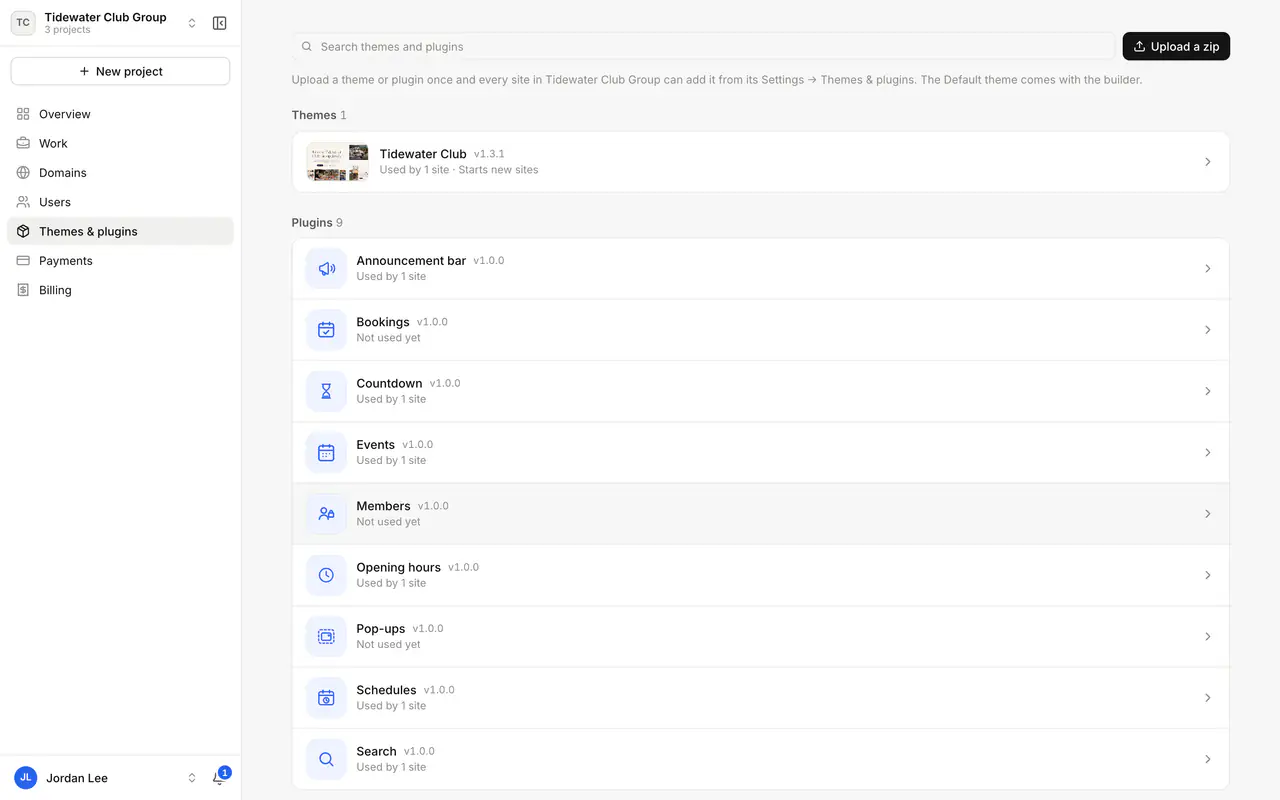 builder.webdirector.net/org/tidewater-club-groupThe group theme, uploaded once
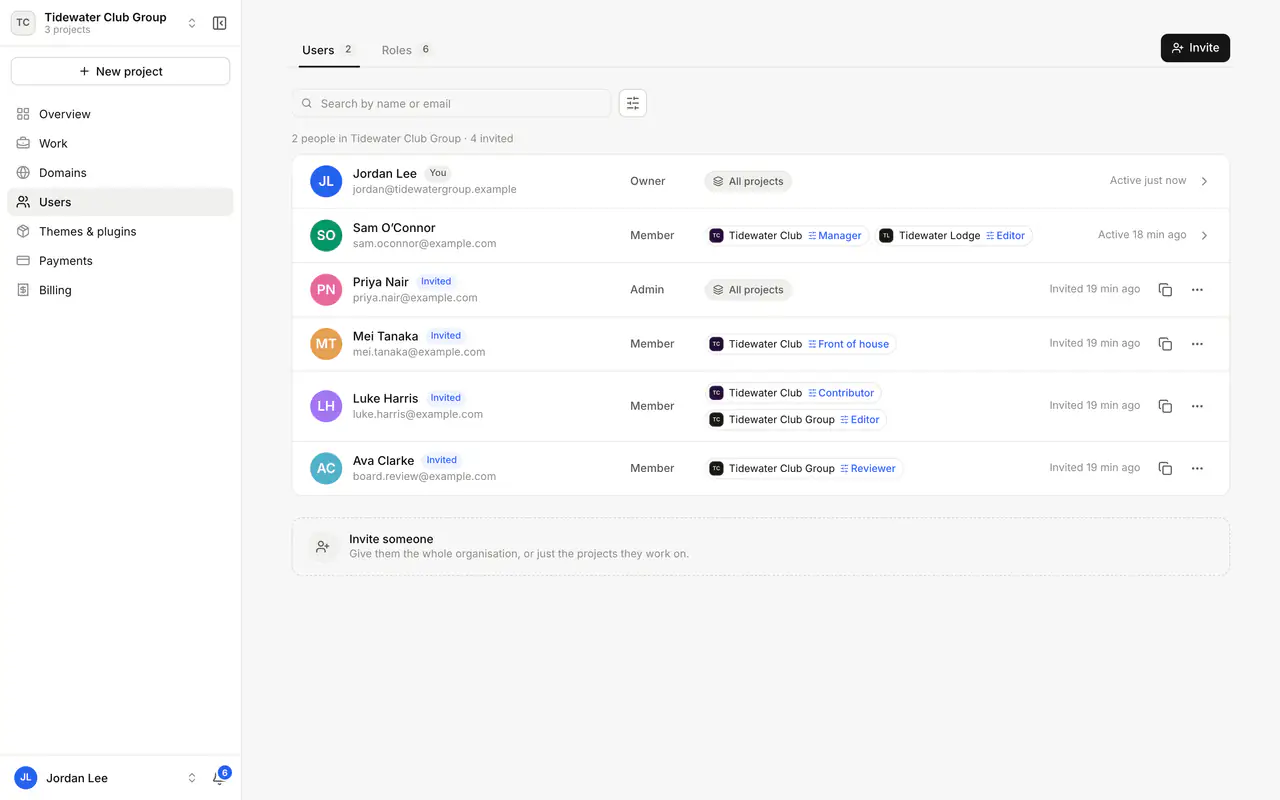 builder.webdirector.net/org/tidewater-club-groupRoles for head office and locals
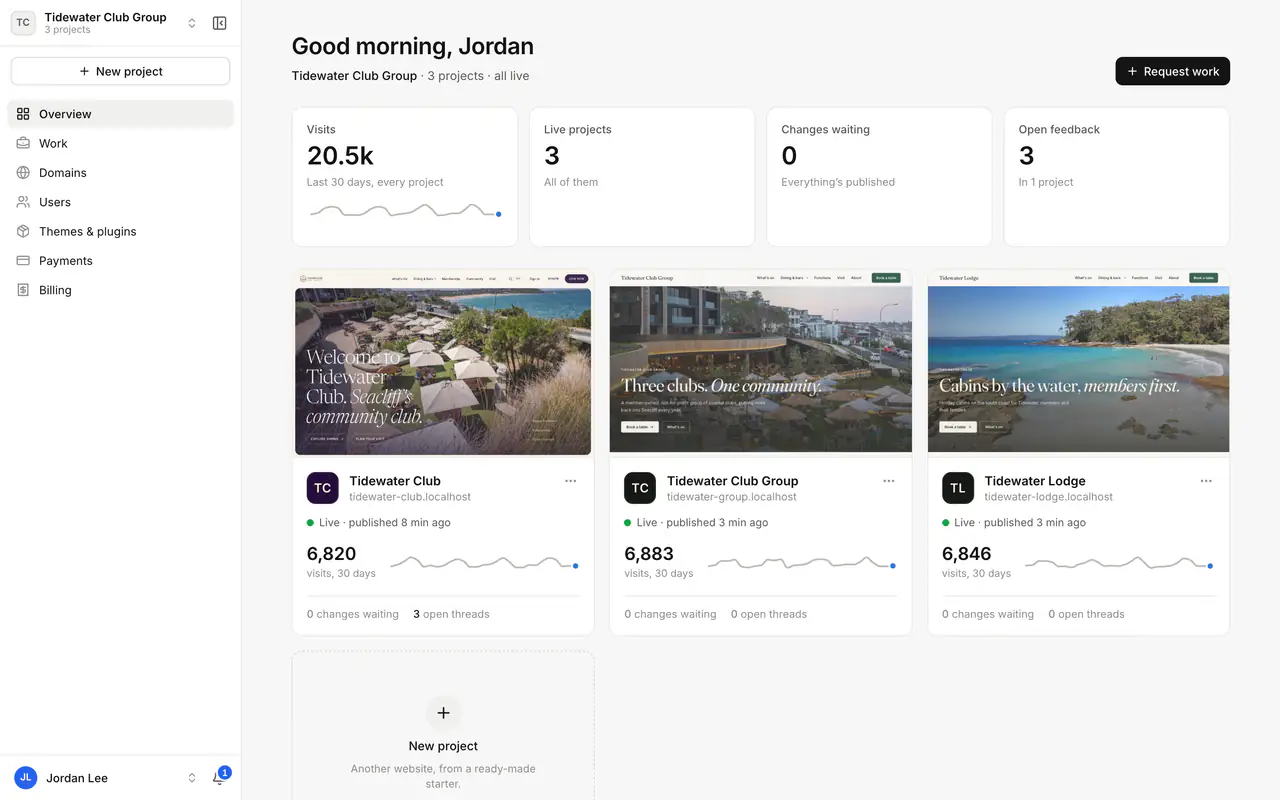 builder.webdirector.net/org/tidewater-club-groupEvery brand site in one place
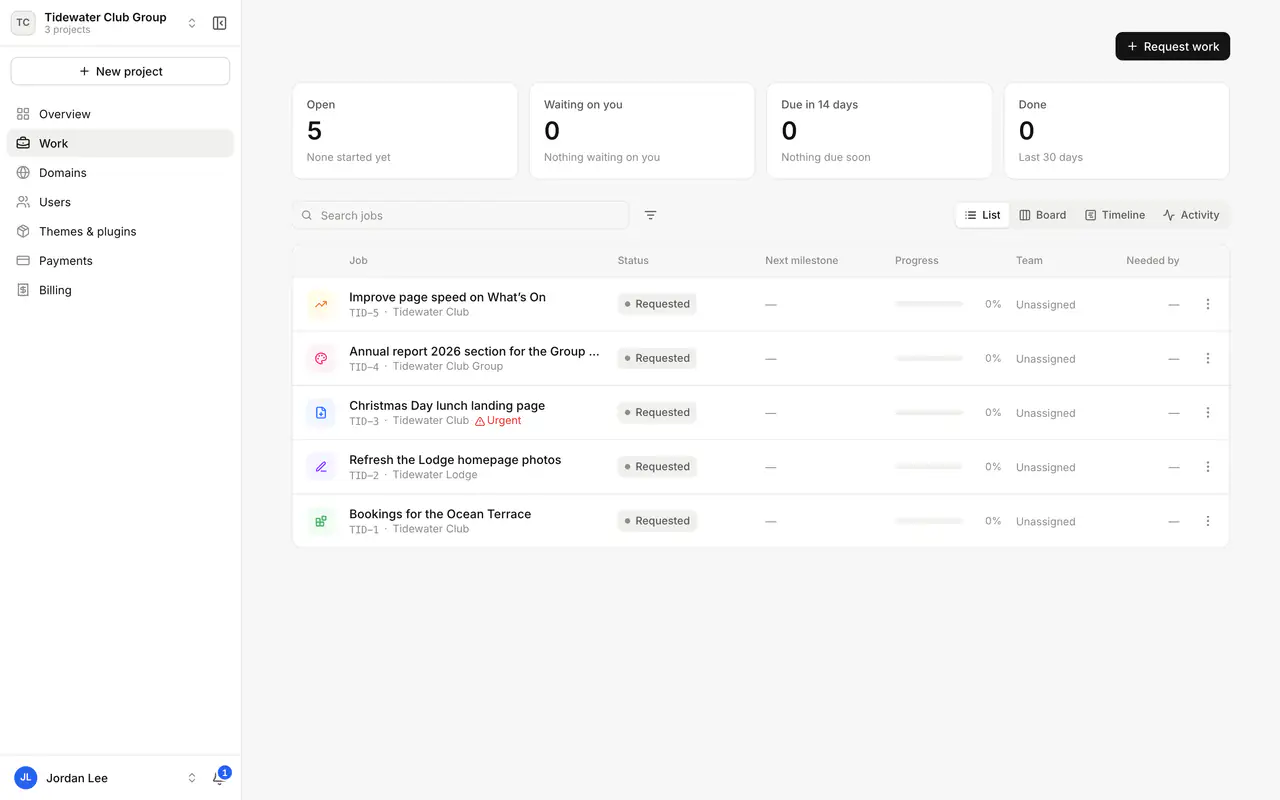 builder.webdirector.net/org/tidewater-club-groupAsk our team for work
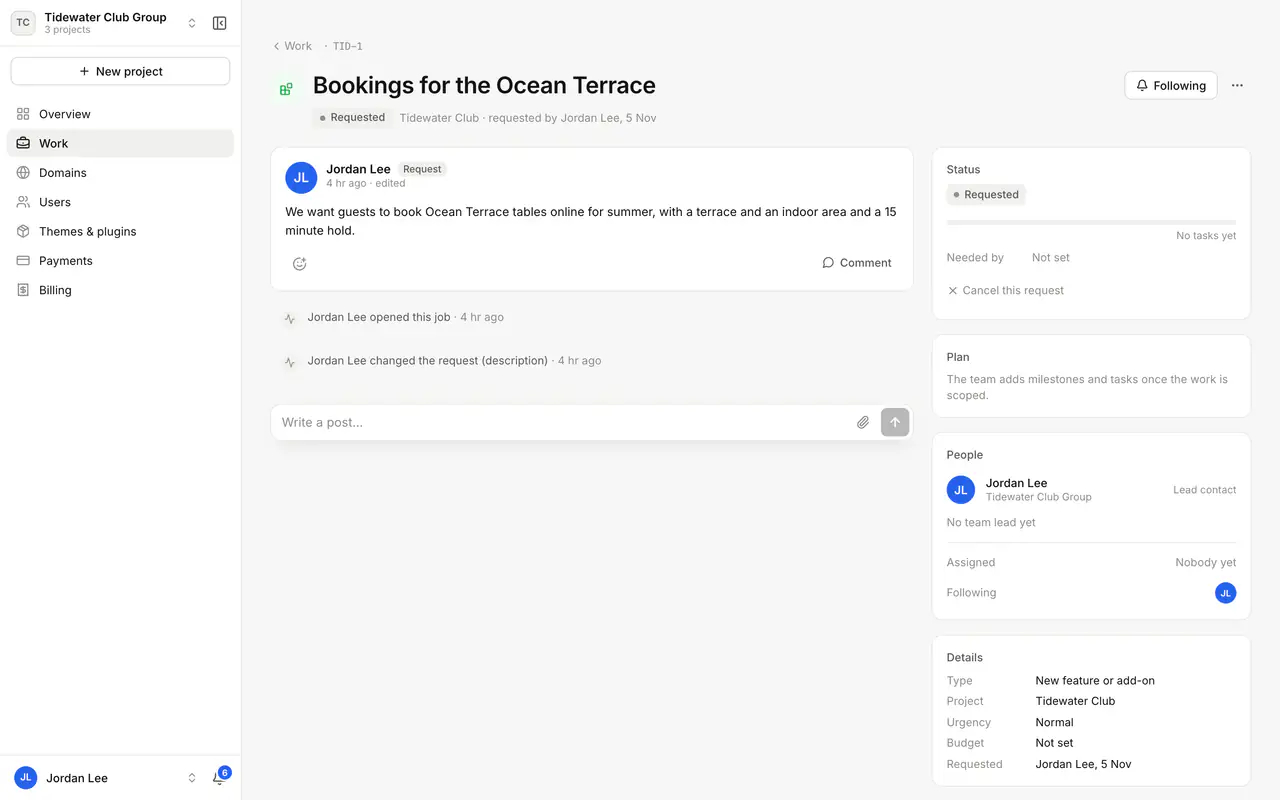 builder.webdirector.net/org/tidewater-club-groupFollow the job to done
From first call to every site live
What Corporate Interactive does, and what we need from you.
- 1Map the group
Brands, locations, domains, who edits what today and which systems take enquiries.
- 2Design the group theme
Corporate Interactive designs the theme with brand styles for each brand and locked sections where needed.
- 3Set up the organisation
Roles such as Branch manager, people invited to the right sites, and the theme in your library.
- 4Move brands one at a time
Each brand's pages and photos come across with redirects, then its domain is connected.
- 5Train head office and local teams
Head office learns reviews and schedules; local teams learn to edit from a phone.
Common questions
How long does it take?
It depends on the number of brands and locations. Corporate Interactive gives you a plan and dates after the first call.
Can brands move at different times?
Yes. Each site is separate, so brands can move one at a time while the others stay where they are.
Who trains our teams?
Corporate Interactive trains head office and local editors, including how to edit from a phone.
See WebDirector run your websites
Book a walkthrough with the Corporate Interactive team. We will show you the editor, the features your business needs and how your sites would move across.