
A what's on guide readers help fill
Markets, school fetes and council meetings come from the community. Let readers send their events through a form, check them, and show them on a calendar that updates itself.

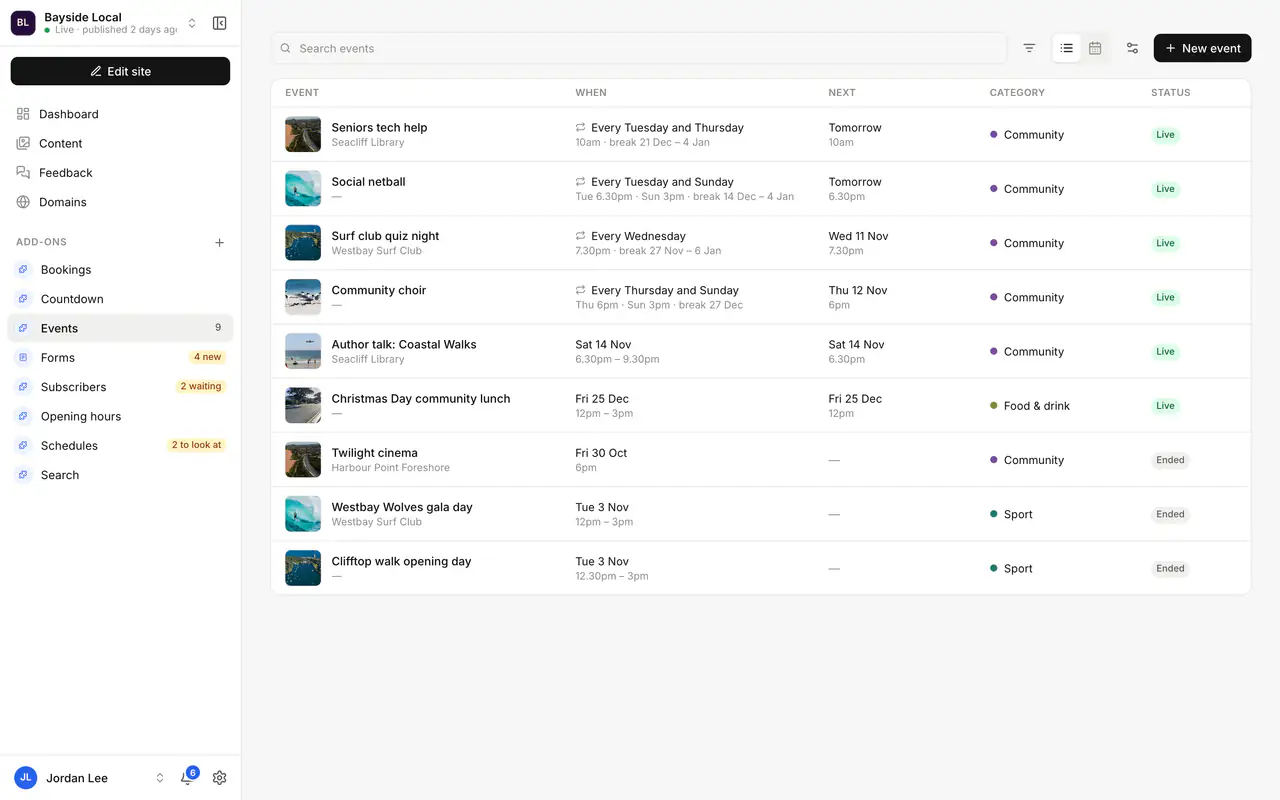 builder.webdirector.net/bayside-local/eventsEvery local event in one listbuilder.webdirector.net/bayside-local/eventsRepeat events set once
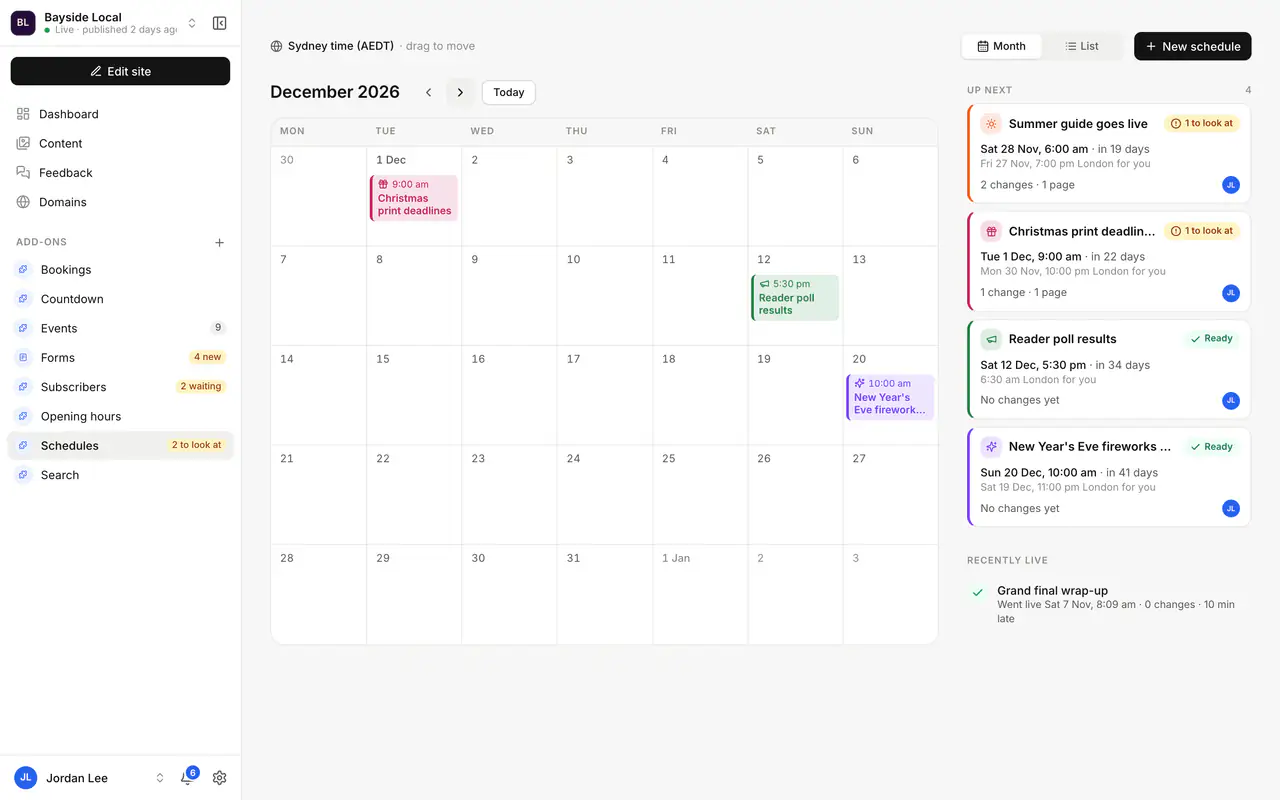 builder.webdirector.net/bayside-local/schedulesGuides go live on schedule
From reader submission to listing
How Bayside Local runs its community calendar in the demo.
- 1A reader submits
The Submit an event form asks for the name, date, time, place, a photo and a contact.
- 2It lands in the admin
Submissions arrive in one list, with spam filed in its own tab.
- 3Staff check and add it
The calendar editor checks the details and adds it to the events list, with a category.
- 4The calendar updates
Every what's on section on the site shows the new event, and it drops off after it ends.
Common questions
Do reader submissions go straight onto the calendar?
No. They arrive as form submissions, and your team adds the ones you approve to the events list.
Can we import events from a council calendar?
Not yet. Calendar imports are not part of WebDirector Events today.
Can each local title have its own calendar?
Yes. Each title's site has its own events list and calendar sections.
See WebDirector run your websites
Book a walkthrough with the Corporate Interactive team. We will show you the editor, the features your business needs and how your sites would move across.