
A new practice website without the heavy lifting
Corporate Interactive designs your theme, moves your content, links your practice software and trains reception and clinicians. You review each step before anything goes live.

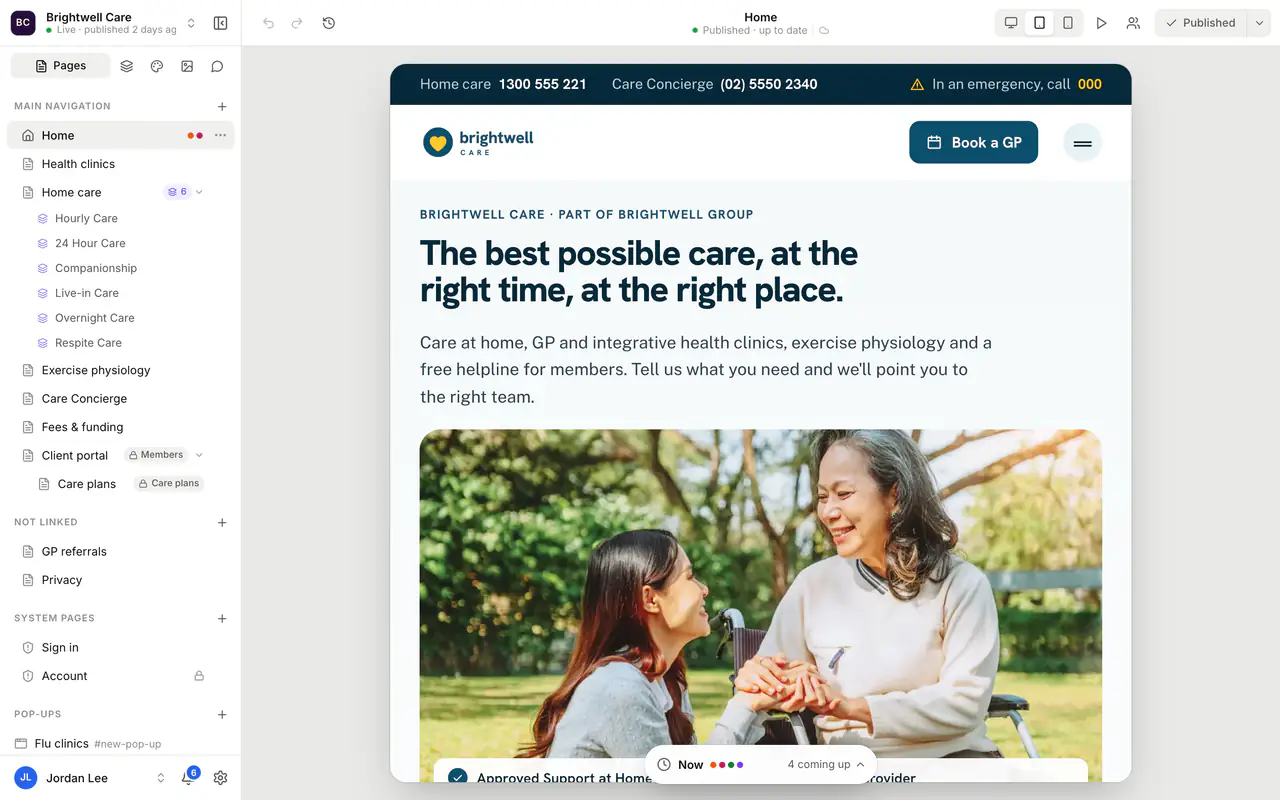 builder.webdirector.net/brightwell-care/editYour team edits on the page
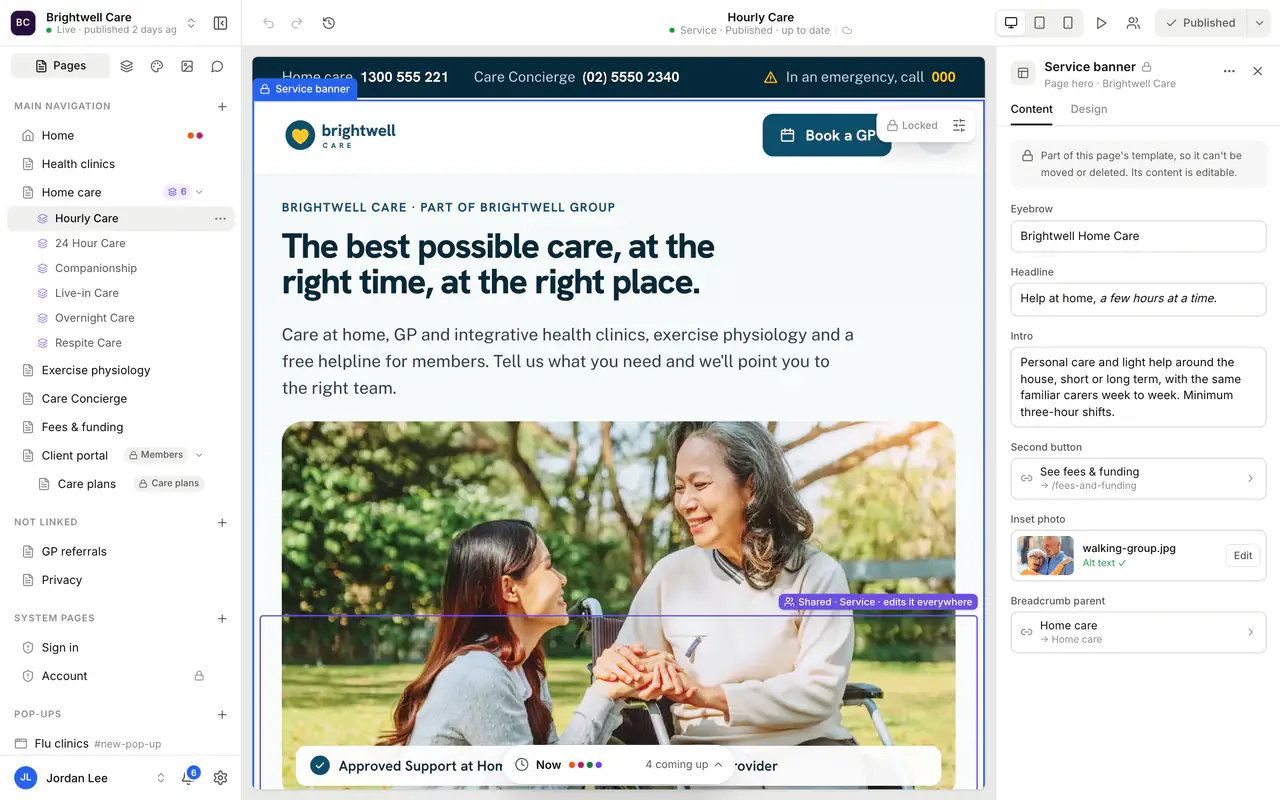 builder.webdirector.net/brightwell-care/editServices moved across for you
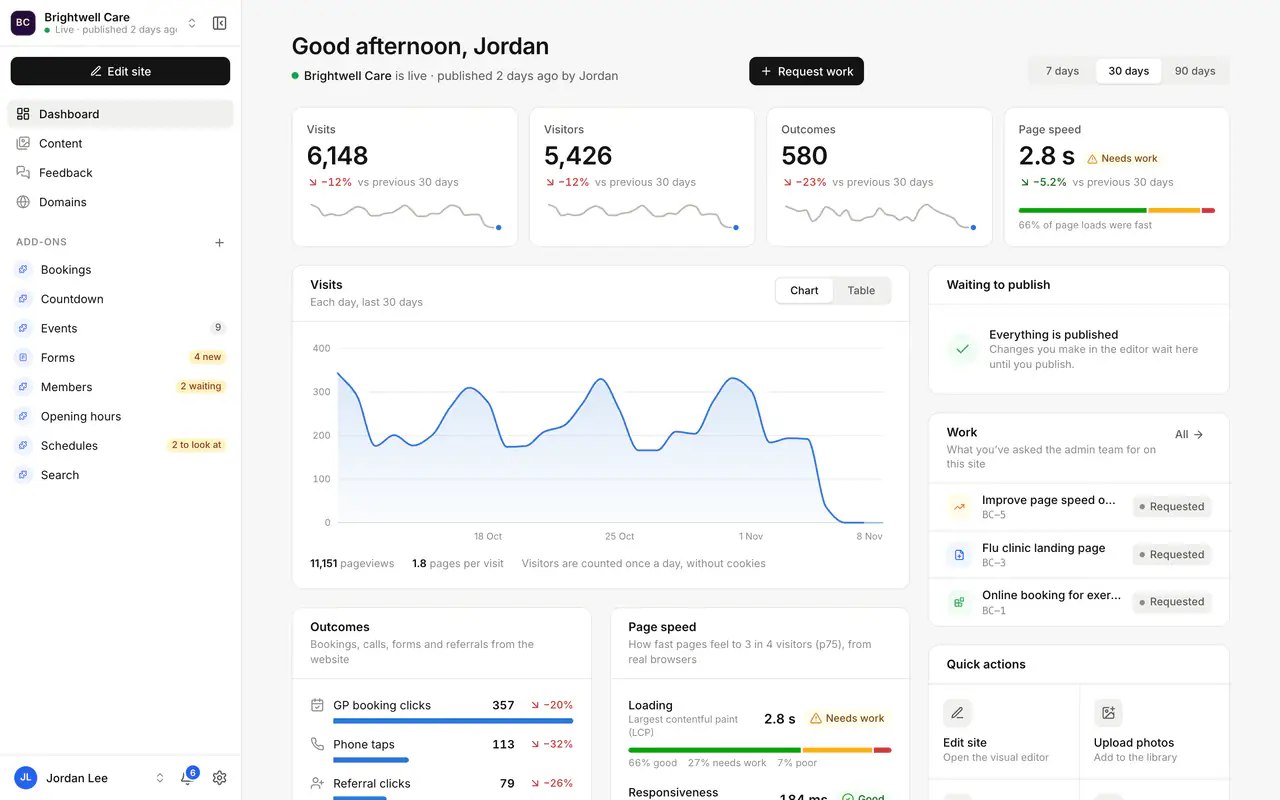 builder.webdirector.net/brightwell-careAsk us for changes any time
From first call to live site
A typical path for a practice with a few clinics. We agree the details with you first.
- 1Brief and design
We learn your services, clinics and patients, then show clickable design directions in your brand. You choose one and we turn it into your theme.
- 2Move your content
Services, practitioners, clinics and fees become lists, and old page addresses redirect to the new ones so search results keep working.
- 3Link your systems
Book now buttons go to your practice software. Forms route to each clinic. QuoteCloud templates are set up for plans and agreements if you use them.
- 4Train your team
Reception, practice managers and clinicians learn to edit on desktop and phone, and who publishes.
- 5Launch and support
Connect your domain and go live. After launch, ask for changes through work requests in your dashboard.
“Our clinicians update their own profiles now, and I approve them from my phone between appointments. Reception is not fielding questions about fees any more.”
Common questions
Will we lose our search rankings?
We map old page addresses to new ones with redirects, and WebDirector generates the sitemap and search tags for every page.
Do we need to change our practice software?
No. Your practice software keeps the diary and patient records. The website links to it.
How long does it take?
It depends on the number of clinics, services and pages. We give you a plan with dates after the brief.
See WebDirector run your websites
Book a walkthrough with the Corporate Interactive team. We will show you the editor, the features your business needs and how your sites would move across.