Book a demo
  1. Home
  2. Health & allied health
  3. Fees, funding & rebates
Fees and funding

Fees explained clearly, for every funding type

Patients want to know what they will pay before they book. Keep fees, rebates and funding information on pages your team can update the day prices change.
Fees and funding set out plainly
Funding explained per service
Your team updates the wording
01Clear fees

One fees page per way people pay

Private, Medicare, NDIS, home care and health fund patients each have different questions. Give each a short page or section with the fee, any rebate and what to bring, written in plain words.

  • Tables and FAQs your team can edit
  • Fee notes reused across service pages
  • PDF fee schedules in the media library
  • Members-only fee sheets for referrers if needed
brightwell-care.webdirector.space
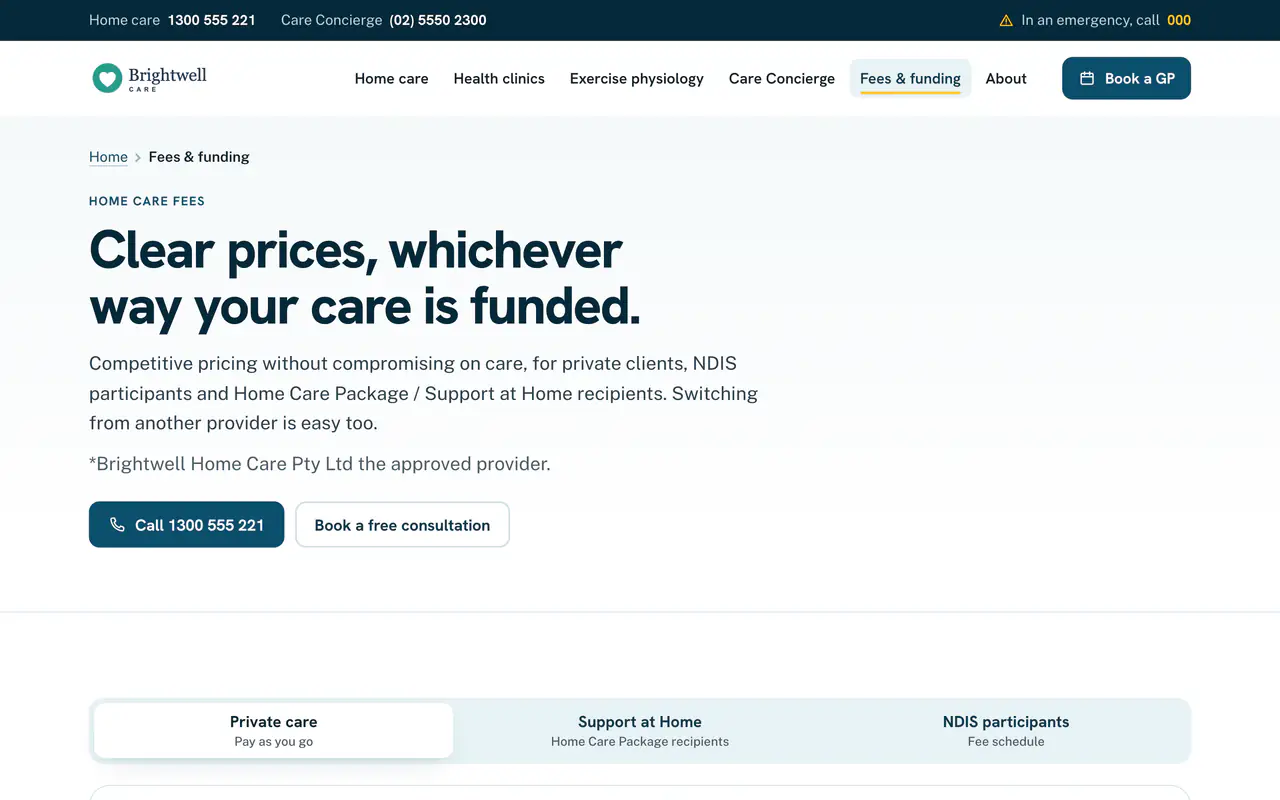
A fees page on the made-up Brightwell Care site, with fees set out by funding type.
02Funding explained

Help families through home care funding

Home care and disability support come with their own funding rules. A plain guide, a helpline number and an enquiry form on the same page help families take the next step.

  • Step-by-step guide sections
  • Tap to call on phones
  • Enquiry form routed to the care team
  • Version history on every change
brightwell-care.webdirector.space
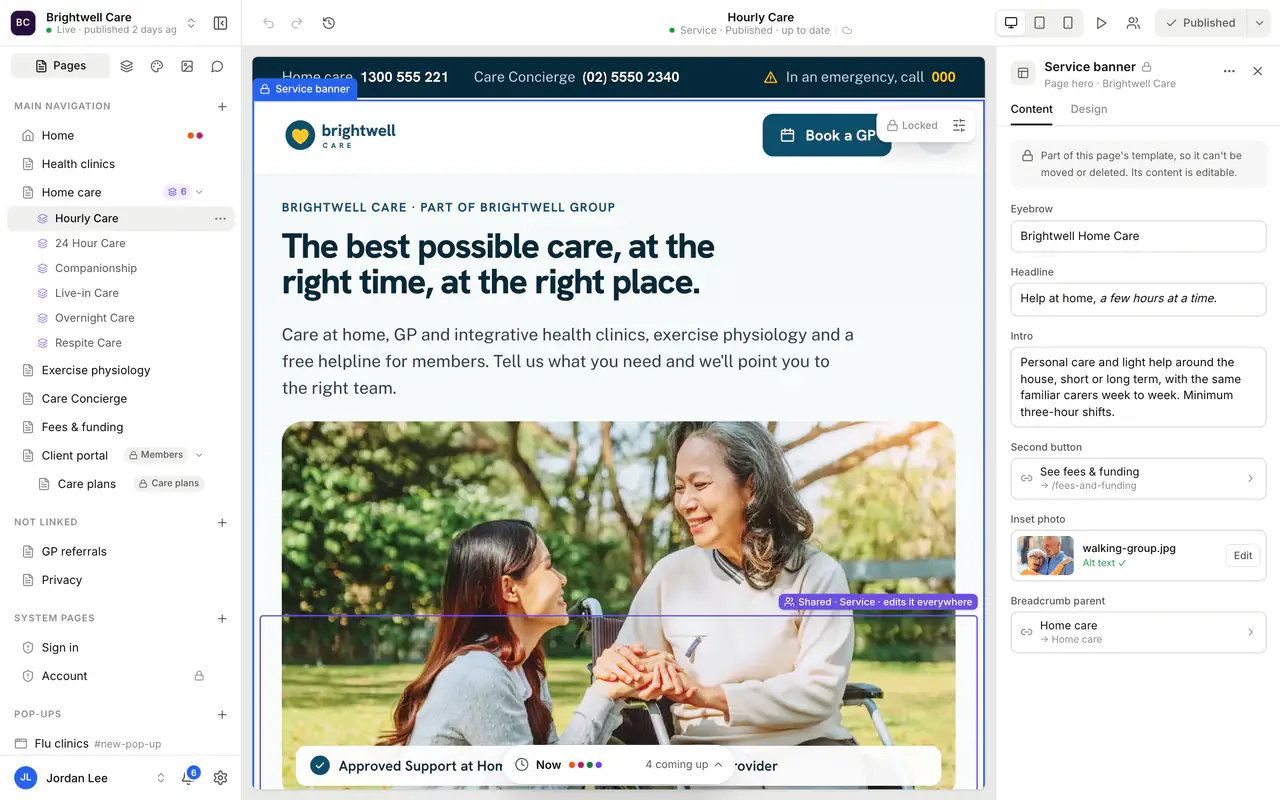
Brightwell Care's home care page explains funding and offers a call or an enquiry.
03New financial year

Fee changes that go live on 1 July

Prepare the new fees across every page in a schedule, check them, and set them to go live at midnight in your site's time zone. Everything else on the site keeps updating as normal until then.

  • Group fee changes into one schedule
  • Preview the site as it will be
  • Goes live on the minute
  • Schedules is an add-on per site
builder.webdirector.net/brightwell-care/schedules
Brightwell’s schedules calendar, with the new fees set to go live on 1 July.
Questions

Common questions

Will WebDirector check our fee wording?

No. Your team stays responsible for fee and rebate information. WebDirector makes it easier to keep it current and to see who changed what.

Can patients pay a fee on the website?

Forms and WebDirector Bookings can take a one-off card payment through your organisation's Stripe account. Most practices keep clinical billing in their practice software.

Can we keep an old fee schedule for reference?

Yes. Version history keeps every published version of a page, and PDFs can stay in the media library without being linked.

See WebDirector run your websites

Book a walkthrough with the Corporate Interactive team. We will show you the editor, the features your business needs and how your sites would move across.